
Your Browsing History

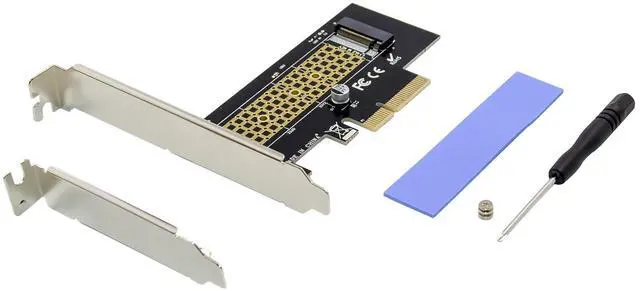
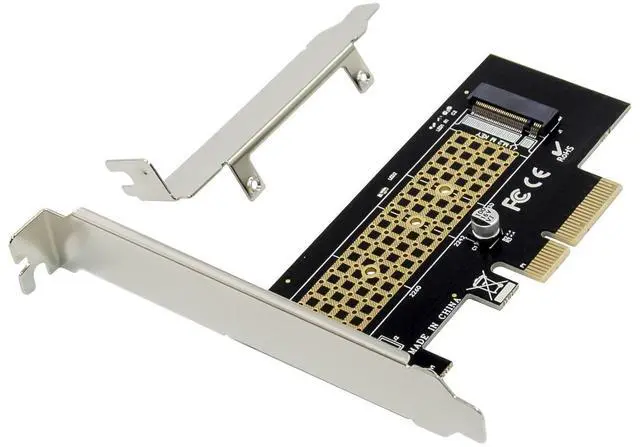
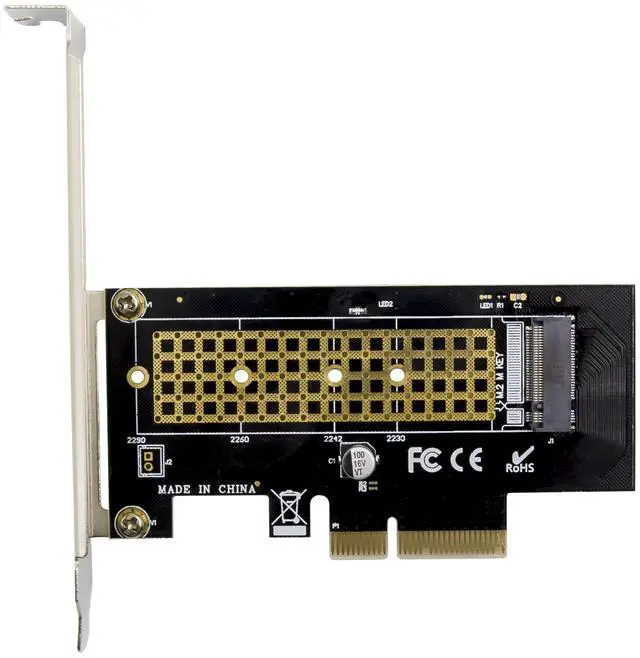
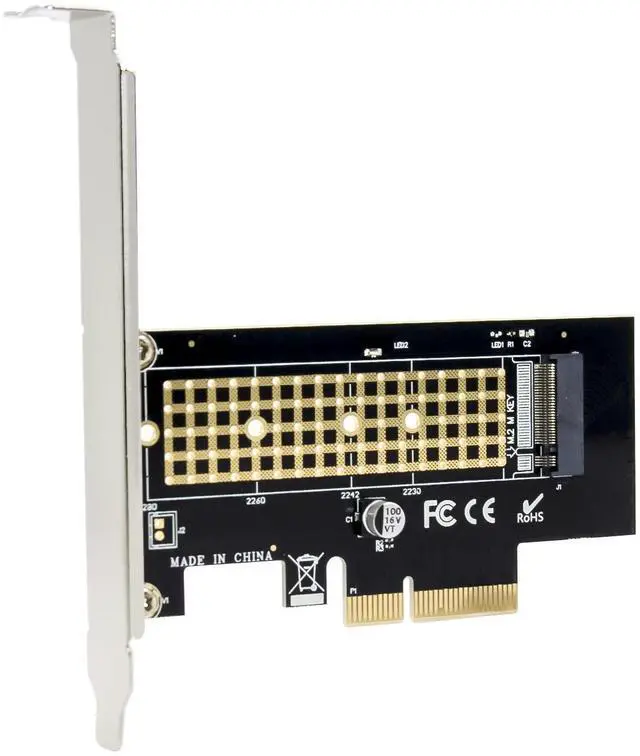
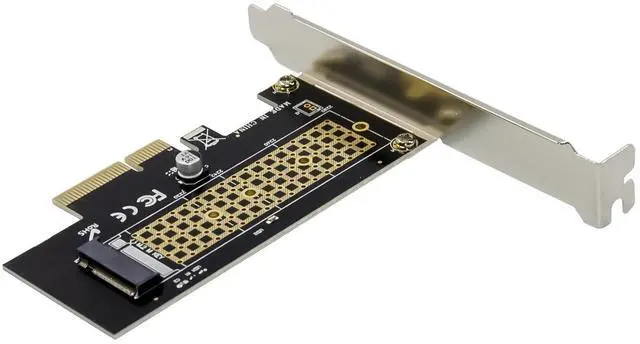
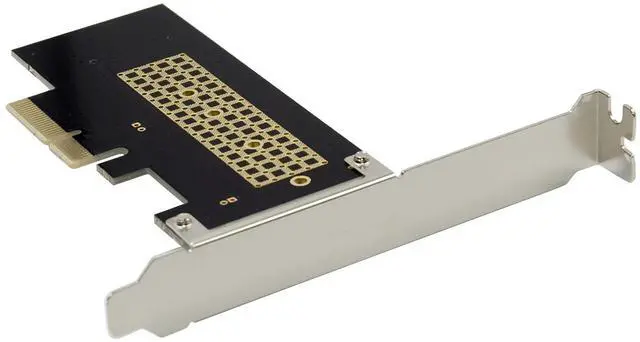



Compliant with PCI Express specification Revision v3.0
Support m.2 SSD including 2230,2242,2260,and 2280 drives
Backwards compatible with PCIE V2.0 and V1.0 mainboards
Drive sizes are 80,60,42 and 30mm
Support Any M Key M.2 SSD and B+M Key M.2 SSD
Not compatible with B Key M.2 PCI x2 SSD or B Key M.2 SATA SSD
The M.2 PCIe SSD gets its power supply form the motherboard PCIe BUS slot 3.3v
Industrial operating temperature range:-40~85°C
Support operating system:Windows10,Windows 8,Windows8.1, Windows Server 2012 R2,Linux, Fedora, SUSE, Ubuntu, Red hat native drivers support PCIe NVMe
No driver is required because the driver is transparent to the operating system
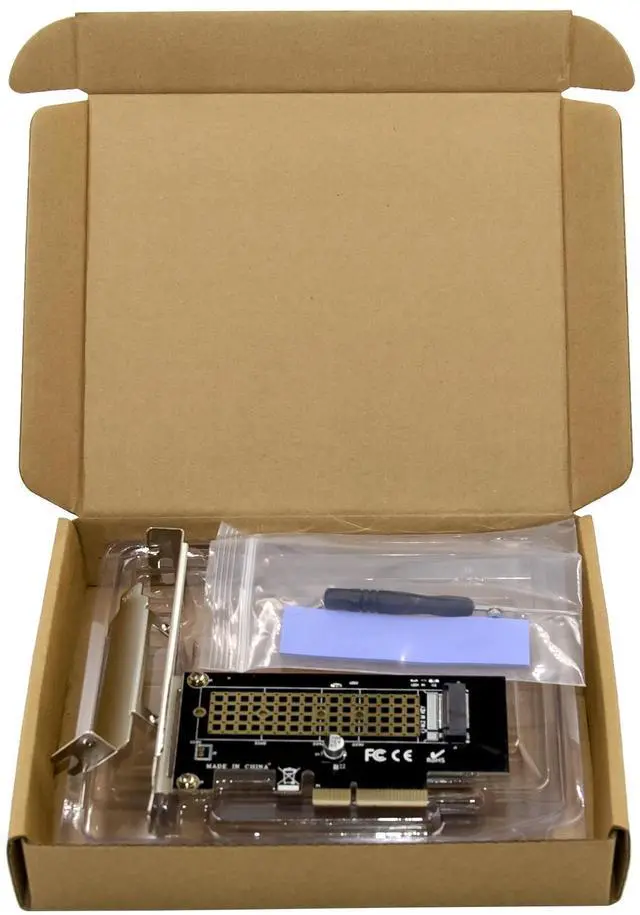
Package content
1 x PCIe x4 M.2 NVMe SSD Adapter
1 x Users Manual
Accessories
System Requirements
Windows10,Windows 8,Windows8.1, Windows Server 2012 R2,Linux 32bit or 64 bit
One available PCI-Express x4/x8/x16 slot
Hardware installation
Please first installed the M.2 M Key SSD into the NVMe adapter, then follow these steps:
1.Turn Off the power to your computer.
2. Unplug the power cord and remove your computers cover.
3. To install the card, carefully align the cards bus connector with the selected PCIe slot on the motherboard. Push the board down firmly.
4. Replace the slot brackets holding screw to secure the card.
5. Replace the computer cover and reconnect the power cord.
More information and settings please refer to the User Guides or you can contact us.