Feature:
100% Brand New And High quality.
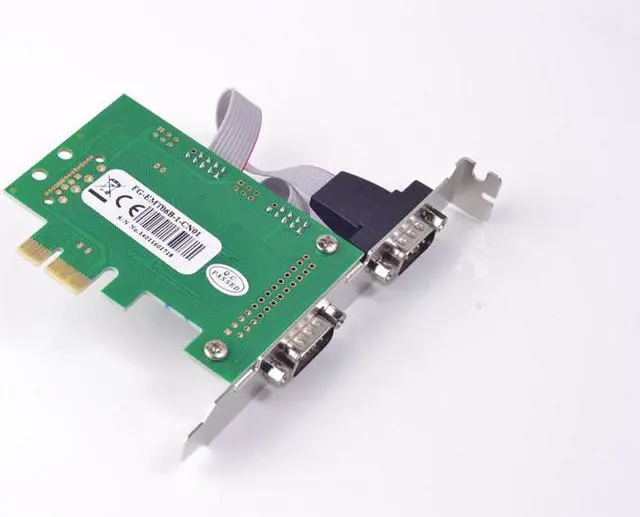
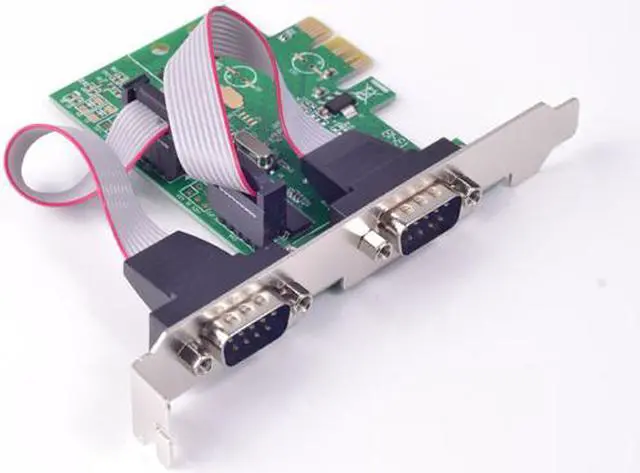
WCH 382L Chipset (FG-EMT06B)
The PCI-Express I/O card uses the latest PCI-Express interface as the expansion bus, the standard interface of which the most common PC desktop system in the market is widely used. Nowadays, a lot of the latest motherboards are no longer to come with any or enough number of legacy serial or parallel ports. Therefore by using this card, the end users expand their system with the additionalserial and parallel ports for connecting their external peripheral devices. This PCI-Express I/O card offers superior performance and unmatched data transfer rates, which is also an ideal solution for the industrial automation applications.
Fully compliant with PCI-Express Base Specification Revision 1.1
Single-Lane (x1) PCI-Express with throughput up to 2.5Gbps
Supports Windows 98, ME, NT4.0, 2000, XP 32-/64-bit, Server 2003-2008 32-/64-bit, Vista 32-/64-bit, Windows 7
Serial Port (RS-232) Interface
Compatible with 16C550, 16C552, 16C554 and 16C750 with enhancement
On chip 256-byte FIFO buffer
Maximum data rate 230.4Kbps on each port
Supports 5, 6, 7, or 8 data bits serial format
Supports Even, Odd, No parity, space 0 & mark 1
Supports 1 or 2 stop bit operation
HARDWARE INSTALLATION
1. Turn off your computer and all devices connected to it.
2. Remove the computer's cover. Refer to your computer user's manual for more details.
3. Find an unused PCI-Express slot and remove the metal bracket. Save the bracket screw for later use.
4. Align the card horizontally with respect to the PCI-Express slot and insert it into the slot firmly and evenly. Take care not to force it into the slot. Once you have properly positioned the card into the slot, secure the card with the bracket screw you have saved.
5. Replace the computer's cover.
6. Turn your computer on. You are now ready to install the driver.
Packing list:
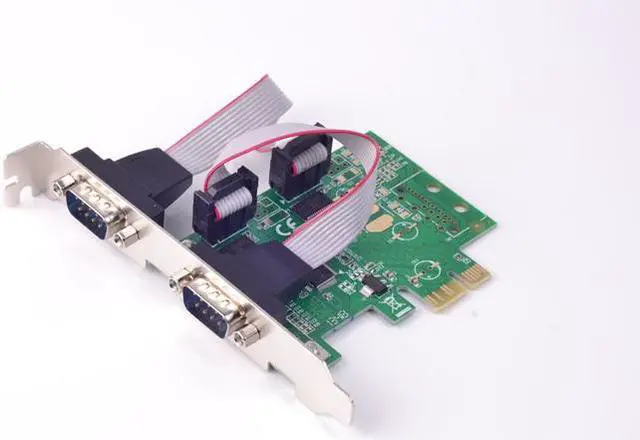
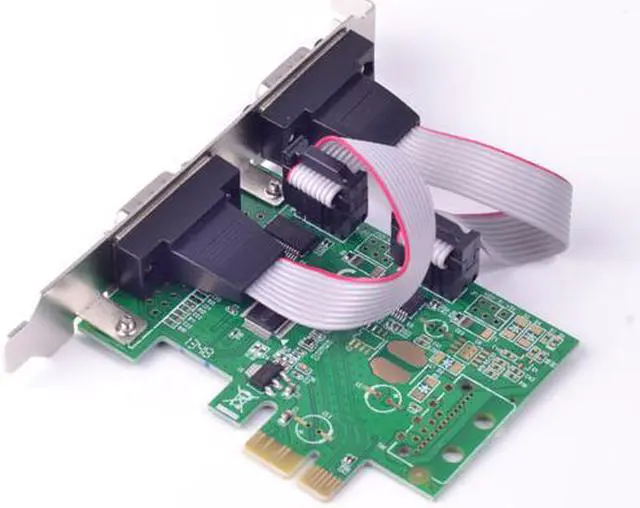
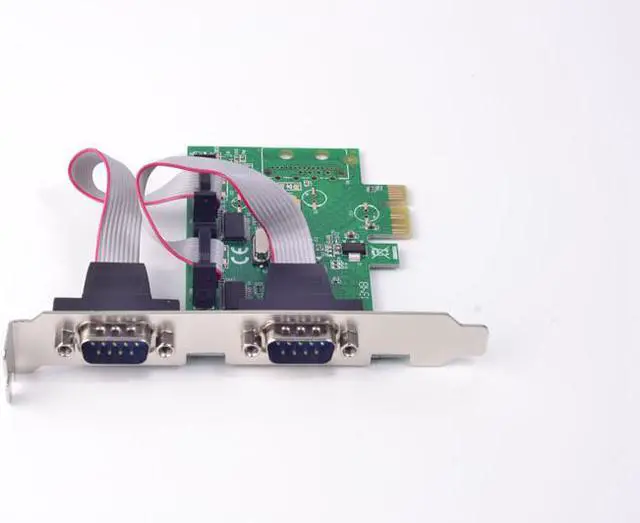
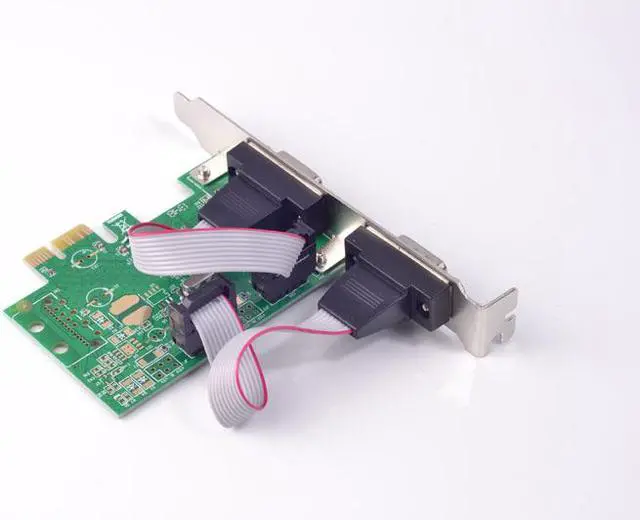
1 x PCI-Express RS232 Serial Card


 We‘re shipping as usual! The Canada Post strike only affects certain remote deliveries and PO Boxes. Details
 Holiday Shipping Details & Extended Holiday Returns


