


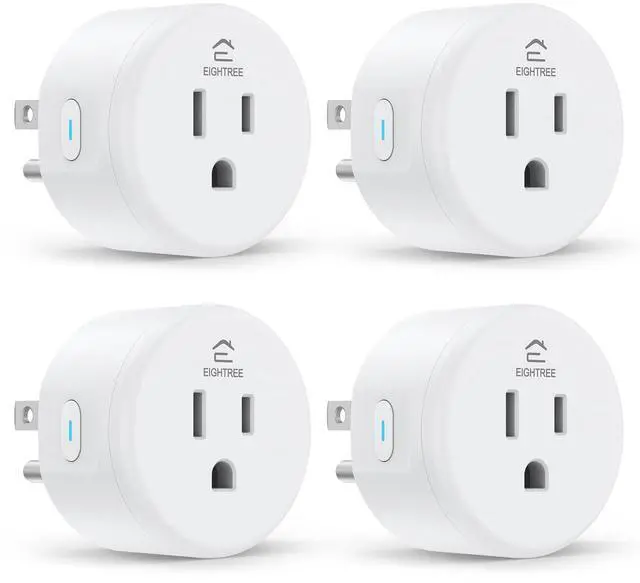
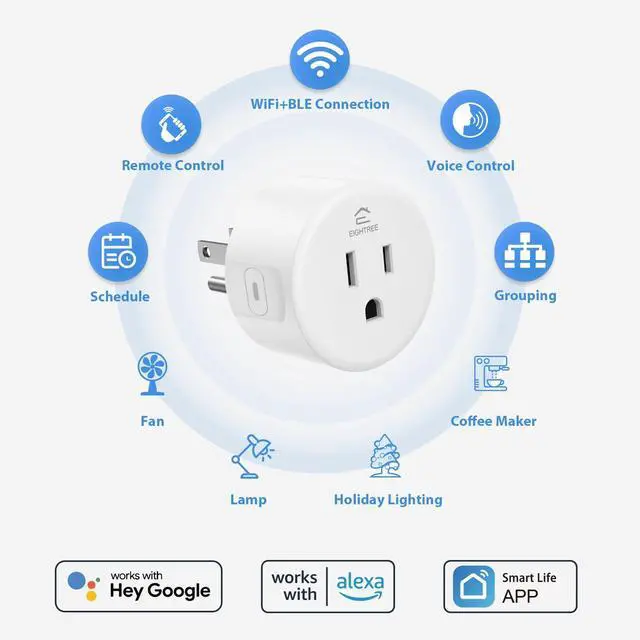
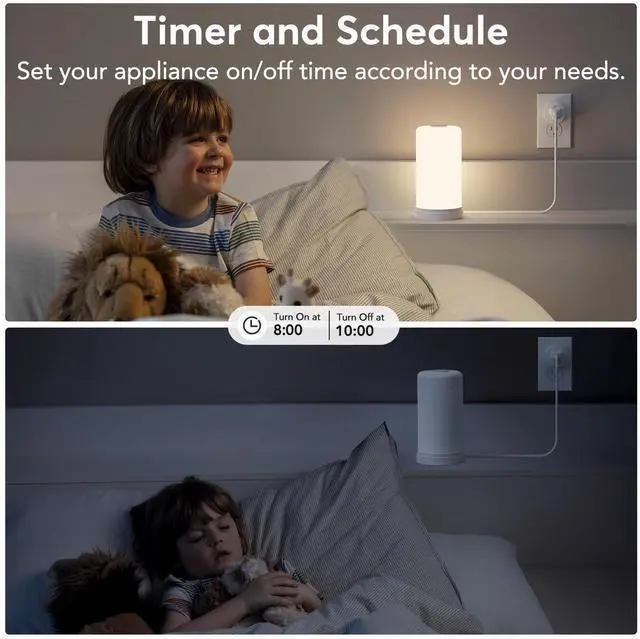
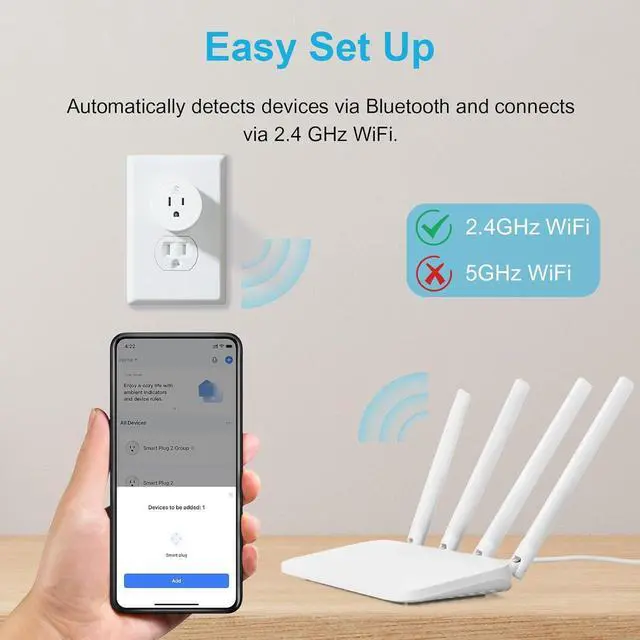
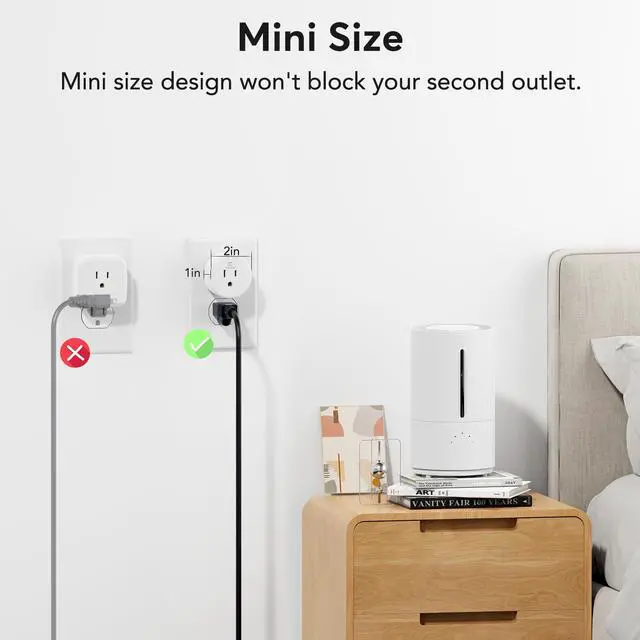


Swipe left to learn more ???
About Eightree
Eightree is an up-and-coming brand established in 2021, dedicated to product development and manufacturing in the field of smart home.
Our mission is to provide more convenient, high quality but affordable smart home solutions for people around the world.
Smart home never needs to be expensive, just enjoy the convenience that smart home brings to your life. Eightree is always at your service.

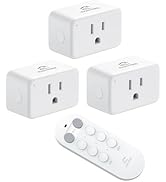
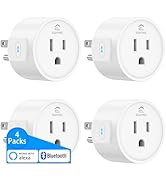
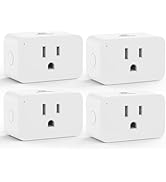
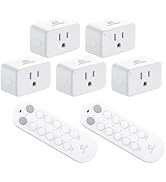
Special Outlets
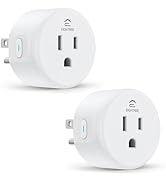
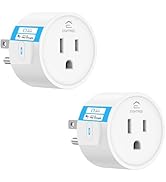
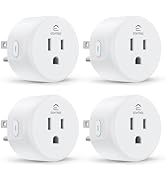
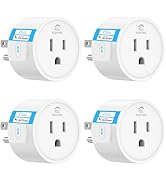
Smart Plugs Alexa Compatible


How to connect smart plug?
1. Download the Smart Life App and register for an account.
2. Power on the plug and ensure that the indicator is flashing.
3. The Smart Life App will automatically detect the plug.
4. Follow the on-screen prompts to complete the connection process.
What to do when connection fails?
1. Unplug & hold 5s to reset.
2. Reconnect via AP mode (watch the video guide).
3. If not connecting, check for "SmartLife-xx" hotspot in AP-Mode. If not found, please reach out to the support team for a new one. If found, check your router settings.
How do I use the plug to work with third-party voice assistants?
1. Open the Smart Life App and connect your plug.
2. In the Smart Life App, go to "Me" > "Third-Party Services", and select Alexa/Google.
3. Or, open the Alexa App, go to "Skills & Games", search for "Smart Life", and enable the skill.
What should I do if my smart hom plug is broken?
No need to worry! We've got you covered with a 2-year replacement service. If you encounter any problems, just reach out to us through or our official email, and we'll be more than happy to help!
My plug is connected to Smart Life, but Alexa still doesn't work. What should I do?
1. Make sure your Alexa device and smart plug are on the same 2.4GHz Wi-Fi network.
2. Confirm that the Smart Life skill is enabled in the Alexa App and properly linked.
3. Try saying “Alexa, discover devices” to refresh the connection.
Eightree Smart Plug
 2.4GHz Smart Plug |  Remote Control Outlet |  Bluetooth Smart Plug |  Zigbee Smart Plug |  2.4GHz Mini Smart Plug |  5GHz Mini Smart Plug |  Outdoor Dual Smart Plug | |
|---|---|---|---|---|---|---|---|
Customer Reviews | — | — | — | — | — | — | — |
Price | — | — | — | — | — | — | — |
Model No. | ET01 | RP10 | ET08 | ET12 | ET10 | ET15 | ET77 |
Rated Voltage | AC 100-240V | AC 100-240V | AC 100-240V | AC 100-240V | AC 100-240V | AC 100-240V | AC 100-240V |
Max Current | 15A | 15A | 10A | 15A | 15A | 15A | 15A |
Wi-Fi Band | 2.4GHz Only | No Need | No Requirement | 2.4GHz Only | 2.4GHz Only | 2.4GHz & 5GHz | 2.4GHz Only |
Connection Method | WiFi & Bluetooth | No Need | Bluetooth | Zigbee | WiFi & Bluetooth | WiFi & Bluetooth | WiFi & Bluetooth |
Works with Alexa | ? | ? | ? | ? | ? | ? | ? |
Compatible with Google Home | ? | ? | ? | ? | ? | ? | ? |
Compatible with SmartThings | ? | ? | ? | ? | ? | ? | ? |
Specialty | High Quality-Price | Plug-and-Play | Plugin Direct Connect to Alexa | Low Power Consumption | Easily Exist Side-by-Side | Compact & Energy Monitoring | IP44 Waterproof |
Requirements | With Other Apps via Smart Life | No Wi-Fi, No App | Need An Alexa Device as a Hub | Need A Zigbee Gateway | With Other Apps via Smart Life | With Other Apps via Smart Life | With Other Apps via Smart Life |
Number of Packages | 1 Pack, 2 Packs, 4 Packs | 3 Packs, 5 Packs | 1 Pack, 2 Packs, 4 Packs | 1 Pack, 2 Packs, 4 Packs | 1 Pack, 2 Packs, 4 Packs | 1 Pack, 2 Packs, 4 Packs | 1 Pack |
Product Status | In Stock | In Stock | In Stock | In Stock | In Stock | In Stock | In Stock |


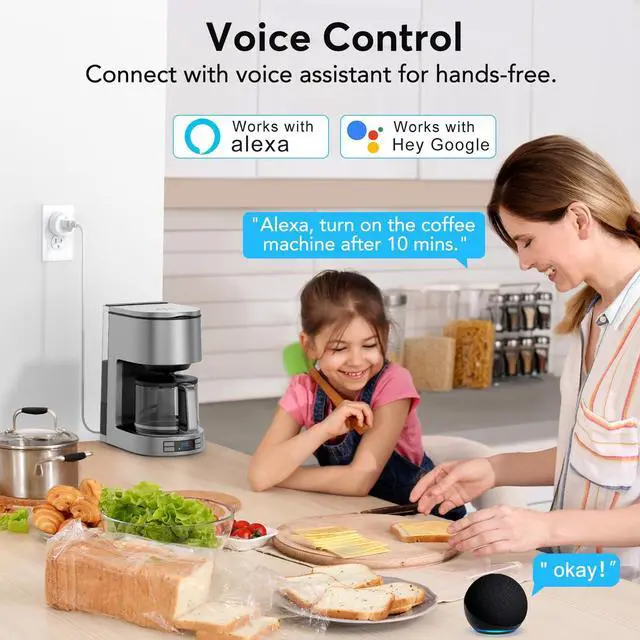
Voice Control Made Easy
Connect the plug to the Smart Life app first, then link it with Alexa to enjoy hands-free control.
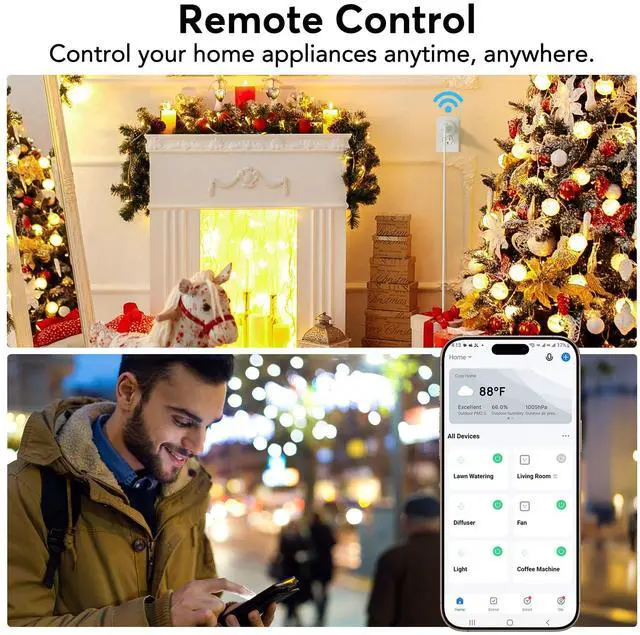
Control from Anywhere
Turn devices on/off anytime, anywhere via the Smart Life App.


Control Multiple Devices with One Tap


Simplify your smart life by managing your devices in sync with your needs

How to connect smart plug?
1. Download the Smart Life App and register for an account.
2. Power on the plug and ensure that the indicator is flashing.
3. The Smart Life App will automatically detect the plug.
4. Follow the on-screen prompts to complete the connection process.
What to do when connection fails?
1. Unplug & hold 5s to reset.
2. Reconnect via AP mode (watch the video guide).
3. If not connecting, check for "SmartLife-xx" hotspot in AP-Mode. If not found, please reach out to the support team for a new one. If found, check your router settings.
How do I use the plug to work with third-party voice assistants?
1. Open the Smart Life App and connect your plug.
2. In the Smart Life App, go to "Me" > "Third-Party Services", and select Alexa/Google.
3. Or, open the Alexa App, go to "Skills & Games", search for "Smart Life", and enable the skill.
What should I do if my smart hom plug is broken?
No need to worry! We've got you covered with a 2-year replacement service. If you encounter any problems, just reach out to us through or our official email, and we'll be more than happy to help!
My plug is connected to Smart Life, but Alexa still doesn't work. What should I do?
1. Make sure your Alexa device and smart plug are on the same 2.4GHz Wi-Fi network.
2. Confirm that the Smart Life skill is enabled in the Alexa App and properly linked.
3. Try saying “Alexa, discover devices” to refresh the connection.
Eightree Smart Plug
2.4GHz Smart Plug | Remote Control Outlet | Bluetooth Smart Plug | Zigbee Smart Plug | 2.4GHz Mini Smart Plug | 5GHz Mini Smart Plug | Outdoor Dual Smart Plug |
|---|---|---|---|---|---|---|
| Customer Reviews | ||||||
| — | — | — | — | — | — | — |
| Price | ||||||
| — | — | — | — | — | — | — |
| Model No. | ||||||
| ET01 | RP10 | ET08 | ET12 | ET10 | ET15 | ET77 |
| Rated Voltage | ||||||
| AC 100-240V | AC 100-240V | AC 100-240V | AC 100-240V | AC 100-240V | AC 100-240V | AC 100-240V |
| Max Current | ||||||
| 15A | 15A | 10A | 15A | 15A | 15A | 15A |
| Wi-Fi Band | ||||||
| 2.4GHz Only | No Need | No Requirement | 2.4GHz Only | 2.4GHz Only | 2.4GHz & 5GHz | 2.4GHz Only |
| Connection Method | ||||||
| WiFi & Bluetooth | No Need | Bluetooth | Zigbee | WiFi & Bluetooth | WiFi & Bluetooth | WiFi & Bluetooth |
| Works with Alexa | ||||||
| ? | ? | ? | ? | ? | ? | ? |
| Compatible with Google Home | ||||||
| ? | ? | ? | ? | ? | ? | ? |
| Compatible with SmartThings | ||||||
| ? | ? | ? | ? | ? | ? | ? |
| Specialty | ||||||
| High Quality-Price | Plug-and-Play | Plugin Direct Connect to Alexa | Low Power Consumption | Easily Exist Side-by-Side | Compact & Energy Monitoring | IP44 Waterproof |
| Requirements | ||||||
| With Other Apps via Smart Life | No Wi-Fi, No App | Need An Alexa Device as a Hub | Need A Zigbee Gateway | With Other Apps via Smart Life | With Other Apps via Smart Life | With Other Apps via Smart Life |
| Number of Packages | ||||||
| 1 Pack, 2 Packs, 4 Packs | 3 Packs, 5 Packs | 1 Pack, 2 Packs, 4 Packs | 1 Pack, 2 Packs, 4 Packs | 1 Pack, 2 Packs, 4 Packs | 1 Pack, 2 Packs, 4 Packs | 1 Pack |
| Product Status | ||||||
| In Stock | In Stock | In Stock | In Stock | In Stock | In Stock | In Stock |
Swipe left to learn more ???
About Eightree
Eightree is an up-and-coming brand established in 2021, dedicated to product development and manufacturing in the field of smart home.
Our mission is to provide more convenient, high quality but affordable smart home solutions for people around the world.
Smart home never needs to be expensive, just enjoy the convenience that smart home brings to your life. Eightree is always at your service.
Special Outlets
Smart Plugs Alexa Compatible