


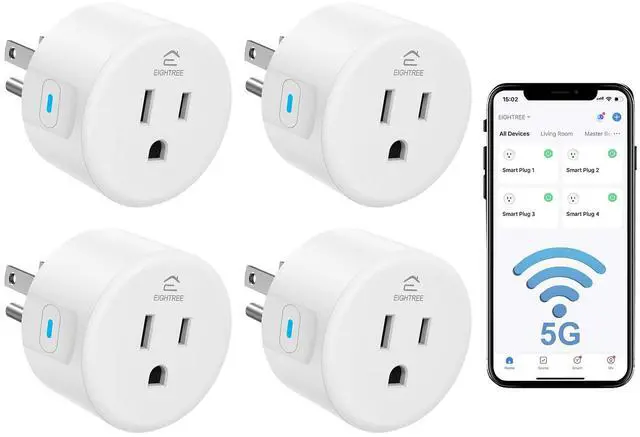
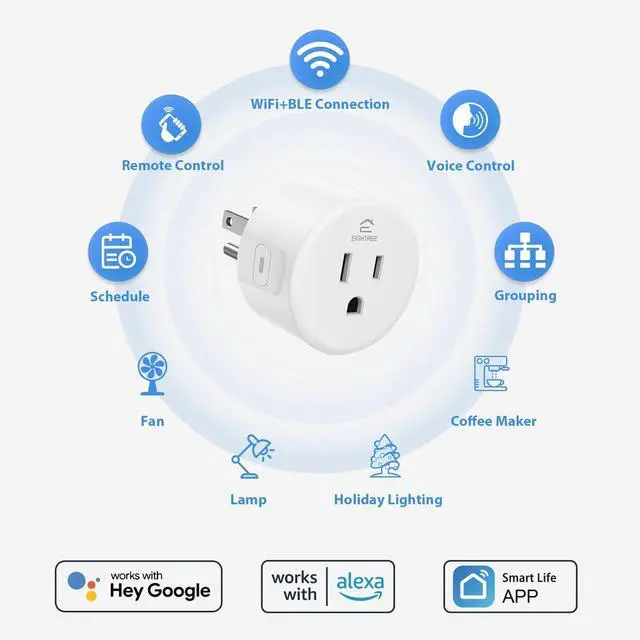
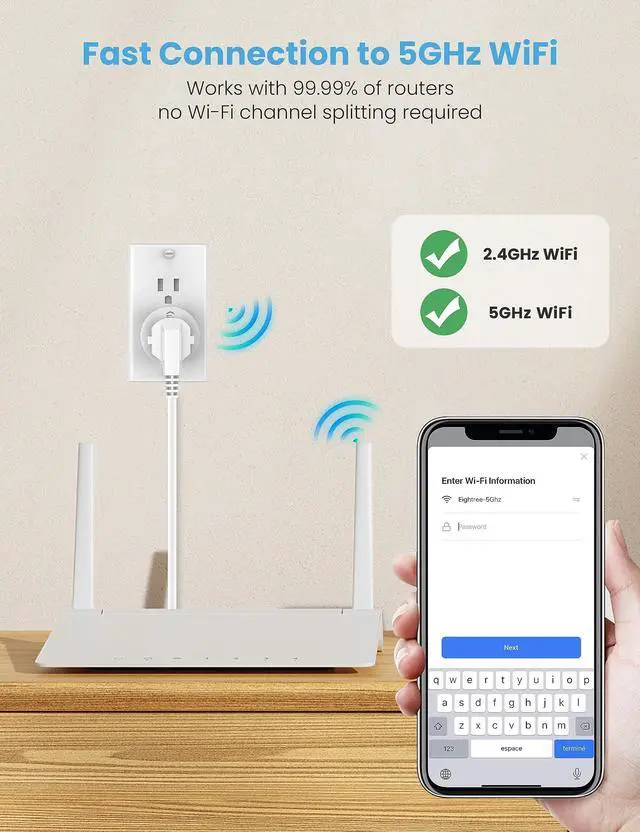


How to Connect My Smart Plug?
1. Download the Smart Life App and register for an account.
2. Power on the plug and ensure that the indicator is flashing.
3. The Smart Life App will automatically detect the plug.
4. Follow the on-screen prompts to complete the connection process.
What to Do When Connection Fails?
1. Unplug & hold 5s to reset.
2. Reconnect via AP mode (watch the video guide).
3. If not connecting, check for "SmartLife-xx" hotspot in AP-Mode. If not found, reach out to us for a new one. If the hotspot is found, check your router settings.
How do I use the plug to work with third-party voice assistants?
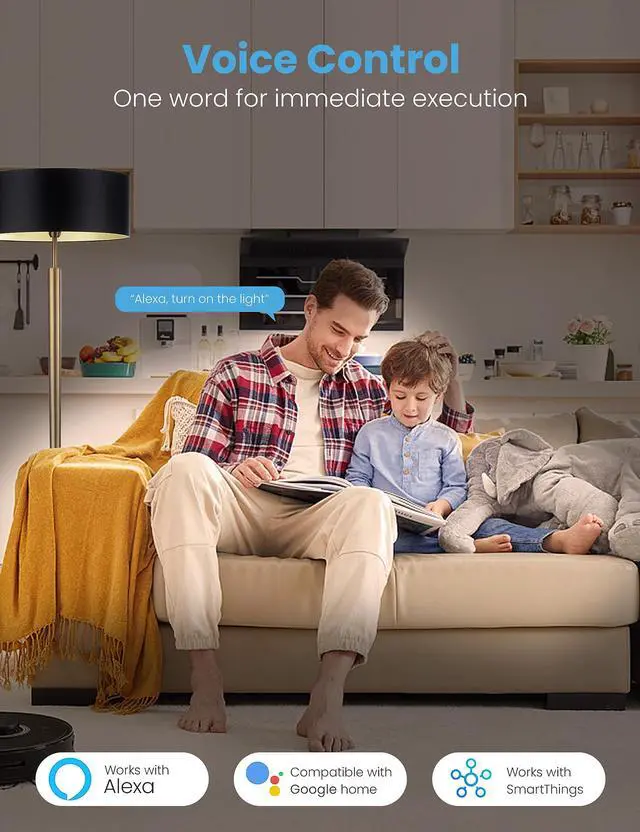
Connect the plug to the Smart Life App. Then, link your third-party service account (Alexa, Google Home, SmartThings) on the App. Alternatively, activate the "Smart Life" skill in the third-party voice assistant's App.
What should I do if my plug is broken?
No need to worry! We've got you covered with a 2-year replacement service. If you encounter any problems, just reach out to us through or our official email, and we'll be more than happy to help!
Variety of Smart Plugs
Mini Round | Product Size | Mini Round |
Required | Smart Life APP | Required |
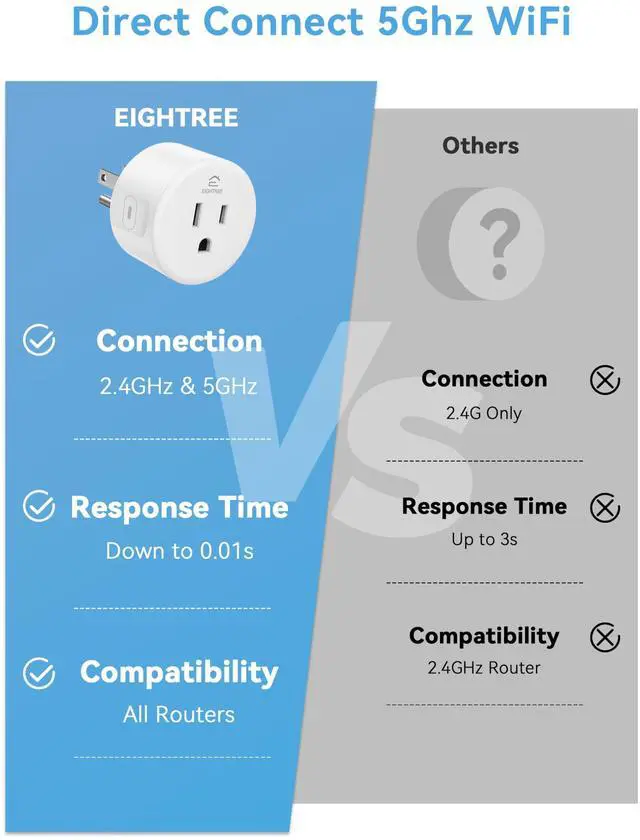
2.4GHz & 5GHz Wi-Fi | Connection Tech | 2.4GHz Wi-Fi Only |
Remote Control | ||
Alexa/Google/SmartT | Voice Control | Alexa/Google/SmartT |
Wi-Fi Router | Device Requirements | 2.4GHz Wi-Fi Router |
5GHz WiFi Compatible | Product Features | Standard Smart Plug |
Mini Round | Product Size | Mini Round |
Required | Smart Life APP | Not Required |
2.4GHz & 5GHz Wi-Fi | Connection Tech | Bluetooth |
Remote Control | ||
Alexa/Google/SmartT | Voice Control | Alexa |
Wi-Fi Router | Device Requirements | Alexa |
5GHz WiFi Compatible | Product Features | Alexa Direct |
Mini Round | Product Size | ET12 |
Required | Smart Life APP | Not Required |
2.4GHz & 5GHz Wi-Fi | Connection Tech | 2.4GHz Wi-Fi Only |
Remote Control | ||
Alexa/Google/SmartT | Voice Control | HA/SmartThings/Alexa |
Wi-Fi Router | Device Requirements | Zigbee Gateway |
5GHz WiFi Compatible | Product Features | Zigbee Supported |
Mini Round | Product Size | Mini Round |
Required | Smart Life APP | Not Required |
2.4GHz & 5GHz Wi-Fi | Connection Tech | 2.4GHz Wi-Fi Only |
Remote Control | ||
Alexa/Google/SmartT | Voice Control | Homekit/Alexa/Google |
Wi-Fi Router | Device Requirements | Smart Speakers |
5GHz WiFi Compatible | Product Features | Homekit Supported |


How to Connect My Smart Plug?
1. Download the Smart Life App and register for an account.
2. Power on the plug and ensure that the indicator is flashing.
3. The Smart Life App will automatically detect the plug.
4. Follow the on-screen prompts to complete the connection process.
What to Do When Connection Fails?
1. Unplug & hold 5s to reset.
2. Reconnect via AP mode (watch the video guide).
3. If not connecting, check for "SmartLife-xx" hotspot in AP-Mode. If not found, reach out to us for a new one. If the hotspot is found, check your router settings.
How do I use the plug to work with third-party voice assistants?
Connect the plug to the Smart Life App. Then, link your third-party service account (Alexa, Google Home, SmartThings) on the App. Alternatively, activate the "Smart Life" skill in the third-party voice assistant's App.
What should I do if my plug is broken?
No need to worry! We've got you covered with a 2-year replacement service. If you encounter any problems, just reach out to us through or our official email, and we'll be more than happy to help!
Variety of Smart Plugs
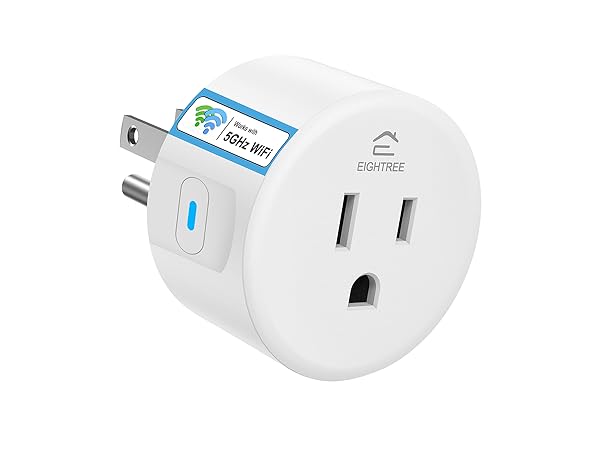
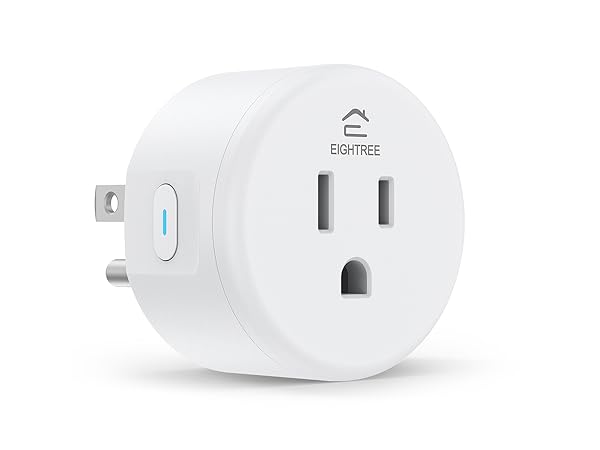
Smart Plug 5GHz
Product Size
Mini Round
Smart Life APP
Required
Connection Tech
2.4GHz & 5GHz Wi-Fi
Remote Control
Voice Control
Alexa/Google/SmartT
Device Requirements
Wi-Fi Router
Product Features
5GHz WiFi Compatible
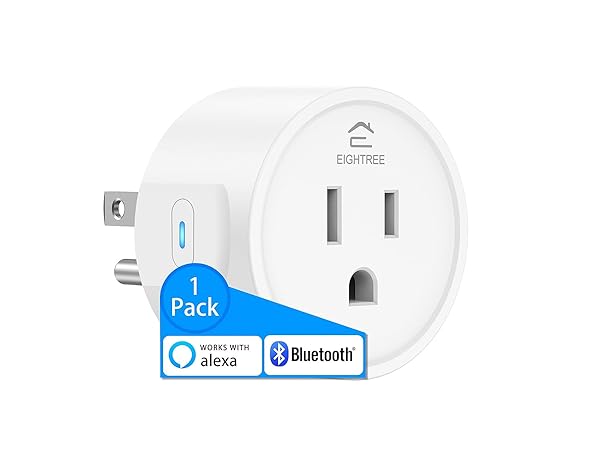
Smart Plug
Product Size
Mini Round
Smart Life APP
Required
Connection Tech
2.4GHz Wi-Fi Only
Remote Control
Voice Control
Alexa/Google/SmartT
Device Requirements
2.4GHz Wi-Fi Router
Product Features
Standard Smart Plug
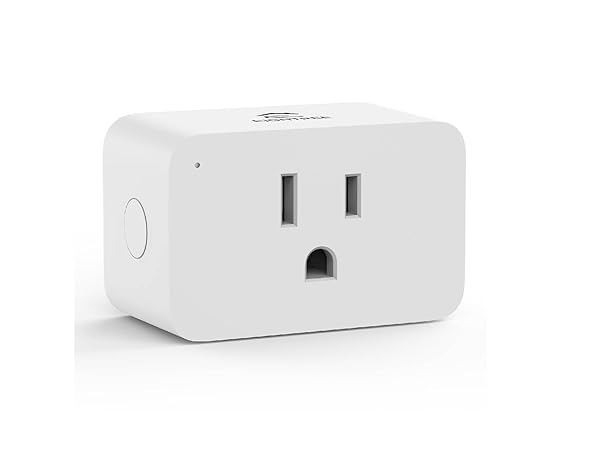
Smart Plug Alexa
Product Size
Mini Round
Smart Life APP
Not Required
Connection Tech
Bluetooth
Remote Control
Voice Control
Alexa
Device Requirements
Alexa
Product Features
Alexa Direct
Smart Plug Zigbee
Product Size
ET12
Smart Life APP
Not Required
Connection Tech
2.4GHz Wi-Fi Only
Remote Control
Voice Control
HA/SmartThings/Alexa
Device Requirements
Zigbee Gateway
Product Features
Zigbee Supported
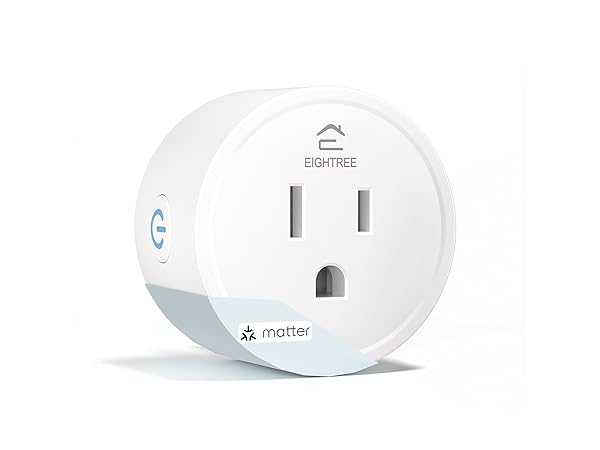
Smart Plug Matter
Product Size
Mini Round
Smart Life APP
Not Required
Connection Tech
2.4GHz Wi-Fi Only
Remote Control
Voice Control
Homekit/Alexa/Google
Device Requirements
Smart Speakers
Product Features
Homekit Supported
