
Your Browsing History
- $30.99
- Free 15-day Returns
Ships from China.

Meet Your Seller

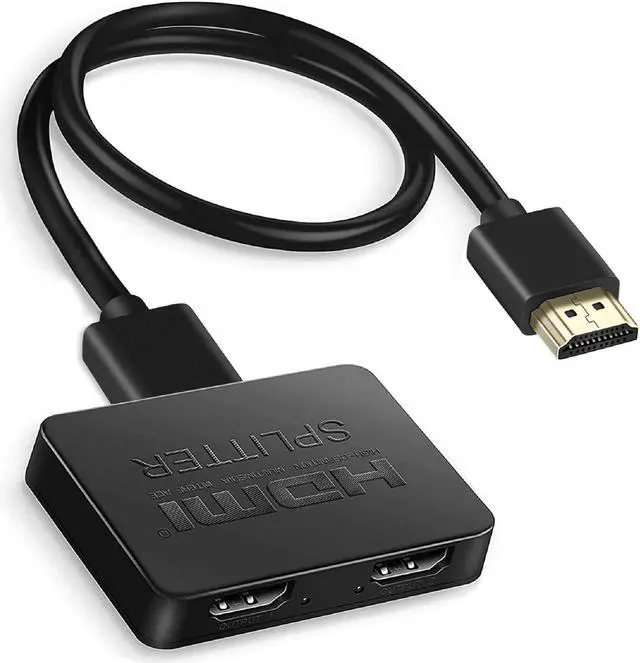
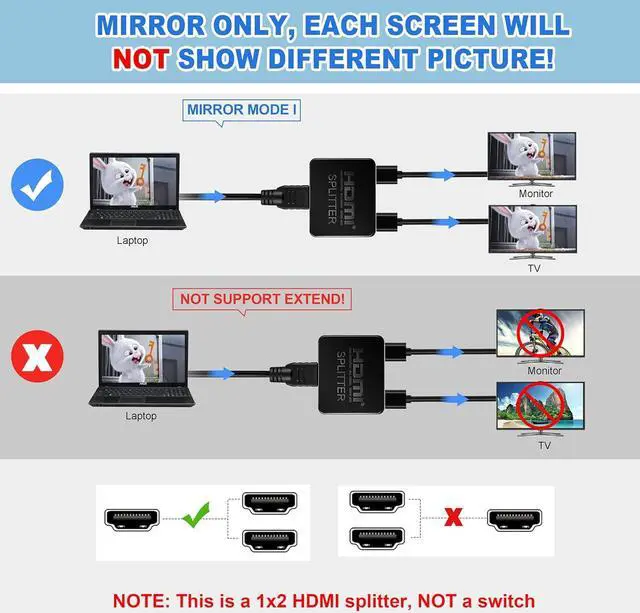
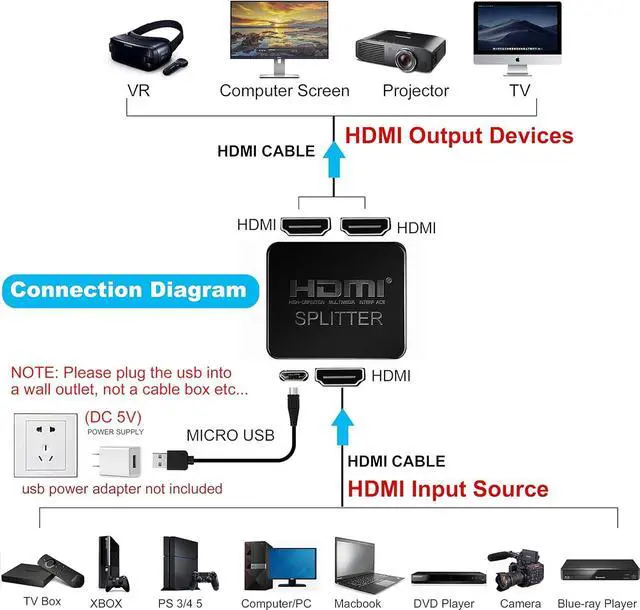
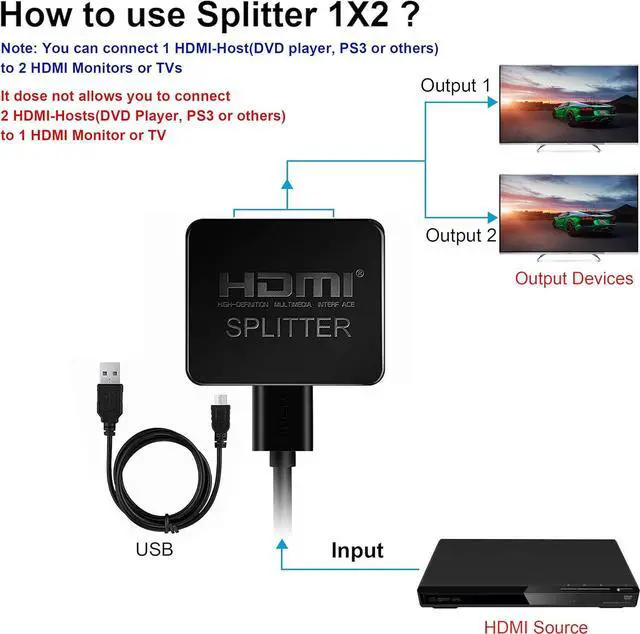


links HDMI Splitter 1 in 2 Out, 4K HDMI Splitter with 4FT HDMI Cable Dual Monitors Duplicate/Mirror Only, 1x2 HDMI Splitter Distributor Dual HDMI Adapters (1 Source onto 2 Displays)
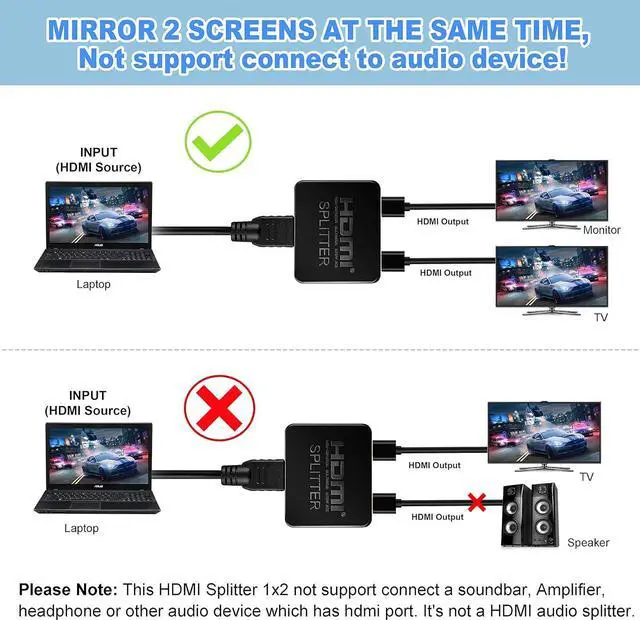
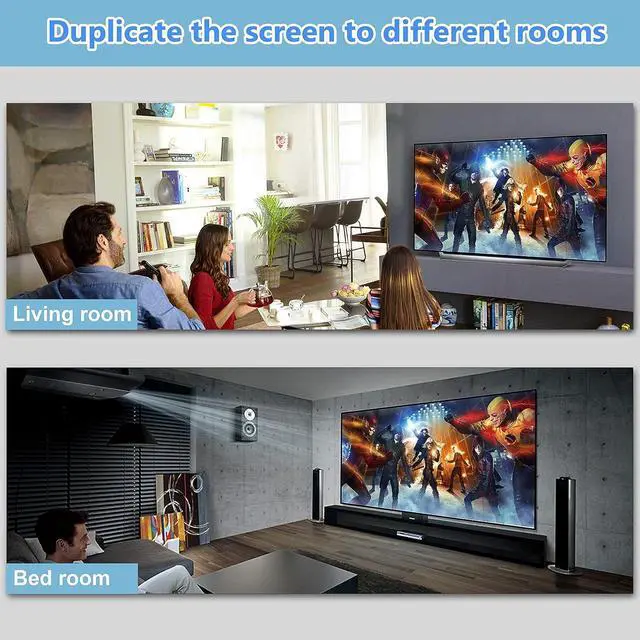
- 1x2 HDMI SPLITTER DUPLICATE/MIRROR ONLY - Powered HDMI Splitter can distribute one HDMI input signal to two HDMI displays, transmit video and audio simultaneously, no loss, no lag (NOTE: just Duplicate/Mirror screens, Not Extend)(the unit does comes with a USB-micro USB cable, But does not come with a 110v power source).
- PORTABLE - 4K HDMI Splitter 1 in 2 out, size: 2.5x2.1x0.5 inches/ 6.3X5.3X1.2 cm ( L X W X H ), easy to use and carry, travel friendly.
- 4K ULTRA HD RESOLUTION - HDMI Splitter for dual monitor support 4K, 3840x2160p, 3D, and 480i@60Hz/ 480p@60Hz/ 576i@50Hz/ 576p@50Hz/ 720p@50/ 60Hz/ 1080i@50/60Hz/ 1080p@50/60Hz/ 1080P 24Hz 3D/720 60Hz /4K@30HZ [For 4K resolution, the frequency can't above 30Hz].
- SUPPORT - 4K HDMI Splitter one input to two outputs support HDMI v1.3/1.4, HDCP compliant ( version 1.4).
- PACKAGE INCLUDED - 1 * [ 1 in 2 out HDMI Splitter], 1* 4FT High Speed HDMI Cable, 1 * [USB cable(usb power adapter not included)
+
+
Overview
Specs
Reviews
AUTO mode: Automatically malched to the format of input source.
COPY mode: Copy the EDID of the TV with the lowest resolution. Please try to connect the HDMI input cable of the display device to the OUT 1 port, and the other one to the OUT2 port. If the image and sound are not output at the same time, please swap the HDMI cables connected to the OUT1 and OUT2 ports.
(In copy mode. OUT1 level is higher than OUT2)
NOTE: If the splitter is connected to both 4K and 2K TVs, selecting Auto mode will indicate that both TVs have a resolution of 2K. The TV with the lowest output resolution will be copied automatically. When selecting copy mode, it depends on whether your 4K TV is connected to OUT1 or
OUT2: if it is connected to OUT1, the 2K TV connected to OUT2 has no signal and will display a black screen; if the 2K TV is connected to the OUT port, in Auto Mode, both TVs are 2K output!
COPY mode: Copy the EDID of the TV with the lowest resolution. Please try to connect the HDMI input cable of the display device to the OUT 1 port, and the other one to the OUT2 port. If the image and sound are not output at the same time, please swap the HDMI cables connected to the OUT1 and OUT2 ports.
(In copy mode. OUT1 level is higher than OUT2)
NOTE: If the splitter is connected to both 4K and 2K TVs, selecting Auto mode will indicate that both TVs have a resolution of 2K. The TV with the lowest output resolution will be copied automatically. When selecting copy mode, it depends on whether your 4K TV is connected to OUT1 or
OUT2: if it is connected to OUT1, the 2K TV connected to OUT2 has no signal and will display a black screen; if the 2K TV is connected to the OUT port, in Auto Mode, both TVs are 2K output!
Warranty & Returns
Warranty, Returns, And Additional Information
Warranty
- Please contact the Seller directly for warranty information. Warranty information may also be found on the Manufacturer's website.
- CONTACT
Return Policies
- Return for refund within: 15 days
- Return for replacement within: 30 days
- This item is covered by etruston008 Return Policy
Manufacturer Contact Info
- For a directory of all our manufacturers, please click below.
- Manufacturers Directory
LOADING...