
Your Browsing History
- Free 30-day Returns
$100.99
Ships from Hong Kong.
Sold by Chinathru Trading Co., Limited
Shipped by Chinathru Trading Co., Limited

Meet Your Seller

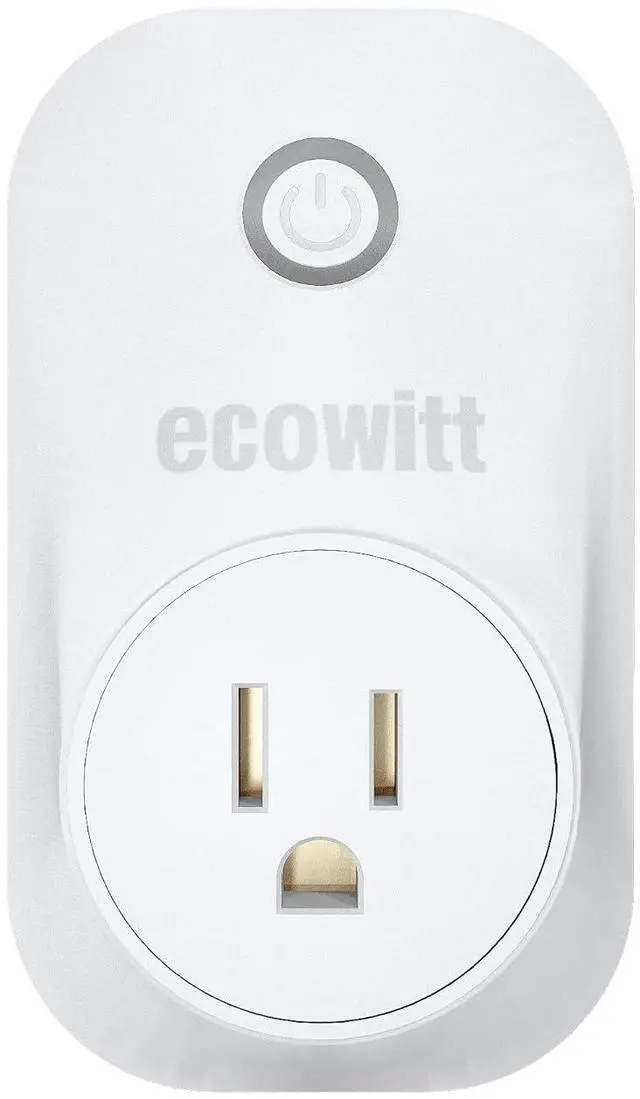
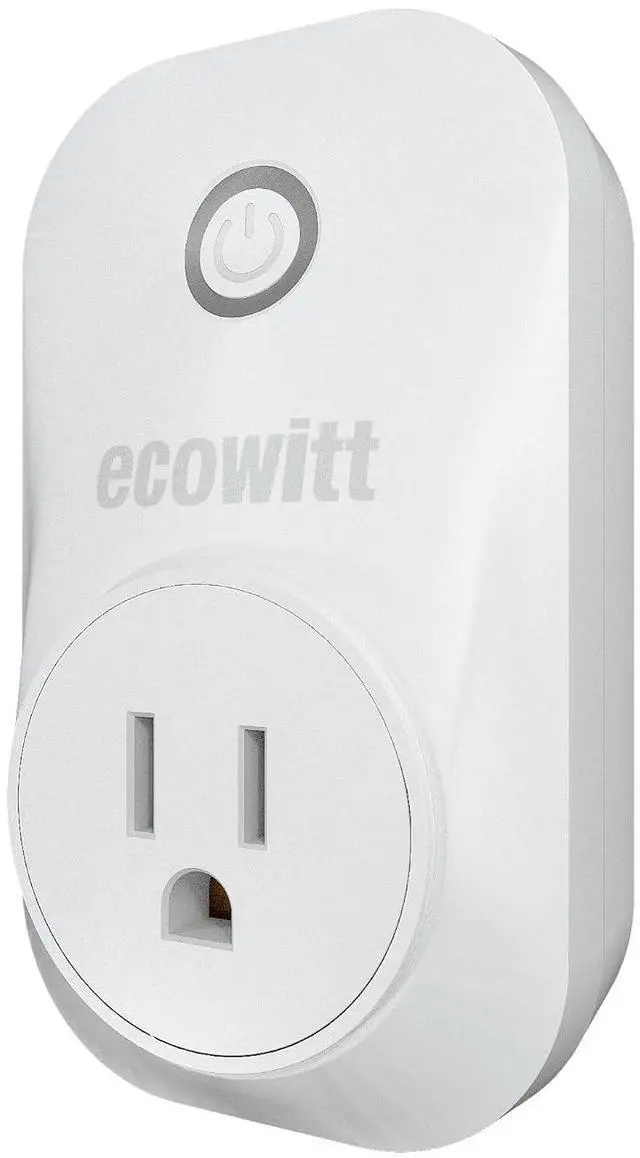
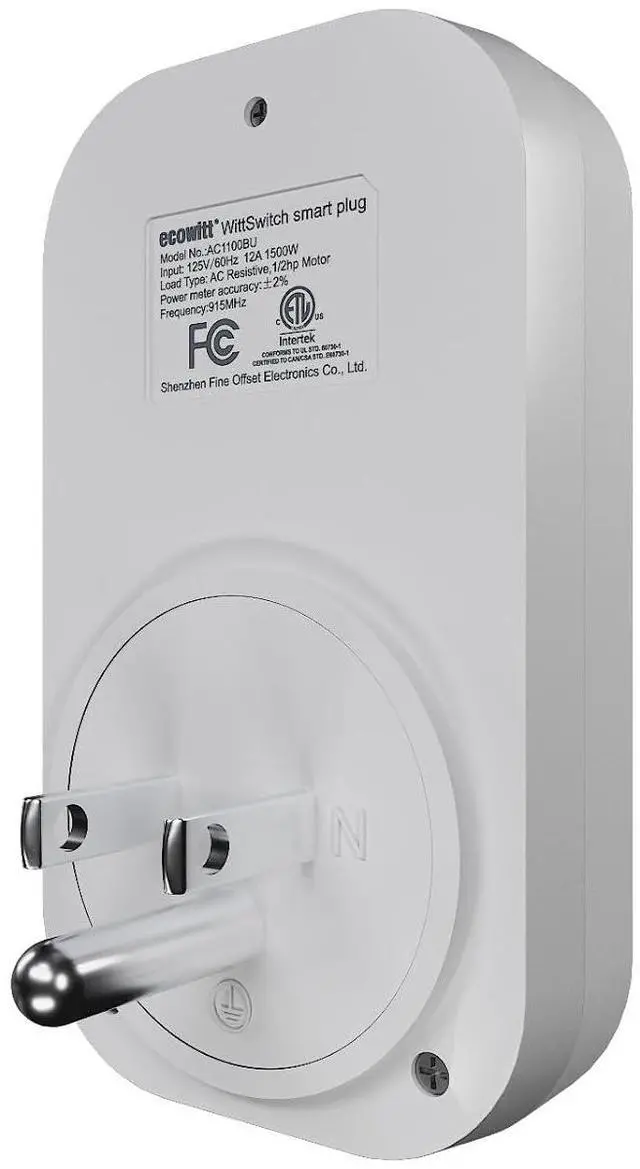
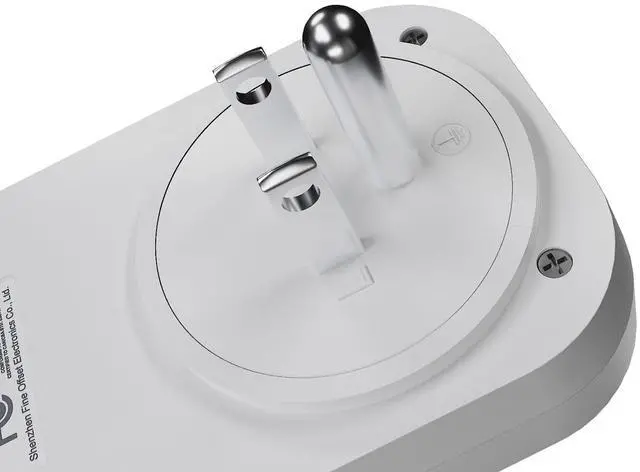
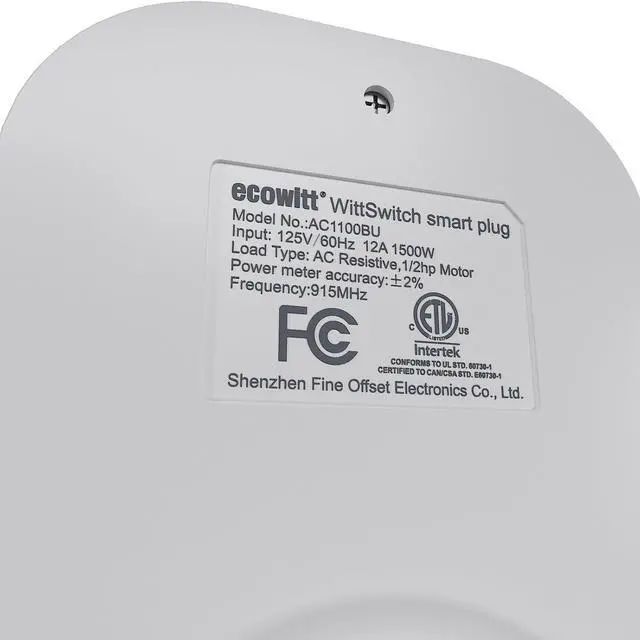


ECOWITT WittSwitch AC1100 Smart Outlet Switch, Need to Pair with IoT Wi-Fi Gateway(GW2000/GW1200), 4 Operation Modes, APP Control, American Plug, 915 MHz
- Join in ECOWITT IoT SystemOnly after pairing with the Ecowitt IOT Wi-Fi gateways, such as GW2000/GW1200(gateways sold separately), could the AC1100 outlet switch join in the Ecowitt IoT system. Otherwise, it is an ordinary outlet switch. Note: WS3800/WS3900/WN1980/WN1920/WN1820/WN1821 display consoles could be IoT gateways to pair with the AC1100 outlet switch, but they could not display the data of AC1100 or control the AC1100.
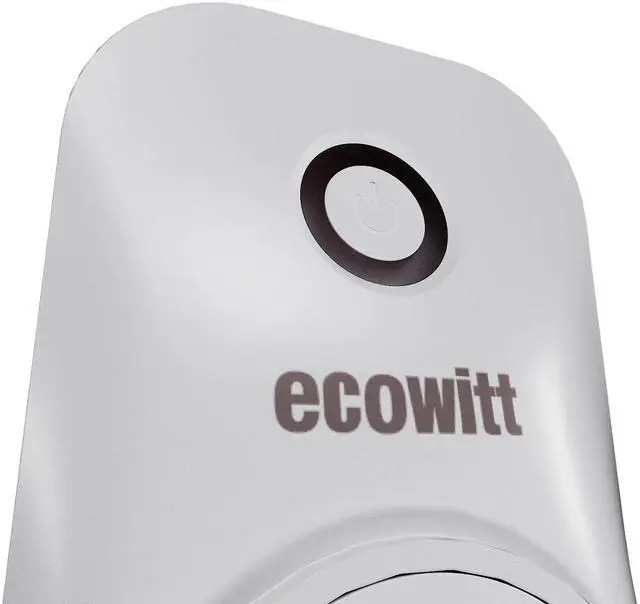
- Easy to UseBefore using it, you need to own an Ecowitt IoT gateway(Sold Separately) and download an Ecowitt APP. Plug the AC1100 into a power outlet, and press and hold the button for more than 5 seconds, the blue light flashes and enters the pairing mode and automatically pairs with the gateway. The quick start manual of the gateway would walk through the whole Wi-Fi configuration process of the gateway in detail. Please refer to the Quick Start of IoT gateways.
- 4 APP Operation ModesThe operation mode includes Button mode, Manual mode, Plan mode, and
+
+
Overview
Specs
Reviews
Join in ECOWITT IoT SystemOnly after pairing with the Ecowitt IOT Wi-Fi gateways, such as GW2000/GW1200(gateways sold separately), could the AC1100 outlet switch join in the Ecowitt IoT system. Otherwise, it is an ordinary outlet switch. Note: WS3800/WS3900/WN1980/WN1920/WN1820/WN1821 display consoles could be IoT gateways to pair with the AC1100 outlet switch, but they could not display the data of AC1100 or control the AC1100.
Easy to UseBefore using it, you need to own an Ecowitt IoT gateway(Sold Separately) and download an Ecowitt APP. Plug the AC1100 into a power outlet, and press and hold the button for more than 5 seconds, the blue light flashes and enters the pairing mode and automatically pairs with the gateway. The quick start manual of the gateway would walk through the whole Wi-Fi configuration process of the gateway in detail. Please refer to the Quick Start of IoT gateways.
4 APP Operation ModesThe operation mode includes Button mode, Manual mode, Plan mode, and Smart mode. Each mode trigger will be interrupted by each other, and the operation generated by the most recent trigger will take effect.
Manual ModeExecute immediately after setting the power consumption mode on the APP. In the initial state, clicking the switch button on the Ecowitt APP allows you to choose between 'By Duration' and 'Always On.' In the 'By Duration' mode, you can also select the on and off states for the cycle mode. Cycle Mode ON & OFF range: 5seconds~3600seconds.
Button ModeShort press the button on the Ecowitt APP and Execute Quick Run or terminate the current program. Quick Run refers to the execution actions set in the last Manual Mode.
Plan ModeAfter successfully setting up the plan, it will be saved on the AC1100. Even if the AC1100 is disconnected from the gateway, it can still execute the plan as scheduled. 1. Select "Plan" to enter the plan editing interface. 2. Use the switch icon on the right to control the activation or deactivation of the plan. 3. Click the edit icon to access the editing interface. 4. In the editing interface, you can set the plan's start time, and total duration, and choose whether to enable the cycle mode.
Easy to UseBefore using it, you need to own an Ecowitt IoT gateway(Sold Separately) and download an Ecowitt APP. Plug the AC1100 into a power outlet, and press and hold the button for more than 5 seconds, the blue light flashes and enters the pairing mode and automatically pairs with the gateway. The quick start manual of the gateway would walk through the whole Wi-Fi configuration process of the gateway in detail. Please refer to the Quick Start of IoT gateways.
4 APP Operation ModesThe operation mode includes Button mode, Manual mode, Plan mode, and Smart mode. Each mode trigger will be interrupted by each other, and the operation generated by the most recent trigger will take effect.
Manual ModeExecute immediately after setting the power consumption mode on the APP. In the initial state, clicking the switch button on the Ecowitt APP allows you to choose between 'By Duration' and 'Always On.' In the 'By Duration' mode, you can also select the on and off states for the cycle mode. Cycle Mode ON & OFF range: 5seconds~3600seconds.
Button ModeShort press the button on the Ecowitt APP and Execute Quick Run or terminate the current program. Quick Run refers to the execution actions set in the last Manual Mode.
Plan ModeAfter successfully setting up the plan, it will be saved on the AC1100. Even if the AC1100 is disconnected from the gateway, it can still execute the plan as scheduled. 1. Select "Plan" to enter the plan editing interface. 2. Use the switch icon on the right to control the activation or deactivation of the plan. 3. Click the edit icon to access the editing interface. 4. In the editing interface, you can set the plan's start time, and total duration, and choose whether to enable the cycle mode.
Warranty & Returns
Warranty, Returns, And Additional Information
Warranty
- Please contact the Seller directly for warranty information. Warranty information may also be found on the Manufacturer's website.
- CONTACT
Return Policies
- Return for refund within: 30 days
- Return for replacement within: 90 days
- This item is covered by Chinathru Trading Co., Limited Return Policy
Manufacturer Contact Info
- For a directory of all our manufacturers, please click below.
- Manufacturers Directory
LOADING...