Type:Dada Transfer Cable
Origin:Mainland China
Certification:NONE
RF analog RF converter
1. Product classification
HDMI to RF can convert HDMI HD signal into RF output
VGA to RF can convert VGA signal into RF output.
AV to RF converts AV to RF output
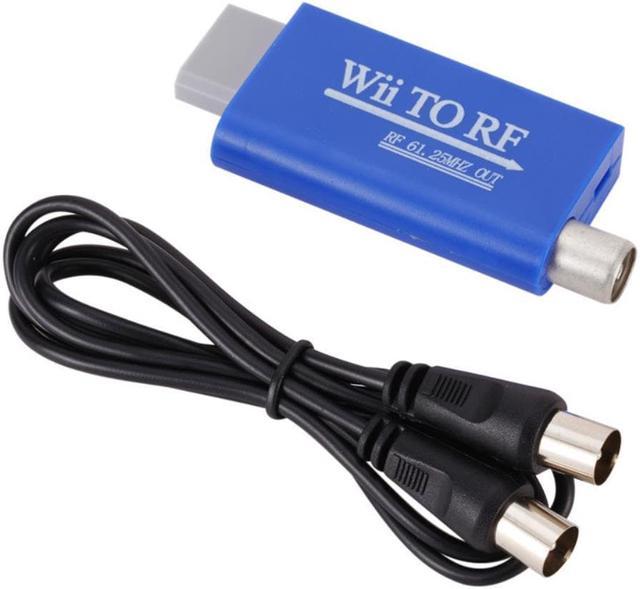
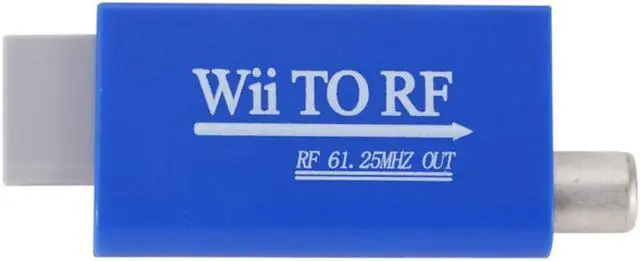
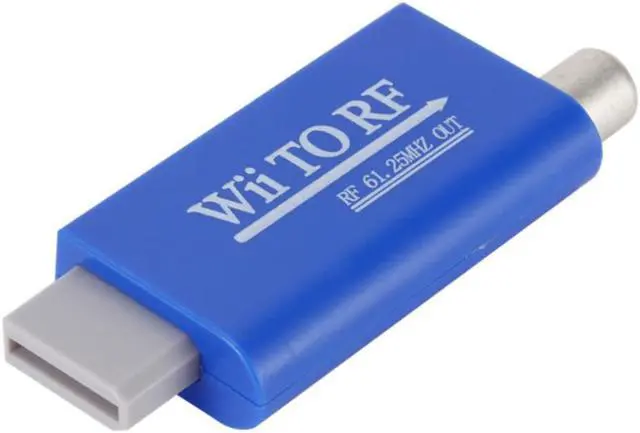
Wii to RF can convert Wii game console into RF output.
PS1 / PS2 to RF can convert the game console of PS1 / PS2 to RF output.
SCART to RF converts the SCART interface to RF output.
YPbPr to RF can convert YPbPr color difference signal into RF output.
2. Function introduction:
The RF converter can easily convert the interface you need into RF output, modulate your interface into RF high frequency output, reduce transmission loss, and increase your distance of 1-2m to 100-1000m or even further. At the same time, it can solve the shortage of old TV interface and make full use of TV tuner interface. Can put your DVD / set-top box / network box / game console and so on!! Easily convert to RF output. The imported RF modulation chip is used to output more stable PLL frequency, phase-locked RF output is more stable, and the frequency output will never shift.
3. Technical specifications:
RF output frequency: 61.25mhz and 67.25mhz can be switched. (customers can customize other frequencies 40-900mhz)
RF output gain: 80dB
RF system output: pal DK default output (I / BG / M / N / L audio system output can be customized) customers can customize SECAM and NTSC systems corresponding to corresponding countries.
Power supply:
5V/500MA
Power: less than 0.5W
4. Package content:
RF cable ----------------------- 1
Host ----------------------- 1 set
5.
Use and connection:
Connect the RF converter to the relevant interface and connect the power take-off wire for power. Plug in the RF cable to connect the RF out of the machine, and connect the other side to the RF in of the cable / antenna of the TV. Turn on the TV and switch to the analog TV state, press the menu key to find the automatic or manual search, and search the frequencies corresponding to 61.25mhz and 67.25mhz. The sound system needs to be set with corresponding pal DK. smart TVs generally automatically recognize the sound system. The old TV needs to set the TV to the corresponding DK system, otherwise there will be image and sound noise.