
Your Browsing History
- Free 15-day Returns
$29.99
Ships from China.

Meet Your Seller

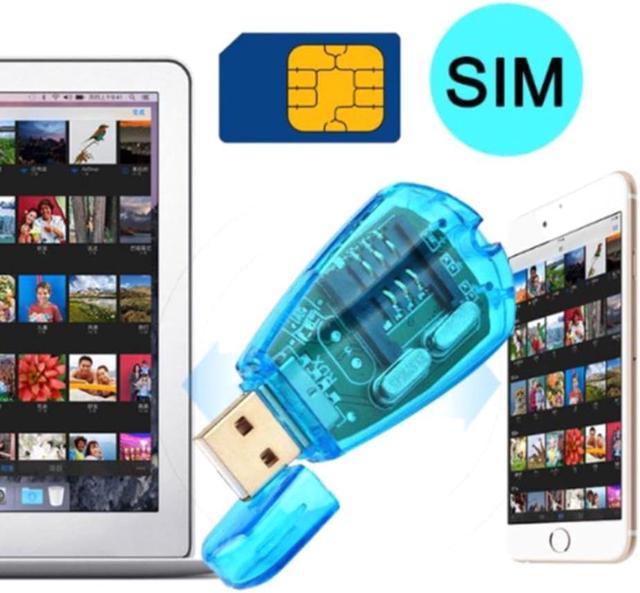
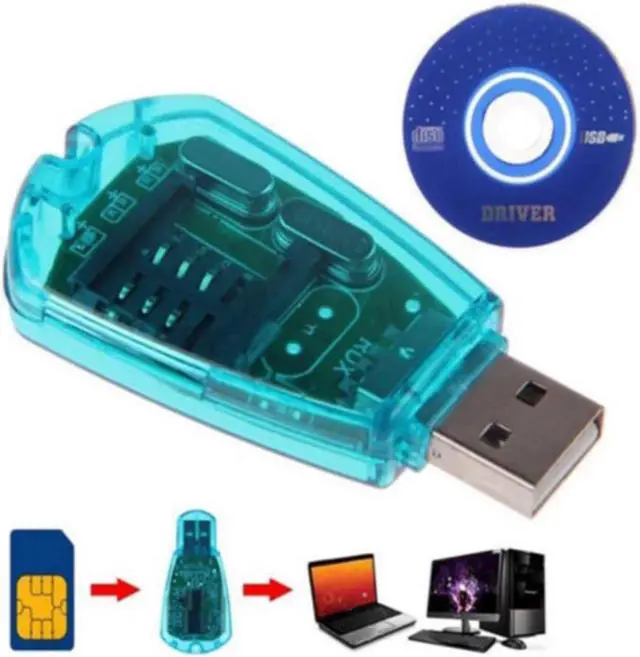
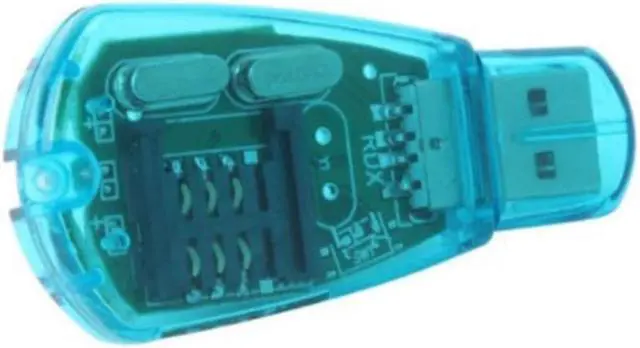


USB SIM Copy/Cloner Kit SIM Card Reader GSM CDMA SMS Backup + CD Card Reader
- USB SIM Copy/Cloner Kit SIM Card Reader GSM CDMA SMS Backup + CD Card Reader
+
+
Overview
Specs
Reviews
Origin:Mainland China
Certification:NONE
Product description
USB interface SIM UIM PHS card reader
Product Features:
1. Read, edit and backup mobile phone book and text messages.
2. Easy sorting, batch modification of phone book, printing of short message information and other functions.
3. Easily sort, edit, and backup phone ringtones and pictures.
4. Support QQ, ICQ, MSM to save online data in a timely manner.
5. A device for exchanging information and data between modern mobile phones and computers.
Installation Notes:
Run the SETUP.EXE executable file under the USB SIM Editor folder on the CD,
Then insert the SIM card into the card reader, insert the card reader into the USB port of the computer, the system will automatically install the driver after the hardware is found.
After installation, open the SIM Editor program and click connect.
Friendly reminder:
When inserting the mobile phone card, the chip should face downwards and the notch should face outwards. Do not insert it wrongly, otherwise the card may be burned out!
Certification:NONE
Product description
USB interface SIM UIM PHS card reader
Product Features:
1. Read, edit and backup mobile phone book and text messages.
2. Easy sorting, batch modification of phone book, printing of short message information and other functions.
3. Easily sort, edit, and backup phone ringtones and pictures.
4. Support QQ, ICQ, MSM to save online data in a timely manner.
5. A device for exchanging information and data between modern mobile phones and computers.
Installation Notes:
Run the SETUP.EXE executable file under the USB SIM Editor folder on the CD,
Then insert the SIM card into the card reader, insert the card reader into the USB port of the computer, the system will automatically install the driver after the hardware is found.
After installation, open the SIM Editor program and click connect.
Friendly reminder:
When inserting the mobile phone card, the chip should face downwards and the notch should face outwards. Do not insert it wrongly, otherwise the card may be burned out!
Warranty & Returns
Warranty, Returns, And Additional Information
Warranty
- Please contact the Seller directly for warranty information. Warranty information may also be found on the Manufacturer's website.
- CONTACT
Return Policies
- Return for refund within: 15 days
- Return for replacement within: 30 days
- This item is covered by zhongmaozhilian Return Policy
Manufacturer Contact Info
- For a directory of all our manufacturers, please click below.
- Manufacturers Directory
LOADING...