Item Type:Hybrid Connectors
Gender:Male
Origin:Mainland China
Certification:NONE
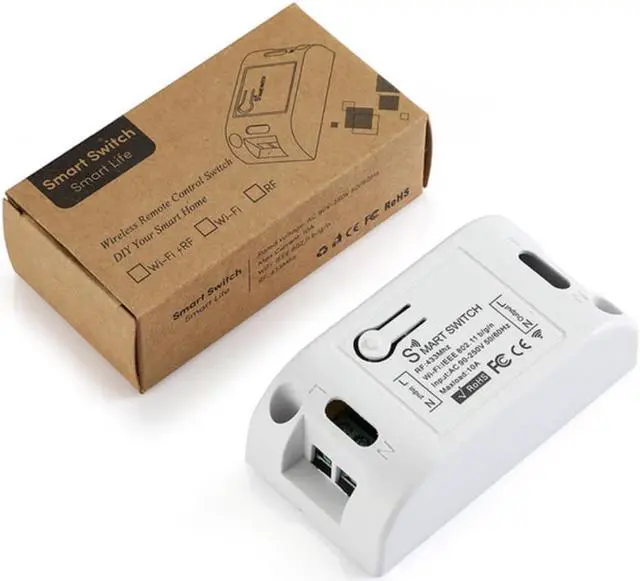
Smart Switch Timer DIY Wireless Switch Voice Control Smart Home Automation
Description:
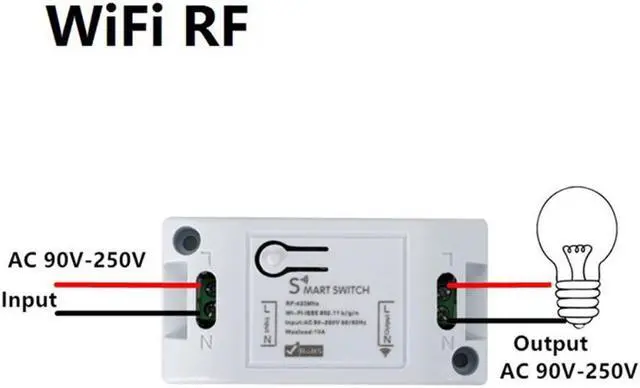
Working voltage: 90250V
Working frequency: 50-60Hz
Working temperature: -2060
Total load power: 2000w
Specifications:
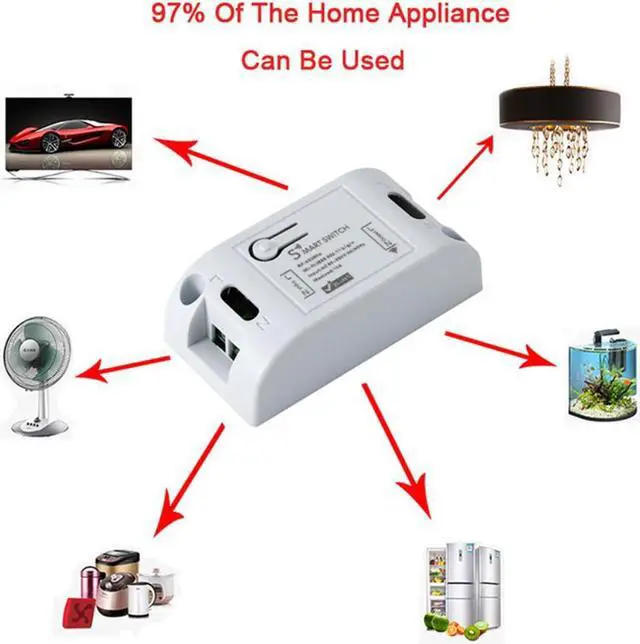
1. Turn ordinary non-smart appliances or equipment into smart;
2. Remote control.
3. Group control. The lights can be grouped to achieve unified control (simultaneous switching, timing, etc.)
Instructions
Self-locking mode pair code description
(The same button, press one-time to turn on, then press--down to turn off. This mode is suitable for 1 remote control to control 1 receiver)
Setting method: Press the pairing button on the receiver twice, the LED flashes once and then lights up; press the button on the remote control that needs to be paired, when the LED
The indicator light will flash 3 times and then turn off, the self-locking mode is successfully set.
Interlock Mode Pairing Instructions
(settings - one button can only be turned on, another - - a button can only be turned off. Requires a remote control with at least two buttons. This mode is suitable for - -
The remote controls multiple receivers. )
Setting method: Press the code pairing button on the receiver 3 times, then the LED flashes once and then lights up; press the button that needs to be set as the open function on the remote control
If button A) after the receiver indicator flashes, continue to press the button on the remote control that needs to be set to be off (eg button B) the receiver indicator
Blinking, the interlock mode is set successfully.
Jog mode code matching instructions
(Same key, hold to open, release to close.)
Setting method: Press the pairing button on the receiver once, the LED flashes once and then lights up; press the button on the remote control that needs to be paired, when the LED flashes once
The indicator light will flash 3 times and then turn off, the self-locking mode is successfully set.
reset settings
After pressing the receiver's learn button 8 times, the receiver clears all remote control data in its memory. When the receiver's LED blinks 8 times in a row
after the reset is completed. If it has been set to the power-on state, it will also be reset to the power-on and power-off state.
Power-on setting method (applicable to control lights with manual switch): Factory "default power-on and power-off. Press 6 times to learn on the receiver
Press the button, the indicator light flashes 3 times. The power-on and power-on settings are successful.
Package Included:
Switch Module*1