Certification:NONE
Origin:CN(Origin)
Color:black
type:Switch/distributor
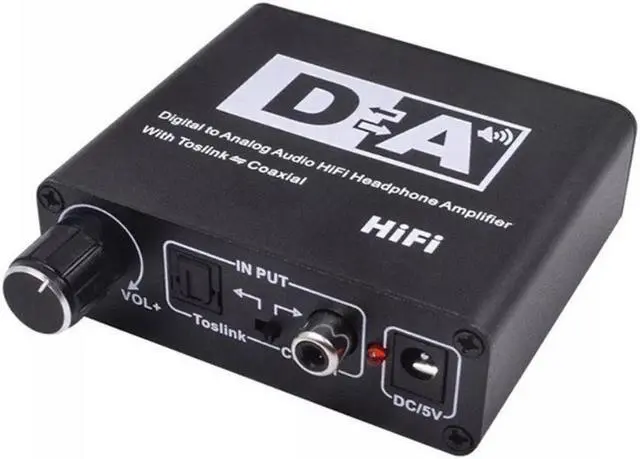
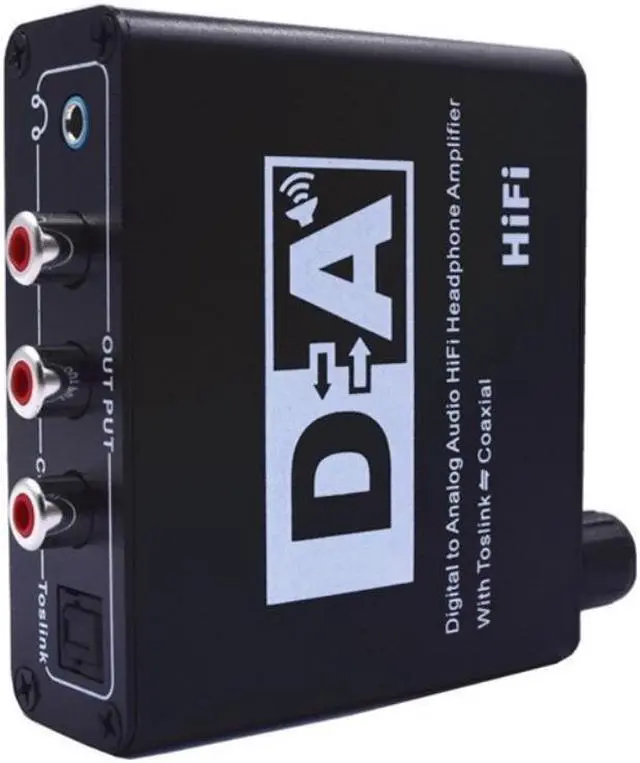
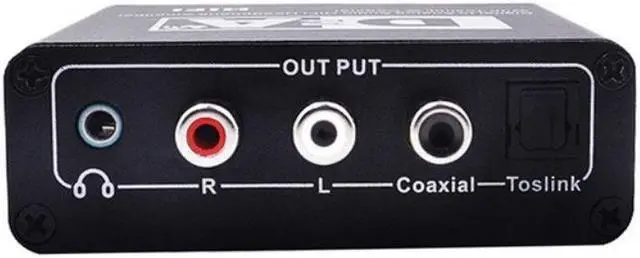
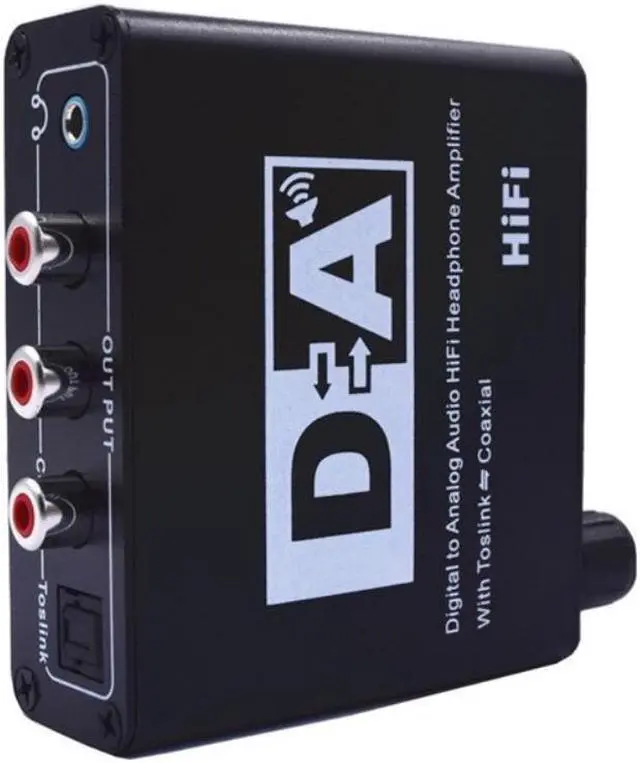
This digital-to-analog audio converter is suitable for home or professional audio switching. He converts coaxial or To s link digital audio signals into analog L/R audio and can be connected to external devices, such as jack through standard RCA_type amplifier. You can also use the 3.5mm headphone jack to output and connect with hi-fi headphones. The converter is small and easy to install. Built-in hi-fi amplifier chip, he ad p-can easily put 16-300 ohm hi-fi earphone with grindstone and RCA output port. Support shutdown, small size adjustment, easy to adapt to different sources and different environments. It also supports To s linkTo s link input, coaxial output, coaxial input To s link and coaxial output, which can adapt to more digital audio.
Product Specifications
Input terminals: 1× coaxial digitalcoaxial) terminal and 1× SPDIF/Toslink audio terminal.
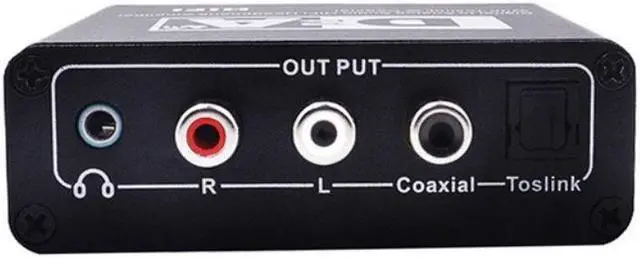
Analog output: 1×RCA(L/R) terminal, 1×3.5 mm earphone terminal.
Digital output: 1 × Coaxial digital (coaxial) terminal, 1 × Optical fiber digital (SPDIF / Toslink) audio terminal
Sampling rate: at 32kHz, 44.1KHz, 48KHz, 96KHz, 192KHz, 24 bits
Input power: DC5V 500MA
[Product Characteristics]
conversion of coaxial or to s link digital audio signal to analog L / R audio
Support sampling rate at 32KHZ, 44.1Khz, 48khz, 96khz and 192khz, 24-bit resolution
the bit stream transmitted by the 24 bit s / PDIF is in the left and right channels
support 16-300 ohm high fidelity headphones
Support shutdown
Support the size of the sound to be adjusted
Support coaxial to optical fiber output
Support optical fiber to coaxial output.
Provide electrcomagnetic-noise-transmission
Please pay attention to connection and operation:
Before installing, make sure that all solutions you want to connect to are closed.
1. use appropriate Toslink or coaxial cable to connect the audio source device to the converter.
2. Connect the A / V receiver or amplifier to the converter using the appropriate R / L cable.
3. Insert the DC side of the USB5V power cord into the converter, then connect the AC side of the power supply to the USB socket, and turn the power switch to adjust the volume.


 We‘re shipping as usual! The Canada Post strike only affects certain remote deliveries and PO Boxes. Details
 Holiday Shipping Details & Extended Holiday Returns


