Certification:NONE
Origin:CN(Origin)
Resolution:1080P
use:TV line
model:usb capture card AV
Thread length:30cm
support system:Windows 7
type:Switch/distributor
USB2.0 VHS To DVD Converter Convert Analog Video To Digital Format Audio Video DVD VHS Record Capture Card Quality PC Adapter
verview:
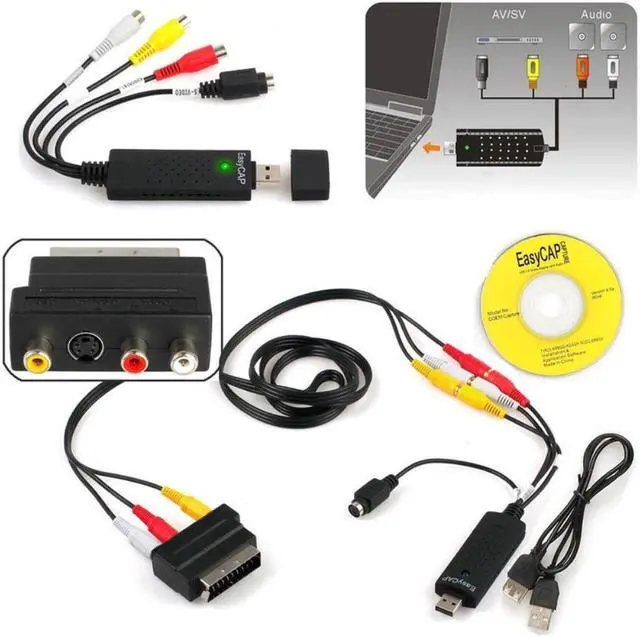
Use the RCA connector or S-Video connector to record any video equipment, such as VHS, VCR, DVD, TV, DV, analog camcorders, cameras, and game consoles. Use this complete toolkit to cheaply transfer old VHS recordings to PC and burn to DVD. Protect your precious memories from the damage of old camera tapes. Record your video game exploits.
Function:
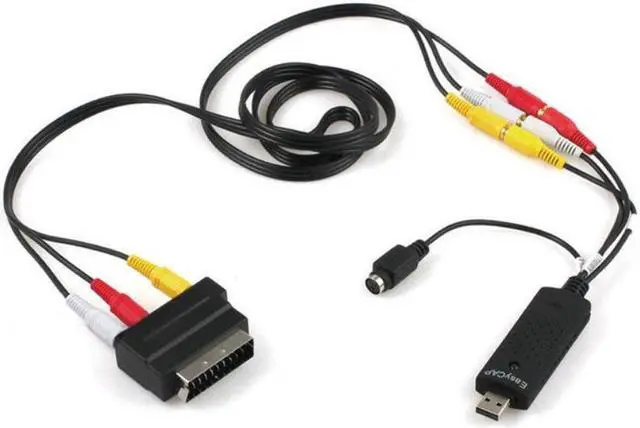
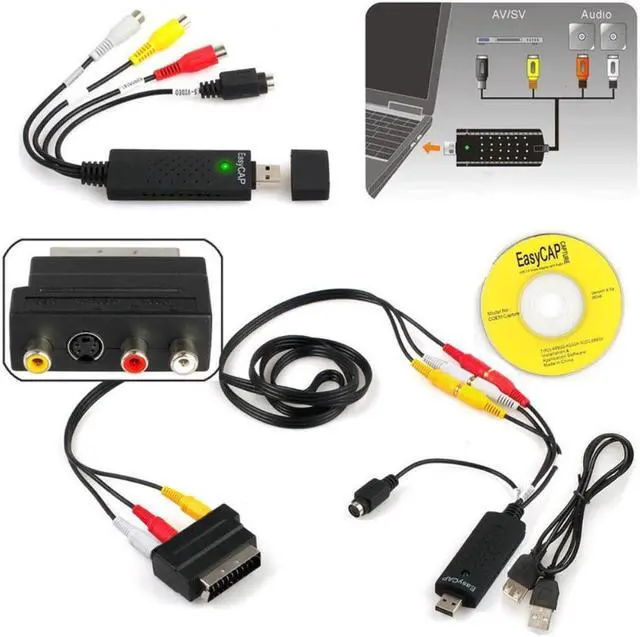
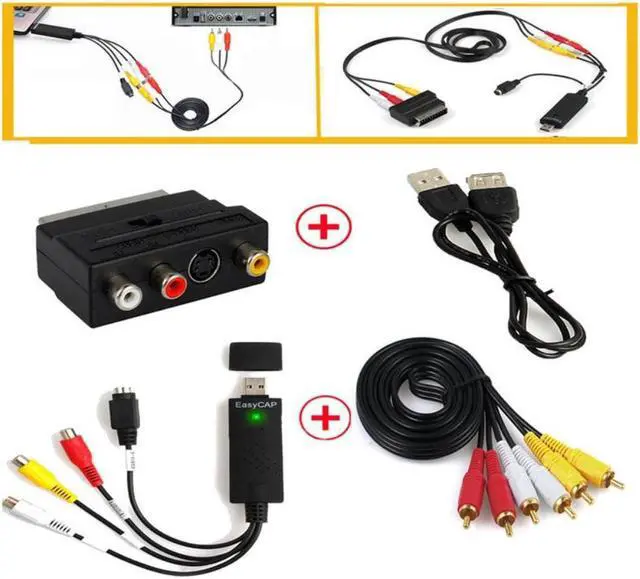
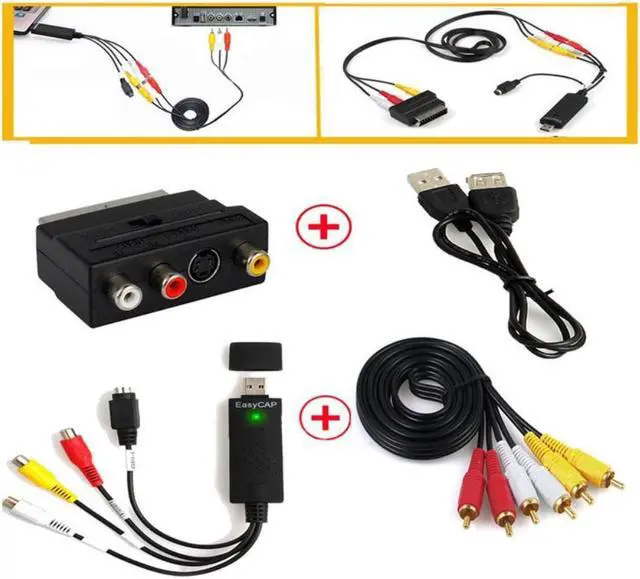
It is used to record the connection of game console or video equipment output. It includes drivers and software to log the source to your computer/laptop so you can do anything with it. It also includes a USB extension cable in case you need to add extra length between the source device and the computer/laptop.
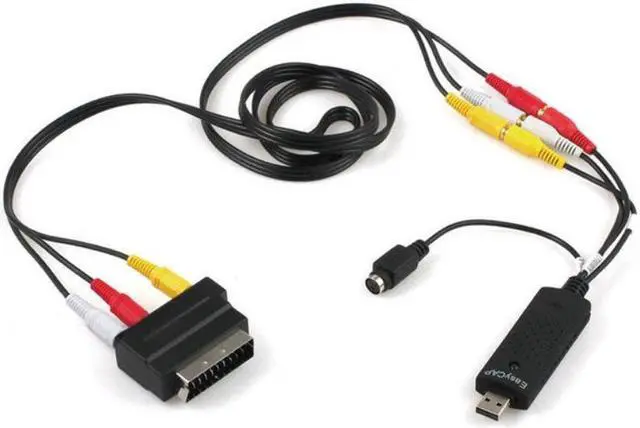
It is bundled with RCA to RCA cable and Scart to S-Video or RCA adapter, you can record video/audio from many different devices, including:
VCR, DVD, camcorder, CCTV camera, anything that will output video and/or audio
It uses a USB 2.0 interface to plug into your computer or laptop and complete left/right audio, sync and s-video
Specification:
A 2.0 USB port
Windows 2000/XP/Vista/Win7/Win8/Win32 64-bit (compatible with Win10)
Pentium 4 3GHz or above
At least 600MB of hard disk space for the program
Recommend 4GB hard disk space for recording and editing
At least 1024MB of RAM
Requirements for computers/laptops
Installation guide:
Step 1: Insert the CD to install the driver and application software.
Step 2: Connect USB Video Capture with analog video source and computer.
Step 3: Open the software to capture video and audio programs to your computer.
Step 4: Use software to edit the recorded video and audio files.
Step 5: Transfer the video and audio files to your iPod, PSP, mobile phone or directly upload to Youtube.