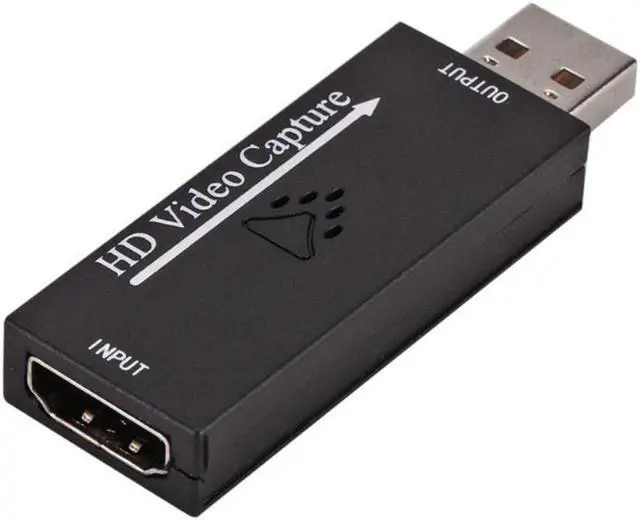
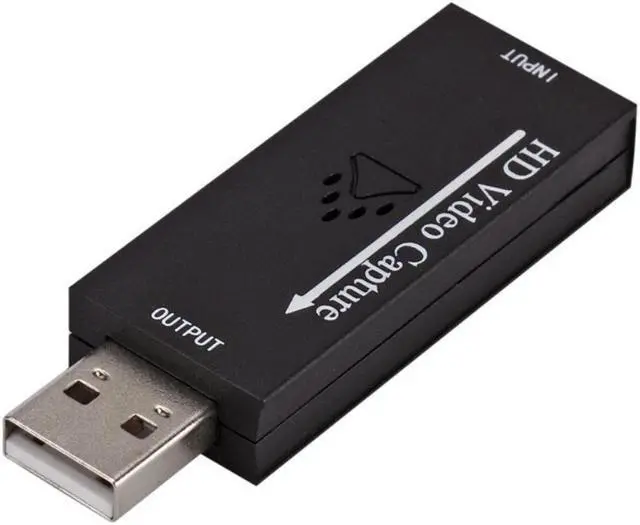
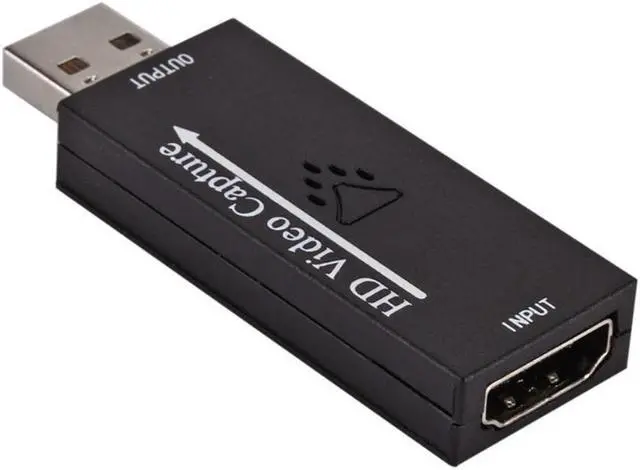
Certification:NONE
Origin:CN(Origin)
Resolution:1080
interface:USB
model:Acquisition card
Audio Video Capture Cards HDMI-compatible To USB 2.0 1080p 30fps Record Computer for Live Broadcasting Gaming Video Conference
Connection operation:
1: connect UHD signal source with HDMI input port of USB acquisition card through one HDMI cable.
2: Plug the USB male connector of the USB acquisition card into the USB port of the computer
3: Acquisition operation steps (OBS): open the software add a source select 'video capture device' set the picture size
Select "studio mode" (double window) click "start recording", as shown in the following figure
1. Add a source and select 'video capture device' 2. Set the screen size
3.''().