


- Free 30-day Returns
$869.99
Best Sellers
 Hot Seller
- $1,142.23
- + FREE SHIPPING


Meet Your Seller




Visit OWC Canada Store
FOLLOW
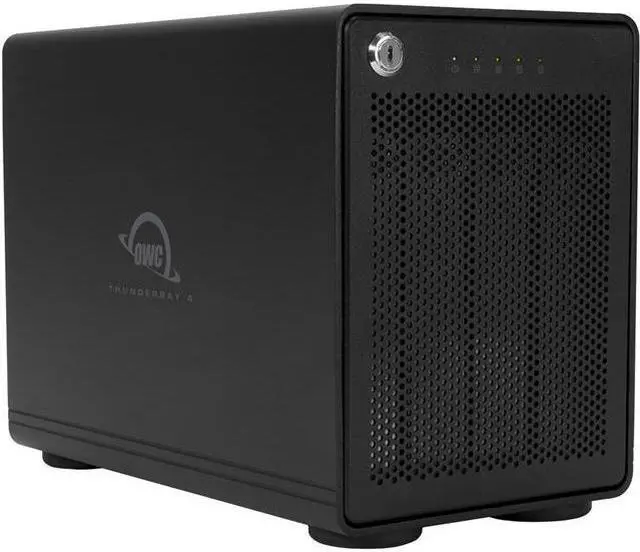
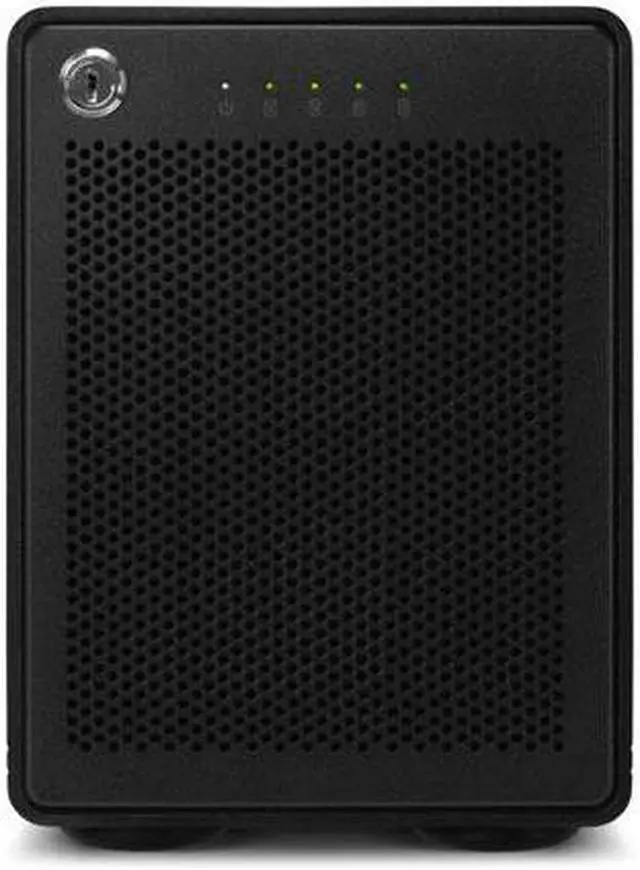
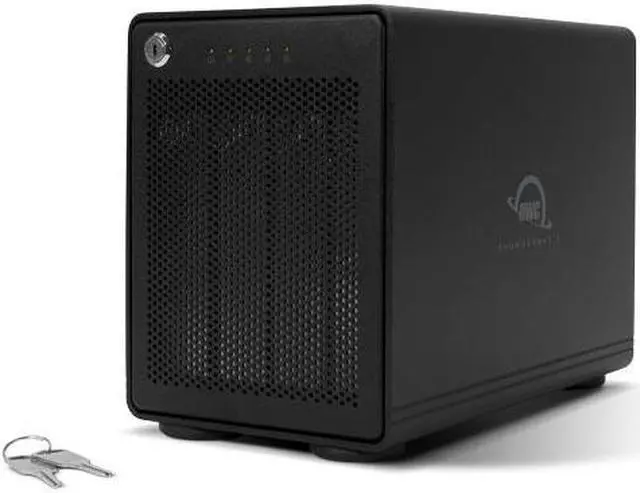
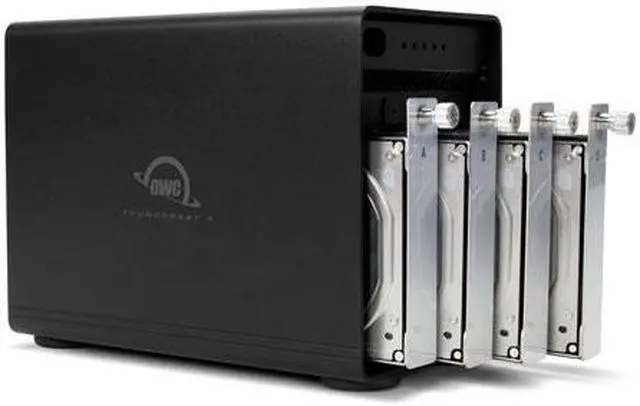
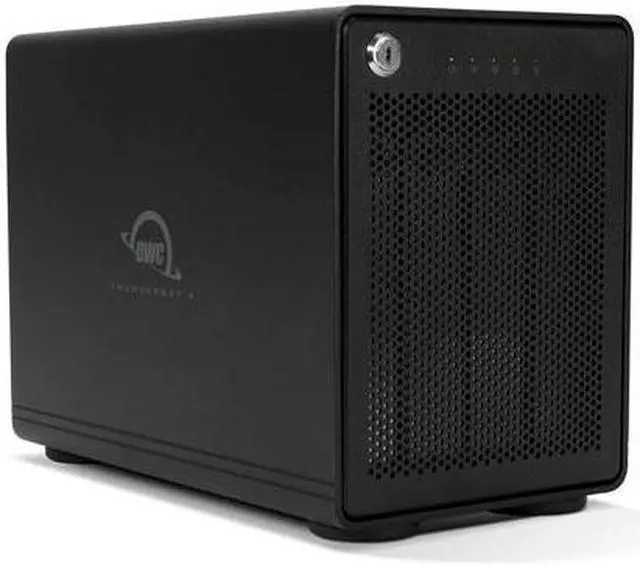
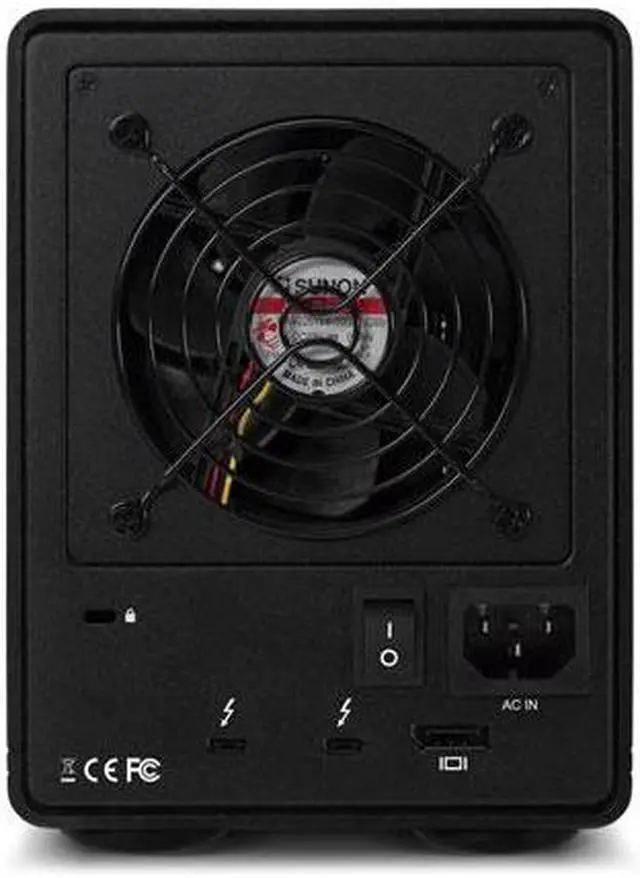
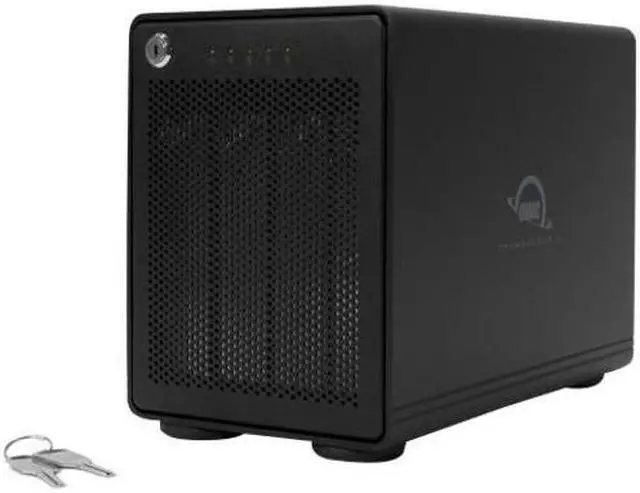
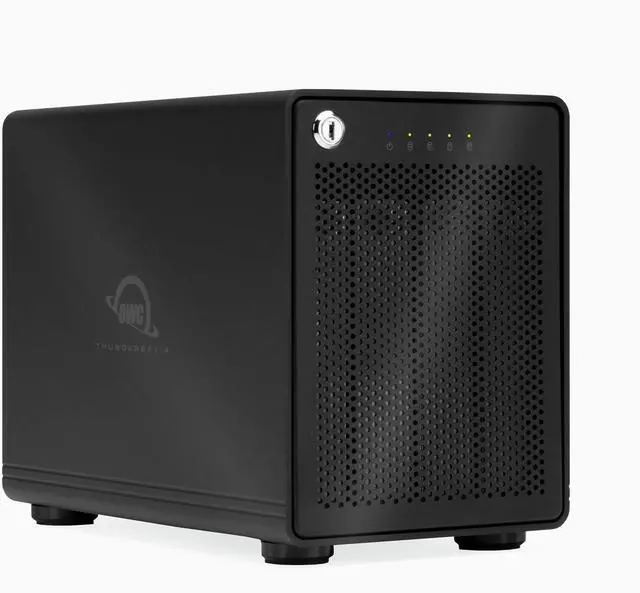
OWC ThunderBay 4 Four-Bay Storage Enclosure -RAID-5 Ready with Cable - Four 3.5-inch or 2.5-inch SATA Drives (No HDD included)
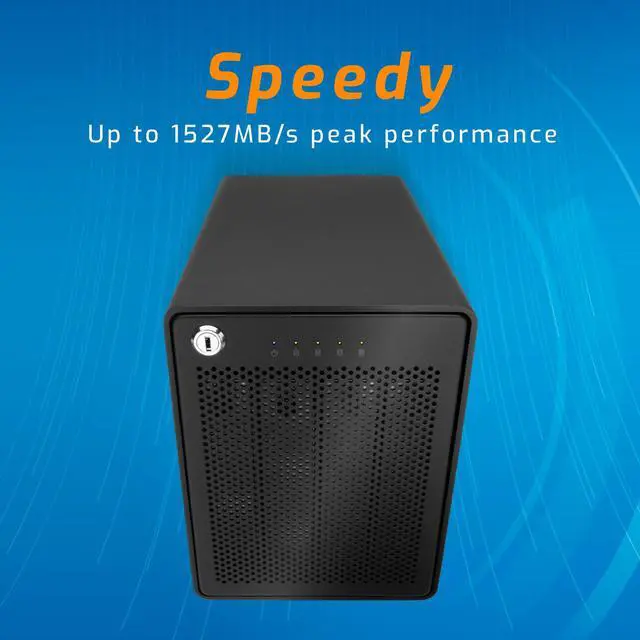
- Speed, capacity, and configuration flexibility in a compact desktop footprint.
- ThunderBay 4 is perfection for a myriad of content creators and the reason its been one of the best-selling RAID storage solutions for the past decade.
+
+
Overview
Specs
Reviews


















OWC / Other World Computing ThunderBay 4 Four-Bay Storage Enclosure with Dual Thunderbolt 3 Ports, RAID-5 Ready with Cable
Warranty & Returns
Warranty, Returns, And Additional Information
Warranty
- Please contact the Seller directly for warranty information. Warranty information may also be found on the Manufacturer's website.
- Read full details
- CONTACT
Return Policies
- Return for refund within: 30 days
- Return for replacement within: 90 days
- This item is covered by OWC Canada Return Policy
Manufacturer Contact Info
- For a directory of all our manufacturers, please click below.
- Manufacturers Directory
LOADING...
LOADING...
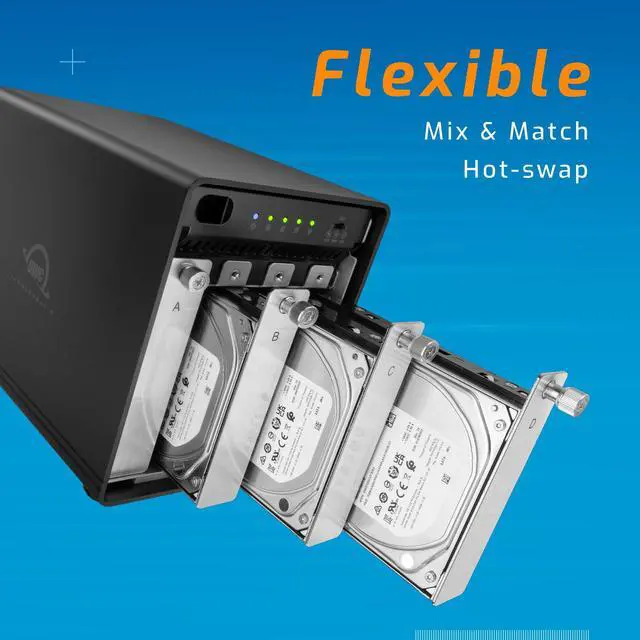
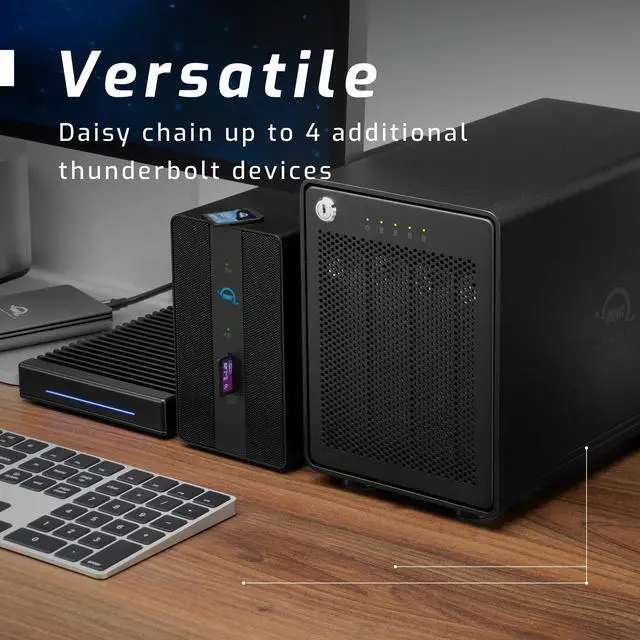
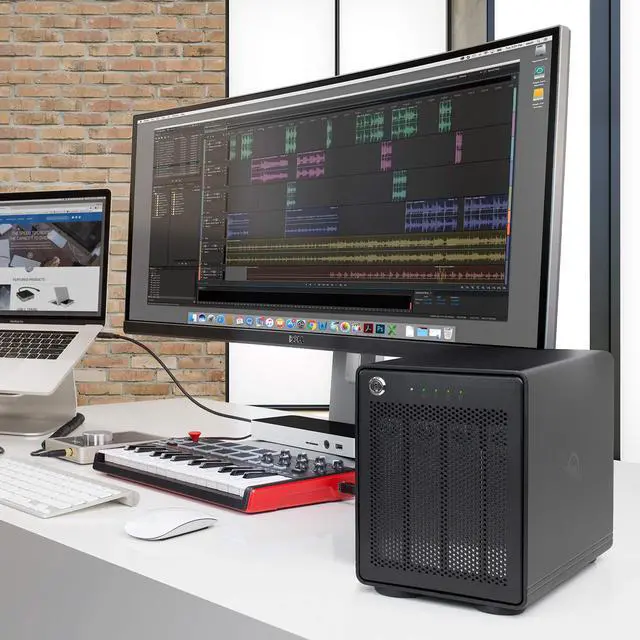
The OWC ThunderBay 4 is a four-bay Thunderbolt 3 storage enclosure for content creators and desktop users who want configurable RAID-ready storage with up to four 3.5-inch or 2.5-inch SATA drives; drives are sold separately.
Recommended For
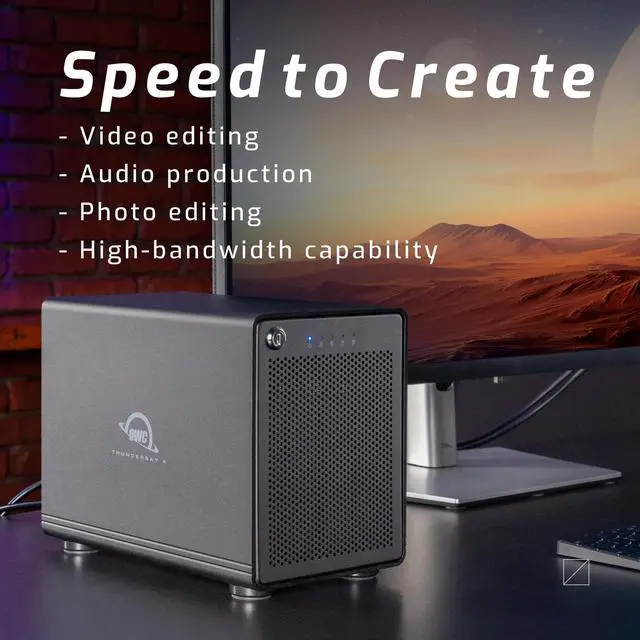
- Video editors working from a desk who need multi-drive local storage for large projects, with RAID options for balancing editing speed and protection against a single drive failure.
- Photographers managing large RAW-photo libraries who want several SATA drives in one desktop enclosure and the option to configure a RAID array.
- Solo creative professionals building a desk-based editing or production setup who want to choose and install their own 2.5-inch or 3.5-inch SATA drives.
- Creative users who need a local archive or backup destination with multiple-drive capacity and RAID choices, rather than a single external drive.
Real-World Use Scenarios
- A solo editor installs SATA drives and configures a RAID volume to keep video footage and project files together, then edits typical single-camera footage from the enclosure instead of juggling several external drives. Heavy multicamera or high-bitrate RAW workflows may still benefit from proxies or faster SSD storage.
- A photographer can use the enclosure to gather large RAW image files and completed shoots in one desktop storage pool. It suits storing and retrieving image files, but an HDD-based RAID may feel slower for an actively used Lightroom catalog with many small files.
- A creator with footage and project files scattered across several external drives can consolidate them into one desktop enclosure, making an ongoing media library easier to organize and access. The enclosure is sold without drives, so storage capacity depends on the drives installed.
- After a shoot, a video team can copy footage onto a configured ThunderBay 4 for local project storage and later editing. RAID 5 can help keep the volume available after a single drive failure, but it is not a substitute for a separate backup.
- A musician or audio editor can store multitrack session files and related media together on the enclosure, keeping project material accessible from a desktop workstation. The actual experience depends on the installed drives and chosen RAID setup.