
Your Browsing History
- Free 30-day Returns
$457.99
Ships from United States.
Sold by Ali Wangwang E-commerce Limited
Shipped by Ali Wangwang E-commerce Limited

Meet Your Seller

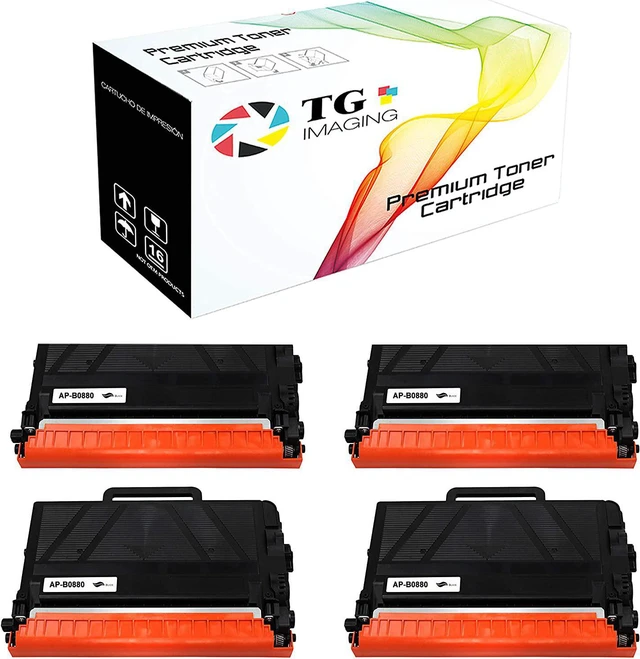
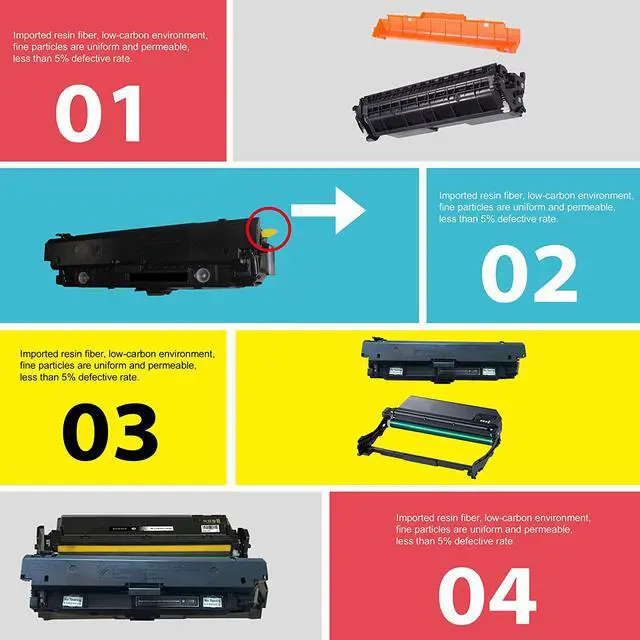
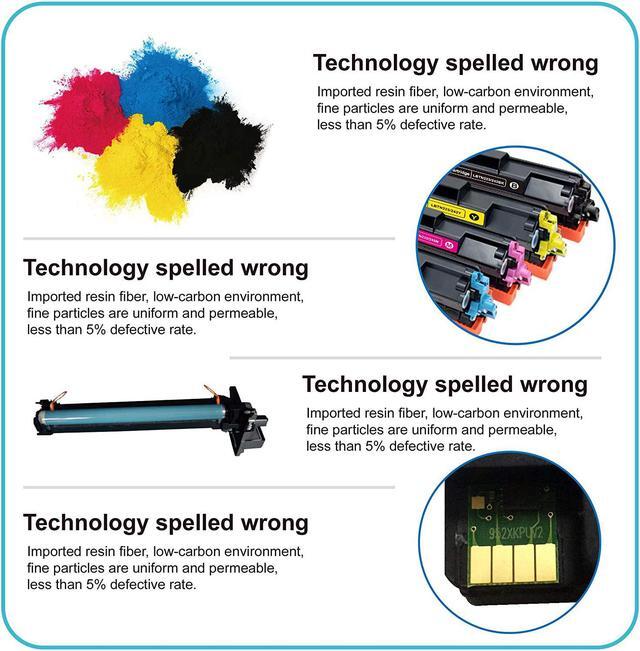



(4-Pack, Supper High Page Yield) TG Imaging Compatible Replacement for Brother TN880 TN-880 TN 880 Toner Cartridge MFC-L6800DW MFC-L6750DW MFC-L6900DW MFCL5900DW MFCL6700DW Printers
- Package Included: 4 Pack TN880 (TN-880) Black Toner Cartridge
- Please do not hesitate to contact us if you have any questions, our Customer Service Team will respond in 1-2 business days
- Please look for DR820 if you are looking for the drum for this toner cartridge
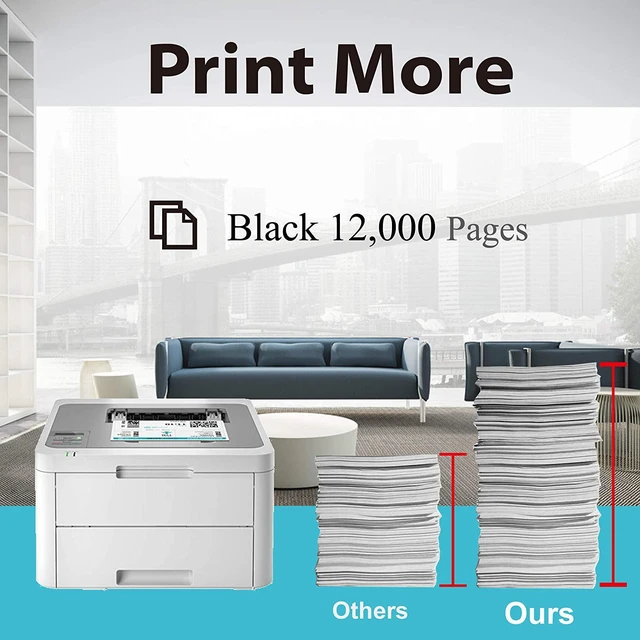
- Page Yield: TN880 Black Toner Cartridge Up to 12,000 pages @ 5% coverage per cartridge, SUPER HIGH YIELD
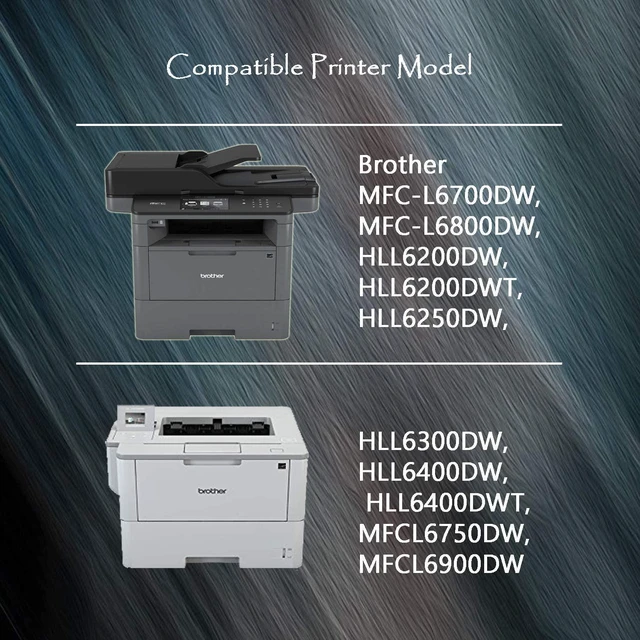
- Printers: HL-L6200DW, HL-L6200DWT, HL-L6250DW, HL-L6300DW, HL-L6400DW, HL-L6400DWT, MFC-L6700DW, MFC-L6750DW, MFC-L6800DW, MFC-L6900DW Toner Printer
+
+
Overview
Specs
Reviews
Brand: TG Imaging
Color: Black
Quantity: 4 Pack
Dimension: 13 x 8.5 x 16 Inch
Compatible for: TN880/TN-880
Page Yield: 12,000 pages @ 5% coverage of Letter/A4
Printer Model: HLL6200DW, HLL6200DWT, HLL6300DW, HLL6400DW, HLL6400DWT, HLL6250DW, MFCL5900DW, MFCL6700DW, MFCL6750DW, MFCL6800DW, MFCL6900DW Printers
Installation Guide
Make sure the machine is turned on
Remove the used toner cartridge from the machine
Gently shake the cartridge from side to side.
Remove the orange protected and seal from cartridge.
Put the Toner back in the machine.
After replacing a toner cartridge, DO NOT turn off the machine or open the front cover until the machine's display returns to Ready Mode.
If the printer screen shows "Non-genuine" or "Counterfeit Cartridges Detected", please press "OK" / "Continue"/ "Accept" button to go on print.
Please do not hesitate to contact us if you have any questions, our Customer Service Team will respond in 1-2 business days
Color: Black
Quantity: 4 Pack
Dimension: 13 x 8.5 x 16 Inch
Compatible for: TN880/TN-880
Page Yield: 12,000 pages @ 5% coverage of Letter/A4
Printer Model: HLL6200DW, HLL6200DWT, HLL6300DW, HLL6400DW, HLL6400DWT, HLL6250DW, MFCL5900DW, MFCL6700DW, MFCL6750DW, MFCL6800DW, MFCL6900DW Printers
Installation Guide
Make sure the machine is turned on
Remove the used toner cartridge from the machine
Gently shake the cartridge from side to side.
Remove the orange protected and seal from cartridge.
Put the Toner back in the machine.
After replacing a toner cartridge, DO NOT turn off the machine or open the front cover until the machine's display returns to Ready Mode.
If the printer screen shows "Non-genuine" or "Counterfeit Cartridges Detected", please press "OK" / "Continue"/ "Accept" button to go on print.
Please do not hesitate to contact us if you have any questions, our Customer Service Team will respond in 1-2 business days
Warranty & Returns
Warranty, Returns, And Additional Information
Warranty
- Please contact the Seller directly for warranty information. Warranty information may also be found on the Manufacturer's website.
- CONTACT
Return Policies
- Return for refund within: 30 days
- Return for replacement within: 90 days
- This item is covered by Ali Wangwang E-commerce Limited Return Policy
Manufacturer Contact Info
- For a directory of all our manufacturers, please click below.
- Manufacturers Directory
LOADING...