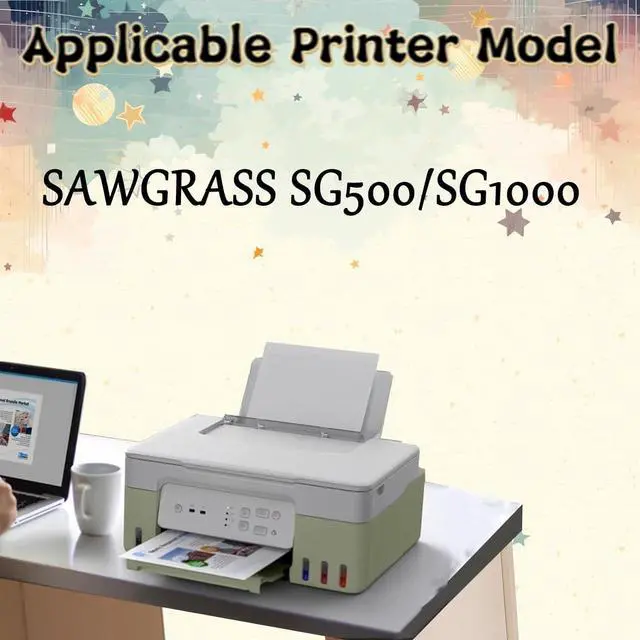
1.Applicable printer model
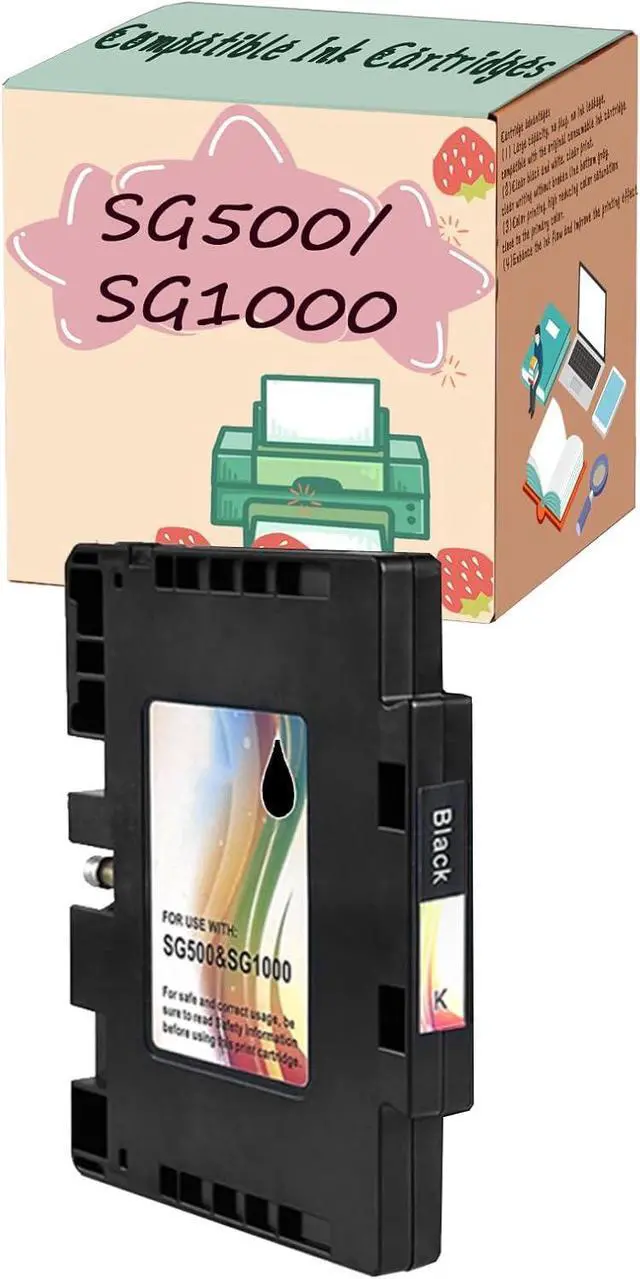
SAWGRASS SG500/SG1000
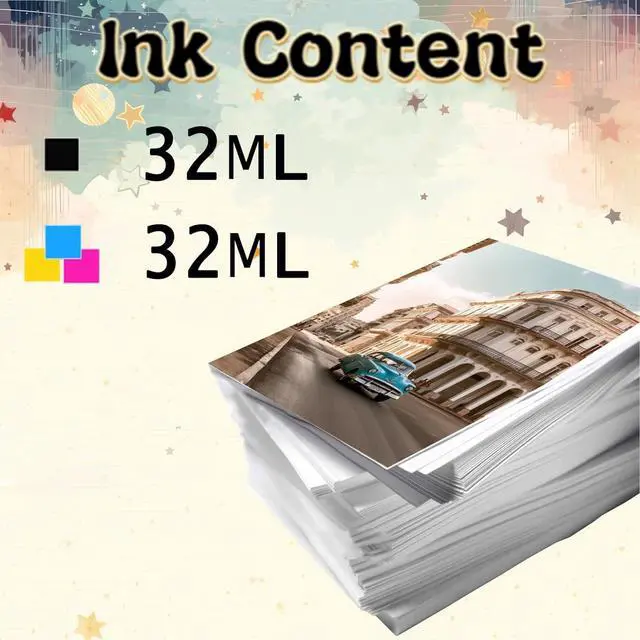
2.The print quantity
Black: 32ml Color: 32ml
3.Cartridge advantages
(1) Large capacity, no plug, no ink leakage, compatible with the original consumable ink cartridge.
(2)Clear black and white, clear print, clear writing without broken line bottom gray.
(3)Color printing, high reducing color saturation close to the primary color.
(4)Enhance the ink flow and improve the printing effect.
4.Installation instructions
(1)Check the model of the ink cartridge. Before using the ink cartridge, ensure that the model of the ink cartridge is the same as that of the machine.
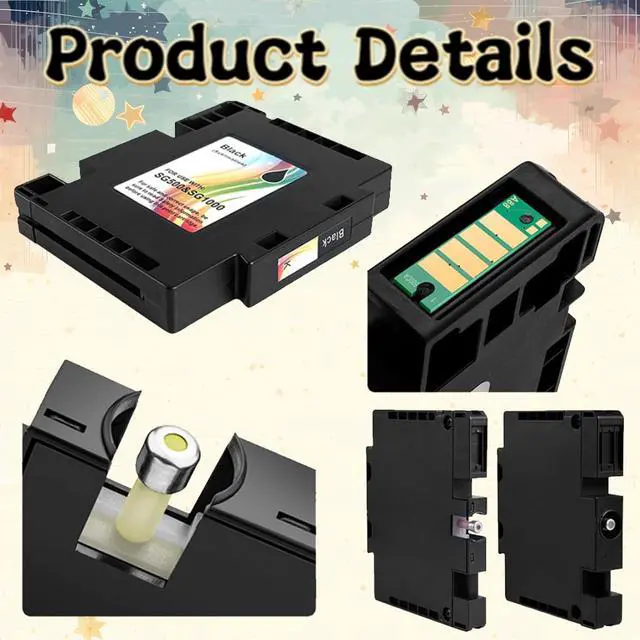
(2)Remove the PULL label. Before putting it into the printer, remove the PULL label on the ink cartridge. Otherwise, the ink cartridge cannot be discharged normally after it is put into the printer. (Do not ignore if there is no PULL label)
(3)Ink cartridge outlet, smooth ink stability, good card precision quality is guaranteed. (Do not tear off the sealing film of the ink outlet manually, directly prick the machine.)
(4)Open the cover of the printer when the machine is turned on, and replace the ink cartridge when the ink truck returns to the new position. Pay attention to the corresponding color during installation, ensure that the ink cartridge is in place, and then close the cover and press the OK key.
Note: If the prompt is not original, please click OK or continue to use.