


- Free 30-day Returns
$275.99
Ships from United States.
Sold by Ali Wangwang E-commerce Limited
Shipped by Ali Wangwang E-commerce Limited

Meet Your Seller

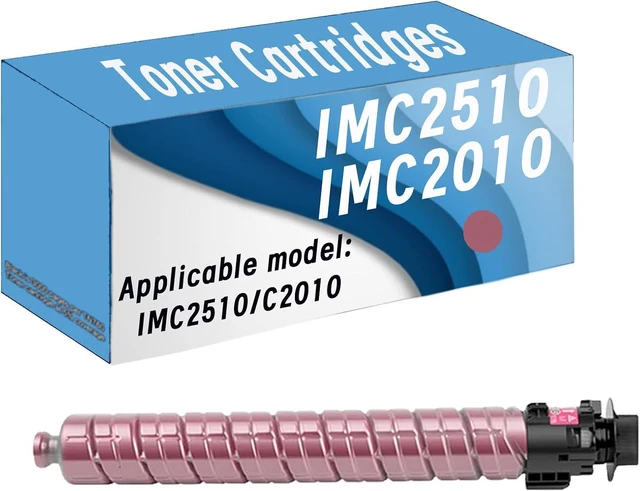






Compatible Toner Cartridge Replacement for Ricoh IMC2510 IM C2510 IMC2010,Suitable for Ricoh IMC2510 C2010 Printers,High Page Yield
- High-Compatibility : For Ricoh IMC2510 C2010
- High Yield: Up to 16000 pages per IMC2510 C2010 Black Toner Cartridge,Up to 5500 pages per IMC2510 C2010 color Toner Cartridge(with 5 percent coverage on A4 pages)
- High Performance & Perfect Compatibility:High compatibility with the original components of the printer.Excellent print quality with finely divided toner,excellent portability,high printing black,high print side yield, low waste rate
- Provide high quality:Clear print, long time without fading,High efficiency printing,High page yield,Saving money.Products suitable for Schools,Hospitals,Government Departments,Companies, Families,etc
- Notes: If you have any questions during the purchase process, please contact us by email as soon as possible,we are happy to help you
+
+
Overview
Specs
Reviews
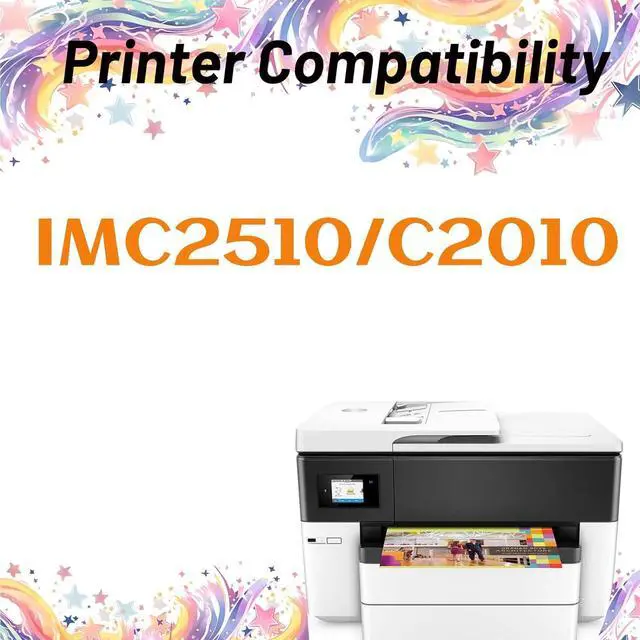
Compatible Printer Models
for IMC2510 C2010 Printer
Get reliable printing performance, at a fair price:Our cartridges are tested to ensure consistent,quality prints that match the image/text seen on one's printer both at the component level and with print tests.
Tips:Before placing an order, please be sure to confirm your printer model.
Printer screen pop up Non-Original Cartridge, Please just click OK and they will go ahead.
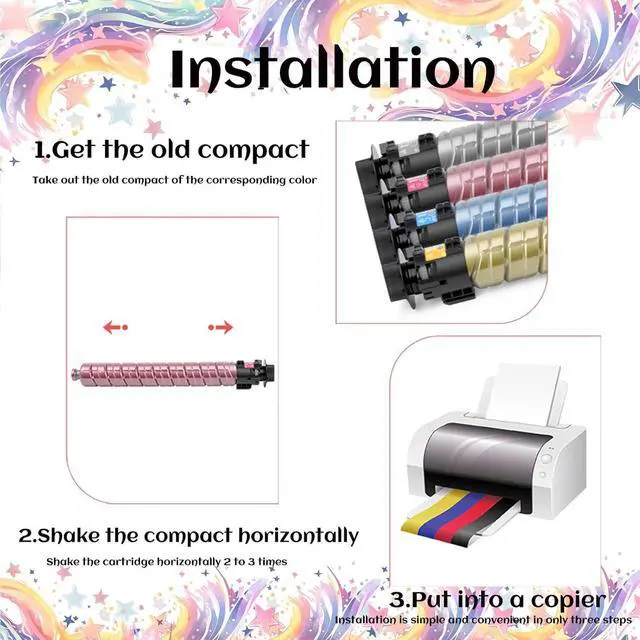
Installation guides:1. Turn off the printer, open the printer cover and remove the used cartridge
2. Take out the new toner cartridge from its packing
3. Shake the cartridge side to side 6-8 times from side to side to distribute the toner evenly
4. Take off the protective Paper, pull out the sealing tape
5. Install the toner cartridge into the printer
6. Close the printer cover and turn on the printer
for IMC2510 C2010 Printer
Get reliable printing performance, at a fair price:Our cartridges are tested to ensure consistent,quality prints that match the image/text seen on one's printer both at the component level and with print tests.
Tips:Before placing an order, please be sure to confirm your printer model.
Printer screen pop up Non-Original Cartridge, Please just click OK and they will go ahead.
Installation guides:1. Turn off the printer, open the printer cover and remove the used cartridge
2. Take out the new toner cartridge from its packing
3. Shake the cartridge side to side 6-8 times from side to side to distribute the toner evenly
4. Take off the protective Paper, pull out the sealing tape
5. Install the toner cartridge into the printer
6. Close the printer cover and turn on the printer
Warranty & Returns
Warranty, Returns, And Additional Information
Warranty
- Please contact the Seller directly for warranty information. Warranty information may also be found on the Manufacturer's website.
- CONTACT
Return Policies
- Return for refund within: 30 days
- Return for replacement within: 90 days
- This item is covered by Ali Wangwang E-commerce Limited Return Policy
Manufacturer Contact Info
- For a directory of all our manufacturers, please click below.
- Manufacturers Directory
LOADING...