


- Free 30-day Returns
$502.99
Ships from United States.
Sold by Ali Wangwang E-commerce Limited
Shipped by Ali Wangwang E-commerce Limited

Meet Your Seller

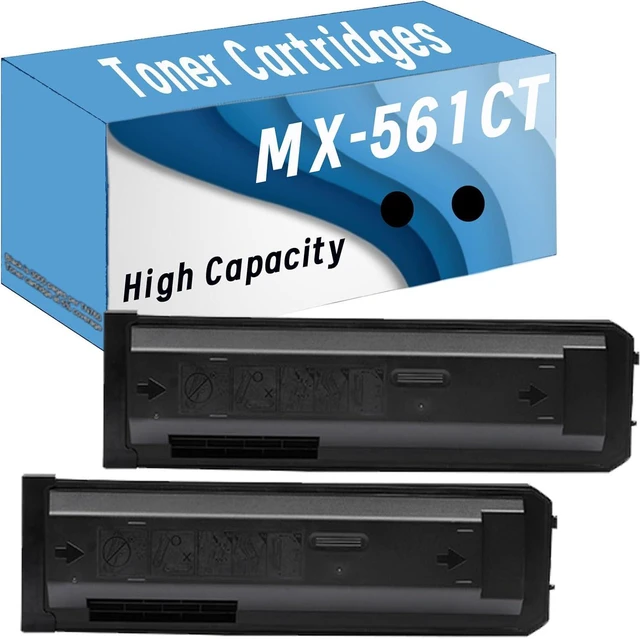





MX-561NT MX 561NT MX561NT Toner Black Compatible MX-561CT High Yield Toner Cartridge Replacement for Sharp MX-S461N 361N 5658N B4621R B5621R 5608N
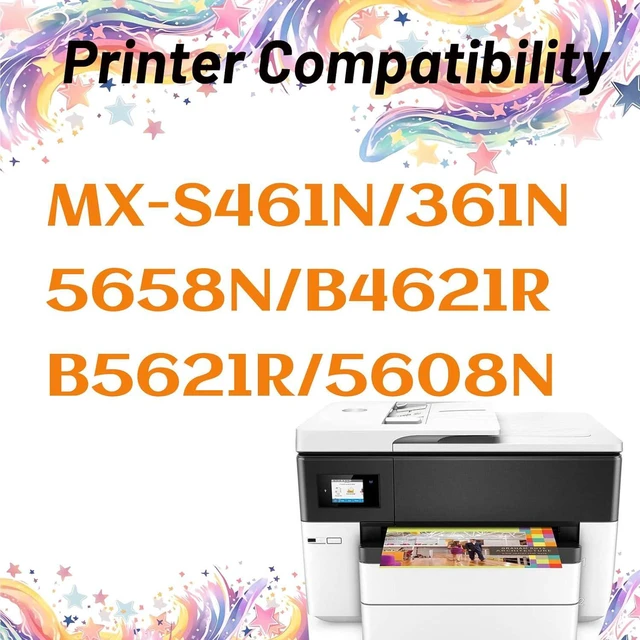
- High-Compatibility : For Sharp MX-S461N 361N 5658N B4621R B5621R 5608N
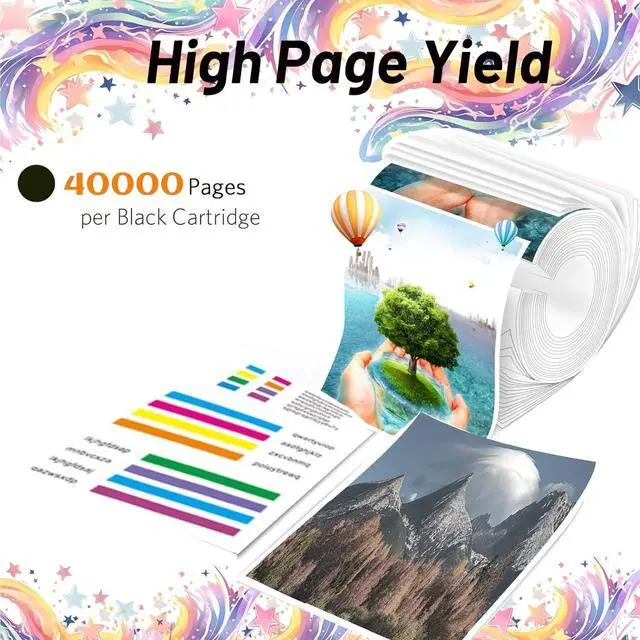
- High Yield: Up to 40000 pages per MX-561CT Black Toner Cartridge(with 5 percent coverage on A4 pages)
- High Performance & Perfect Compatibility:High compatibility with the original components of the printer.Excellent print quality with finely divided toner,excellent portability,high printing black,high print side yield, low waste rate
- Provide high quality:Clear print, long time without fading,High efficiency printing,High page yield,Saving money.Products suitable for Schools,Hospitals,Government Departments,Companies, Families,etc
- Notes: If you have any questions during the purchase process, please contact us by email as soon as possible,we are happy to help you
+
+
Overview
Specs
Reviews
Compatible Printer Models
for MX-S461N 361N 5658N B4621R B5621R 5608N Printer
Notice
Before placing an order, please be sure to confirm your printer model.
Installation guides:
1. Turn off the printer, open the printer cover and remove the used cartridge;
2. Take out the new toner cartridge from its packing;
3. Shake the cartridge side to side 6-8 times from side to side to distribute the toner evenly;
4. Take off the protective Paper, pull out the sealing tape;
5. Install the toner cartridge into the printer;
6. Close the printer cover and turn on the printer
for MX-S461N 361N 5658N B4621R B5621R 5608N Printer
Notice
Before placing an order, please be sure to confirm your printer model.
Installation guides:
1. Turn off the printer, open the printer cover and remove the used cartridge;
2. Take out the new toner cartridge from its packing;
3. Shake the cartridge side to side 6-8 times from side to side to distribute the toner evenly;
4. Take off the protective Paper, pull out the sealing tape;
5. Install the toner cartridge into the printer;
6. Close the printer cover and turn on the printer
Warranty & Returns
Warranty, Returns, And Additional Information
Warranty
- Please contact the Seller directly for warranty information. Warranty information may also be found on the Manufacturer's website.
- CONTACT
Return Policies
- Return for refund within: 30 days
- Return for replacement within: 90 days
- This item is covered by Ali Wangwang E-commerce Limited Return Policy
Manufacturer Contact Info
- For a directory of all our manufacturers, please click below.
- Manufacturers Directory
LOADING...