
Your Browsing History
- Free 30-day Returns
$344.99
Ships from United States.
Sold by Ali Wangwang E-commerce Limited
Shipped by Ali Wangwang E-commerce Limited

Meet Your Seller

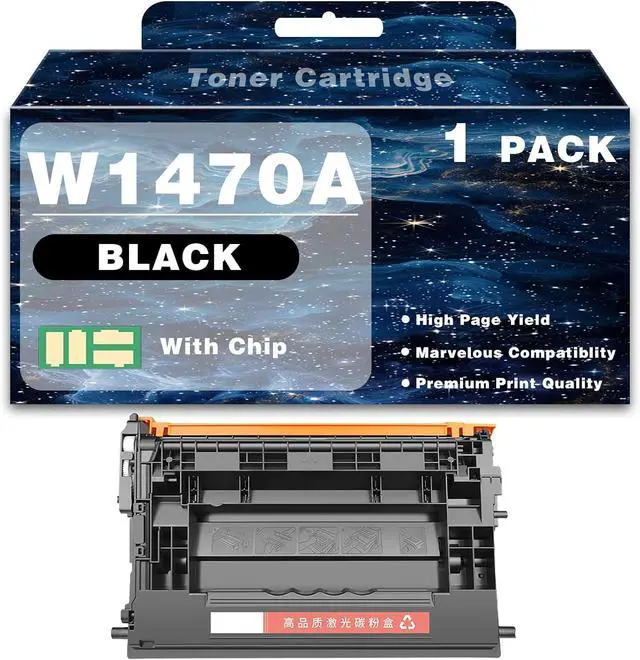


147A W1470A Toner Cartridge Compatible for HP Laserjet Enterprise M610 M611 M612 M634 M635 M636 Printer High Yield Toner Cartridge Replacement with Chip Ink Clear Printing
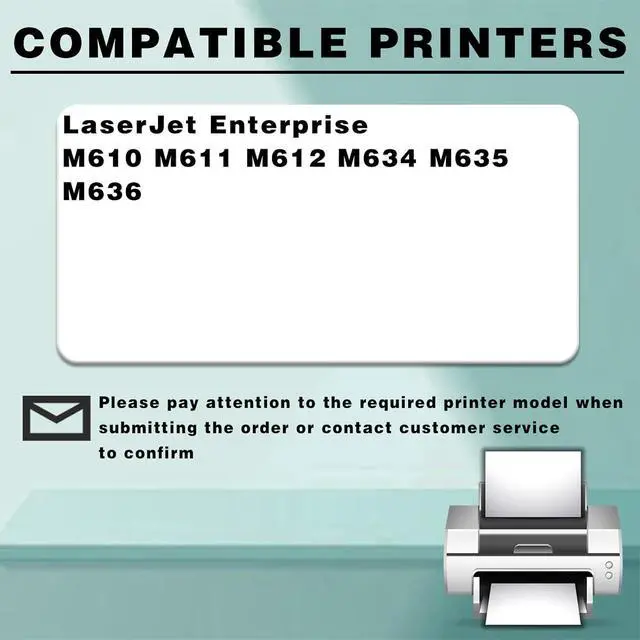
- Broad CompatibilityThe 147A W1470A toner cartridges compatible for HP LaserJet Enterprise M610 M611 M612 M634 M635 M636 printers
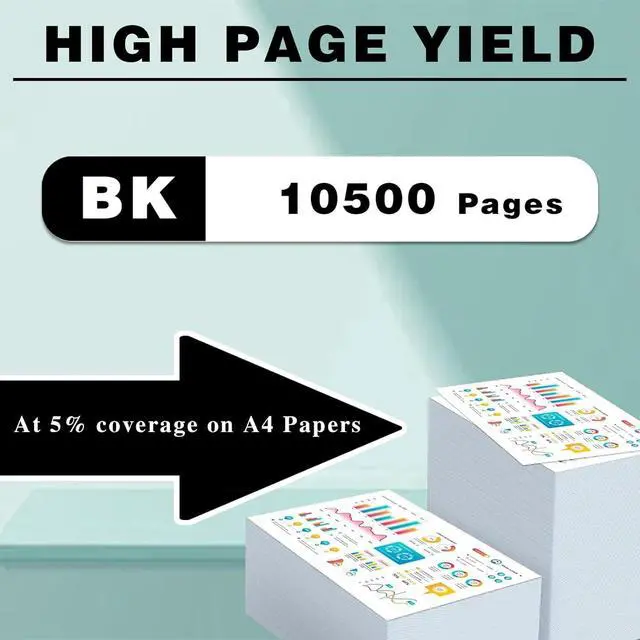
- High Yield10500 pages Black toner cartridge,with a coverage rate of 5% of A4 page
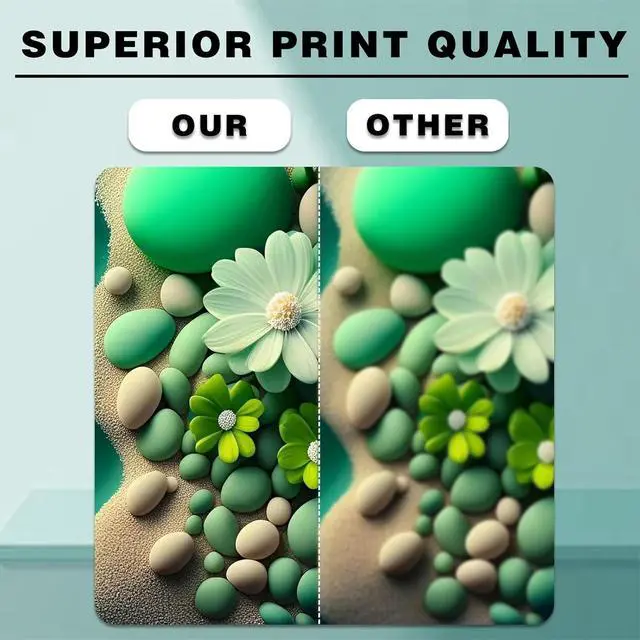
- Brillant Print QualityCreate high-quality color photos and everyday documents with our 147A W1470A Toner Cartridge Compatible Ink Cartridges Printer High Yield Replacement Cartridge All-in-one Combo Pack Multicolor toner cartridge which deliver vivid color and crisp text. Easily complete your projects
- Easily InstallSafe to use, no harm to printer. You can take easy to print your pictures, posters, brochures, etc
- After Sales ServicePlease make sure you have the correct model number before purchasing. If you have questions, you can leave us a message through the order page or the "Ask a question" dialog box, we will solve it for you within 12 hours
+
+
Overview
Specs
Reviews
About Products:
1.Compatible For HP 147A W1470A toner cartridge.
2.Applicable printer models: Suitable for HP LaserJet Enterprise M610 M611 M612 M634 M635 M636 Printer.
3.Number of pages: 147A W1470A toner cartridge black prints 10500 pages, coverage 5% (letter/A4)
Package Contents:
1 black 147A W1470A toner cartridge
Advantage
1.Excellent quality, HD printing
2.Large printing volume, affordable and durable
3.Good compatibility, easy to install and use
4.High-quality ink makes printing smoother and work more efficient
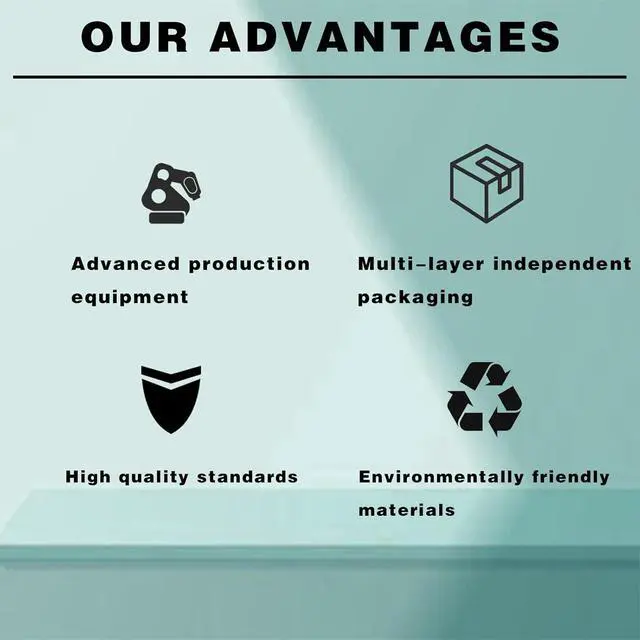
5.Environmentally friendly printing, safe and environmentally friendly, no irritating smell, giving you a healthy environment
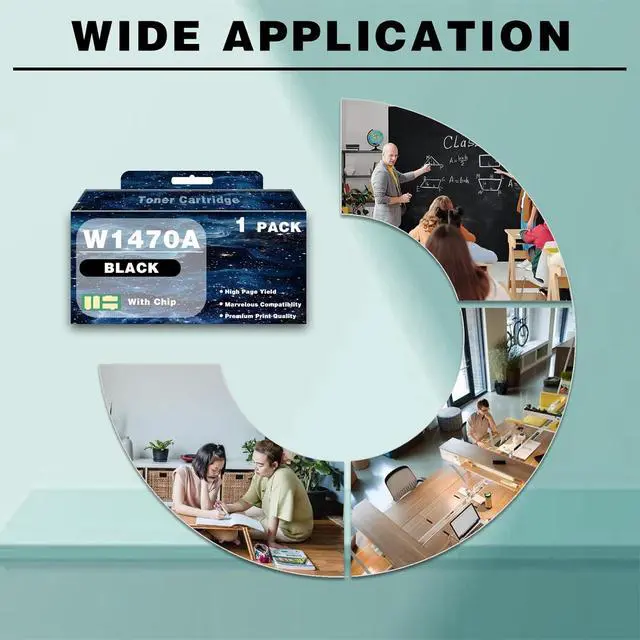
6.Suitable for various places, such as companies, schools, families, etc.
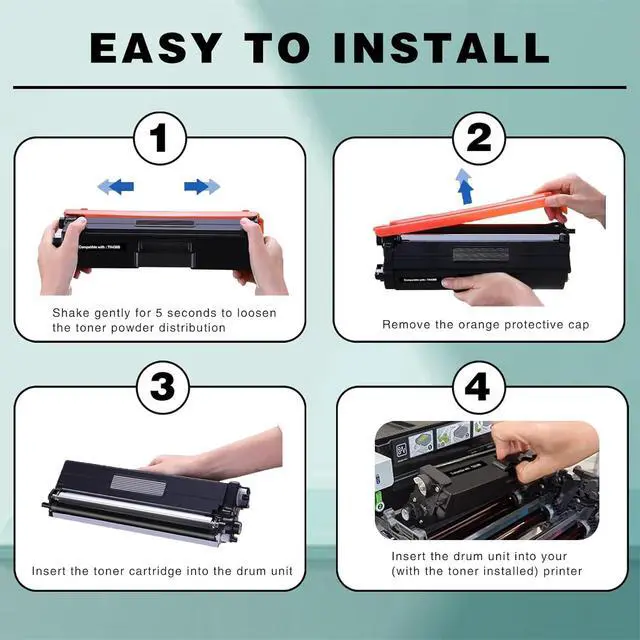
installation method
1.Shake it left and right several times to distribute the toner evenly
2.Pull out the sealing strip in the direction of the arrow to prevent damage.
3.Load the printer and put the toner cartridge into the printer correctly
Skill:
Since models vary in different regions, please confirm your ink cartridge model and printer model and send them to us.
Make sure not to touch the chip on the cartridge for optimal performance.
Please note that if you are prompted with a non-original message, just click "OK" or "Continue" to continue and start using the cartridges.
1.Compatible For HP 147A W1470A toner cartridge.
2.Applicable printer models: Suitable for HP LaserJet Enterprise M610 M611 M612 M634 M635 M636 Printer.
3.Number of pages: 147A W1470A toner cartridge black prints 10500 pages, coverage 5% (letter/A4)
Package Contents:
1 black 147A W1470A toner cartridge
Advantage
1.Excellent quality, HD printing
2.Large printing volume, affordable and durable
3.Good compatibility, easy to install and use
4.High-quality ink makes printing smoother and work more efficient
5.Environmentally friendly printing, safe and environmentally friendly, no irritating smell, giving you a healthy environment
6.Suitable for various places, such as companies, schools, families, etc.
installation method
1.Shake it left and right several times to distribute the toner evenly
2.Pull out the sealing strip in the direction of the arrow to prevent damage.
3.Load the printer and put the toner cartridge into the printer correctly
Skill:
Since models vary in different regions, please confirm your ink cartridge model and printer model and send them to us.
Make sure not to touch the chip on the cartridge for optimal performance.
Please note that if you are prompted with a non-original message, just click "OK" or "Continue" to continue and start using the cartridges.
Warranty & Returns
Warranty, Returns, And Additional Information
Warranty
- Please contact the Seller directly for warranty information. Warranty information may also be found on the Manufacturer's website.
- CONTACT
Return Policies
- Return for refund within: 30 days
- Return for replacement within: 90 days
- This item is covered by Ali Wangwang E-commerce Limited Return Policy
Manufacturer Contact Info
- For a directory of all our manufacturers, please click below.
- Manufacturers Directory
LOADING...