


- Free 30-day Returns
$236.99
Ships from United States.
Sold by Ali Wangwang E-commerce Limited
Shipped by Ali Wangwang E-commerce Limited

Meet Your Seller

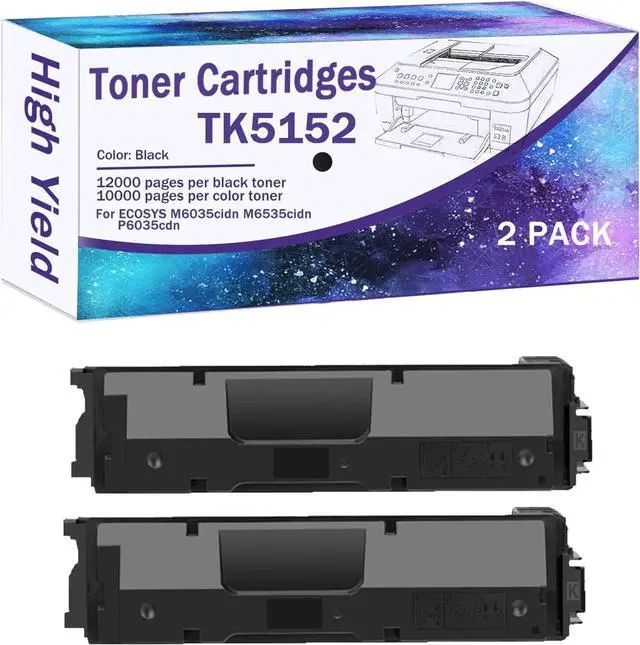





TK-5152 (TK5152) Compatible Toner Cartridges for Kyocera TK-5152K TK-5152Y TK-5152M TK-5152C for ECOSYS M6035cidn M6535cidn P6035cdn Printers, High Yeild Black 2 Pack
- Adaptable Toner: For Kyocera TK5152K TK5152Y TK5152M TK5152C
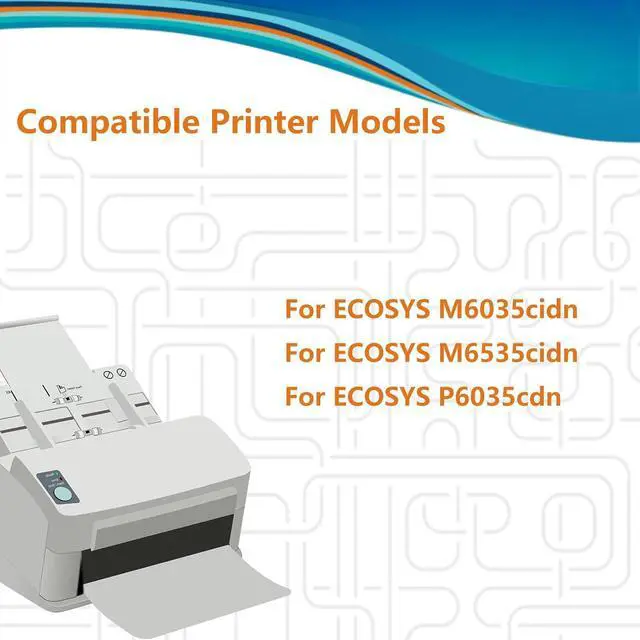
- Compatible With Printers: For ECOSYS M6035cidn M6535cidn P6035cdn printers
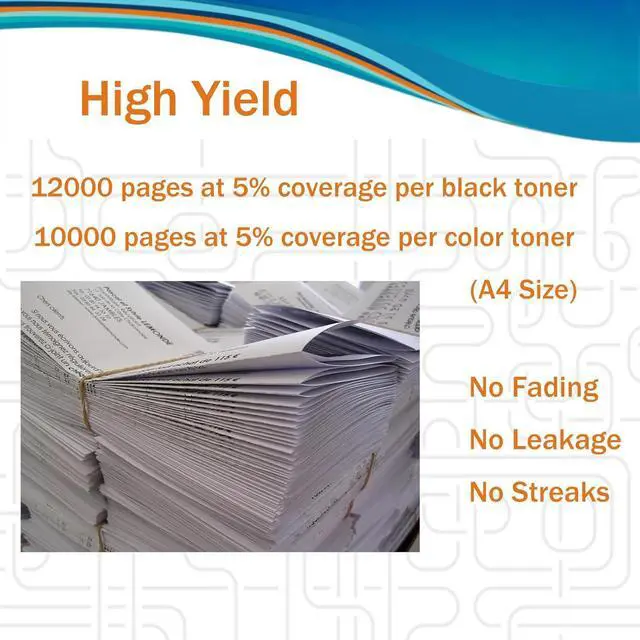
- High Page Yield: 12000 pages per TK-5152K black toner cartridge, 10000 pages per TK-5152 color toner cartridge, 5% coverage at A4 paper
- Stunning Performance: Deliver distinct texts, crisp images and high printer compatibility. No fading, leakage, or streaks guaranteed
- Smart Chip: Each toner has an auto-recognition chip for seamless printer communication. Ensures clearer text, vibrant colors and consistent performance
+
+
Overview
Specs
Reviews
Model Confirmation
When purchasing TK-5152 toner cartridge, please confirm if your printer model meets the requirements.
1.Replacement for TK5152K TK5152Y TK5152M TK5152C
2.Compatible With M6035cidn M6535cidn P6035cdn Printers
3.Color: Black/Cyan/Yellow/Magenta (TK-5152K/C/Y/M )
Installation Steps
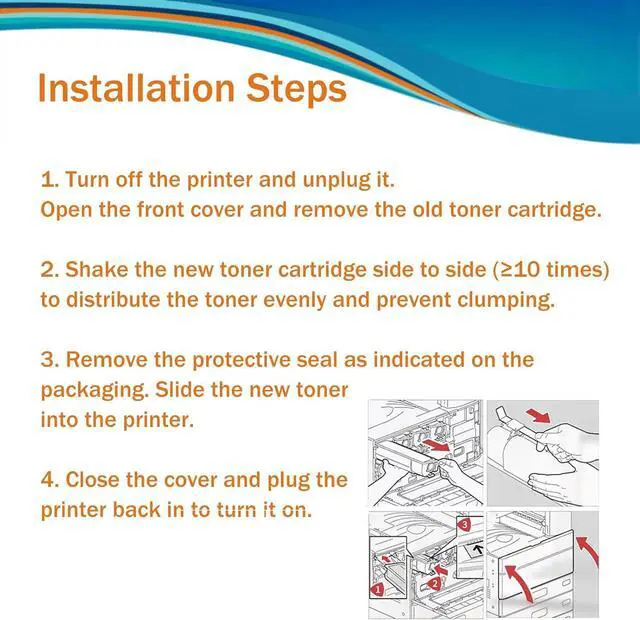
1.Turn off the printer and unplug it for safety. Open the front cover or toner compartment and remove the old toner cartridge.
2.Shake the new toner cartridge side to side more than 10 times to distribute the toner evenly and prevent clumping.
3.Carefully remove the protective seal as indicated on the packaging. Slide the new toner cartridge into the printer along the guide rail until it clicks into place.
4.Close the cover and plug the printer back in to turn it on.
When purchasing TK-5152 toner cartridge, please confirm if your printer model meets the requirements.
1.Replacement for TK5152K TK5152Y TK5152M TK5152C
2.Compatible With M6035cidn M6535cidn P6035cdn Printers
3.Color: Black/Cyan/Yellow/Magenta (TK-5152K/C/Y/M )
Installation Steps
1.Turn off the printer and unplug it for safety. Open the front cover or toner compartment and remove the old toner cartridge.
2.Shake the new toner cartridge side to side more than 10 times to distribute the toner evenly and prevent clumping.
3.Carefully remove the protective seal as indicated on the packaging. Slide the new toner cartridge into the printer along the guide rail until it clicks into place.
4.Close the cover and plug the printer back in to turn it on.
Warranty & Returns
Warranty, Returns, And Additional Information
Warranty
- Please contact the Seller directly for warranty information. Warranty information may also be found on the Manufacturer's website.
- CONTACT
Return Policies
- Return for refund within: 30 days
- Return for replacement within: 90 days
- This item is covered by Ali Wangwang E-commerce Limited Return Policy
Manufacturer Contact Info
- For a directory of all our manufacturers, please click below.
- Manufacturers Directory
LOADING...