
Your Browsing History
- Free 30-day Returns
$103.99
Ships from United States.
Sold by Ali Wangwang E-commerce Limited
Shipped by Ali Wangwang E-commerce Limited

Meet Your Seller

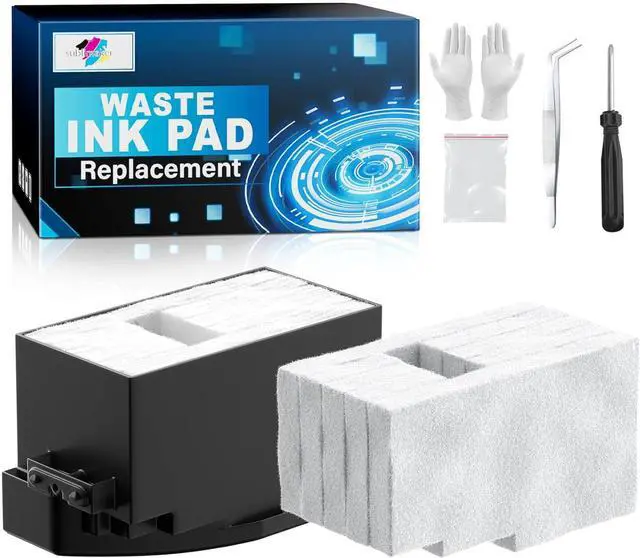
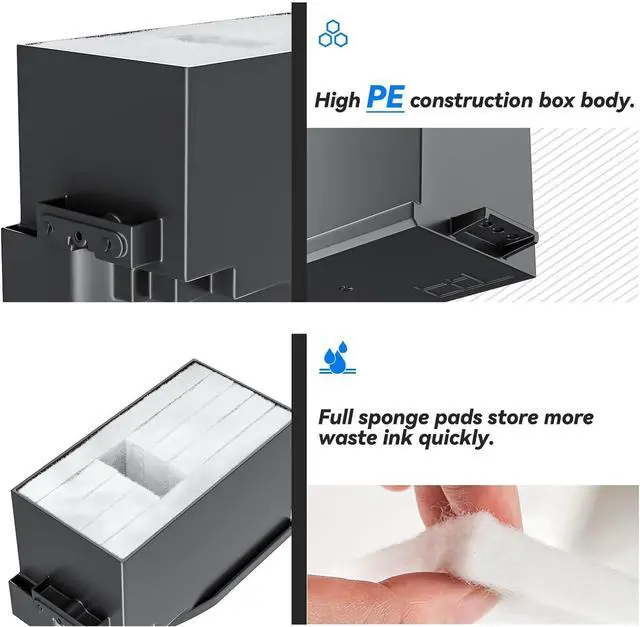
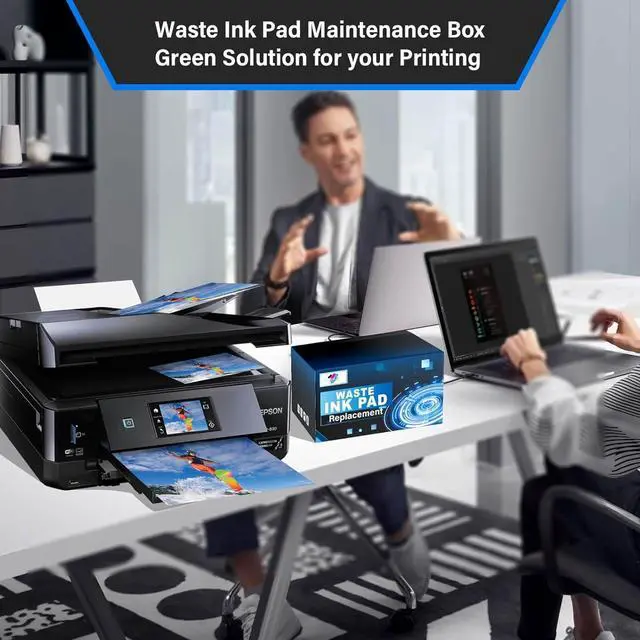


Waste Ink Pad Replacement with Reset Software for XP-830 XP-640 XP-530 XP-630 XP-7100 XP-850 XP-950 XP-860 XP-960 XP-810 XP-820 XP-600 XP-520 Printers, Maintenance Box with Extra Sponge
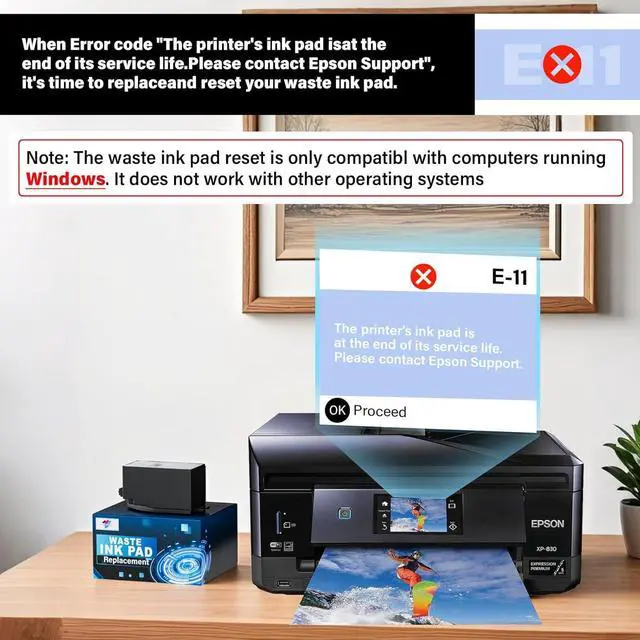
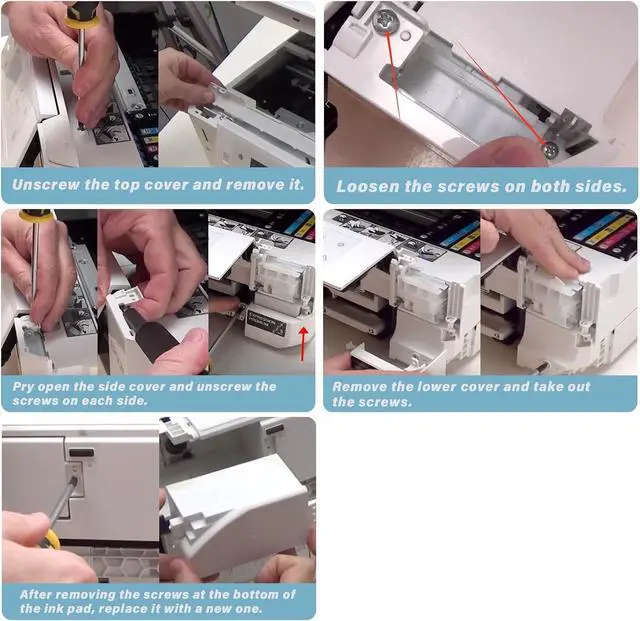
- Printer E-11 error code: Replacing the waste ink pad and using the reset software will resolve the printer E-11error code "Waste ink pad and maintenance box end of life".
- Note: The Sublimaker waste ink pad comes with reset software included no additional purchase is required. The reset software is only compatible with Windows computers and does not support Mac or other operating systems.
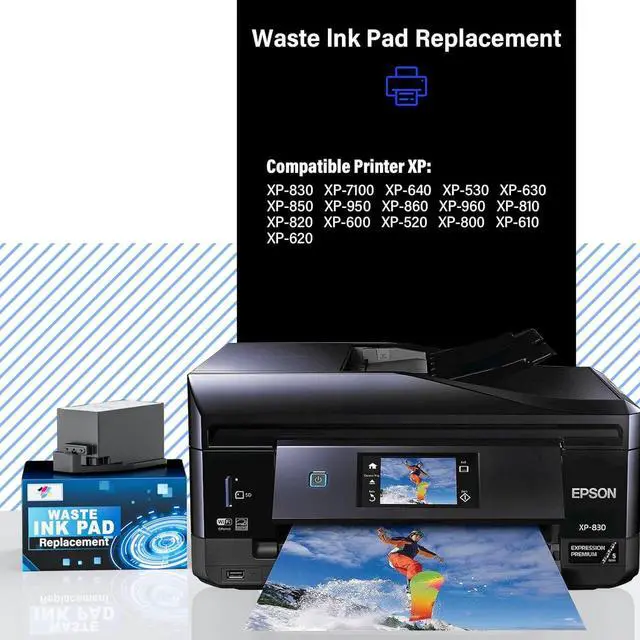
- Compatible Printers: Waste ink pad for XP-830 XP-640 XP-530 XP-630 XP-7100 XP-850 XP-950 XP-860 XP-960 XP-810 XP-820 XP-600 XP-520 XP-800 XP-610 XP-620 printers, For more unlisted printer model, contact our service to check if it fits.
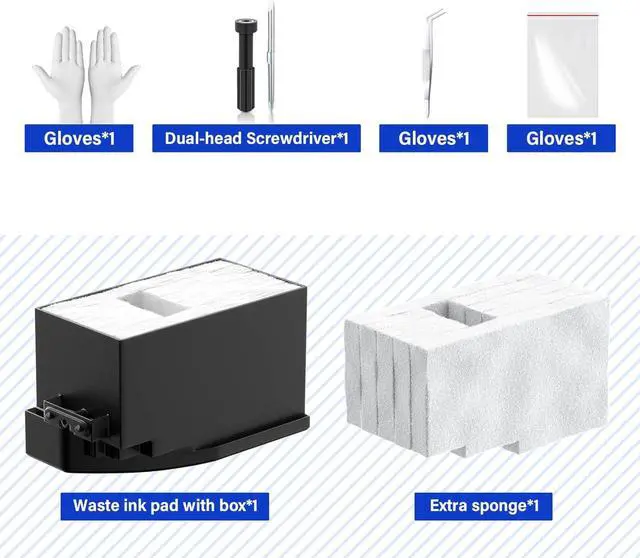
- What's In The Box: Waste Ink Pad (With sponge) x 1, sponge x 1, tweezers x1, disposable gloves x 1, double-headed screwdriver x 1, sealed bag x 1.
- Our After-Sales: If you have any questions, please don't hesitate to contact us. The waste ink pad undergoes rigorous testing before leaving the factory and is certified under "ISO-9001".
+
+
Overview
Specs
Reviews
Printer E-11 error code: Replacing the waste ink pad and using the reset software will resolve the printer E-11error code "Waste ink pad and maintenance box end of life".
Note: The Sublimaker waste ink pad comes with reset software included no additional purchase is required. The reset software is only compatible with Windows computers and does not support Mac or other operating systems.
Compatible Printers: Waste ink pad for XP-830 XP-640 XP-530 XP-630 XP-7100 XP-850 XP-950 XP-860 XP-960 XP-810 XP-820 XP-600 XP-520 XP-800 XP-610 XP-620 printers, For more unlisted printer model, contact our service to check if it fits.
What's In The Box: Waste Ink Pad (With sponge) x 1, sponge x 1, tweezers x1, disposable gloves x 1, double-headed screwdriver x 1, sealed bag x 1.
Our After-Sales: If you have any questions, please don't hesitate to contact us. The waste ink pad undergoes rigorous testing before leaving the factory and is certified under "ISO-9001".
Note: The Sublimaker waste ink pad comes with reset software included no additional purchase is required. The reset software is only compatible with Windows computers and does not support Mac or other operating systems.
Compatible Printers: Waste ink pad for XP-830 XP-640 XP-530 XP-630 XP-7100 XP-850 XP-950 XP-860 XP-960 XP-810 XP-820 XP-600 XP-520 XP-800 XP-610 XP-620 printers, For more unlisted printer model, contact our service to check if it fits.
What's In The Box: Waste Ink Pad (With sponge) x 1, sponge x 1, tweezers x1, disposable gloves x 1, double-headed screwdriver x 1, sealed bag x 1.
Our After-Sales: If you have any questions, please don't hesitate to contact us. The waste ink pad undergoes rigorous testing before leaving the factory and is certified under "ISO-9001".
Warranty & Returns
Warranty, Returns, And Additional Information
Warranty
- Please contact the Seller directly for warranty information. Warranty information may also be found on the Manufacturer's website.
- CONTACT
Return Policies
- Return for refund within: 30 days
- Return for replacement within: 90 days
- This item is covered by Ali Wangwang E-commerce Limited Return Policy
Manufacturer Contact Info
- For a directory of all our manufacturers, please click below.
- Manufacturers Directory
LOADING...