Key Features
Plug & Play Installation Simply remove the old cartridge and insert the new oneno tools or technical skills required
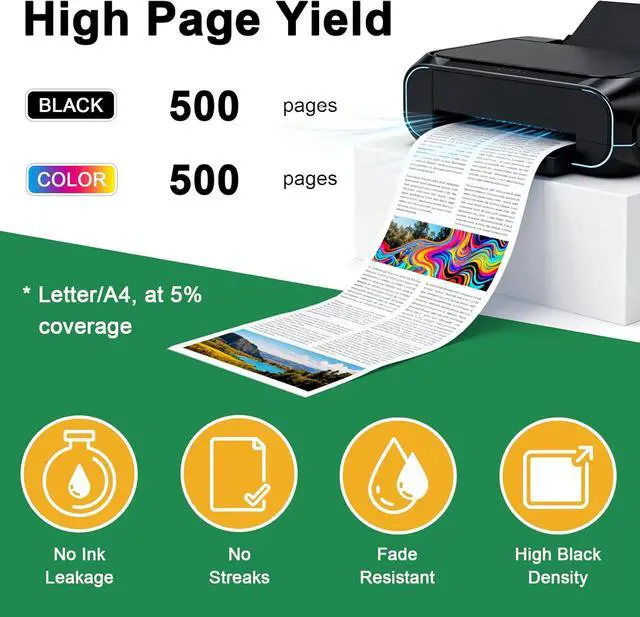
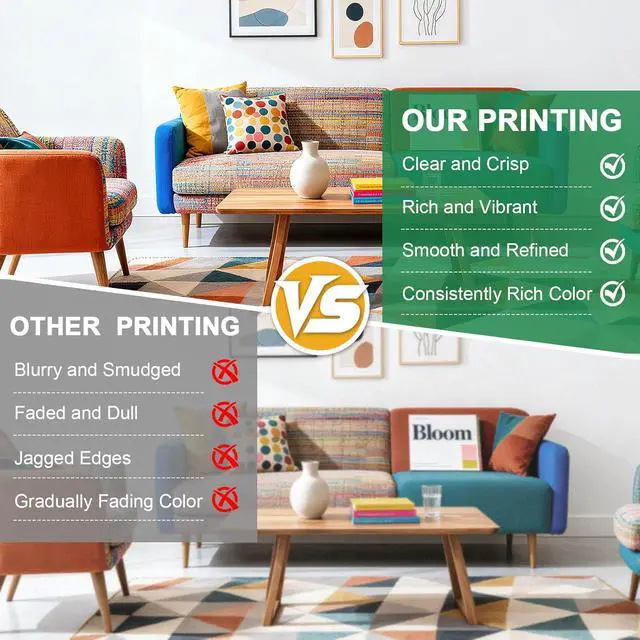
Enhanced Ink Formulation Low-dust, fast-drying ink minimizes printer maintenance and extends printhead life
Multi-Environment Use Ideal for home offices, schools, small businesses, and photo studios
Compatibility
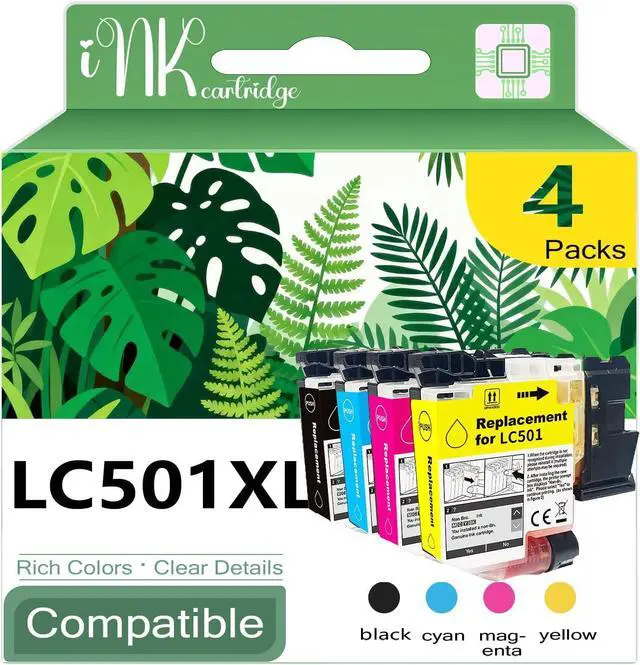
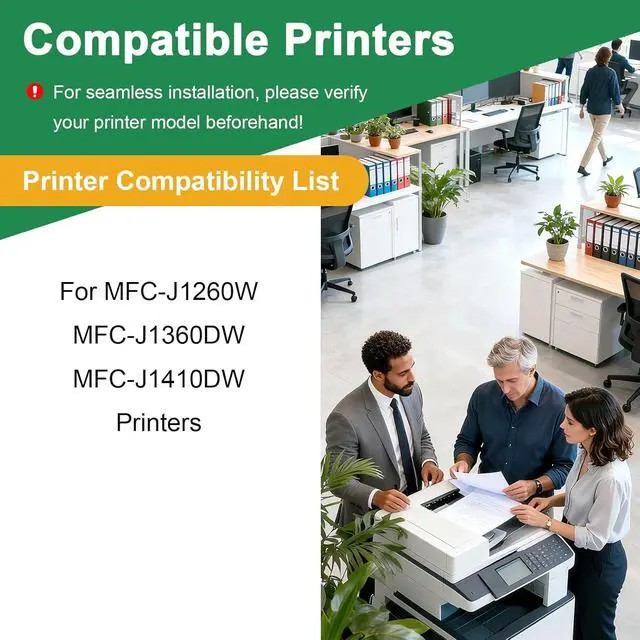
Fits Printers: MFC-J1260W, MFC-J1360DW, MFC-J1410DW
Check your printers manual to confirm exact model compatibility
Installation Guide
Turn off the printer and open the cartridge access door
Remove the old cartridge and gently shake the new one 5 times
Peel off the protective seal and insert it until it clicks into place
Close the printer and run a test print to ensure proper alignment
Storage & Maintenance
Store unopened cartridges in a cool, dry place (avoid direct sunlight)
For best results, use within 24 months of purchase