• $160.99
  • Free 30-day Returns
  • Ships from United States.
    Price alert
    Shop it at NeweggBusiness.

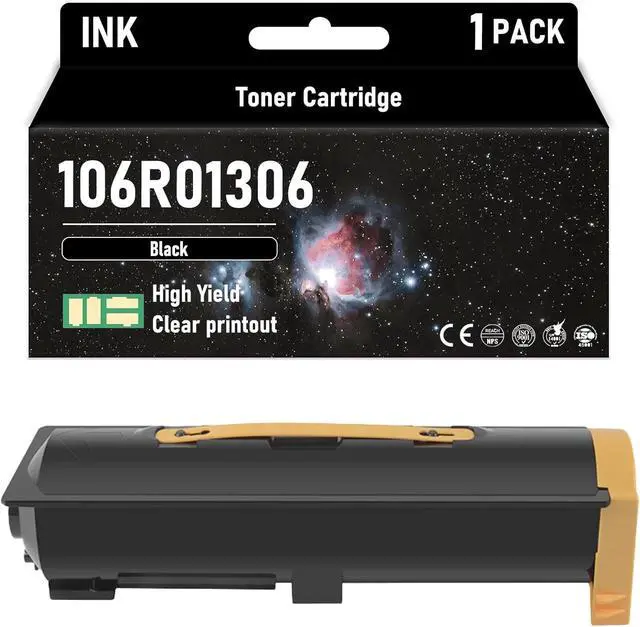
    106R01306 High Yield Black 30000 Pages Toner Cartridge Compatible for Xerox Compatible Replacement for Xerox 5222 5225 5230 Printers

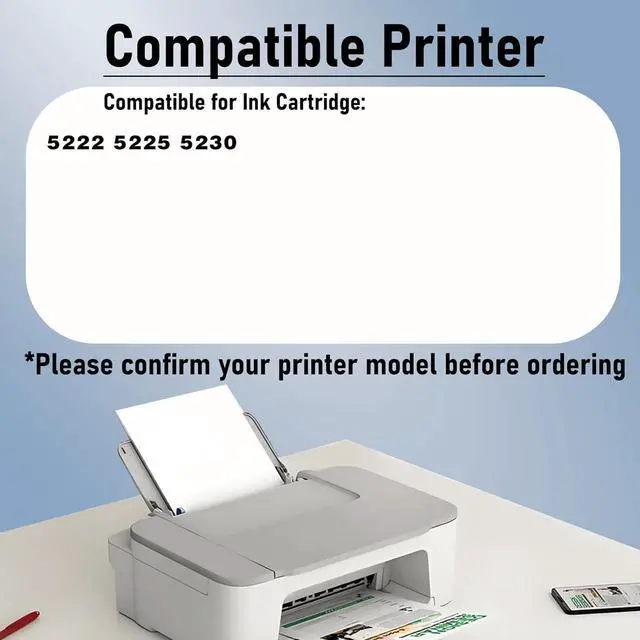
    • High compatibilityCompatible with for Xerox 106R01306 printers including laserJet Pro 5222 5225 5230.
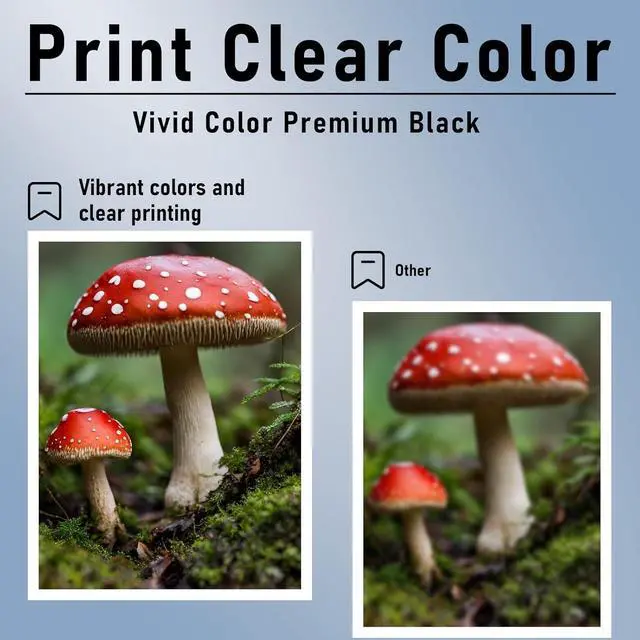
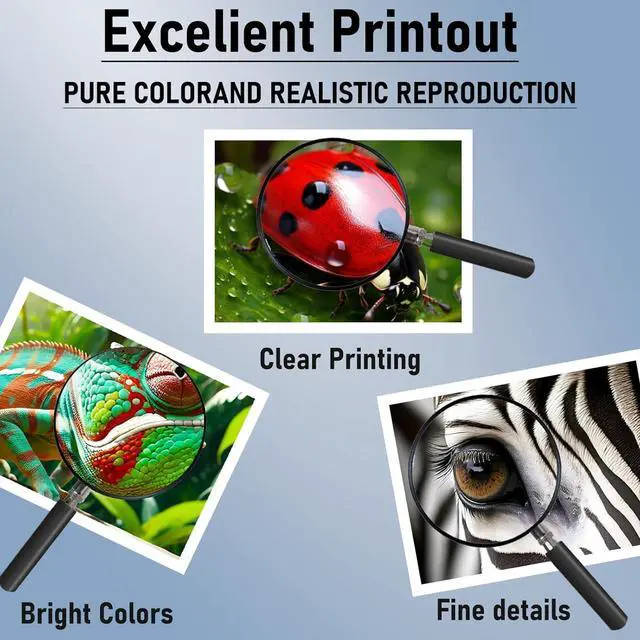
    • Our AdvantagesThe toner cartridge uses high-quality toner, with fine particles, low scrap rate, and no ink leakage, ensuring sufficient number of printed pages, high color saturation, and clearer color printing.
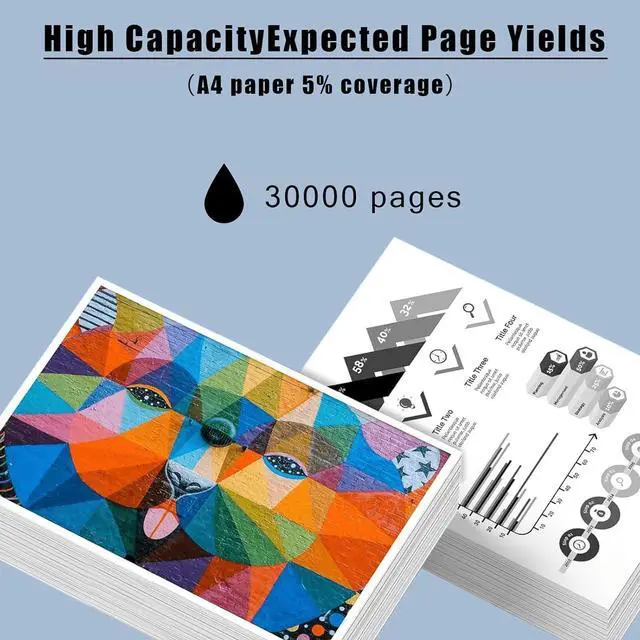
    • HIghest Page YIeldUp to 30000 pages per black Ink cartrIdge A4 paper. (5% coverage) A4 paper.
    • Smart ChipEquipped with smart chip,Strong recognition,Long-lasting and durable Effectively improve the durability and stability of the toner cartridge!
    • Superior ServiceIf you have questions, please contact us directly, we guarantee to reply to your message within 24 hours and provide solutions to solve your problem.
    +
    +
    Overview
    Specs
    Reviews
    1. Compatible Cartridge Replacement for 106R01306 Toner Cartridge
    2. Why Choose Our Cartridges?
    - Strict Quality Control: Precise specifications ensure proper installation.
    - Excellent Printing Results: Premium inks provide crisp text and graphics.
    - Brand New Chip: Highly compatible with brand new printer firmware.


    3. User Manual:
    - If your printer displays an alert like "No" instead of "-Genuine", press "Continue"/"Continue"/"Accept" or "OK" and continue.
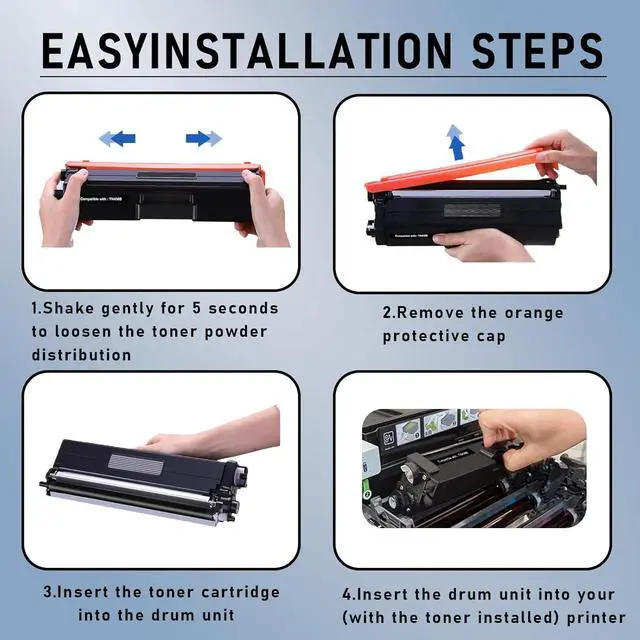
    - If you receive an "Ink Cartridge Not Recognized" or "Ink Missing or Damaged" error, remove the affected ink cartridge and gently wipe the chip with a flannel or eraser to remove any dust or adhesion that may be present. Then put the clean ink cartridge back into the appropriate ink cartridge slot. If the problem persists, turn off the printer and unplug it for 30 seconds and try again.
    - If you get an unrecognized printer problem, you should check if the nozzles are clogged or if the printer has been cleaned.
    - If you notice an "Out of Ink/Empty/Low Ink" error, remove and reinstall the indicated ink cartridge until it is firmly seated in its slot. If all ink cartridges are installed correctly, press OK or Continue to remove the message and print.

    Warranty & Returns

    Warranty, Returns, And Additional Information

    Warranty

    • Please contact the Seller directly for warranty information. Warranty information may also be found on the Manufacturer's website.
    • CONTACT

    Return Policies

    Manufacturer Contact Info

    LOADING...