


- Free 30-day Returns
$605.99
Ships from United States.
Sold by Ali Wangwang E-commerce Limited
Shipped by Ali Wangwang E-commerce Limited

Meet Your Seller

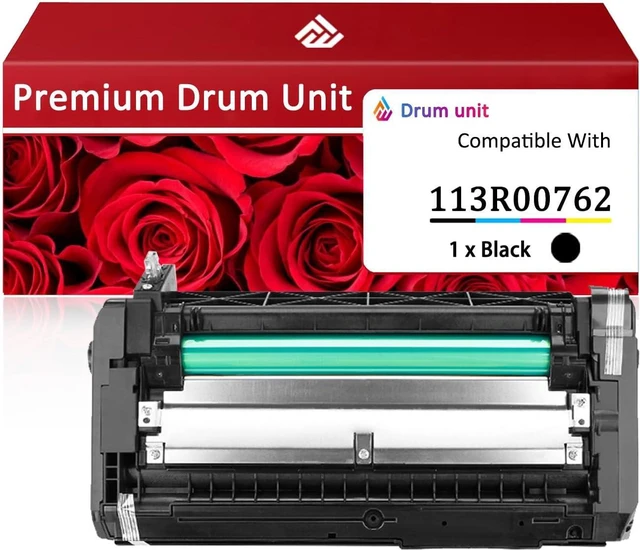





113R00762 Drum Unit Compatible for Xerox 113R00762 Imaging Drum Work for Xerox Phaser 4600 4620 4622 Printers
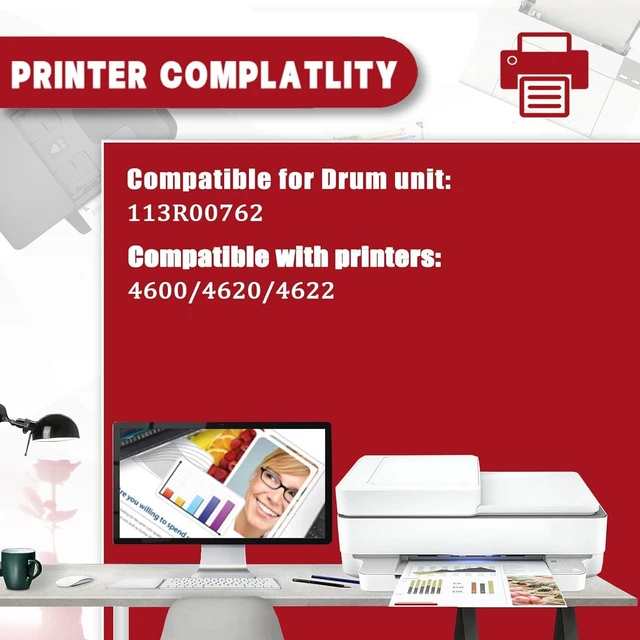
- Compatibility With: For Xerox Phaser 4600 4620 4622 Printers
- Print capacity: With 5% coverage on A4 paper, up to 80,000 pages can be printed with the 113R00762 black drum unit
- Package Includes: One 113R00762 black drum unit
- Effortless Installation: The 113R00762 drum units boast a straightforward installation process, unpack and install for a seamless experience
- After-sale Service: When purchasing the 113R00762 drum unit, please verify your printer model's compatibility. Should you encounter questions during the process , kindly contact us promptly. We're here to assist. Enjoy your shopping experience
+
+
Overview
Specs
Reviews
Compatible Models
The 113R00762 drum unitis compatible for Xerox Phaser 4600 4620 4622 Printers.
Package Contents
1 pack of 113R00762 Black drum unit.
Print capacity:
113R00762 Black imaging drum unit: 80,000 pages.
Installation Method:
1.Remove all protective tapes and covers from the new drum unit before installation.
2.Hold the drum unit by the green handle to avoid touching the sensitive surface.
3.Slide the drum unit firmly into the printer until it clicks into place.
4.Close the printer cover and run a print test to ensure optimal performance.
Important Reminder
1.Please note that the drum unitmodels and versions may vary by region. Please verify the exact model of the drum unitand printer before purchasing our drum units.
2. To ensure optimal performance, avoid touching important parts on the drum unit.
Warranty & Returns
Warranty, Returns, And Additional Information
Warranty
- Please contact the Seller directly for warranty information. Warranty information may also be found on the Manufacturer's website.
- CONTACT
Return Policies
- Return for refund within: 30 days
- Return for replacement within: 90 days
- This item is covered by Ali Wangwang E-commerce Limited Return Policy
Manufacturer Contact Info
- For a directory of all our manufacturers, please click below.
- Manufacturers Directory
LOADING...