• $346.99
  • Free 30-day Returns
  • Ships from United States.
    Price alert
    Shop it at NeweggBusiness.

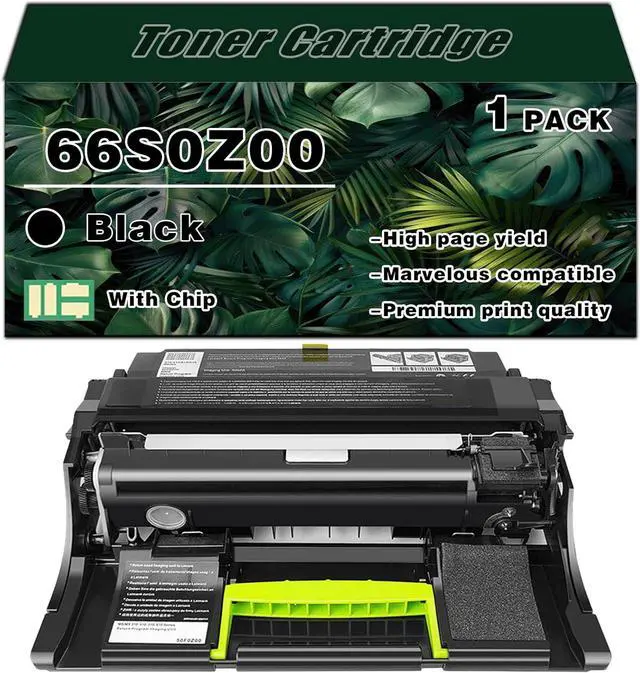
    66S0Z00 Black Imaging Unit Drum Unit (65000 Pages) for Lexmark 66S0Z00 Imaging Unit Drum Unit Work for Lexmark MS531dw MS631dw MS632dwe MX532adwe MX632adwe M33505 Printers

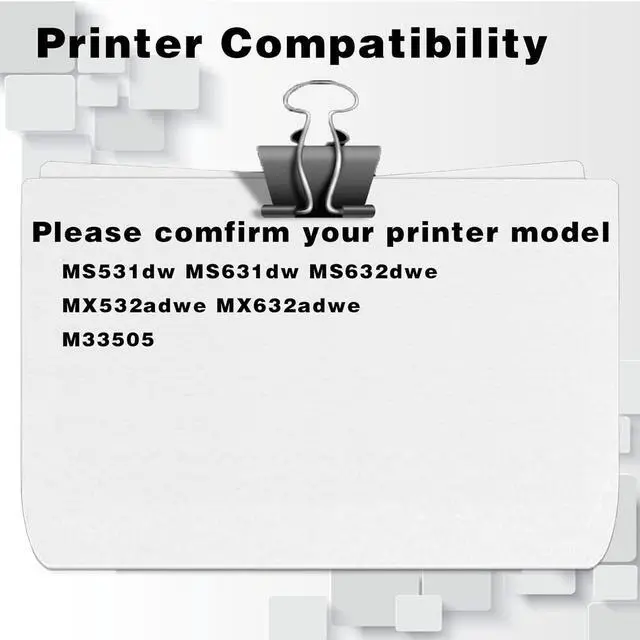
    • Compatibility WithFor Lexmark Color MS531dw MS631dw MS632dwe MX532adwe MX632adwe M33505
    • Efficient printingUp to 65000 pages per 66S0Z00 black Imaging Unit Drum Unit(at 5% coverage of A4 paper)
    • Printing EnhancementElevate your printing experience with premium toner featuring rich color saturation. Expect sharper text printouts, devoid of any ink bleeding, for a superior outcome.
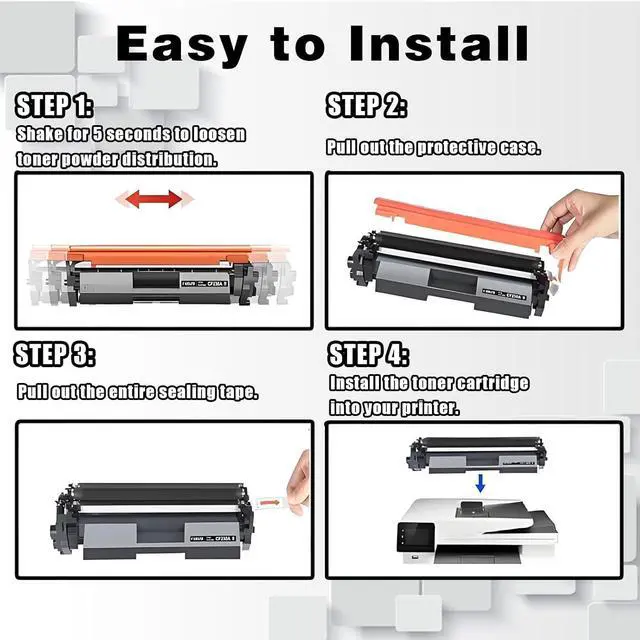
    • Effortless InstallationThe Imaging Unit Drum Units boast a straightforward installation process, unpack and install for a seamless experience
    • After-sale ServiceWhen purchasing the Imaging Unit Drum Unit, please verify your printer model's compatibility. Should you encounter questions during the process , kindly contact us promptly. We're here to assist. Enjoy your shopping experience
    +
    +
    Overview
    Specs
    Reviews
    Compatible Models
    66S0Z00 Imaging Unit Drum Unit compatible for Lexmark MS531dw MS631dw MS632dwe MX532adwe MX632adwe M33505 Printer.

    Installation Steps
    1.Remove the old powder cartridge of the corresponding color.
    2.Shake the cartridge horizontally 2~3 times to make the toner uniform.
    3.Simple and easy installation in just,three steps for use in a copier.

    Product Advantages
    1.Printer toner fixing firmly, strong adsorption, printing effect of clear resolution, strong sense of hierarchy.
    2.Printing effect of the font thick, no hollow phenomenon low powder consumption, high transfer rate, low powder consumption, effectively extend the life of the machine.
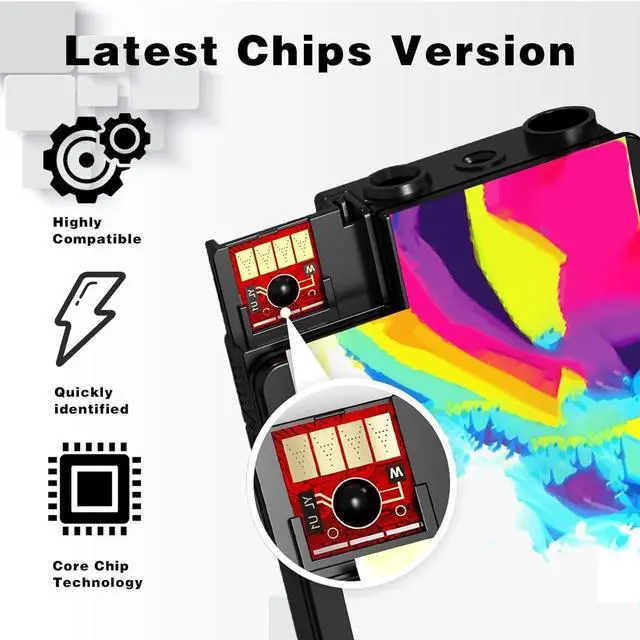
    3.Imaging Unit Drum Unit has the latest chip for your printer to better recognize the Imaging Unit Drum Unit.
    4.We are committed to quality assurance, all products must be strictly inspected by QC before sale to ensure that the Imaging Unit Drum Unit prints smoothly and does not clog.

    Warm Tip:
    · Since the models vary in different regions, please confirm your original Imaging Unit Drum Unit model and printer model and send them to us.
    · Make sure not to touch the chip on the Imaging Unit Drum Unit for optimal performance.

    Warranty & Returns

    Warranty, Returns, And Additional Information

    Warranty

    • Please contact the Seller directly for warranty information. Warranty information may also be found on the Manufacturer's website.
    • CONTACT

    Return Policies

    Manufacturer Contact Info

    LOADING...