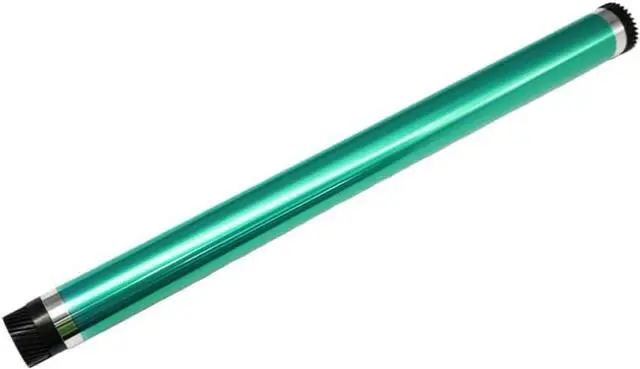
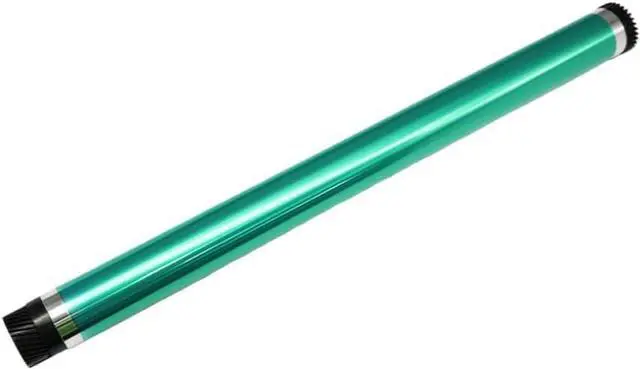
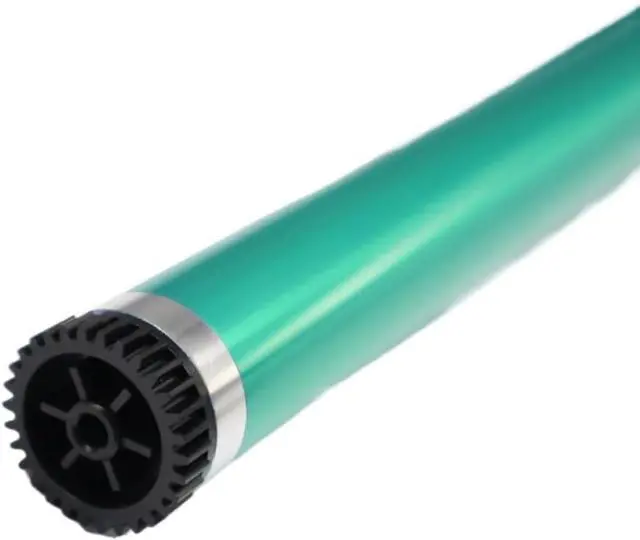
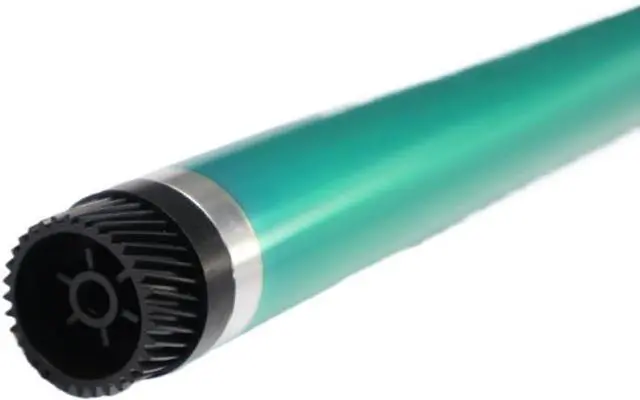
1PC OPC Drum For Di162 181 183 1611 2011 152 162 163 183 7115 7118 7220 7521 1611 721 7516 2011 210 220 The OPC (Organic Photoconductor) Drum is a key component in laser printers and multifunction devices.It receives the laser image and transfers it onto paper using toner.With regular use, the drum can degrade, leading to reduced print quality.This 1PC OPC Drum is designed to replace worn units in a range of printer models including Di162, Di181, Di183, Di1611, Di2011, 152, 162, 163, 183, 7115, 7118, 7220, 7521, 1611, 721, 7516, 2011, 210, and 220.It supports consistent performance across both home and office printing environments.This drum is built for durability with materials that resist scratches and wear.It works efficiently with various toner types, helping to minimize clumping and uneven distribution.Replacing an aging drum can resolve issues such as faded output, streaks, ghosting, or inconsistent toner application, restoring the clarity and consistency of printed documents.Installation is straightforward.Turn off and unplug the printer, open the access cover, and locate the drum unit.Remove the old drum carefully without touching the.Unpack the drum, remove any protective coverings, and insert it into the designated slot.Close the cover, reconnect power, and run a test print to confirm proper.Refer to the printers manual for model-specific guidance.A degraded OPC Drum may result in lighter prints, visible lines, repeated images, feeding problems, or system alerts.Replacing the drum when these symptoms appear helps maintain and prevents strain on other internal components.Regular replacement supports sustained print performance and extends the functional life of the printer.