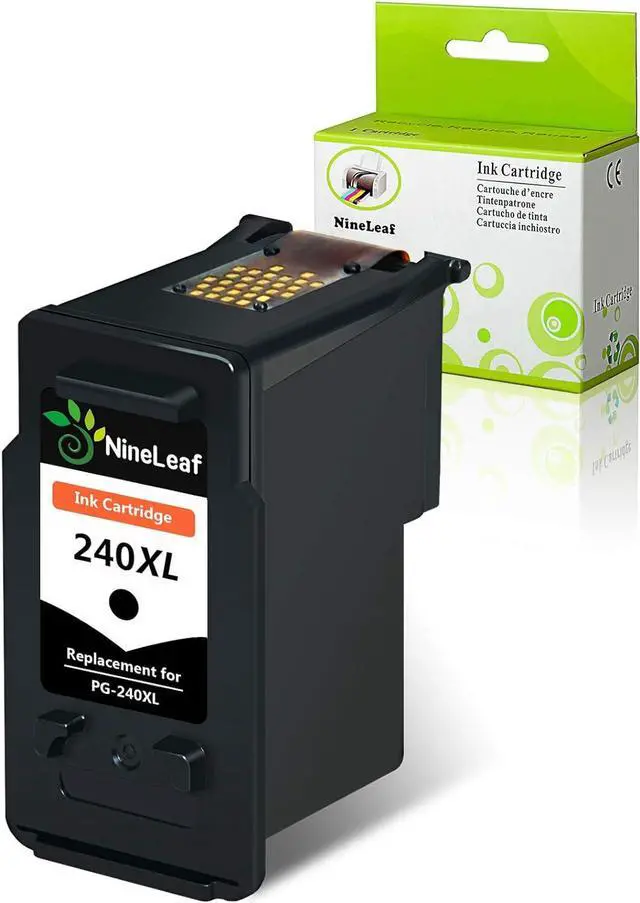
Type: Nineleaf PG240XL black high yield ink cartridge
Color: Black
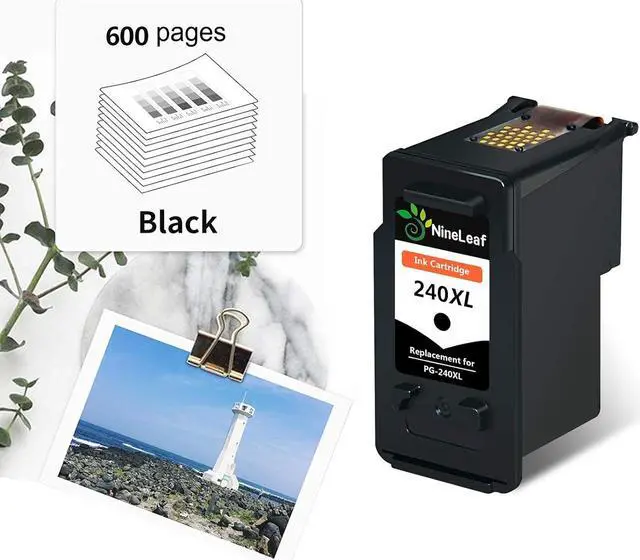
Page Yield: 600 pages per black at 5% coverage.
High Performance: Use Nineleaf compatible inks to print photos, high-quality printing performance to ensure the color long-lasting, to keep each precious memory intact and forever.
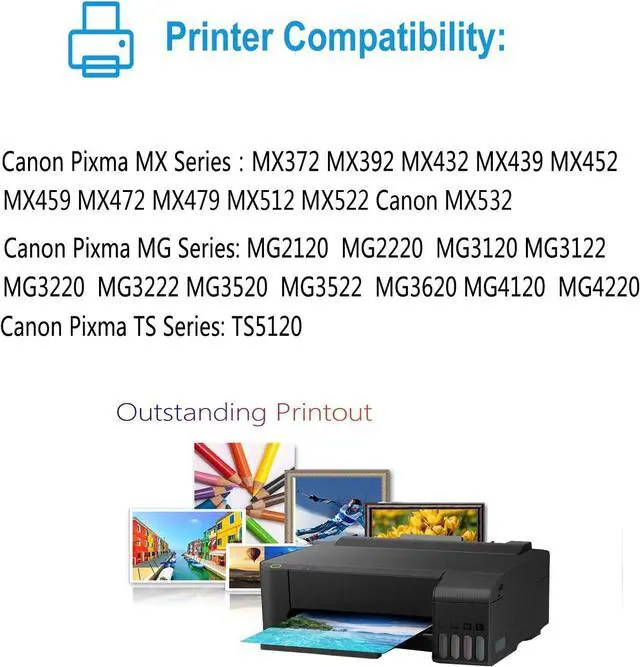
Compatibility:
Canon Pixma MX372, Canon MX392, Canon MX432
Canon Pixma MX439, Canon MX452, Canon MX459
Canon Pixma MX472, Canon MX479, Canon MX512
Canon Pixma MX522, Canon MX532
Canon Pixma MG2120, Canon MG2220, Canon MG3120
Canon Pixma MG3122, Canon MG3220, Canon MG3222
Canon Pixma MG3520, Canon MG3522, Canon MG3620
Canon Pixma MG4120, Canon MG4220
Canon Pixma TS5120
FOR OPTIMAL USE
Please follow the guidelines below:
Step 1: Please take off the protective cover before you install the ink cartridges.
Step 2: Please remove protective film of cartridges.
Warm Tips:
1. Please confirm your Printer Model before placing order.
2. Do not need tear the plastic film before install the ink .
3. Please clean the printer heads everytime you change ink,That more than anything will keep your printer running smoothly.
4. The computer would appear Non-Genuine, please click Yes continuously, then the printer can go on to print.
5. If you receive the ink can not recognize your printer please turn off 30 second then turn on and install again ,also you can try take the ink out and use tissue with rubbing alcohol clean the chips softly.