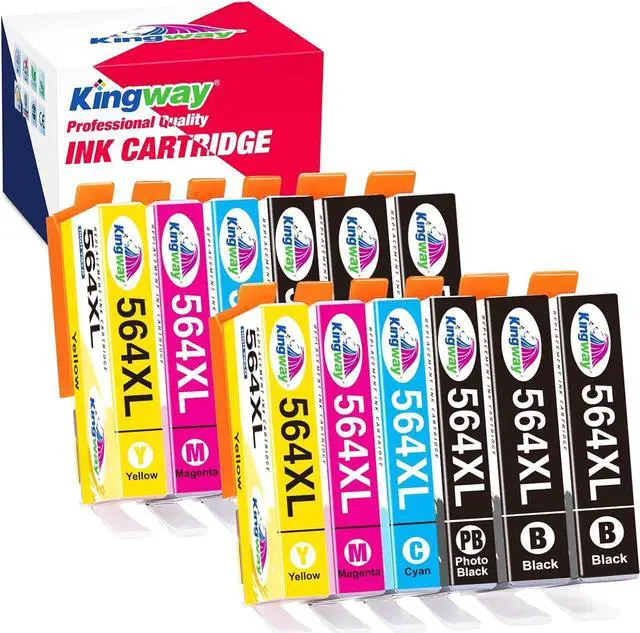
Kingway Compatible HP 564XL Ink Cartridge
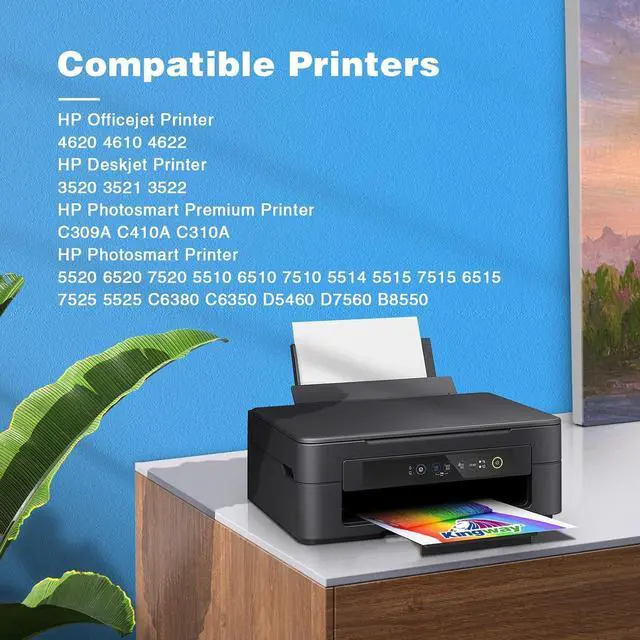
Printer Compatibility:
HP Photosmart Series:
HP Photosmart 5510,5512,5514,5515,5520,5525
HP Photosmart 6510,6512,6515,6520,6525
HP Photosmart B209a,B210a,B210e,C309a,C410a,C310a,C510
HP Officejet Series:
HP Officejet 4620,4610,4622
HP Deskjet Series:
HP Deskjet 3520,3521,3522
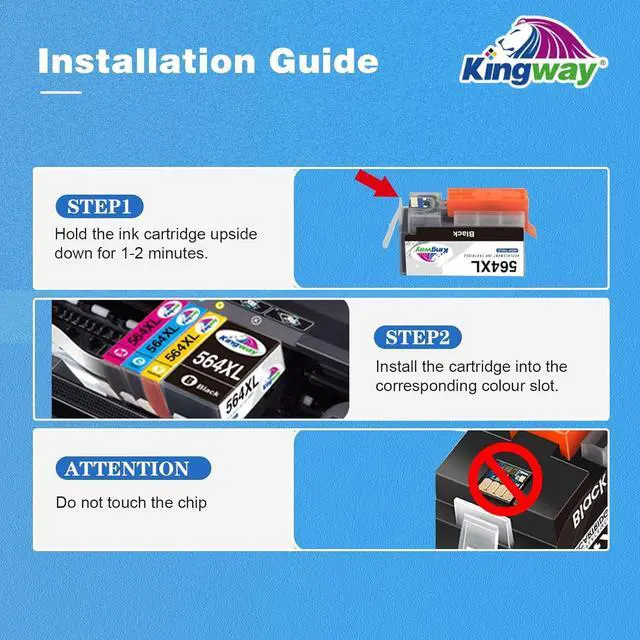
Easy to Use
- Remove protective plastic cap
- Insert ink cartridge into printer
Accurate Ink Levels
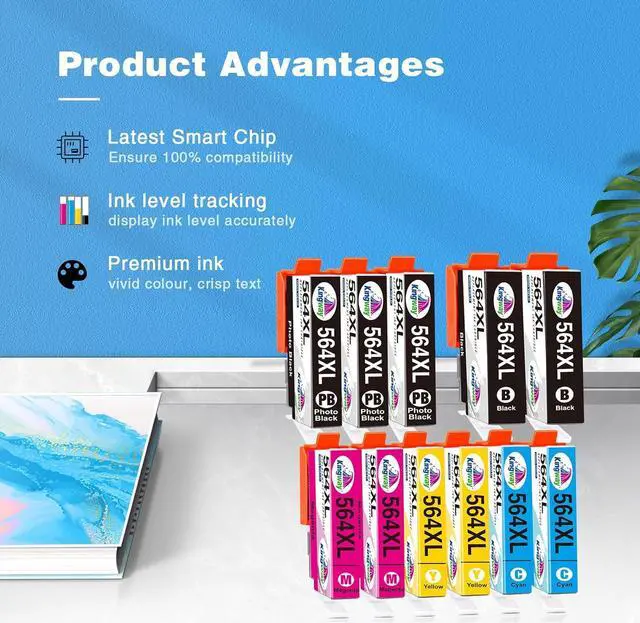
Each cartridge will fully read accurate ink levels on your printer.
How to Install 564XL Cartridges Properly
1.Remove the orange cap
2.With the nozzle and contacts facing down, insert the bump into the groove(shown as the picture)
3.Then push the plastic tab and press down on the cartridge until it clicks into place.
Make sure you hear a 'click' when inserting the cartridge. If you don't, then pull back the tab slightly and reinsert.