• $149.99
  • Free 30-day Returns
  • Ships from China.
    Price alert
    Shop it at NeweggBusiness.

    Meet Your Seller

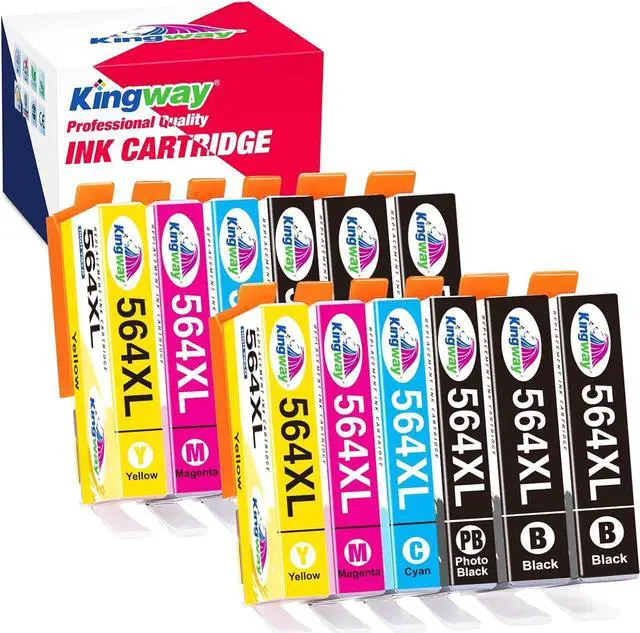
    KINGWAY Compatible Ink Cartridge Replacement for 564XL, Compatible Photosmart 5520 6520 7520 5510 6510 7510 7525 B8550 Premium C309A C410A Officejet 4620 Deskjet 3520,5 Color (12 Packs)

    • ADVANTAGE: Easy to install and work just like the originals. Formulated to prevent corrosion and clogging of the printhead.
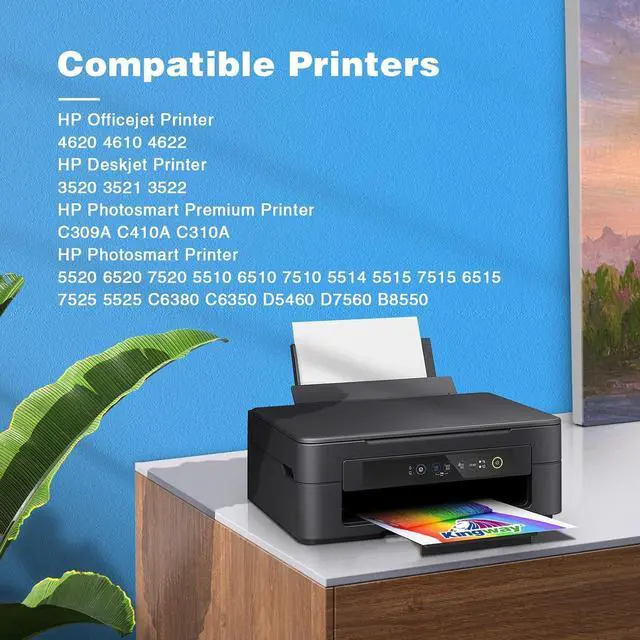
    • COMPATIBLE PRINTER: Compatible with HP Photosmart 5520 6520 7520 5510 6510 7510 5514 5515 7515 6515 7525 5525 C6380 C6350 D5460 D7560 B8550 Photosmart Premium C309A C410A C310A Officejet 4620 Deskjet 3520 3521 3522.
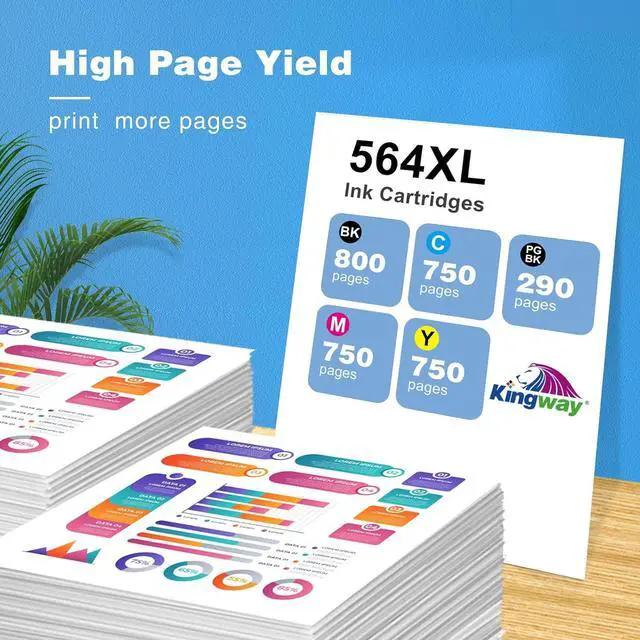
    • PAGE YIELD: Approximately 800 pages per black and 750 per color at 5% coverage.
    • PACKAGE CONTENTS: Compatible with HP 564XL ink cartridges (4Black, 2PBK2Cyan, 2Magenta, 2Yellow), 12-Pack.
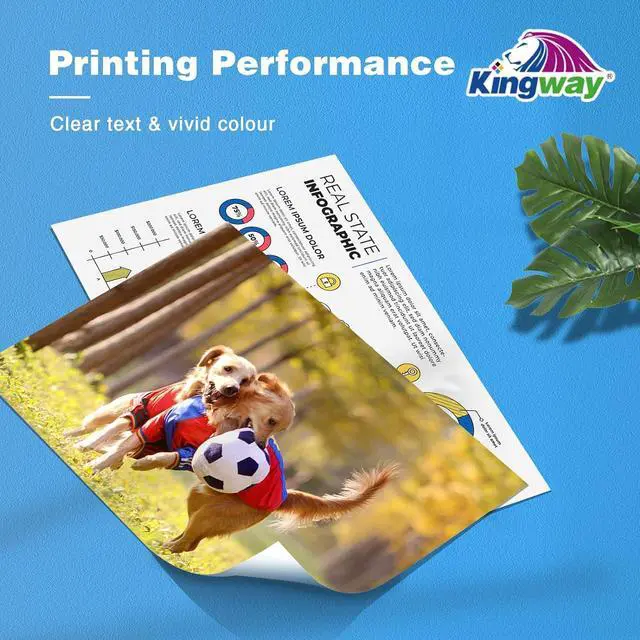
    • SUFFICIENT CAPACITY: All printer 564XL 564 ink cartridges are filled to O.E.M capacity and meets O.E.M page yield, helping you get consistent, smudge-free, clear and crisp prints every time.
    • KINGWAY FEATURES: Kingway brand compatible ink cartridge is made with premiun ink by the emerging technology in 21st century. We aim to get exceptional ink quality, guarantee vibrant color and high page yield, reduce your printing cost.
    • Please confirm your print
    +
    +
    Overview
    Specs
    Reviews
    Kingway Compatible HP 564XL Ink Cartridge
    Printer Compatibility:
    HP Photosmart Series:
    HP Photosmart 5510,5512,5514,5515,5520,5525
    HP Photosmart 6510,6512,6515,6520,6525
    HP Photosmart B209a,B210a,B210e,C309a,C410a,C310a,C510

    HP Officejet Series:
    HP Officejet 4620,4610,4622
    HP Deskjet Series:
    HP Deskjet 3520,3521,3522
    Easy to Use
    - Remove protective plastic cap
    - Insert ink cartridge into printer
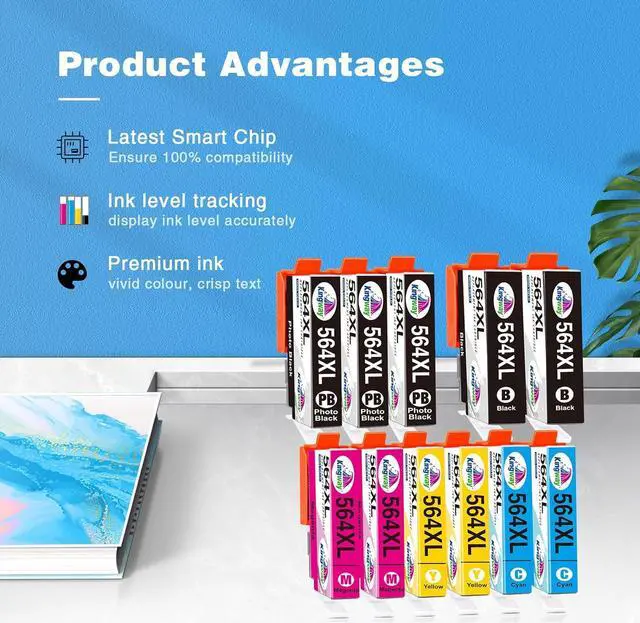
    Accurate Ink Levels
    Each cartridge will fully read accurate ink levels on your printer.
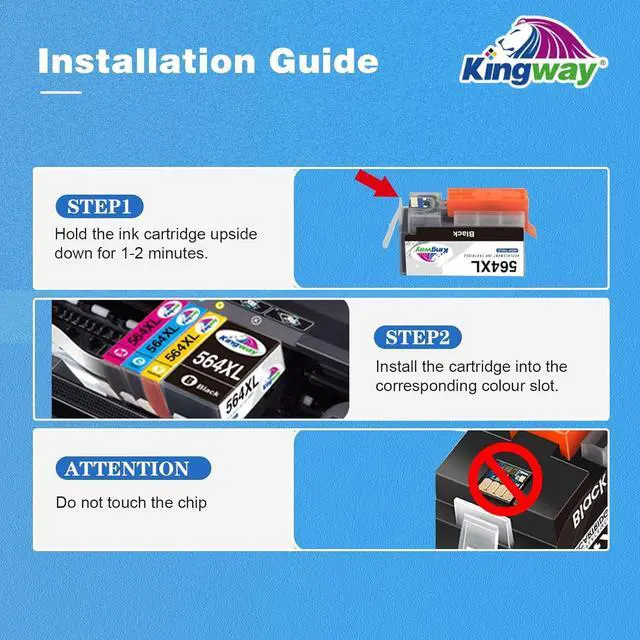
    How to Install 564XL Cartridges Properly
    1.Remove the orange cap
    2.With the nozzle and contacts facing down, insert the bump into the groove(shown as the picture)
    3.Then push the plastic tab and press down on the cartridge until it clicks into place.
    Make sure you hear a 'click' when inserting the cartridge. If you don't, then pull back the tab slightly and reinsert.

    Warranty & Returns

    Warranty, Returns, And Additional Information

    Warranty

    • Please contact the Seller directly for warranty information. Warranty information may also be found on the Manufacturer's website.
    • CONTACT

    Return Policies

    • Return for refund within: 30 days
    • Return for replacement within: 90 days
    • This item is covered by Nature Return Policy

    Manufacturer Contact Info

    LOADING...