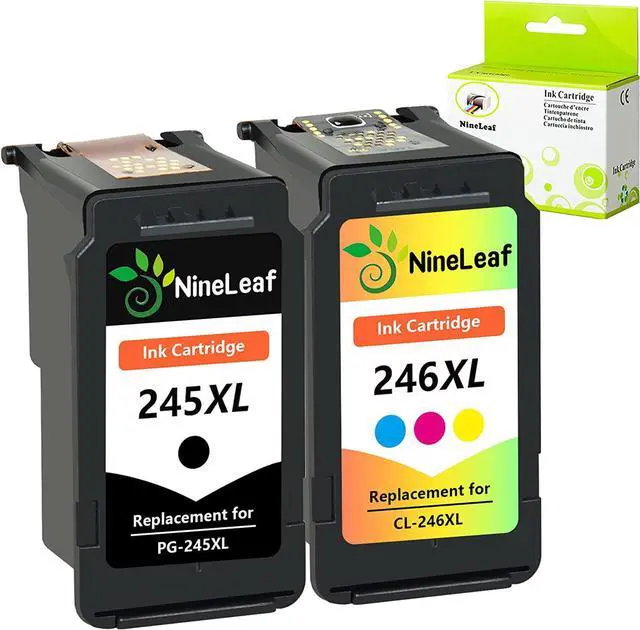
NineLeaf Remanufactured Ink Cartridge Replacement for Canon PG-245XL 245XL CL-246XL 246XL PG-243 CL-244 (Non-OEM)
Package: 2 Pack NineLeaf remanufactured 245XL 246XL ink cartridges (1 Black / 1 Tri-color)
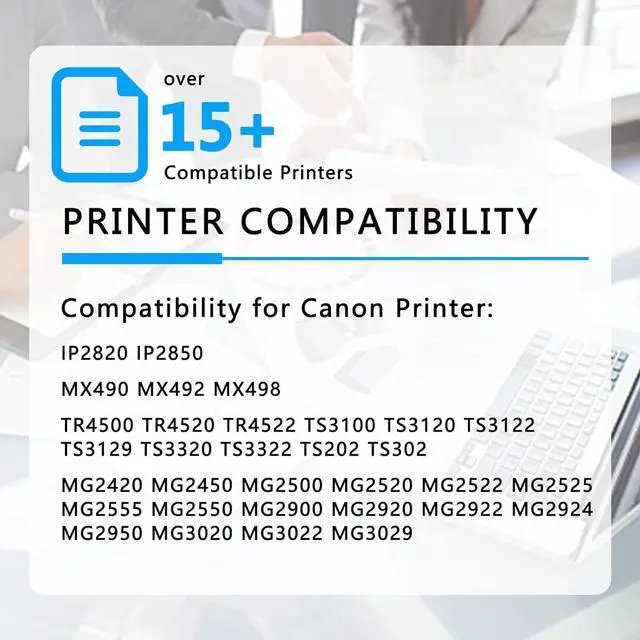
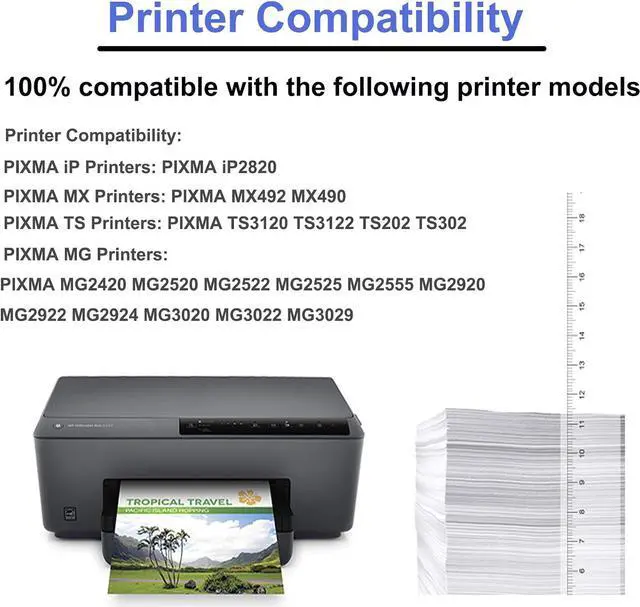
Compatibility:
Canon Pixma MX Series
Canon Pixma MX490, Canon Pixma MX492
Canon Pixma IP Series
Canon Pixma IP2820
Canon Pixma MG Series
Canon Pixma MG2420, Canon Pixma MG2520, Canon Pixma MG2522,
Canon Pixma MG2525, Canon Pixma MG2920, Canon Pixma MG2922
Canon Pixma MG2924, Canon Pixma MG3020, Canon Pixma MG3022
Canon Pixma MG3029
Canon Pixma TS Series
Canon Pixma TS3120, Canon Pixma TS3122,
Canon Pixma TS202, Canon Pixma TS302
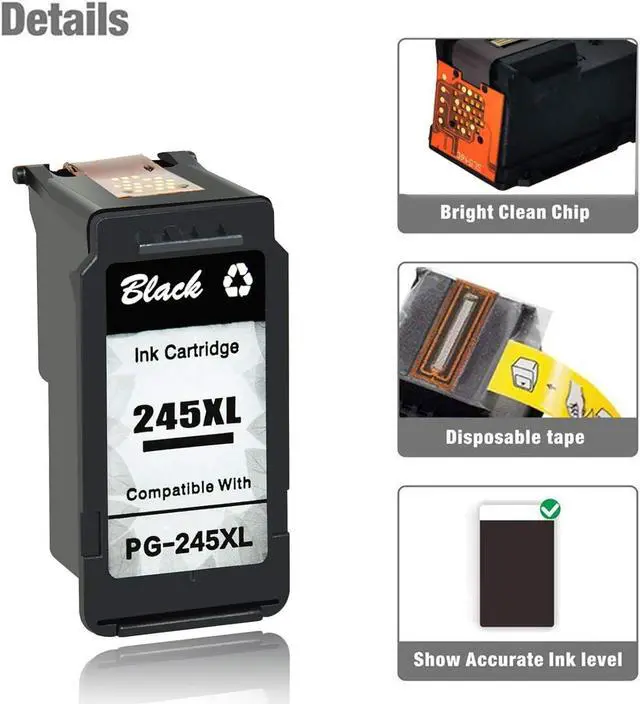
Approximate page yield: 400 pages per black, ~300 pages per color at 5% coverage.(Due to custom chip design, Ink level may not display correctly, this will not affect printing functions.)
Tips:
1. Before placing an order, please be sure to confirm your printer model.
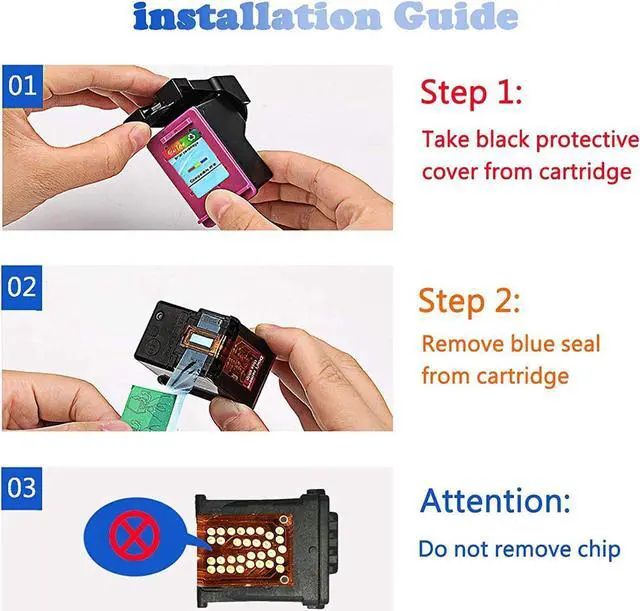
2. Please remove the black or transparent protective cover and pull off plastic tape before install these cartridges. (DON'T TOUCH THE CHIP)
3.Please pass the error messages such as, "Non-Original Cartridge", "Used", "Low Ink" or "Empty".
4.If the printer cannot recognize the cartridge, please turn on and off the printer, using a rubber to wipe the chip, then reinsatll the cartridge several time.
5.It??s better to select printhead cleaning to get a better result before printing.
How to get some help from us
1. Go to the product page and click seller??s name ?Sold by?? under the sales price, Click the ?Ask a question?? button.
2. Log in Your Account > Click Your Account > Your Order > Find your order and click 'Contact Seller'.
Print your NineLeaf, we are always here for you.