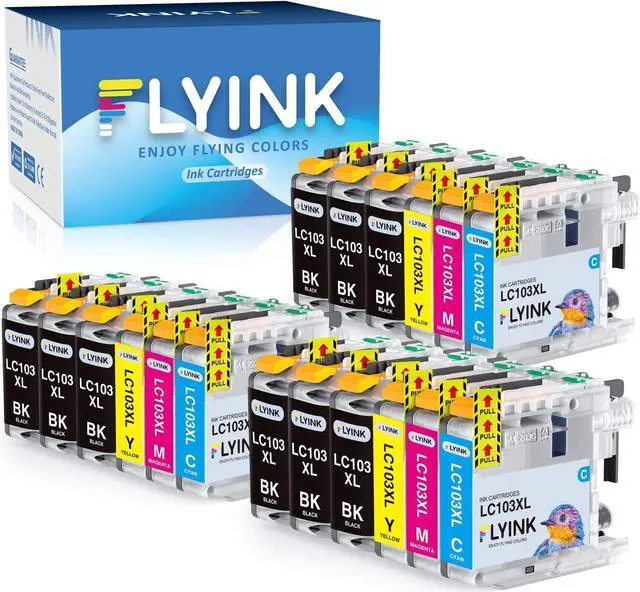
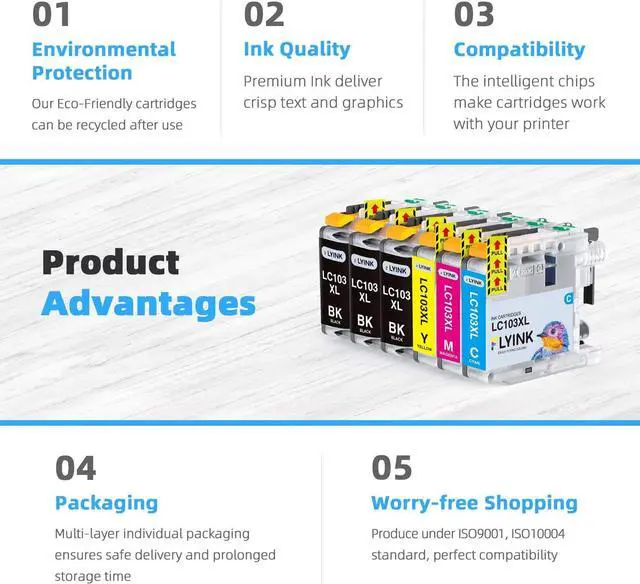
FLYINK 18 Pack Compatible LC103 LC103XL Ink Cartridges Replacement ( NON-OEM )
Package Included:
9x Black 103XL
3x Cyan 103XL
3x Magenta 103XL
3x Yellow 103XL
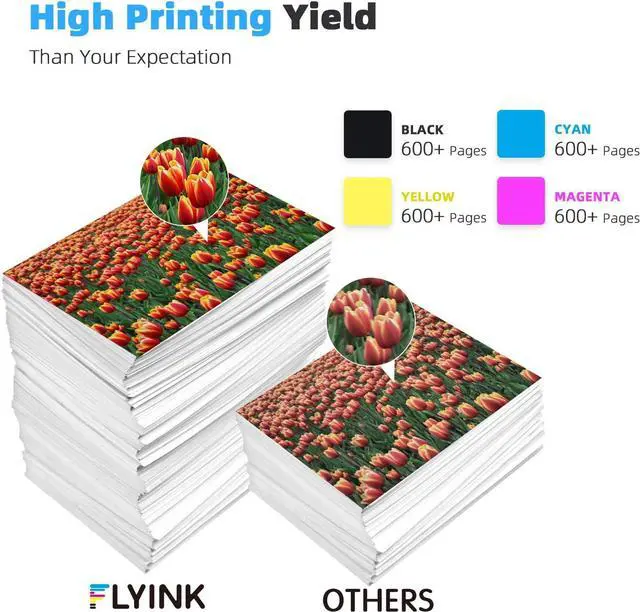
High Page Yield:
More than 600 pages per 103XL Black cartridge
600 pages per 103 XL Color cartridge, based on 5% coverage on A4 paper as standard.
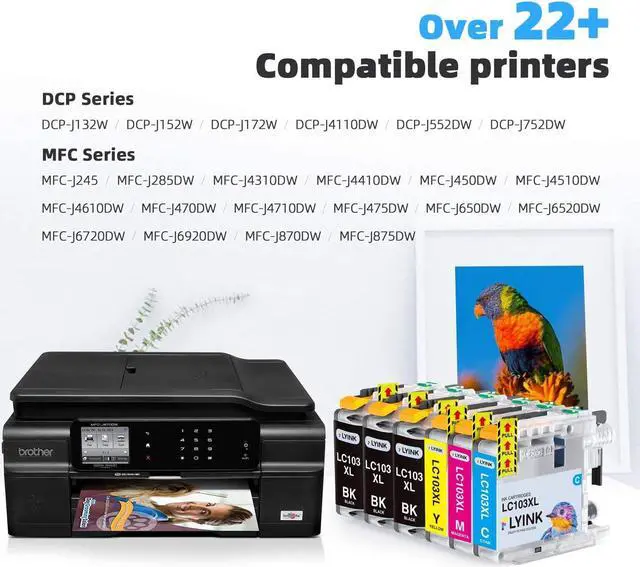
Compatible Brother Printer Models:
DCP Series:
DCP-J132W DCP-J152W DCP-J172W DCP-J4110DW DCP-J552DW DCP-J752DW
MFC Series:
MFC-J245 MFC-J285DW MFC-J4310DW MFC-J4410DW MFC-J450DW MFC-J4510DW MFC-J4610DW MFC-J470DW MFC-J4710DW MFC-J475DW MFC-J650DW MFC-J6520DW MFC-J6720DW MFC-J6920DW MFC-J870DW MFC-J875DW.
Why choose FLYINK:
1. High quality ink:The ink particles less than 20nm, print smooth, display true colors,and provide you extreme clear output.
2. Strict quality control:All products go through a series of strict quality inspections before shipping.
3. Greent print:Factory With ISO9001 and ISO14001 Certificate Approved, all products certified by REACH,STMC,CE and ROHS.
User Manuel:
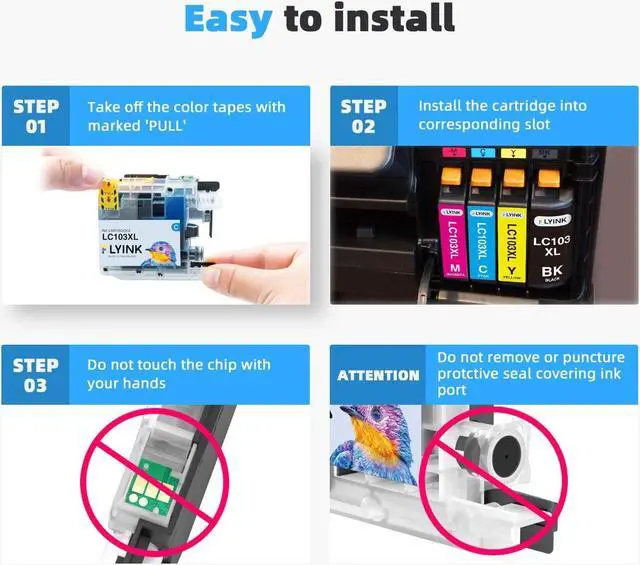
1, Please rip off the color tape before you install.(With some tissue in your hand for any case of leakiness)
2, If your printer appears an alert likes "Non-Genuine" ,press "Proceed" / "Continue" / "Accept"or "OK" to ignore the prompt. Additional alerts may display when you print or copy - dismiss the alerts accordingly.
3, When you receive an error "Cartridge cannot be recognized" or "Replace Cartridge" , please remove the affected cartridge and gently wipe the chip with a lint free cloth or rubber eraser. If issue persists, turn off printer and unplug the power source for 30 seconds then try again.
Warm Tips:
1. Plesae comfirm your printer model before placing order..
2. Please avoid touching the chips.
3. Any question, please feel free to contact us.