shippingWe‘re shipping as usual! The Canada Post strike only affects certain remote deliveries and PO Boxes. Details
shipping Holiday Shipping Details & Extended Holiday Returns
  • $71.99
  • Free 30-day Returns
Ships from China.
Price alert
Shop it at NeweggBusiness.

Meet Your Seller

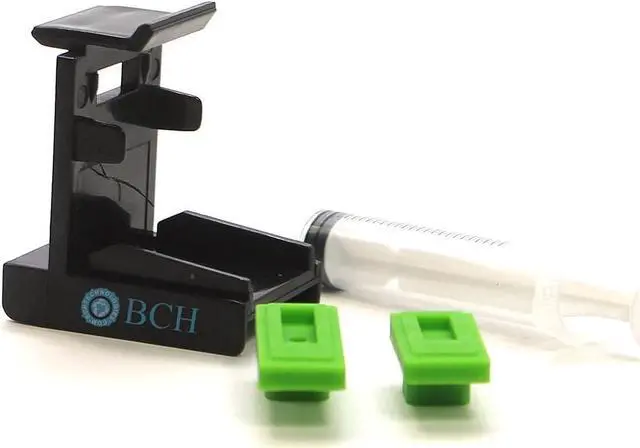
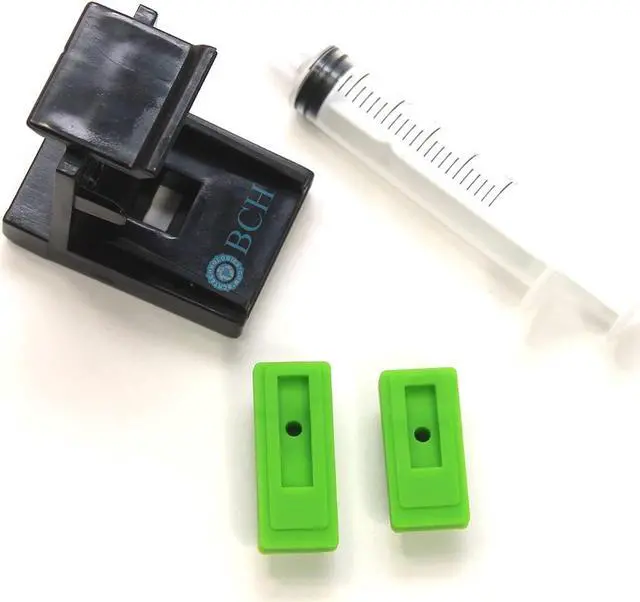
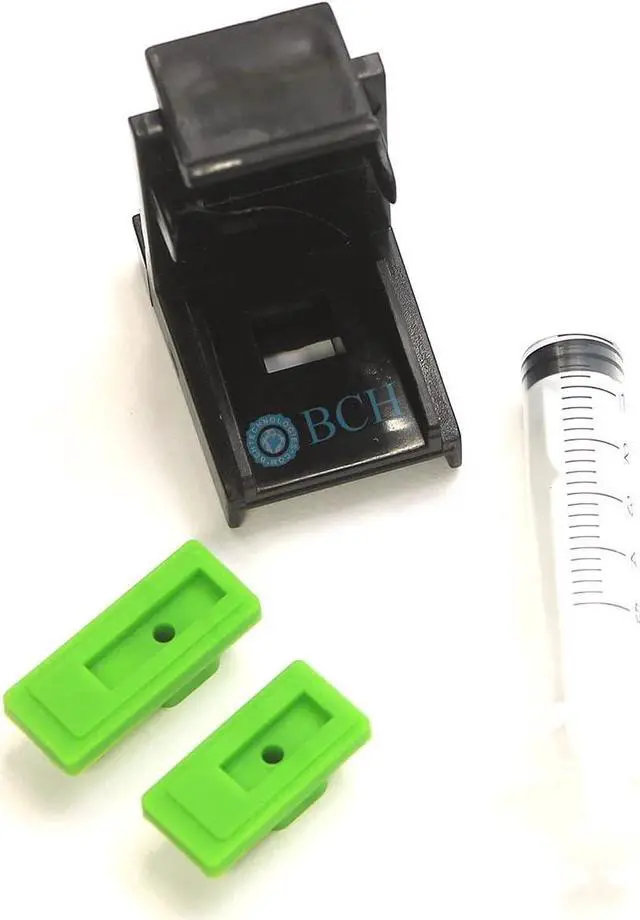
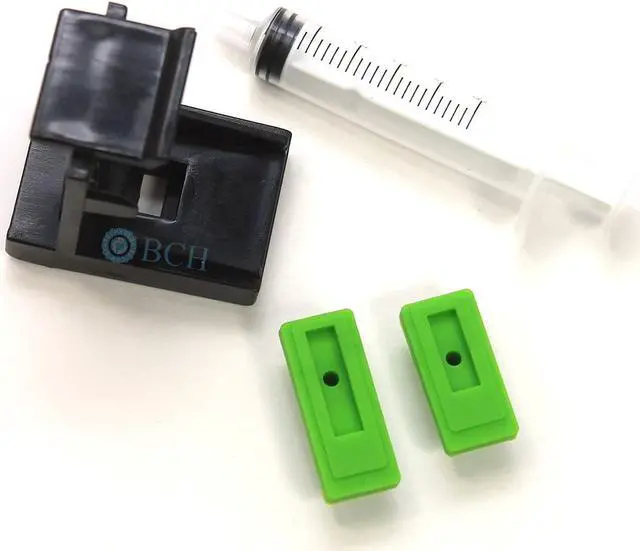
BCH Priming Tool Kit for Unclogging Canon PG-210 CL-211 PG-243 CL-244 PG-245 CL-246 PG-275 CL-276 (XL/Regular) Ink Cartridges

  • FIX PRINTER REFILL PROBLEMS. Most inkjet printer refill problems are in three categories: air lock, clogged nozzles, or overfill. The BCH priming kit fixes these problems if your printer produces a blank page or has stripes after a refill.
  • THIS IS THE CORRECT CLIP & ACCURATE SIZE. If the clips aren't tight, they aren't right. You need to adjust the pad a little to create a good vacuum. The size is not too small. The kit works for all printers that use cartridges listed in the title. Read below for more tips.
  • SIMPLE, QUICK, AND CONVENIENT. The tool kit can draw a vacuum from the bottom of the cartridge and thus fix all three problems. The tool kit fits the cartridge tightly, and you need to align the cartridge in the center, push down and push forward. Instructions below.
  • REMOVE AIRLOCKS. After a refill, air bubbles may temporarily block the printhead nozzles. To get rid of them, you may sit the cartridge for a few hours and do some head-cleaning. Or, you can use this tool kit to re
+
+
Overview
Specs
Reviews
PROCEDURES ON HOW TO USE THIS: 1. Look at the bottom of the cartridge and decide if you have a long printhead slot or a short one. (Long one for black and Short for tri-color) 2. Put a correct silicone pad on the clip 3. Put the cartridge on top of the silicone pad. Align the cartridge in the middle of the clip. Now, push the cartridge down and forward until you hear a click. It would be best if you used a downward and forward push. Some customers report that they cannot do this because the clip is "too small." The clip is not too small and is the correct size to gurantee a tight seal. 4. Use a syringe, and draw 1-2 ml of ink from the bottom. If you feel there is no vacuum, wiggle the cartridge a little to adjust the cartridge's position on the silicone pad. 5. Remove the cartridge, clean the bottom of it, and install it in the printer. Repeat if necessary. Tips: for older dried cartridges, you can fill a bowl with 1/2 inch of distilled water, heat the water with a microwave until boiling, put the cartridge in hot water until it cools to room temperature, and then do the priming. Important Note: For stubborn clogs, we recommend BCH cleaning solutions.

Warranty & Returns

Warranty, Returns, And Additional Information

Warranty

  • Please contact the Seller directly for warranty information. Warranty information may also be found on the Manufacturer's website.
  • CONTACT

Return Policies

  • Return for refund within: 30 days
  • Return for replacement within: 90 days
  • This item is covered by Nature Return Policy

Manufacturer Contact Info

LOADING...