• $154.99
  • Free 30-day Returns
  • Ships from China.
    Price alert
    Shop it at NeweggBusiness.

    Meet Your Seller

    245 246 XL Ink Cartridge Replacement for Canon Ink Cartridge 245 and 246 PG-245 243 PG-243 Compatible with Canon Printer MG2525 MG2420 MG2920 MG3020 mx490 MX492 TR4520 TS3120 TS202 (2B1C)

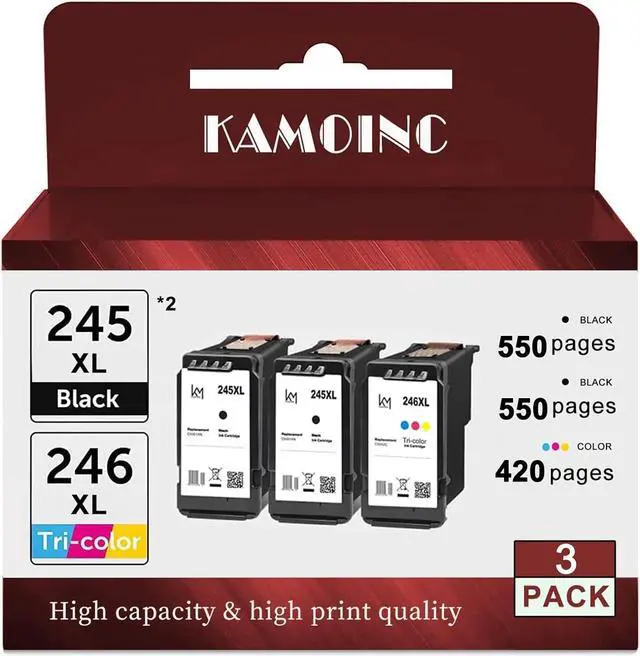
    • Package contents: Kamoinc 245xl 246xl combo pack ink cartridges(2 Black &1 Tri-color )
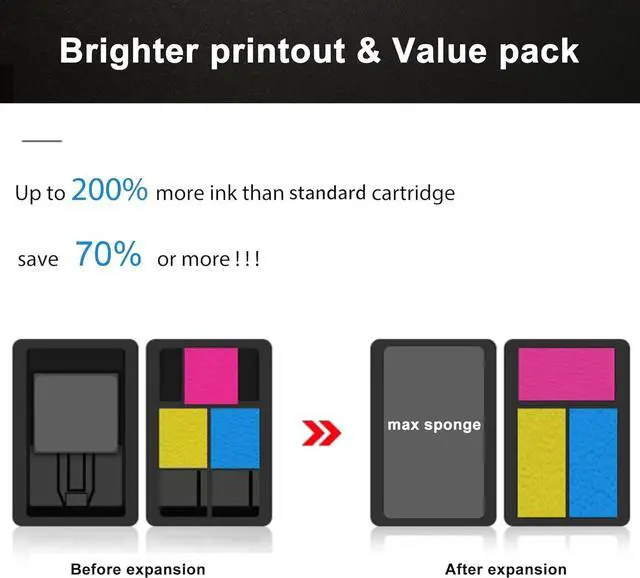
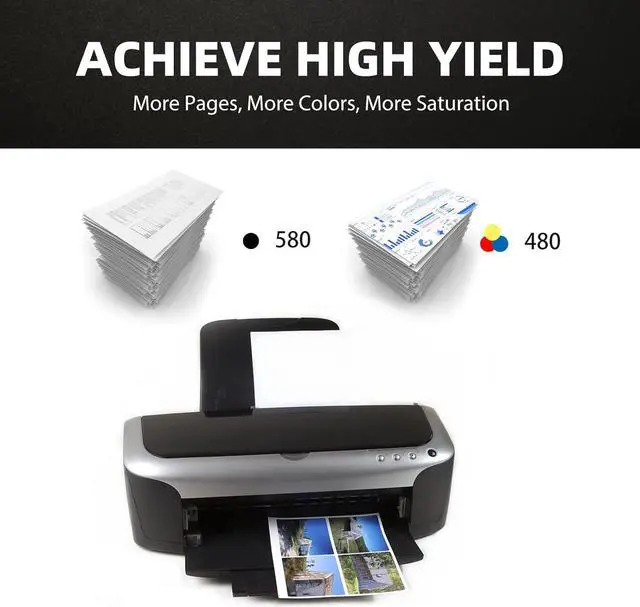
    • High page yield: Kamoinc XL ink cartridges 245 and 246 can help you Reduce printing costs, Per 245xl ink cartridge with 580 pages page yield at 5% coverage ,Per 246xl with 480 pages at 5% coverage.
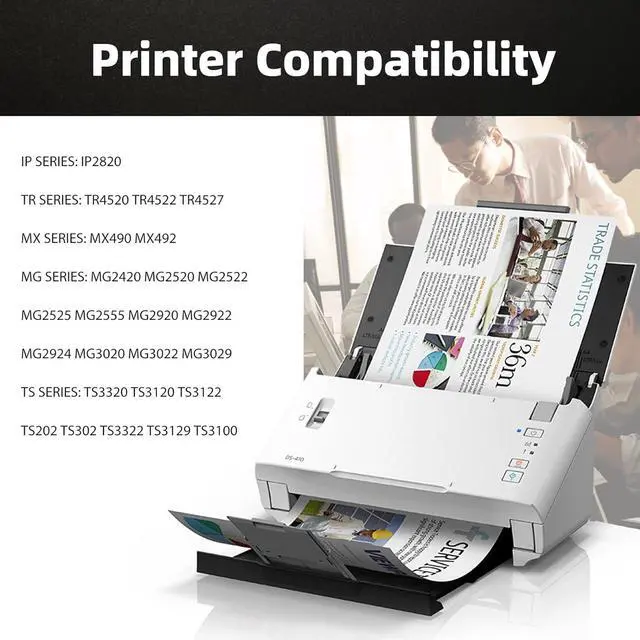
    • Compatible with:Canon TR4520,TR4522,iP2820,MG2420,MG2520, MG2522,MG2525, MG2920,MG2922,MG2924, MG2525, MG3029,MG3020,Pixma MG3022,Pixma MX490,Pixma MX492, TS3322 TS3320,Pixma TS3122,TS3120,Pixma TS202, Pixma TS302 Wireless All-in-One Inkjet Printers
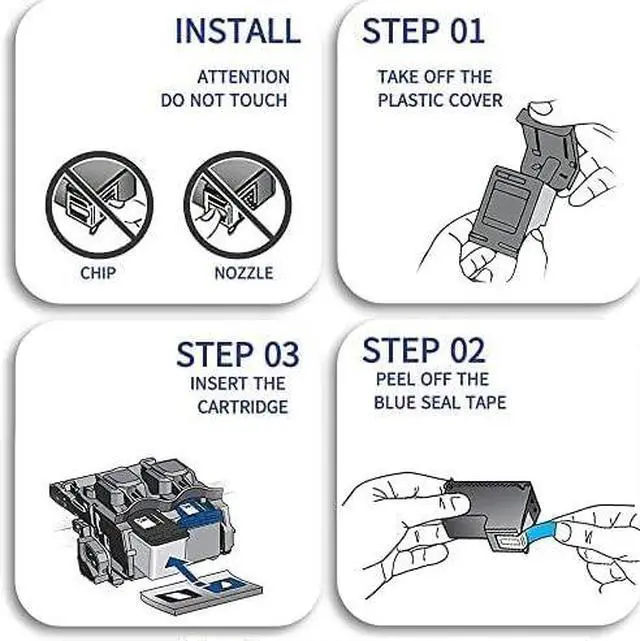
    • Installation : Remove protective cover and tear off plastic tape before installing .
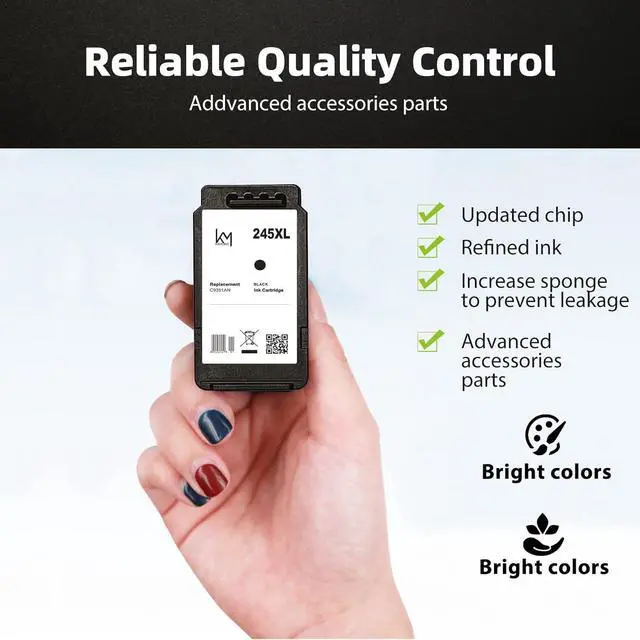
    • All kamoin XL printer ink cartridges 245 and 246 are made in the ISO 9001 and ISO 14001 certified facility.Ink flow smoothly and last for a long time.
    +
    +
    Overview
    Specs
    Reviews
    Kamoinc 3Pack Replacement 245xl 246xl Ink Cartridges for Canon PG-245XL/CL-246XL(2Black & 1Tri-color)Page Yield: 450 Pages per black ink cartridge and 380 pages per color ink cartridge (5% coverage) Ink Level Display: All Kamoinc 245XL 246xl ink cartridges are equipped with intelligent chips which can show real ink levels.Only for printers sold for United States , please make sure your printer model before order.Printer CompatibilityCanon Printer :PIXMA MX490 MX492 PIXMA TR4520,TR4522,PIXMA IP2820 PIXMA TS202 TS302 TS3120 TS3122 TS3322 TS3320 PIXMA MG2420 MG2520 MG2522 MG2525 MG2555 MG2920 MG2922 MG2924 MG3020 MG3022 MG3029 Installation Steps:Step 1: Remove the black cap before installing;Step 2: Tear off the plastic tape of the print-head;Step 3: Put the cartridge into printer in the correct slot.Note: Do not touch the chip or print-head .Sometimes an error message REPLACE CARTRIDGES Please use a cloth or an eraser to wipe the copper contacts of inkjet chip and printer contacts ,then reinstall them one more time to make sure good touch . OccasionallyComputer shows LOW INK ,please just neglect it and go on printing .

    Warranty & Returns

    Warranty, Returns, And Additional Information

    Warranty

    • Please contact the Seller directly for warranty information. Warranty information may also be found on the Manufacturer's website.
    • CONTACT

    Return Policies

    • Return for refund within: 30 days
    • Return for replacement within: 90 days
    • This item is covered by Nature Return Policy

    Manufacturer Contact Info

    LOADING...