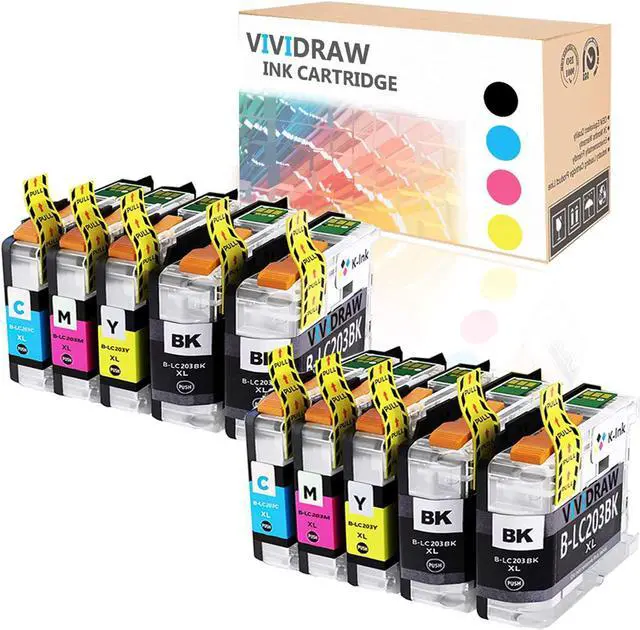
p>1. Content:Replacement of Brother LC-203XL (10 pieces) VIVIDRAW compatible ink cartridges, 4 x black LC203XL, 2 x cyan LC203XL, 2 x magenta LC203XL, 2 x yellow LC203XL
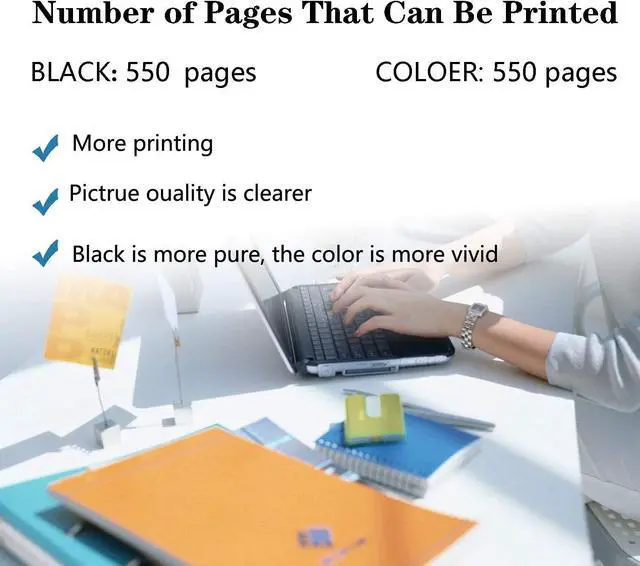
Printed pages: 550 pages per page for black ink cartridges; 550 pages per page for color ink cartridges, coverage rate 5% (Letter / A4)
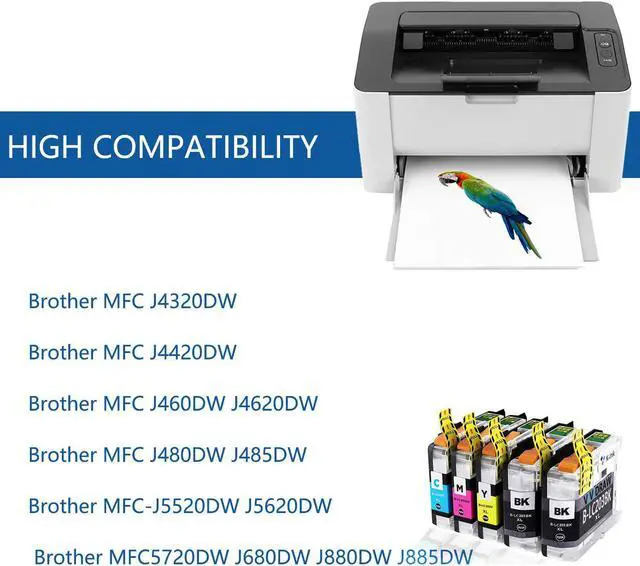
2. Printer compatibility:
MFC-J4320DW J4420DW J460DW J4620DW J480DW J485DW
MFC-J5520DW J5620DW J5720DW J680DW J880DW J885DW
3. Advantages:
High-quality chip: accurate display of ink volume. Good recognition ability and stable printing performance
Excellent ink quality: provide clear text and graphics, produce clear, no paper jam, no leakage, and harmless to the printer.
Professional packaging: Standard independent sealed packaging can ensure the safety of the ink cartridge during transportation.
Strict quality control: Each ink cartridge has been systematically tested before leaving the factory to ensure that compatible printer models have complete functions.
4. Warm reminder:
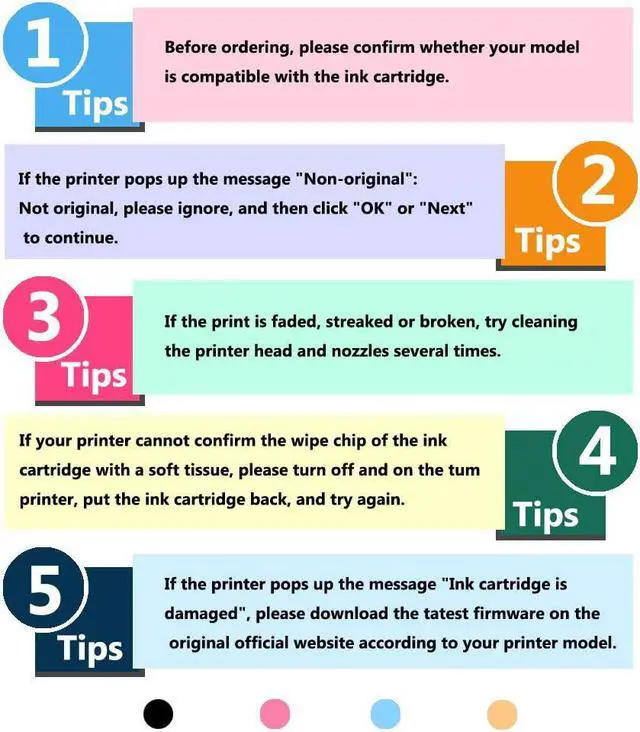
Do not touch the chip, otherwise the ink cartridge may not recognize the printer.
If you receive a message such as "You have not installed the original ink cartridge", click "Yes" or "Continue". Then the printer will continue printing.
For better printing performance, please clean the printer head and nozzles 1-2 times.
If an error such as "ink cartridge is damaged" or "replace cartridge" appears, turn off the printer for 30 seconds. Then open it, and then reinstall the ink cartridge.
5. If you have any questions, please contact the seller first. We will answer your questions within 24 hours.