• $56.99
  • Free 30-day Returns
Ships from China.
Price alert
Shop it at NeweggBusiness.

Meet Your Seller

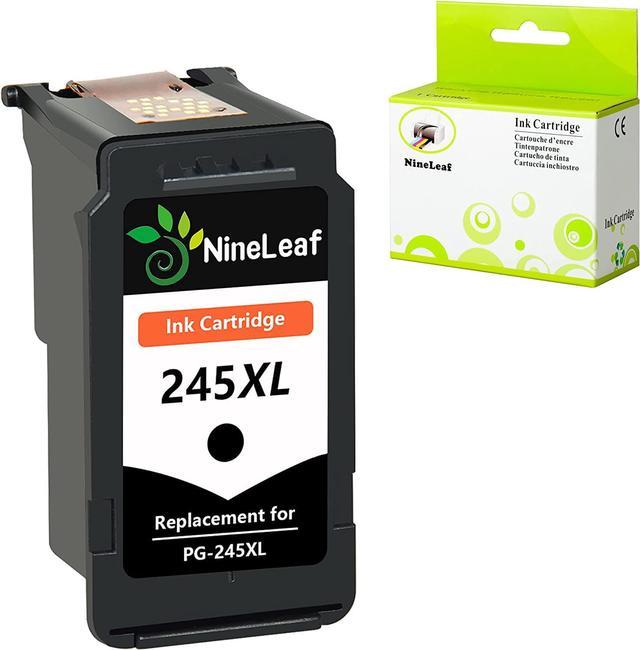
NineLeaf 1PK Remanufactured Black Ink Cartridge Compatible for Canon PG-245XL 245XL PG-245 PIXMA MG2520 PIXMA MG2520 IP2820 MX492 MG MX Printers

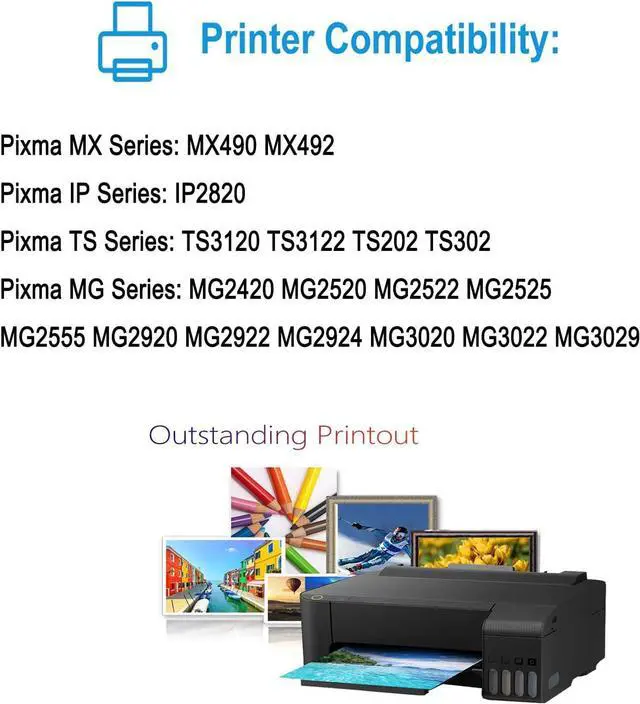
  • PG245XL cartridge compatible for Canon Pixma MX490 MX492 MX498;Pixma IP2820 IP2850;Pixma MG2420 MG2450 MG2520 MG2522 MG2525 MG2555 MG2550 MG2920 MG2922 MG2924 MG2950 MG3020 MG3022;Pixma MG3029TS3120 TS3122 TS3320 TS3322 TS202 TS302;Pixma TR4520 TR4522 Inkjet Printer
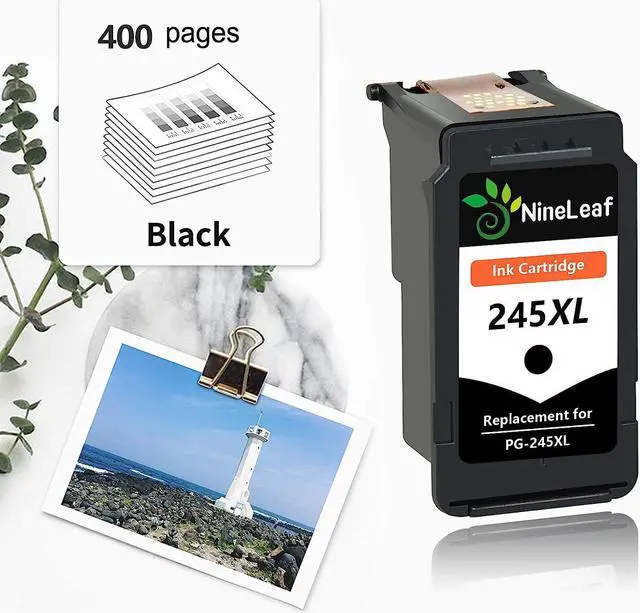
  • XL High Page Yield up to 400 pages per black ink cartridge at 5% coverage of A4 paper.
  • Package includes: 1 pack PG245XL remanufactured black ink cartridge
  • High-Quality Chip & Ink: Latest smart chip is installed in our ink cartridge to allow you to monitor ink levels accurately. NineLeaf is dedicated to providing time-saving, cost-effective and environmentally friendly ink cartridges, They are easy to install and compatible with your printer.
  • Excellent Performance: NineLeaf cartridge delivers sharp text and vivid color. They are ideal for printing high quality documents, and your wonderful photographs. Provide you with an affordable alternative.
+
+
Overview
Specs
Reviews
Cartridges come filled with a new generation chip, work with all new printers, and display ink levels.

Type:Nineleaf PG245XL PG-245XL 245XL Black high yield ink cartridge

Color: Black

"XL"Page Yield: Up to 400 Pages per black ink cartridge at 5% coverage (Letter/A4).

Package includes:1 User Guide and 1 Pack PG245XL Black Remanufactured Ink Cartridge.

Professional Performance: NineLeaf exclusive patented ink formula ensures superb prints. Whether you need to print images in vivid color or pages with clear and crisp text, you can count on NineLeaf cartridges to provide you with superior results.

Compatible for Canon Printers:

Pixma MX Series: MX490 MX492 MX498

Pixma IP Series:IP2820 IP2850

Pixma MG Series: MG2420 MG2450 MG2520 MG2522 MG2525 MG2555 MG2550 MG2920 MG2922 MG2924 MG2950 MG3020 MG3022 MG3029

Pixma TS Series: TS3120 TS3122 TS3320 TS3322 TS202 TS302

PIXMA TR Series: TR4520 TR4522

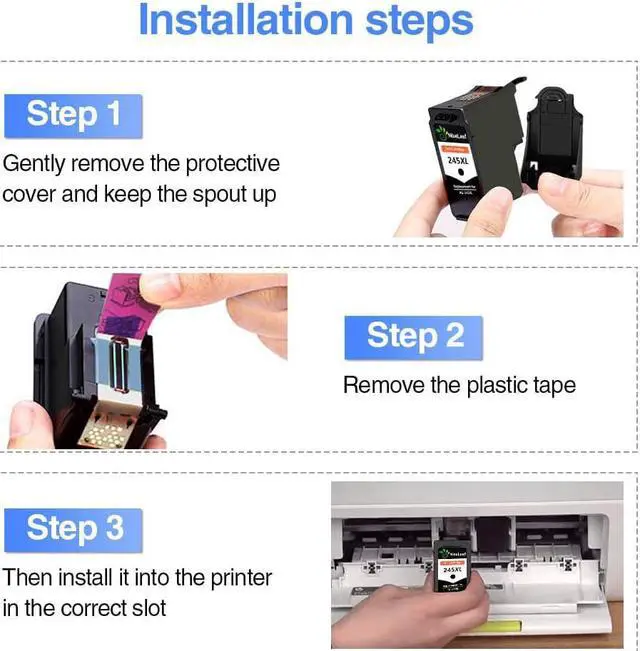
Easy to install:
Step 1: Gently remove the black protective cover.
Step 2:Tear off the protective plastic tape.
Step 3: Put the cartridge into printer in the correct slot.

Warmth Tips:

1.For better printing performance, please the print head with wet wipes 1-2 times after installing the new ink cartridges.

2.If the ink cartridges would not be recognized by your printer at the first time, please try to turn off the printer for 30-40 seconds and then turn it on and re-install the cartridges again.

3.Please do not get out the old cartridge before replacing the new one to prevent the printhead from drying and clogging.

Warranty & Returns

Warranty, Returns, And Additional Information

Warranty

  • Please contact the Seller directly for warranty information. Warranty information may also be found on the Manufacturer's website.
  • CONTACT

Return Policies

  • Return for refund within: 30 days
  • Return for replacement within: 90 days
  • This item is covered by Nature Return Policy

Manufacturer Contact Info

LOADING...