• $45.99
  • Free 30-day Returns
Ships from China.
Price alert
Shop it at NeweggBusiness.

Meet Your Seller

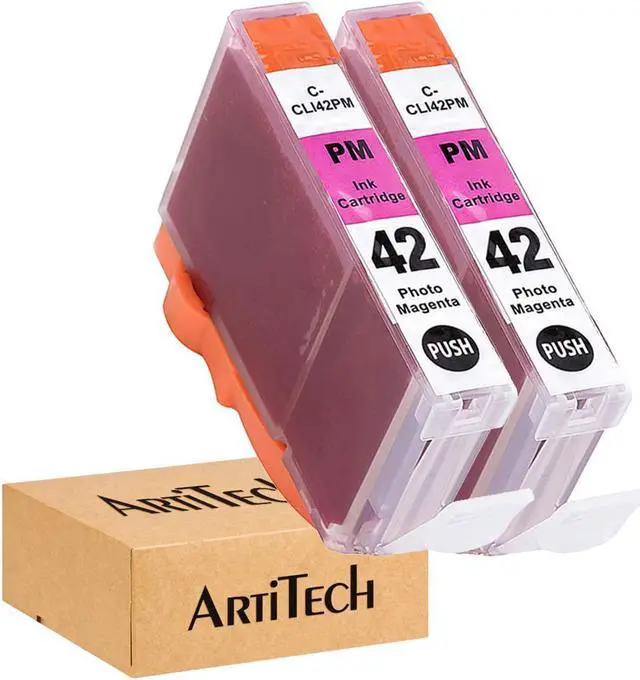
ArtiTech CLI-42 PM Pixma Pro-100 Compatible Ink Cartridges Replacement for Canon CLI42 CLI-42 Photo Magenta Ink Cartridge Work for Pixma Pro-100S Printers,2 Pack CLI-42 PM

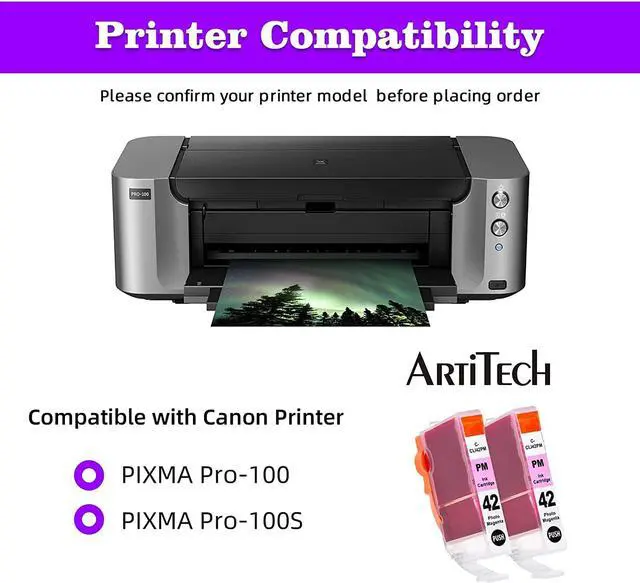
  • Compatible Printers: Canon PIXMA Pro-100 printers, PIXMA Pro-100S printers
  • Package Includes: 2 pack of CLI-42 photo magenta compatible ink cartridges.
  • Ink Volume:14ml, ChromaLife100+ technology provides longer-lasting and more beautiful vivid photo prints
  • Our CLI-42 compatible ink cartridges are tested to ensure consistent, quality prints that match the image/text seen on one's printer both at the component level and with print tests.
  • All ArtiTech CLI-42 Ink cartridges are manufactured in ISO9001, ISO14001, SGS and CE certified facility.Our U.S. customer support team is available 24/7 for any questions by clicking on our store name (Amee Hanke) above the bullet section, and clicking on 'Ask a question' on the top-right side.
+
+
Overview
Specs
Reviews
Item: 2 pack of CLI-42 Photo Magenta compatible ink cartridges.


Cartridges come filled with the chip, show accurate ink levels, and work with all new printers.


Compatible Printers:


Canon PIXMA Pro-100 printer


Canon PIXMA Pro-100S printer


All cartridges go through a rigorous quality control procedure and undergo testing at the component level, testing for electrical circuitry, printhead cleaning, filling to capacity, and a final print test.


Color Representation:

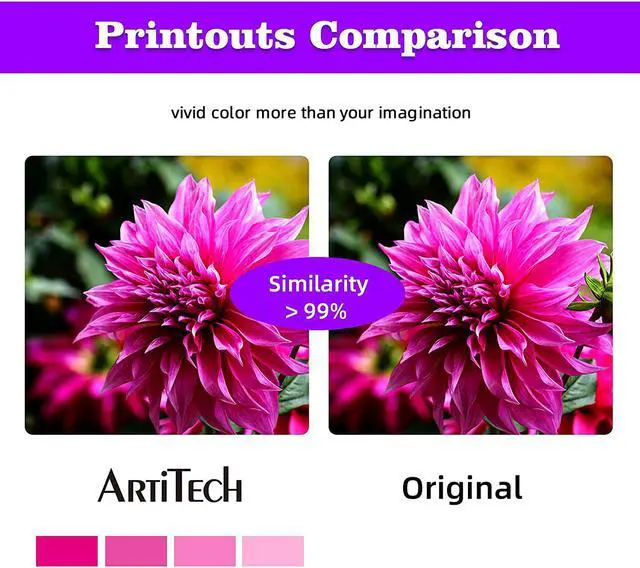
In order to ensure prints match the color seen on one's monitor, our cartridges undergo specific testing both at the component level and with print tests.


Greater Page Yield:

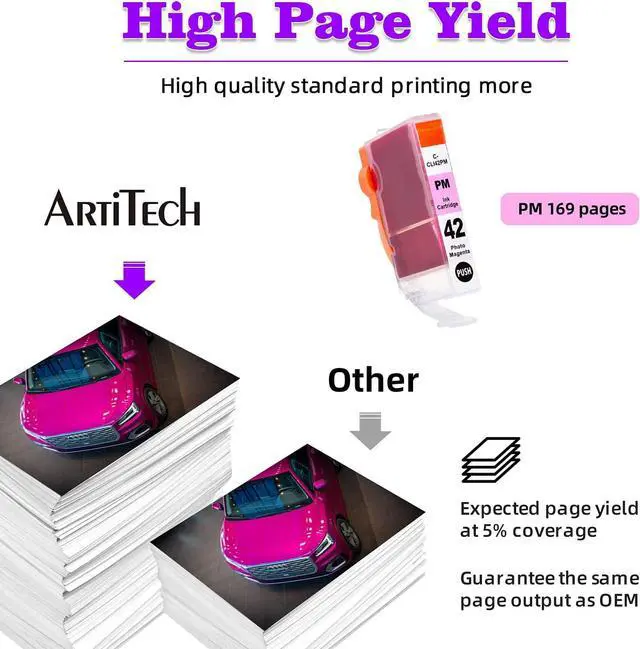
We test to ensure our cartridges are filled to max capacity during the manufacturing process. These increase pages yield while helping the environment by reducing landfill waste.


Safe Packaging:

All of our ink cartridges are individually vacuum-sealed to ensure safe transit and spillage. To prolong its shelf life keep the cartridge stored in its bag until it's time to put it to use.


Instructions for use:
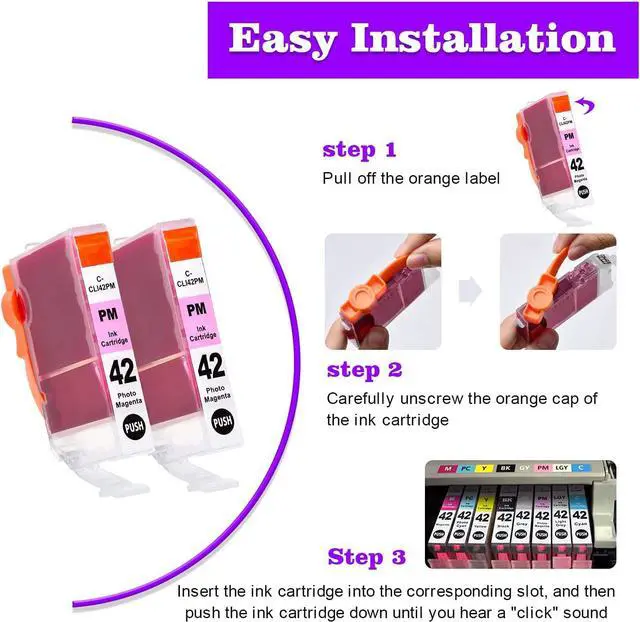
Step 1: Pull off the orange sealing tape on top of the cartridge.
Step 2: Turn cartridge upside down and remove the orange cap off the cartridge
Step 3: Insert the cartridge into the corresponding slot and push down on the cartridge until you hear a click sound
Step 4: This step is optional. Run a Printhead clean on the cartridge. this will flush out residue left over from previous use

Warranty & Returns

Warranty, Returns, And Additional Information

Warranty

  • Please contact the Seller directly for warranty information. Warranty information may also be found on the Manufacturer's website.
  • CONTACT

Return Policies

  • Return for refund within: 30 days
  • Return for replacement within: 90 days
  • This item is covered by Nature Return Policy

Manufacturer Contact Info

LOADING...