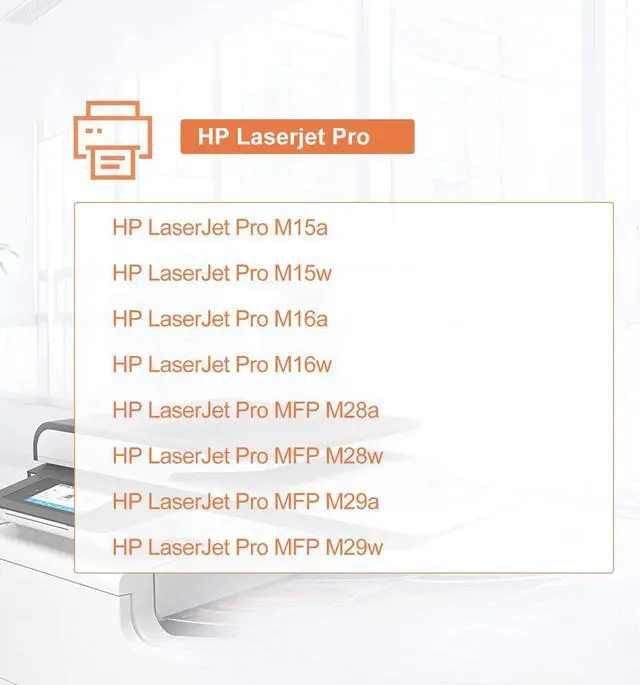
LaserJet Pro Series Printers:
HP LaserJet Pro M15a / M15w
HP LaserJet Pro M16a / M16w
LaserJet Pro MFP Series Printers:
HP LaserJet Pro MFP M28a / M28w
HP LaserJet Pro MFP M29a / M29w
HP LaserJet Pro MFP M31a / M31w
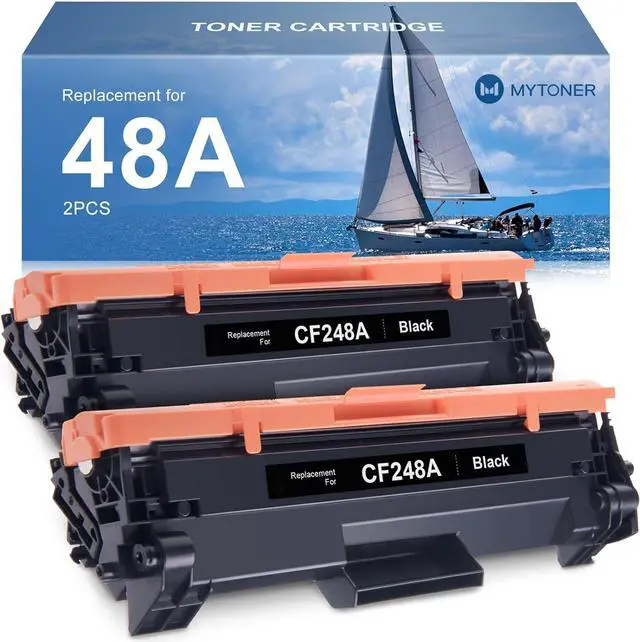
1,000 Pages at 5% coverage (Letter/A4)
--Install Guide--
-Step 1 : Take out the new toner cartridge
-Step 2 : Gently shake the toner cartridge from side to side 5-6 times before use
-Step 3 : Please pull out the sealing tape
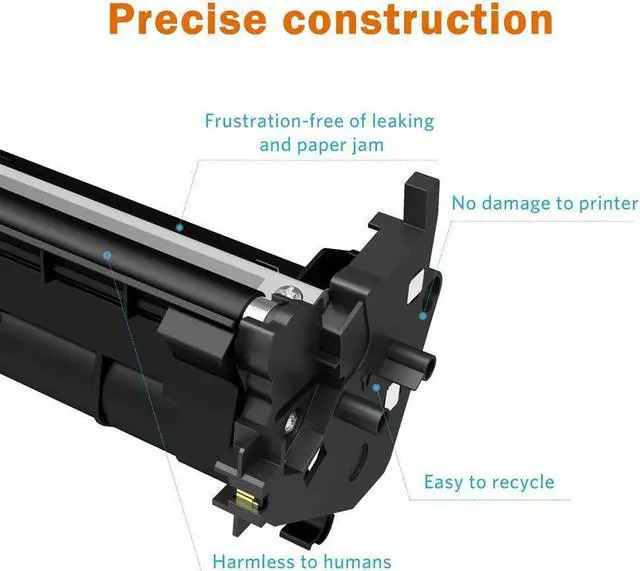
-Step 4 : Please remove the protective cover and dont touch the OPC DRUM
-Step 5 : Install the toner cartridge into the printer
Make it Real
SponsoredHP 507a/x - 2x as many pages as 3rd party refillsShop HP