For more than a decade, thousands of business owners in over 40 countries trust Do it Wiser for reliable printing savings.
Black4,000 pages
Cyan 3,000 pages
Magenta 3,000 pages
Yellow 3,000 pages
Based on 5% coverage according to industry standards
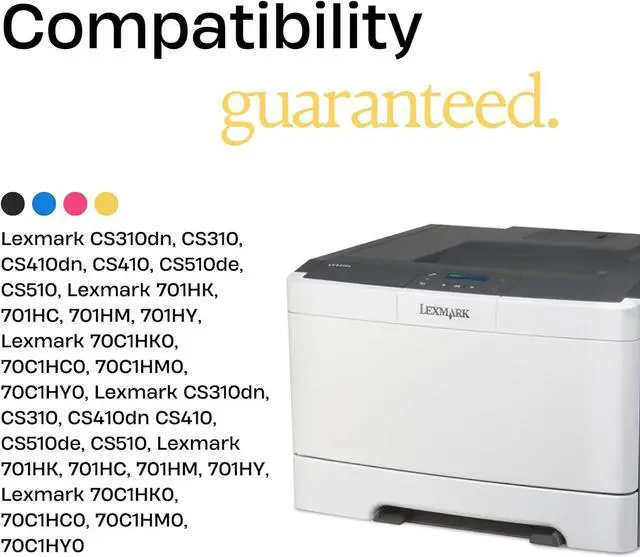
Lexmark CS310dn
Lexmark CS310n
Lexmark CS310dn
Lexmark CS410n
Lexmark CS410dn
Lexmark CS410dtn
Lexmark CS510de
Lexmark CS510dte
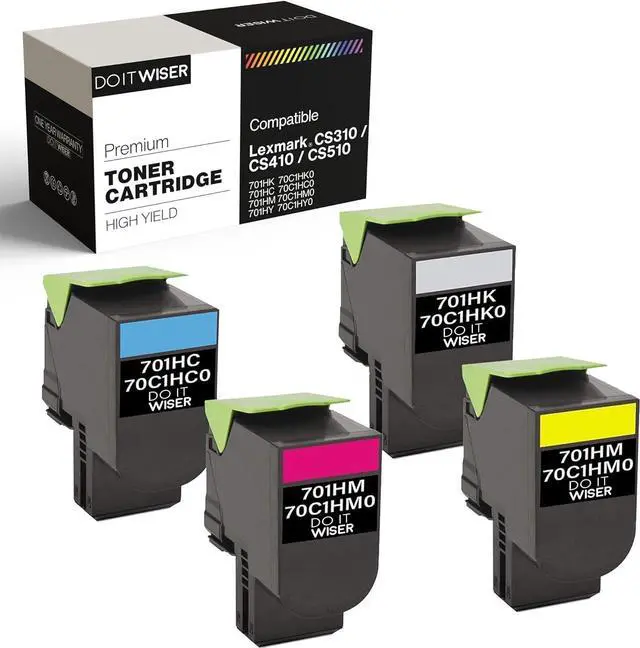
Lexmark 701HK 70C1HK0 for black
Lexmark 701HC 70C1HC0 for cyan
Lexmark 701HM 70C1HM0 for magenta
Lexmark 701HY 70C1HY0 for yellow
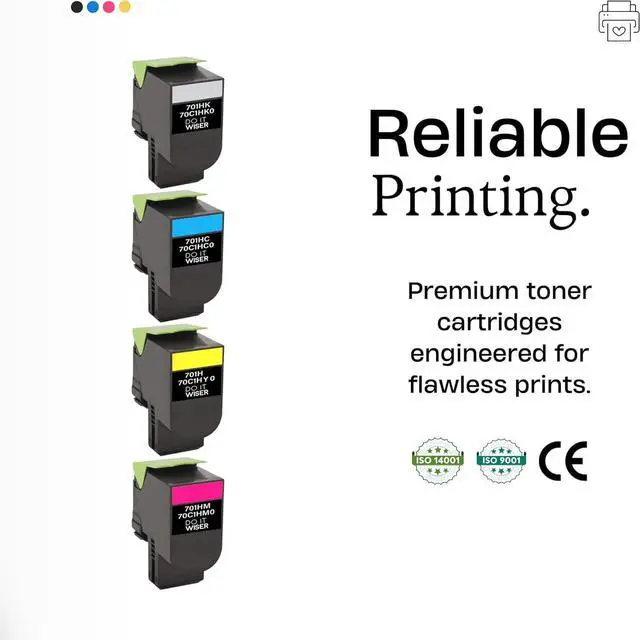
We generate savings by increasing efficiency. Our cartridges use Smart Chips engineered to deliver the precise amount of toner on every page, reducing waste and maximizing printing volume.
Slide the release latch on the right side of the printer, and then open the top door.
Remove the used toner cartridge by lifting the handle, and then gently pulling it away from the imaging kit.
Align the new toner cartridge, and then press the cartridge down until it fits into place
Close the top door.
Step 1
Step 2
Step 3
Step 4
Next page of related Sponsored ProductsSponsoredHP 650a/x - 2x as many pages as 3rd party refillsShop HP