Previous page
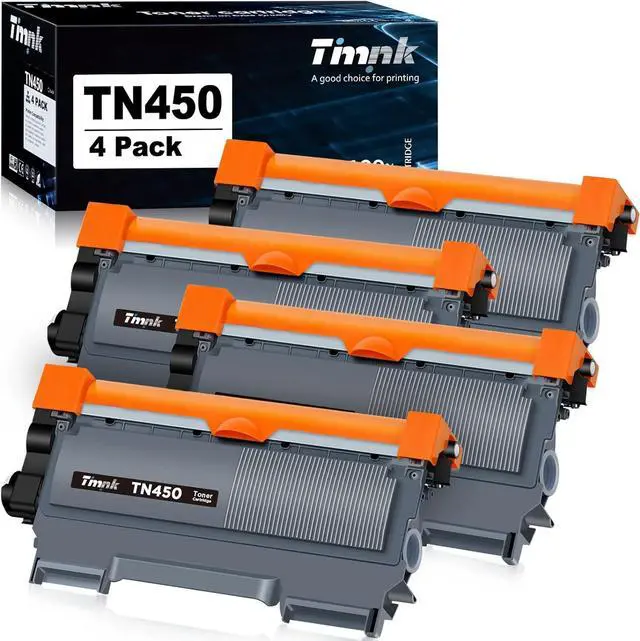
Next page Gently shake the toner cartridge to evenly distribute the toner inside the cartridge and carefully remove the protective orange cap.
Step 02:
Put the new toner cartridge firmly into the drum unit (not included in the pack). The green lock lever on the drum unit will lift automatically if install correctly.
Step 03:
Gently slide the tab in the drum unit back and forth several times to clean the corona wire, then return tab to its original position.
Step 04:
Install the toner cartridge and drum unit assembly into the printer.
Next page of related Sponsored ProductsSponsoredCompatibleToner Cartridges for Brother Tn660Shop Inkfirst