
Your Browsing History

Meet Your Seller

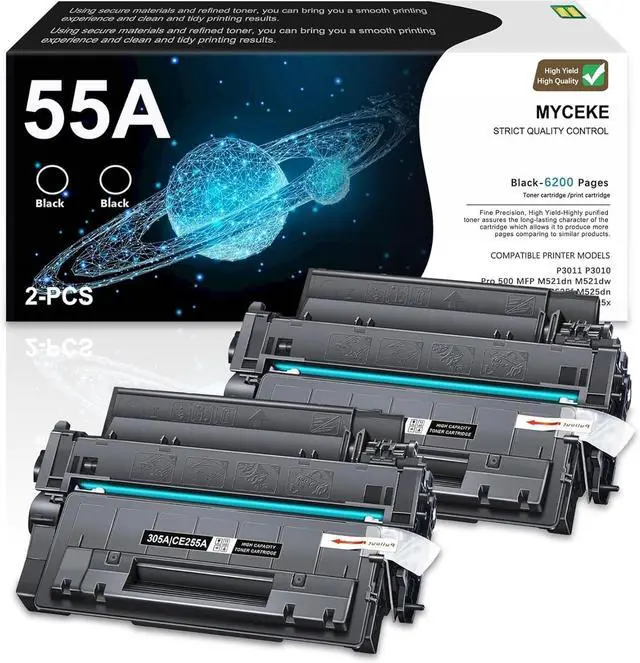
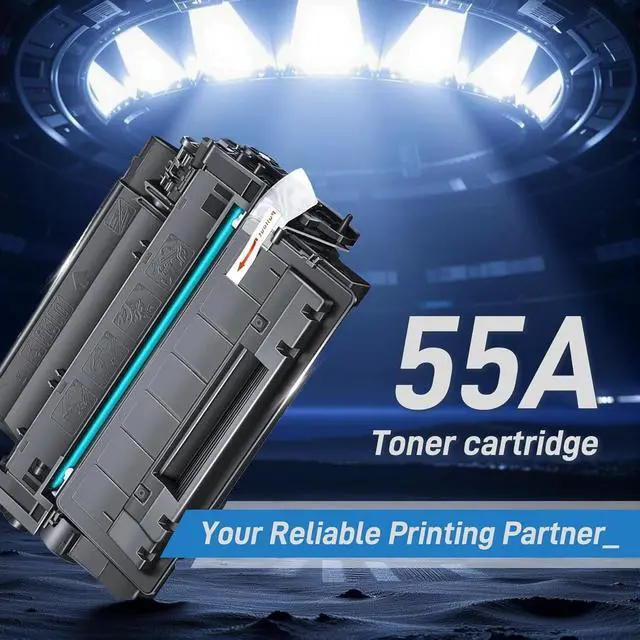



2 Pack 55A Black Toner Cartridge Replacement for HP 55A CE255A Toner
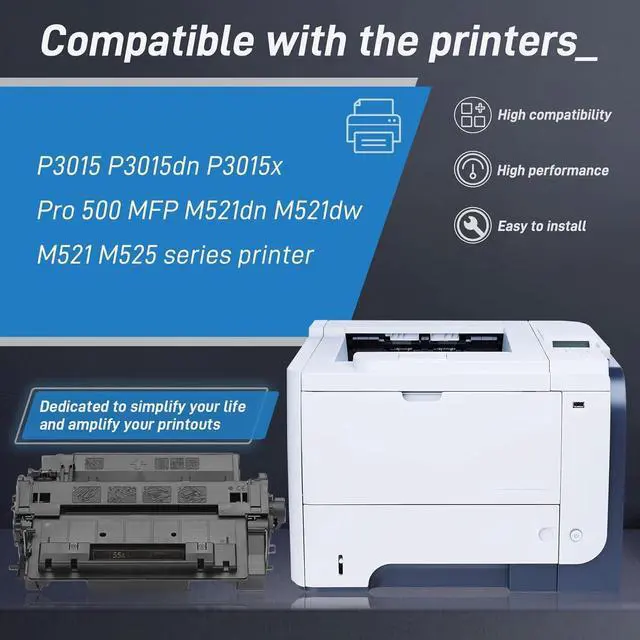
- Compatible for HP P3015 P3015dn P3015x Pro 500 MFP M521dn M521dw M525dn M525f M525c Printer
- Compatible Printers for 55A Toner Cartridge:P3011 P3010 , Enterprise P3015d P3015n P3015Dn P3015x P3016 , Enterprise 500 MFP M525f M525dn , Enterprise flow MFP M525c , Pro 500 MFP M521dn M521dw Printer
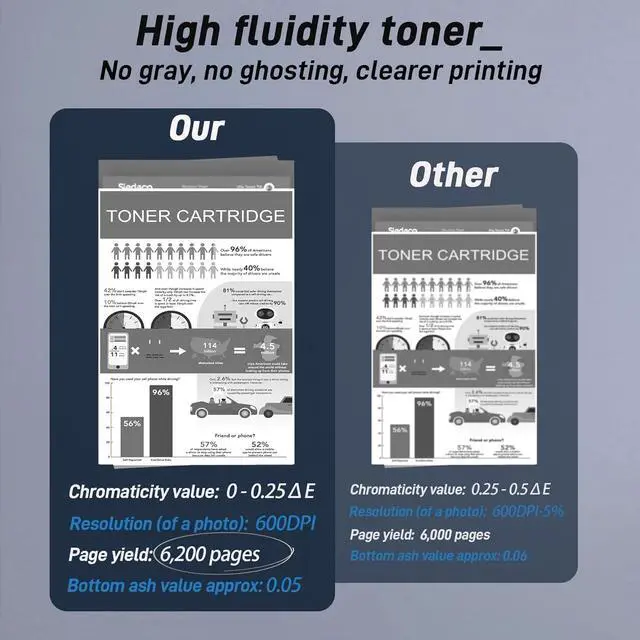
- 55A Toner Cartridge High Yield: 6,200 pages per black Toner Cartridge at 5% coverage of A4 Letter
- 55A Toner Cartridge Compatibility: Works perfectly with printers to produce crisp images and high-gloss prints, and is strictly managed to ensure stability
- 55A Toner Cartridge Performance: Tested in industry quality control processes to give you a crisp, smooth printing experience for long run times and high quality print performance
- After receiving the goods, if you have any questions about the product, please ask us at the first time, we will certainly give you a satisfactory answer, thank you for your support and trust!
+
+
Overview
Specs
Reviews
Is the quality of compatible toner cartridges reliable?
Our toner cartridges are made of high-quality materials and have undergone precise production and comprehensive testing to ensure clear and stable printing effects. We provide a quality commitment, please feel free to purchase.
What should I do if my printer doesn't recognize a new toner cartridge?
We suggest that you restart your printer. Please turn off the printer power, wait for about 30 seconds to 1 minute, and then turn it back on. This operation usually helps the printer reload and correctly recognize newly installed toner cartridges.
Is the quality of compatible toner cartridges reliable?
What should I do if my printer doesn't recognize a new toner cartridge?
Our toner cartridges are made of high-quality materials and have undergone precise production and comprehensive testing to ensure clear and stable printing effects. We provide a quality commitment, please feel free to purchase.
What should I do if my printer doesn't recognize a new toner cartridge?
We suggest that you restart your printer. Please turn off the printer power, wait for about 30 seconds to 1 minute, and then turn it back on. This operation usually helps the printer reload and correctly recognize newly installed toner cartridges.
Is the quality of compatible toner cartridges reliable?
What should I do if my printer doesn't recognize a new toner cartridge?
Warranty & Returns
Warranty, Returns, And Additional Information
Warranty
- Please contact the Seller directly for warranty information. Warranty information may also be found on the Manufacturer's website.
- CONTACT
Return Policies
- Return for refund within: 15 days
- Return for replacement within: 30 days
- This item is covered by Ankelay shop Return Policy
Manufacturer Contact Info
- For a directory of all our manufacturers, please click below.
- Manufacturers Directory
LOADING...