
Your Browsing History

Meet Your Seller

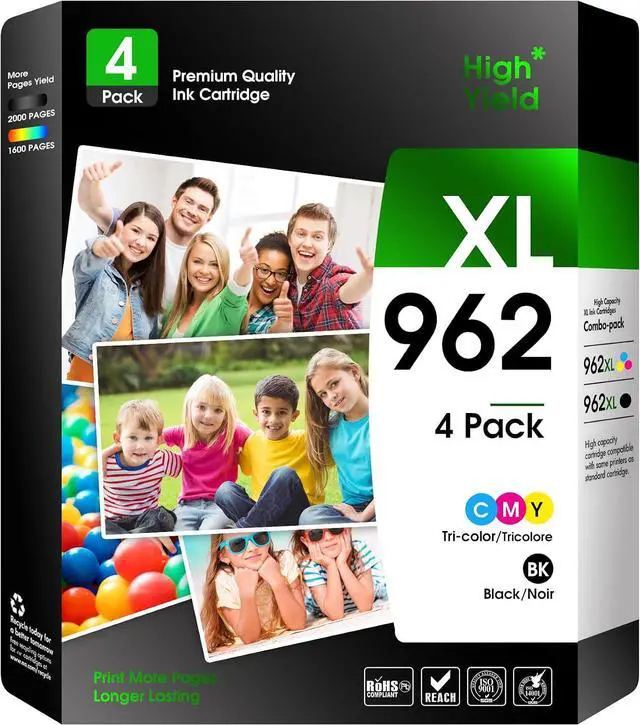
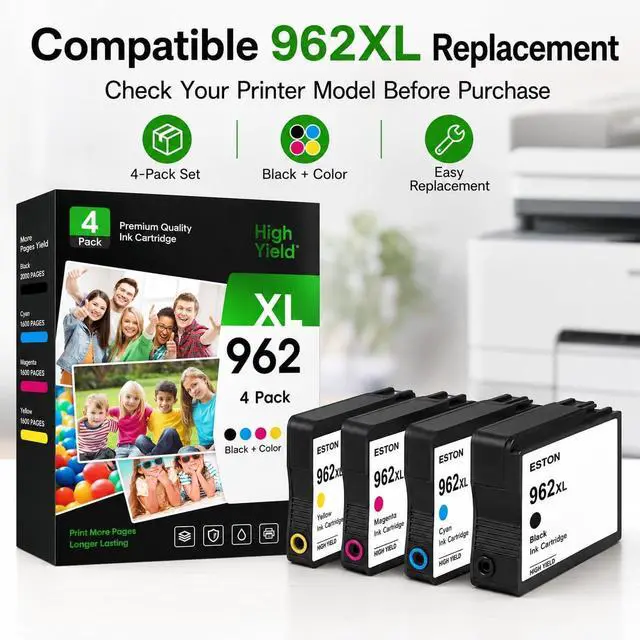
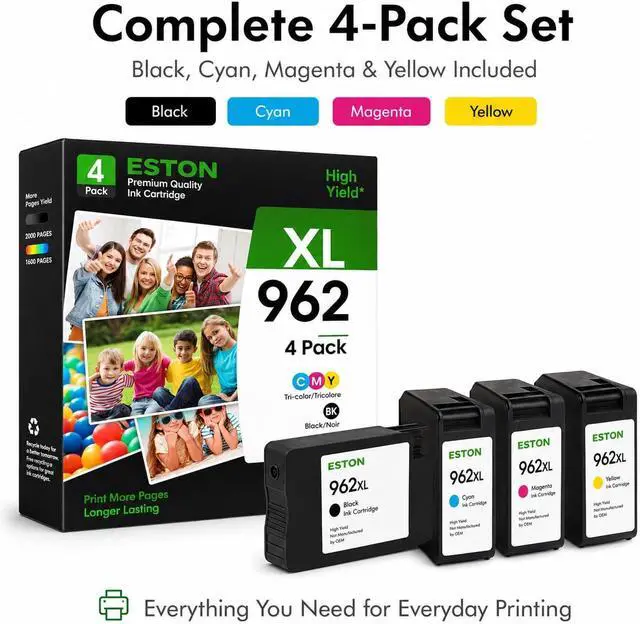
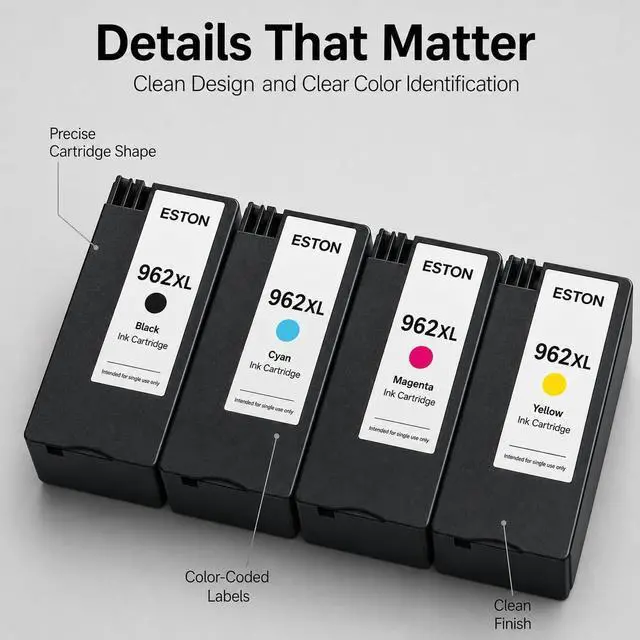


ESTON 962XL Remanufactured Ink Cartridges Compatible with HP OfficeJet Pro
- Four-cartridge 962XL combo pack for select HP OfficeJet Pro 9010 and 9020 series printers for home or work
- COMPATIBLE PRINTERS: Designed for select HP OfficeJet Pro 9010 and 9020 series printers, including listed e-series models. For e-series units, confirm HP+ was not activated before ordering
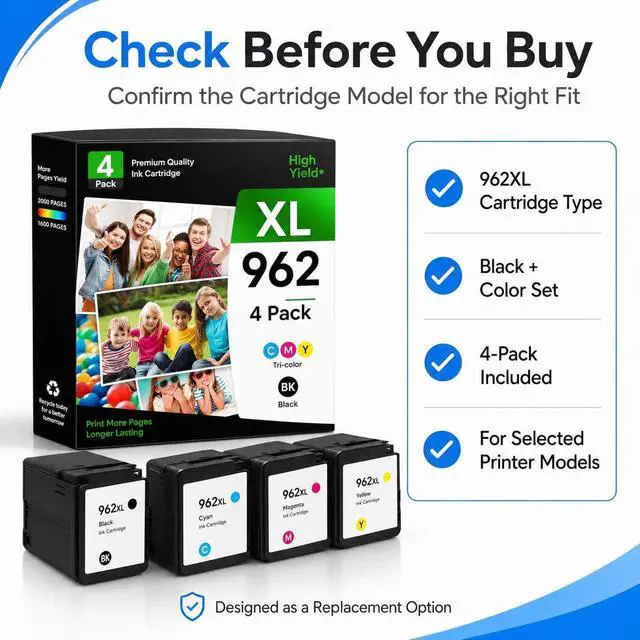
- 4-PACK AND PAGE YIELD: Includes a four-cartridge 962XL combo pack. Rated up to 2,000 black pages and 1,600 color pages at 5% coverage; actual yield varies by use
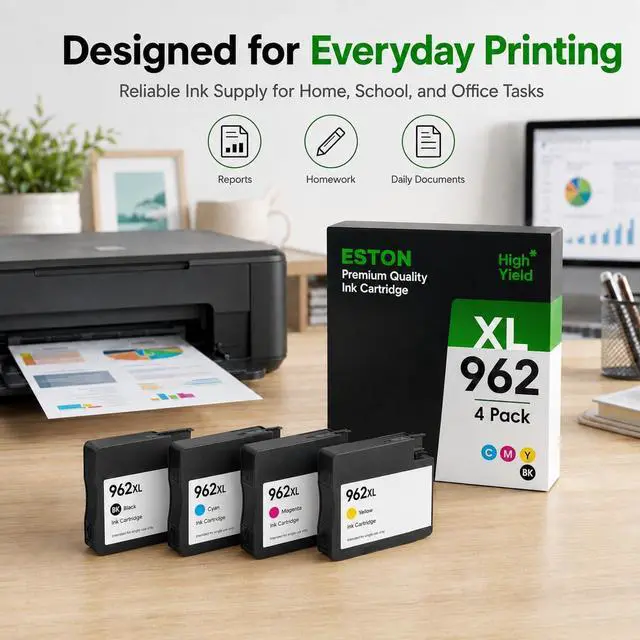
- DAILY HOME AND OFFICE PRINTING: Suitable for reports, letters, forms, charts, graphics, and photos, providing clear text and balanced color for routine personal and workplace printing
- BUILT-IN CHIP SUPPORT: Integrated chips are designed to support cartridge recognition and ink-level display on compatible printers, helping users monitor supplies during regular document and image printing
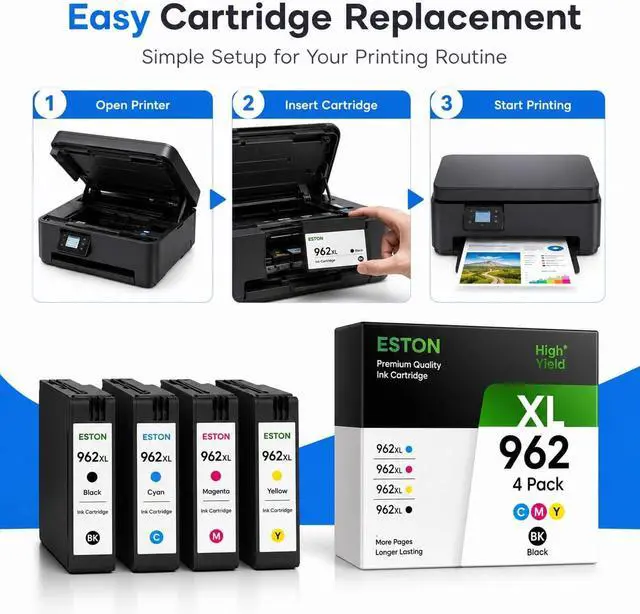
- INSTALLATION AND TROUBLESHOOTING: Insert each cartridge firmly into the matching slot. If an error appears, clean the contacts, reinstall the cart
+
+
Overview
Specs
Reviews
COMPATIBLE PRINTERS: Designed for select HP OfficeJet Pro 9010 and 9020 series printers, including listed e-series models. For e-series units, confirm HP+ was not activated before ordering
4-PACK AND PAGE YIELD: Includes a four-cartridge 962XL combo pack. Rated up to 2,000 black pages and 1,600 color pages at 5% coverage; actual yield varies by use
DAILY HOME AND OFFICE PRINTING: Suitable for reports, letters, forms, charts, graphics, and photos, providing clear text and balanced color for routine personal and workplace printing
BUILT-IN CHIP SUPPORT: Integrated chips are designed to support cartridge recognition and ink-level display on compatible printers, helping users monitor supplies during regular document and image printing
INSTALLATION AND TROUBLESHOOTING: Insert each cartridge firmly into the matching slot. If an error appears, clean the contacts, reinstall the cartridge, then power-cycle the printer after waiting 30 seconds
4-PACK AND PAGE YIELD: Includes a four-cartridge 962XL combo pack. Rated up to 2,000 black pages and 1,600 color pages at 5% coverage; actual yield varies by use
DAILY HOME AND OFFICE PRINTING: Suitable for reports, letters, forms, charts, graphics, and photos, providing clear text and balanced color for routine personal and workplace printing
BUILT-IN CHIP SUPPORT: Integrated chips are designed to support cartridge recognition and ink-level display on compatible printers, helping users monitor supplies during regular document and image printing
INSTALLATION AND TROUBLESHOOTING: Insert each cartridge firmly into the matching slot. If an error appears, clean the contacts, reinstall the cartridge, then power-cycle the printer after waiting 30 seconds
Warranty & Returns
Warranty, Returns, And Additional Information
Warranty
- Please contact the Seller directly for warranty information. Warranty information may also be found on the Manufacturer's website.
- CONTACT
Return Policies
- Return for refund within: 15 days
- Return for replacement within: 30 days
- This item is covered by Ankelay shop Return Policy
Manufacturer Contact Info
- For a directory of all our manufacturers, please click below.
- Manufacturers Directory
LOADING...