
Your Browsing History
- Free 30-day Returns
$88.50
Ships from China.

Meet Your Seller

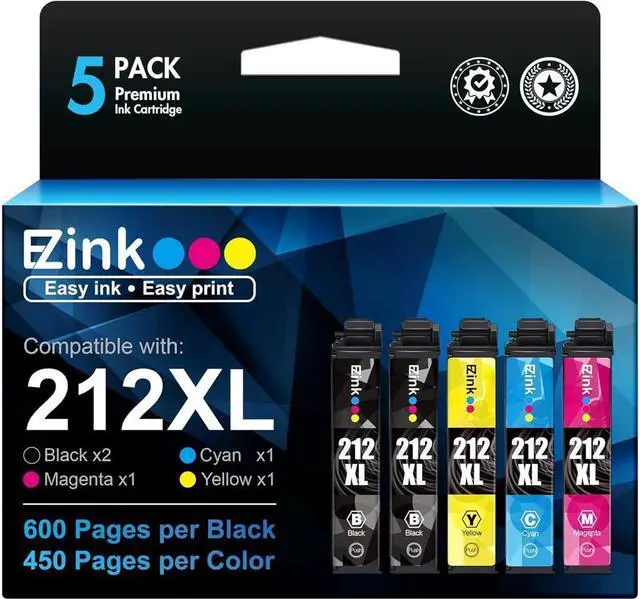

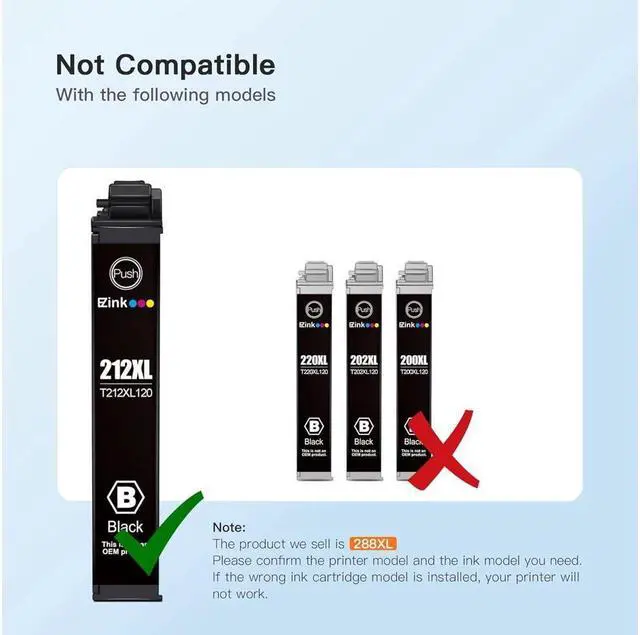


E-Z Ink (TM) Remanufactured 212XL Ink Cartridge Replacement for 212 T212 XL to use with XP-4100 XP-4105 WF-2830 WF-2850 Printer New Upgraded Chips (2 Black, 1 Cyan, 1 Magenta, 1 Yellow, 5 Pack)
- Product Name: E-Z Ink remanufactured ink cartridges replacement for Epson 212XL 212 XL T212XL with latest upgraded firmware
- Package Contents: 1 x User Guide, 2 x Black 212XL, 1 x Cyan 212XL, 1 x Magenta 212XL, 1 x Yellow 212XL (Total 5 Pack)
- Page Yield: Black is 600 pages per cartridge and Color is 450 Pages per cartridge at 5% coverage
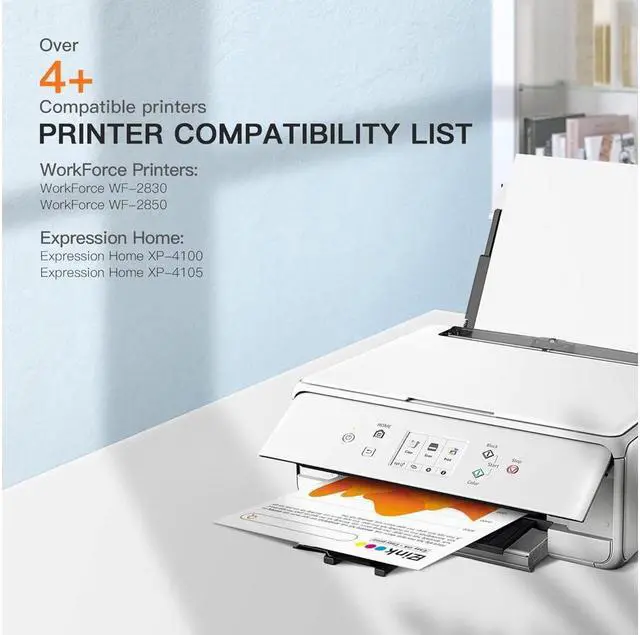
- Printer Compatibility: Epson WorkForce WF-2830 WorkForce WF-2850 Expression Home XP-4100 Expression Home XP-4105 Printers
- Premium quality ink delivers crisp text and graphics
+
+
Overview
Specs
Reviews
Product Name:
E-Z Ink (TM) Remanufactured Ink Cartridge Replacement for Epson 212XL T212XL 212 XL T212 to use with XP-4100 XP-4105 WF-2830 WF-2850 Printer (2 Black, 1 Cyan, 1 Magenta, 1 Yellow, 5
Pack)Content:
5 Pack of Remanufactured ink cartridges for Epson 212XL(2 Black, 1 Cyan, 1
Magenta)Printer Compatibility:
WorkForce WF-2830
WorkForce WF-2850
Expression Home XP-4100
Expression Home XP-4105Page Yield:
Black is 600 pages per cartridge and Color is 450 Pages per cartridge at 5% coverageInstallation guides:
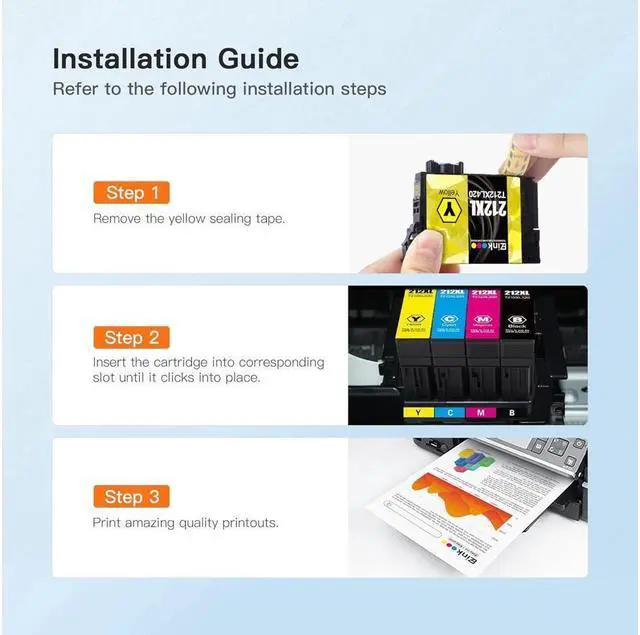
Step 1: Upside down the cartridge and remove the protective cover before installing.
Step 2: Insert the cartridge into corresponding slot until it clicks into the place.
Note: Do not touch the chip and the nozzle.
E-Z Ink (TM) Remanufactured Ink Cartridge Replacement for Epson 212XL T212XL 212 XL T212 to use with XP-4100 XP-4105 WF-2830 WF-2850 Printer (2 Black, 1 Cyan, 1 Magenta, 1 Yellow, 5
Pack)Content:
5 Pack of Remanufactured ink cartridges for Epson 212XL(2 Black, 1 Cyan, 1
Magenta)Printer Compatibility:
WorkForce WF-2830
WorkForce WF-2850
Expression Home XP-4100
Expression Home XP-4105Page Yield:
Black is 600 pages per cartridge and Color is 450 Pages per cartridge at 5% coverageInstallation guides:
Step 1: Upside down the cartridge and remove the protective cover before installing.
Step 2: Insert the cartridge into corresponding slot until it clicks into the place.
Note: Do not touch the chip and the nozzle.
Warranty & Returns
Warranty, Returns, And Additional Information
Warranty
- Please contact the Seller directly for warranty information. Warranty information may also be found on the Manufacturer's website.
- CONTACT
Return Policies
- Return for refund within: 30 days
- Return for replacement within: 90 days
- This item is covered by connect7 Return Policy
Manufacturer Contact Info
- For a directory of all our manufacturers, please click below.
- Manufacturers Directory
LOADING...