
Your Browsing History
- Free 30-day Returns
$70.50
Ships from China.

Meet Your Seller

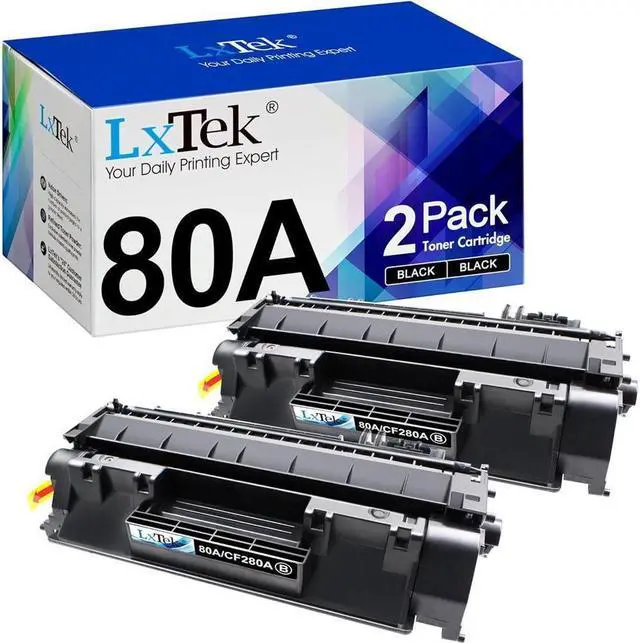
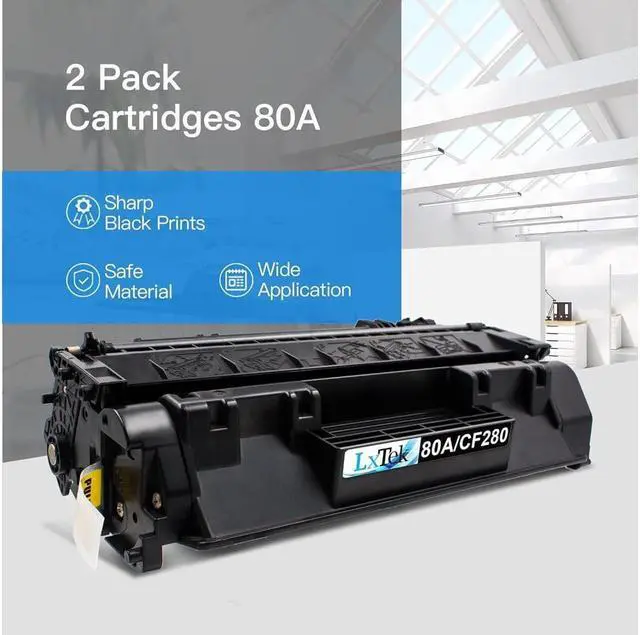


LxTek Compatible Toner Cartridge Replacement for 80A CF280A 80X CF280X 05A CE505A to use with Laserjet Pro 400 M401dne M401dn M401dw M401n, Pro 400 MFP M425dn M425dw (2 Black, High Yield)
- All LxTek toner cartridge replacements for 80A are strictly tested with industry quality control processes to perform superb results
- Intelligent IC Chip: Smart chip and refined toner to ensure a smooth using experience
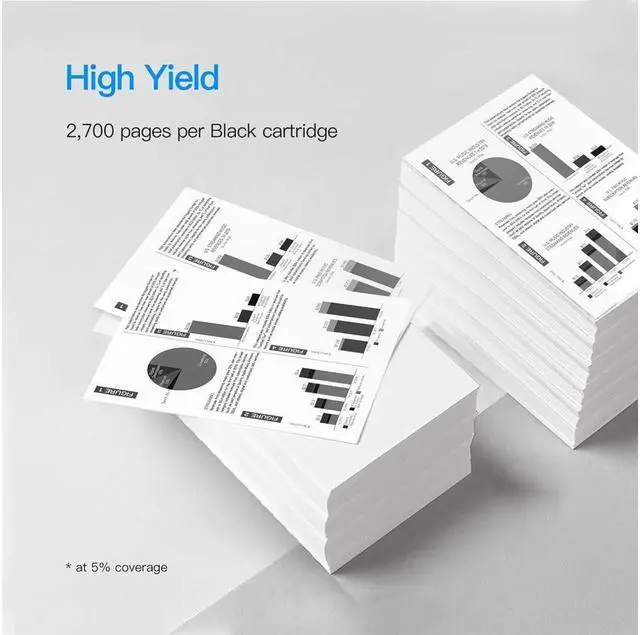
- Page Yield: Up to 2,700 pages per 80A CE280A Black toner cartridge at 5% coverage
- Package Contents: 2 Pack (2 Black) compatible for HP 80A CF280A 80X CF280X 05A CE505A toner cartridge
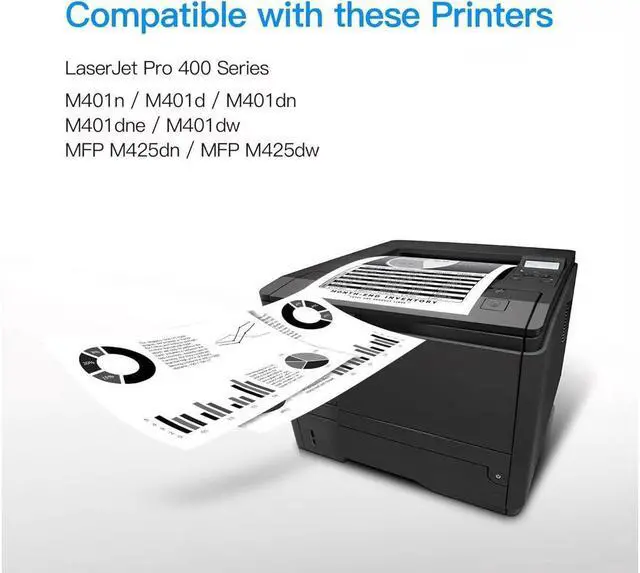
- Compatible Printers: HP LaserJet Pro 400 M401dne M401dn M401n M401d M401dw, LaserJet Pro 400 MFP M425dn M425dw Printer
+
+
Overview
Specs
Reviews
LxTek Gives You the Most Vibrant Color Experience!
Advantages for this compatible item:
Printing performance is almost the same as genuine OEM toner cartridge at 1/4 of the price.
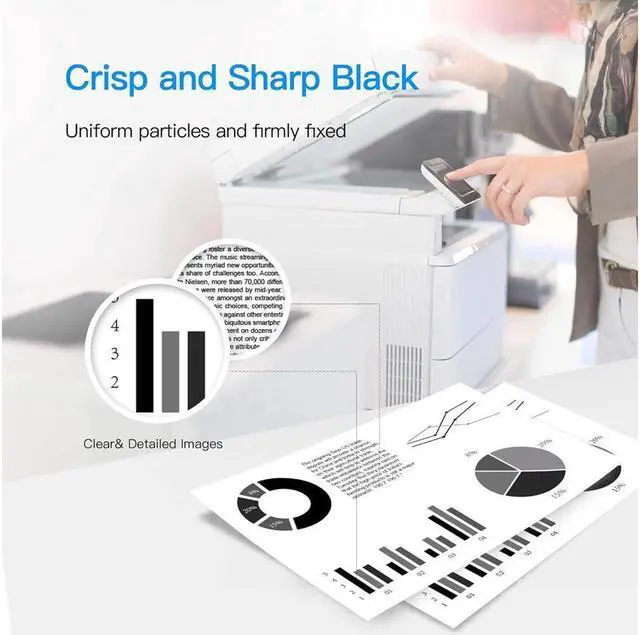
Each toner cartridge was methodically tested to ensure full working condition and a superior print quality.
Professional color box packing and multilayer shockproof packing can avoid product damage during transportation and distribution.
Can be recognized by your printers and installed easily.
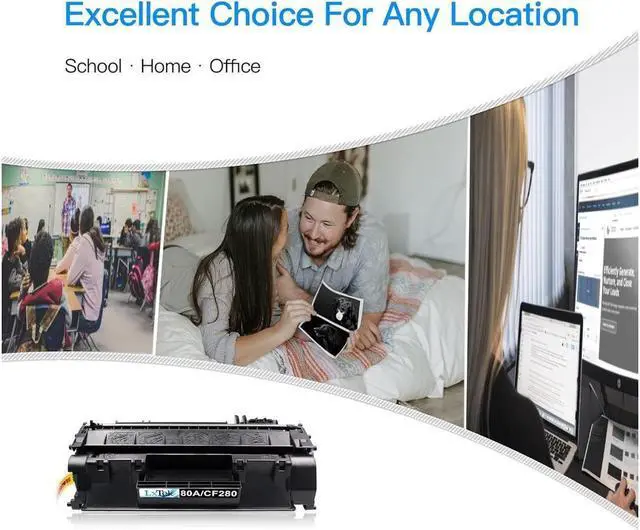
Convenient and cost-effective for daily use such as school, work, and home printing.
Compatible with the following printers:
HP Monochrome LaserJet 400, MFP M401, M401N, M401DNE, M401DW, M401DN, M425DN, M425DW Printer
Package Included:
2 Pack LxTek compatible HP 80A toner cartridges (2 Black)
Cartridge Life:
If you print about 50 pages of regular printing documents per week, cartridges will be run out in around 13 months.
Warm Tips:
Please confirm your printer model before placing order.
The computer would appear Non-Genuine, please click "OK" continuously, then the printer can go on to print.
If you receive the toner cannot recognize your printer please turn off 30 second then turn on and install again, also you can try take the toner out and use tissue with rubbing alcohol clean the chips softly.
Customer Service Contact:
We appreciate all of your feedback and reviews. Our goal is to ensure that everyone has a great experience with this product. Therefore, if you experience ANY issues whatsoever, please send an email to us through clicking Contact Seller option under your order details. We will gladly assist you and address all your concerns.
Advantages for this compatible item:
Printing performance is almost the same as genuine OEM toner cartridge at 1/4 of the price.
Each toner cartridge was methodically tested to ensure full working condition and a superior print quality.
Professional color box packing and multilayer shockproof packing can avoid product damage during transportation and distribution.
Can be recognized by your printers and installed easily.
Convenient and cost-effective for daily use such as school, work, and home printing.
Compatible with the following printers:
HP Monochrome LaserJet 400, MFP M401, M401N, M401DNE, M401DW, M401DN, M425DN, M425DW Printer
Package Included:
2 Pack LxTek compatible HP 80A toner cartridges (2 Black)
Cartridge Life:
If you print about 50 pages of regular printing documents per week, cartridges will be run out in around 13 months.
Warm Tips:
Please confirm your printer model before placing order.
The computer would appear Non-Genuine, please click "OK" continuously, then the printer can go on to print.
If you receive the toner cannot recognize your printer please turn off 30 second then turn on and install again, also you can try take the toner out and use tissue with rubbing alcohol clean the chips softly.
Customer Service Contact:
We appreciate all of your feedback and reviews. Our goal is to ensure that everyone has a great experience with this product. Therefore, if you experience ANY issues whatsoever, please send an email to us through clicking Contact Seller option under your order details. We will gladly assist you and address all your concerns.
Warranty & Returns
Warranty, Returns, And Additional Information
Warranty
- Please contact the Seller directly for warranty information. Warranty information may also be found on the Manufacturer's website.
- CONTACT
Return Policies
- Return for refund within: 30 days
- Return for replacement within: 90 days
- This item is covered by connect7 Return Policy
Manufacturer Contact Info
- For a directory of all our manufacturers, please click below.
- Manufacturers Directory
LOADING...