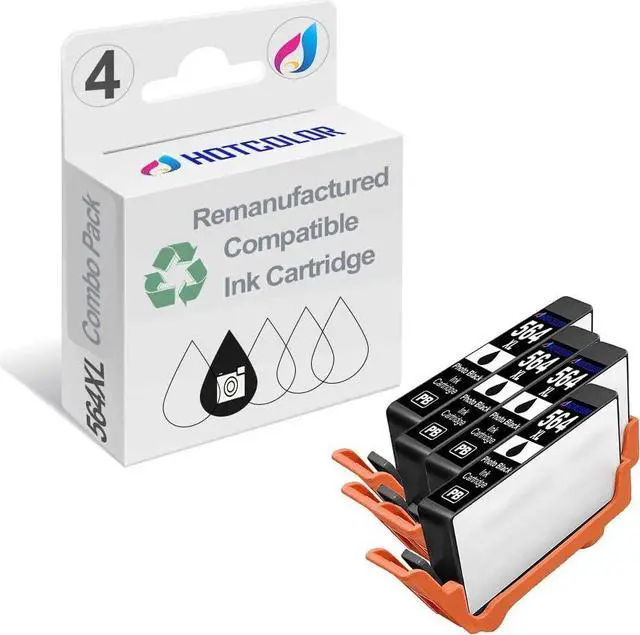
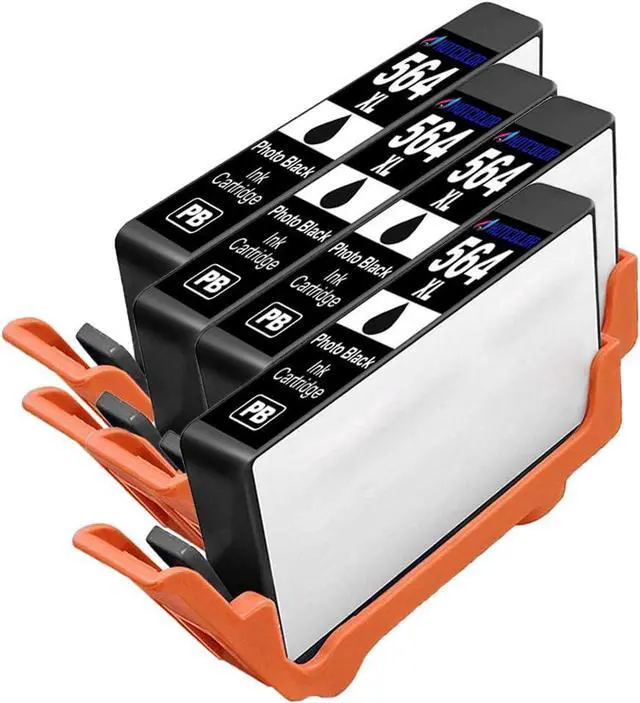
564XL Photo Black ink cartridges work for Printer:
HP Photosmart D5445 (Q8422A)
HP Photosmart D5460 (Q8421A#B1H)
HP Photosmart 7525 (CZ046A)
HP Photosmart 7515 - C311a (CQ878A)
HP Photosmart 7510 - C311a (CQ877A#B1H)
HP Photosmart Premium Fax - C410a (CQ522A)
HP Photosmart Premium Fax - C410a (CQ521A#B1H)
HP Photosmart eStation - C510a (CQ140A#B1H)
HP Photosmart Premium - C310a (CN503A#B1H)
HP Photosmart Premium TouchSmart Web - C309n (CD734A#ABA)
HP Photosmart Premium - C309g (CD056A)
HP Photosmart Plus - B209a (CD037A)
HP Photosmart C6380 (CD028A#ABA)
HP Photosmart C6340 (CD020A)
HP Photosmart C6350 (CD019A)
HP Photosmart Premium Fax - C309a (CC336A)
HP Photosmart D7560 (Q8441A#B1H)
HP Photosmart Premium Fax - C309a (CC335A#ABA)
[Using Tips]
1.Clean the former ink cartridge before the ink is exhausted for changing the new ink cartridge
2.Keep the cartridge stayed in the ink cartridge box for five minutes. Clean the printer head until the nozzle is nomal.
3.If there is break line or miss color pure, let the ink cartridge remain in the box for ten to fifteen minutes.
4.If the problems still remain, test the printer head one to three times according to the user manual of the printer, until the printing is unobstructed.
5.If the printer still not identify the ink cartridge, please take it out and reinstall it. If the still not work, reset it.
6.Please run out of the ink within half year after open it, so that can make the best printing efficient.
7.It's better not to take the ink cartridge out from the printer before the ink is exhausted.
8.The printer must be opened every three days to avoid the nozzle jamming