
Your Browsing History
- Free 15-day Returns
$134.14
Ships from Hong Kong.

Meet Your Seller

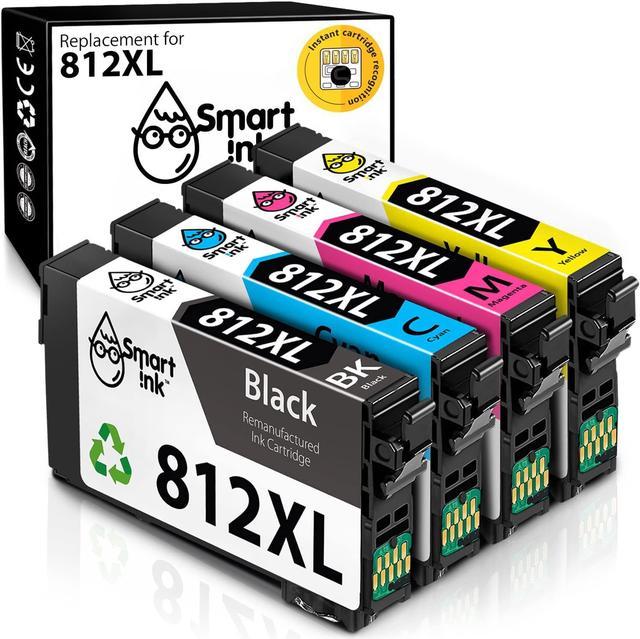


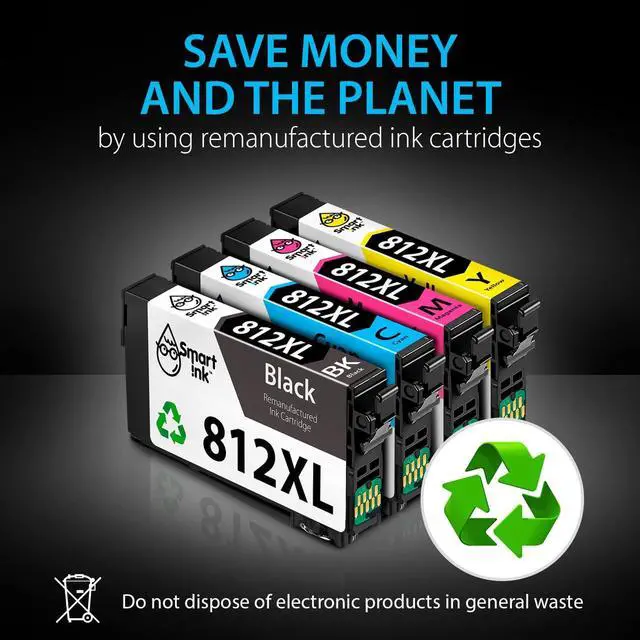


Smart Ink Remanufactured Ink Cartridge Replacement 812 XL 812XL T812XL to use with Workforce Pro WF-7820 WF-7840 Workforce EC-C7000 (BK & C/M/Y, 4 Combo Pack)
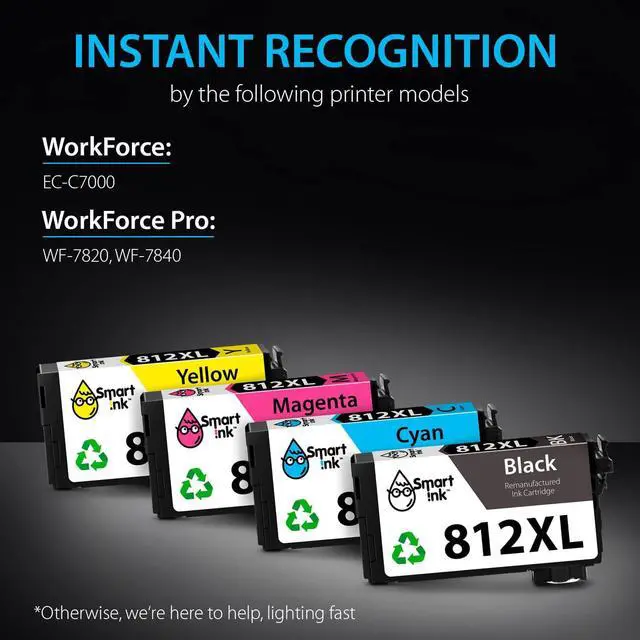
- Compatible with Epson WorkForce EC-C7000, WorkForce Pro WF-7820, WF-7840 printers
- Package Contents: 1 x Black 812XL, 1 x Cyan 812XL, 1 x Magenta 812XL, 1 x Yellow 812XL (4 cartridges in total)
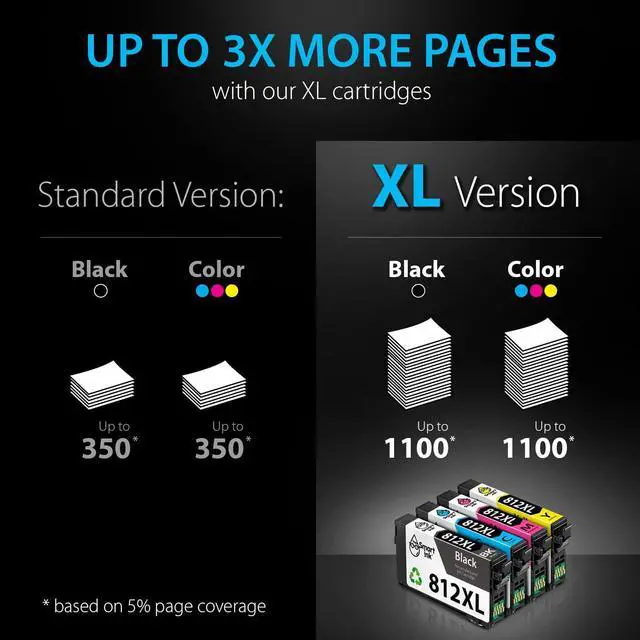
- Print More with XL: Up to 1100 pages per XL Black, 1100 pages per XL color cartridges (Cyan, Magenta, Yellow)
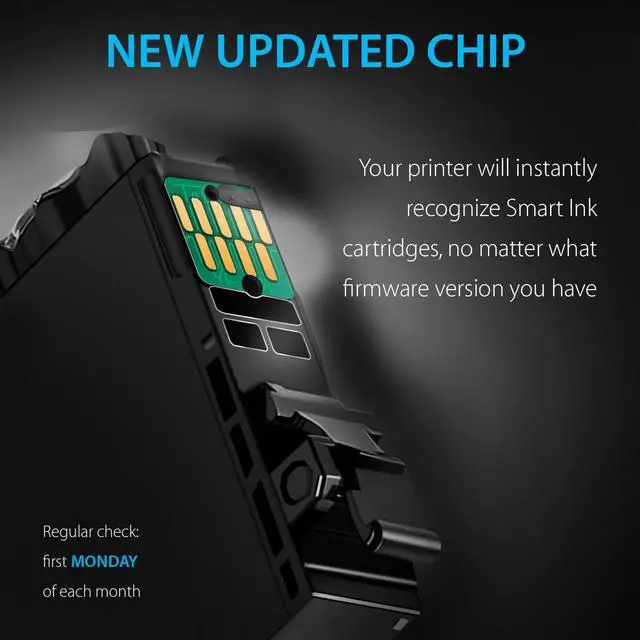
- Always the Latest Chip Version: Smart Ink cartridges are equipped with the most up-to-date version of the chip and work perfectly with all compatible printers, including printers with the latest firmware
- Excellent Print Quality: Smart Ink 812XL ink cartridges are remanufactured from OEM products, professionally cleaned, refilled, and tested to provide you with the same print quality as the original ink cartridges
- Specially Designed Anti-Clog Ink Formula ensures high-performance printing and prevents printhead clogs
+
+
Overview
Specs
Reviews
Previous page
Next page At Smart Ink, we strictly control the printer's firmware updates to provide you the most up-to-date version of the chip. That's why your printer will always work with our cartridges, no matter what firmware version you have.
1 x Black XL
1 x Cyan XL
1 x Magenta XL
1 x Yellow XL
1 x Easy-to-understand instruction
2 x Gloves
Black: up to 1100* pages
C/M/Y: up to 1100* pages per each color cartridge
Type of ink: Pigment for black, Dye for color
* at 5% coverage
WorkForce EC-C7000
WorkForce Pro WF-7820, WF-7840
Gently shake the new ink cartridge 4-5 times before opening
Remove the yellow tape
Install the cartridge into the corresponding slot
Do not touch the chip or the ink port
Next page of related Sponsored Products Your Smart Cartridge Choice! Shop All STEP 1: STEP 2: STEP 3: ATTENTION: Feedback Website (Online) Store (Offline)
Next page At Smart Ink, we strictly control the printer's firmware updates to provide you the most up-to-date version of the chip. That's why your printer will always work with our cartridges, no matter what firmware version you have.
1 x Black XL
1 x Cyan XL
1 x Magenta XL
1 x Yellow XL
1 x Easy-to-understand instruction
2 x Gloves
Black: up to 1100* pages
C/M/Y: up to 1100* pages per each color cartridge
Type of ink: Pigment for black, Dye for color
* at 5% coverage
WorkForce EC-C7000
WorkForce Pro WF-7820, WF-7840
Gently shake the new ink cartridge 4-5 times before opening
Remove the yellow tape
Install the cartridge into the corresponding slot
Do not touch the chip or the ink port
Next page of related Sponsored Products Your Smart Cartridge Choice! Shop All STEP 1: STEP 2: STEP 3: ATTENTION: Feedback Website (Online) Store (Offline)
Warranty & Returns
Warranty, Returns, And Additional Information
Warranty
- Please contact the Seller directly for warranty information. Warranty information may also be found on the Manufacturer's website.
- CONTACT
Return Policies
- Return for refund within: 15 days
- Return for replacement within: 30 days
- This item is covered by haoyuzeshang Return Policy
Manufacturer Contact Info
- For a directory of all our manufacturers, please click below.
- Manufacturers Directory
LOADING...