


- Free 15-day Returns
$126.90
Ships from Hong Kong.

Meet Your Seller

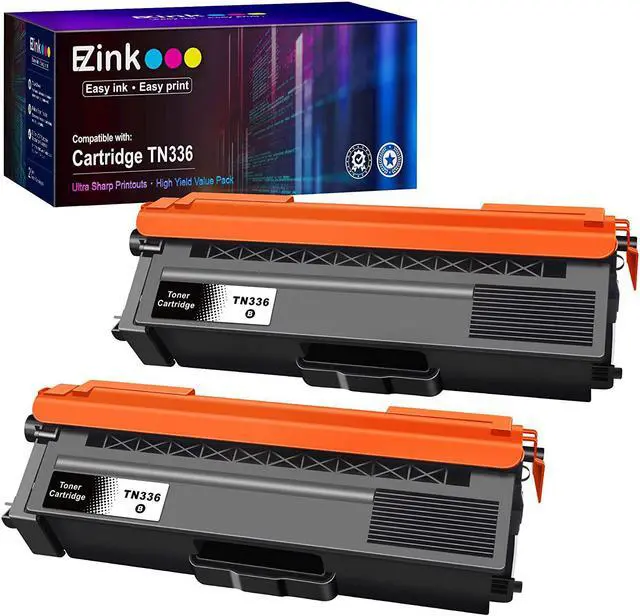
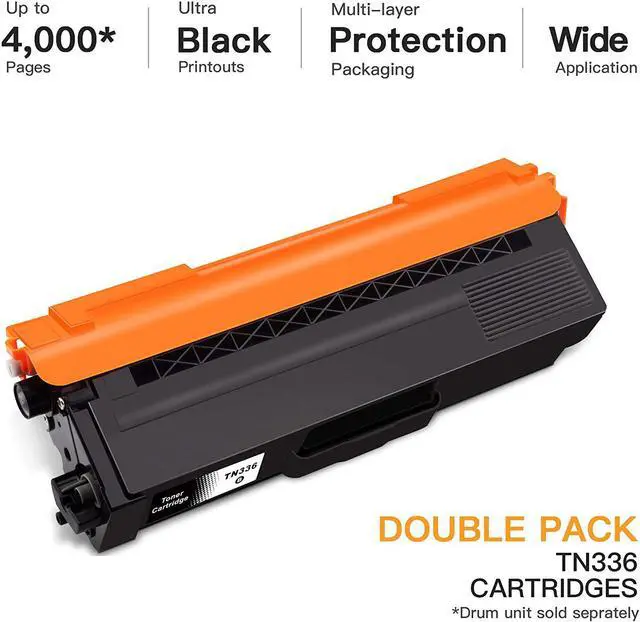

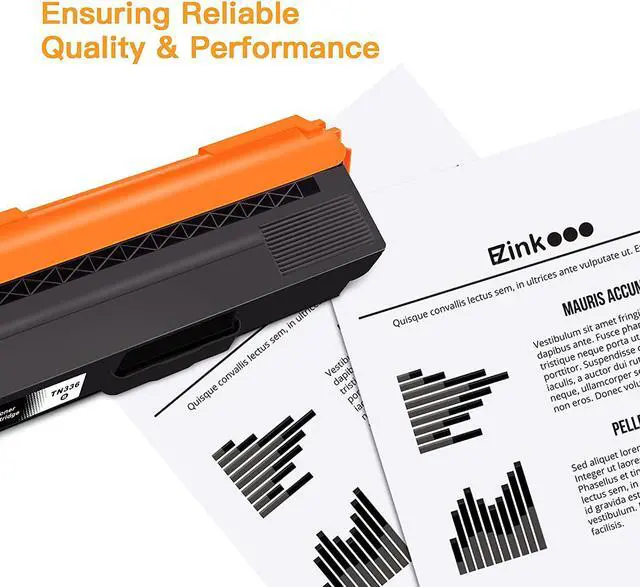


E-Z Ink (TM) Compatible Toner Cartridge Replacement for Brother TN336 TN331 TN-336 TN-331 Compatible with HL-L8350CDW MFC-L8850CDW MFC-L8600CDW HL-L8350CDWT HL-L8250CDN (Black, 2 Pack)
- Product Name: E-Z Ink compatible toner cartridges replacement for Brother TN336 TN-336 TN331
- Package Contents: 1 x User Guide, 2 x TN336 Black (Total 2 Pack)
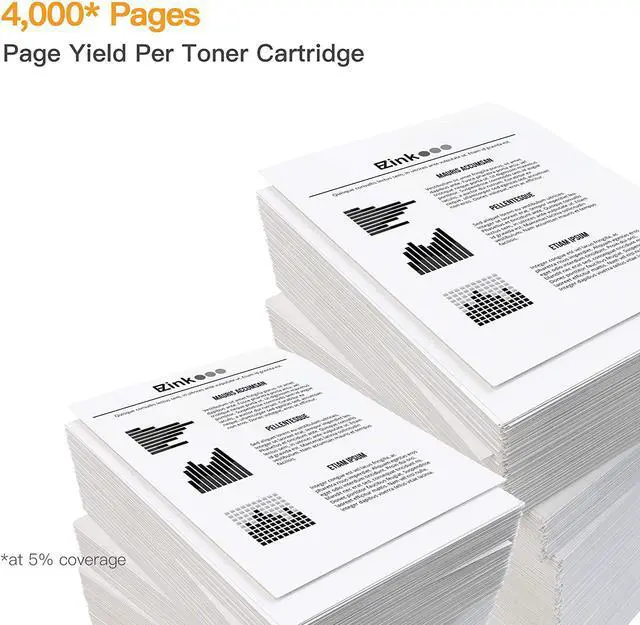
- Page Yield: Black is 4000 pages per cartridge at 5% coverage
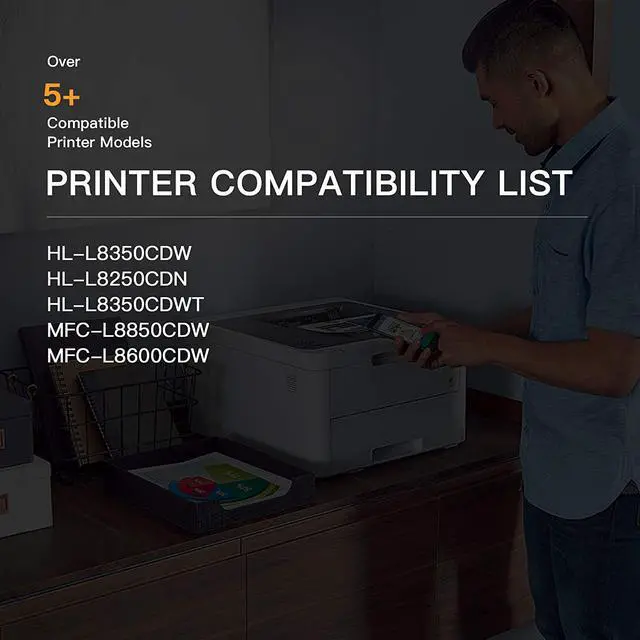
- Printer Compatibility: Compatible with Brother HL-L8350CDW, Brother MFC-L8850CDW, Brother HL-L8350CDWT, Brother HL-L8250CDN, Brother MFC-L8600CDW Printer
- Refined toner powder provides high-quality images and text
+
+
Overview
Reviews
High Capacity: Color is 3500 pages per cartridge at 5% coverage.
Stable Print Quality: First-class developer roller provides crisp text and graphics.
Multi-layer packaging: Multiple protections to provide the safety of transportation.
Printer Compatibility Tips : Please confirm your printer model#.
Compatible with HL Series Printers:
Compatible with HL-L8350CDW,
Compatible with HL-L8250CDN,
Compatible with HL-L8350CDWT
Compatible with MFC Series Printers:
Compatible with MFC-L8850CDW,
Compatible with MFC-L8600CDW
Easy Installment Step-1:
Shake for 5 seconds to loosen toner powder distribution
Easy Installment Step-2:
Remove orange protective cap from toner
Easy Installment Step-3:
Insert the drum unit (with the toner installed) into your printer
Step-1
Step-2
Step-3
Stable Print Quality: First-class developer roller provides crisp text and graphics.
Multi-layer packaging: Multiple protections to provide the safety of transportation.
Printer Compatibility Tips : Please confirm your printer model#.
Compatible with HL Series Printers:
Compatible with HL-L8350CDW,
Compatible with HL-L8250CDN,
Compatible with HL-L8350CDWT
Compatible with MFC Series Printers:
Compatible with MFC-L8850CDW,
Compatible with MFC-L8600CDW
Easy Installment Step-1:
Shake for 5 seconds to loosen toner powder distribution
Easy Installment Step-2:
Remove orange protective cap from toner
Easy Installment Step-3:
Insert the drum unit (with the toner installed) into your printer
Step-1
Step-2
Step-3
Warranty & Returns
Warranty, Returns, And Additional Information
Warranty
- Please contact the Seller directly for warranty information. Warranty information may also be found on the Manufacturer's website.
- CONTACT
Return Policies
- Return for refund within: 15 days
- Return for replacement within: 30 days
- This item is covered by haoyuzeshang Return Policy
Manufacturer Contact Info
- For a directory of all our manufacturers, please click below.
- Manufacturers Directory
LOADING...