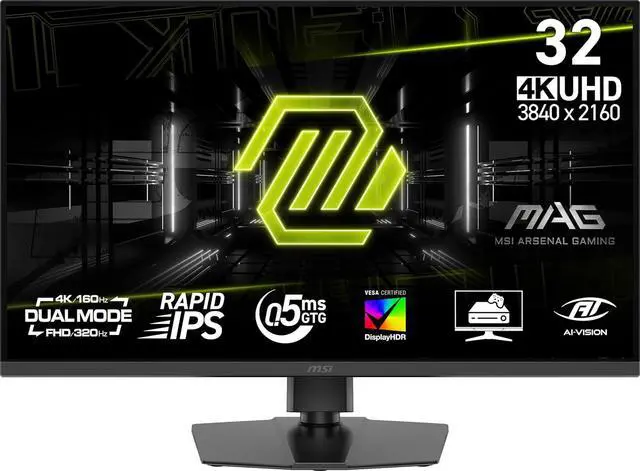
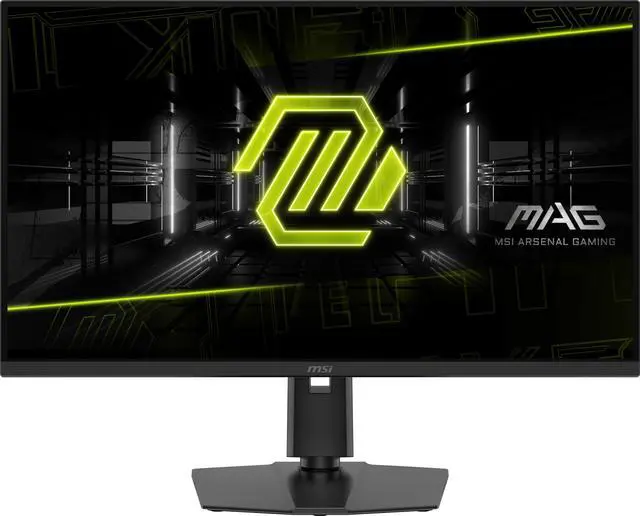
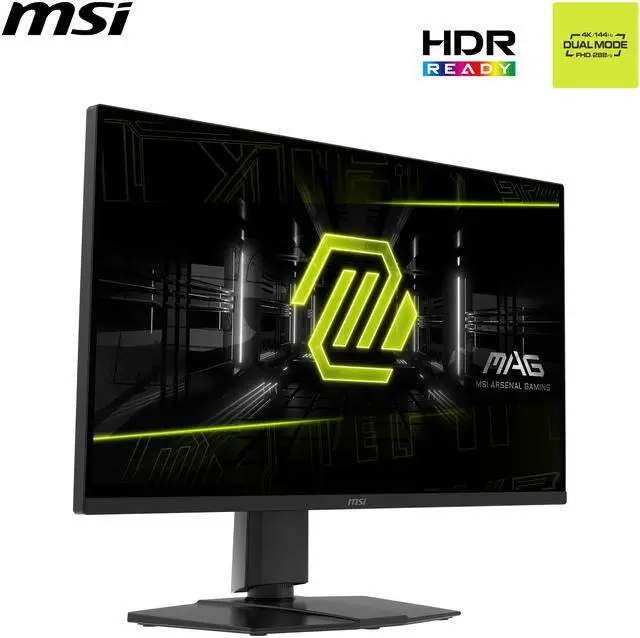
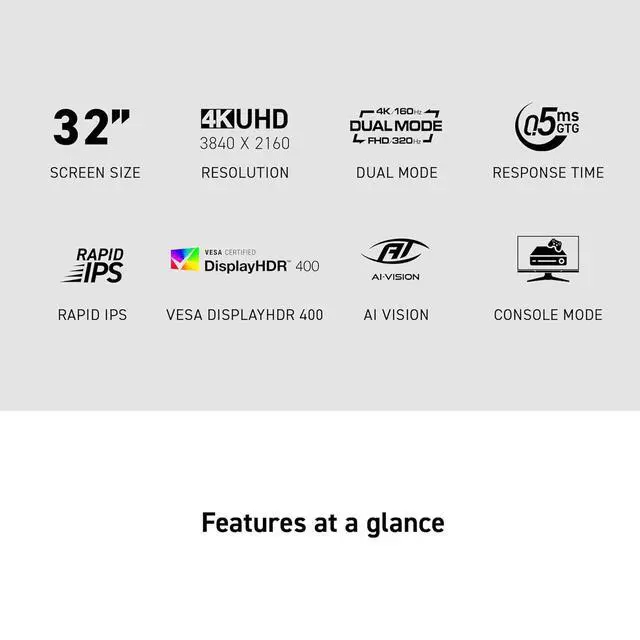
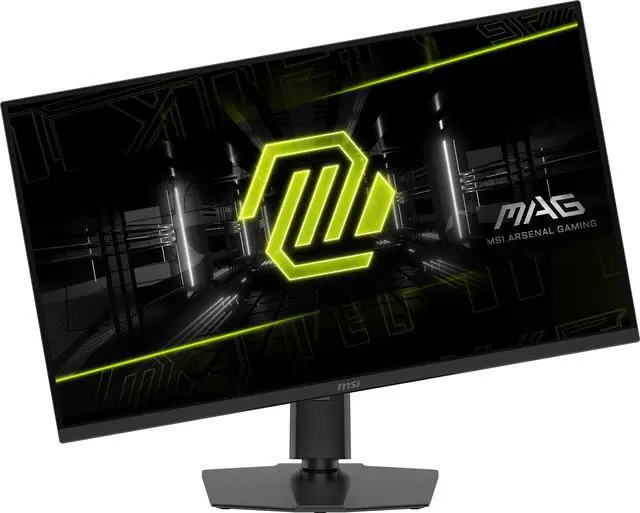
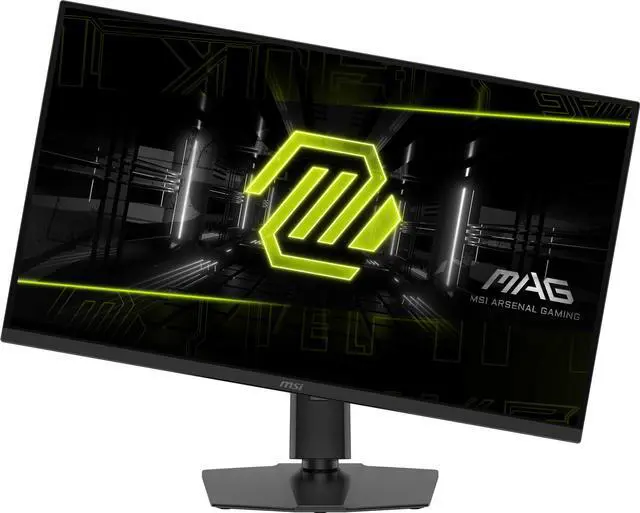
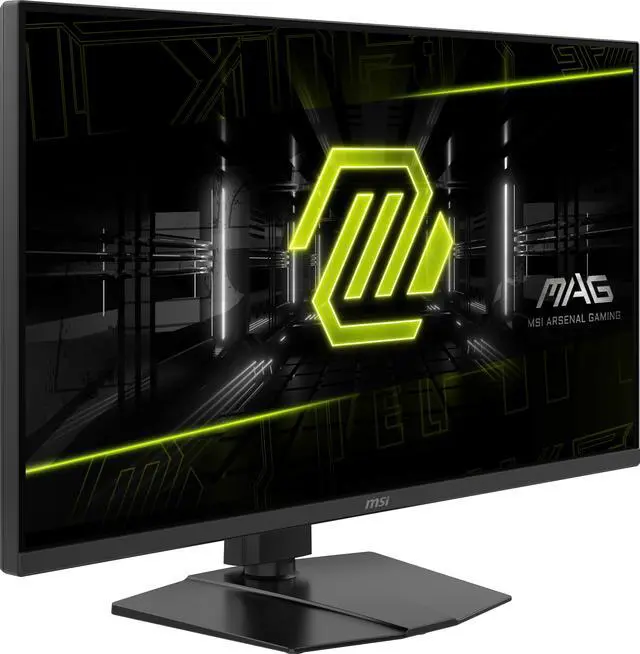
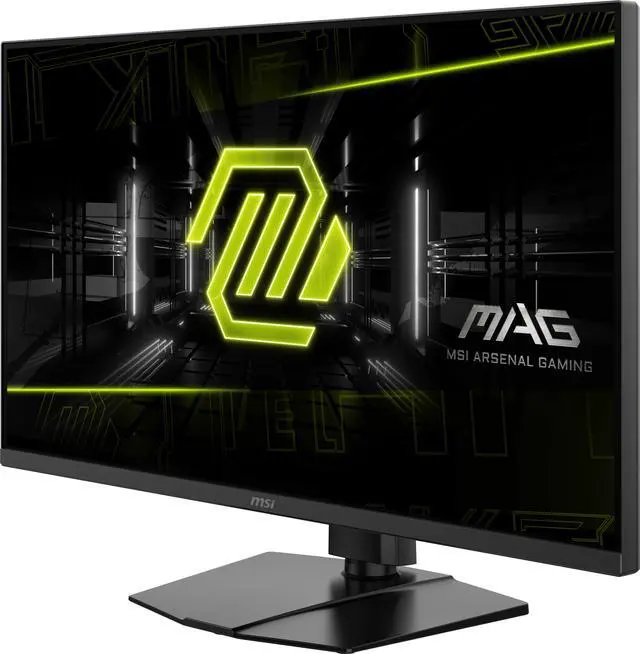
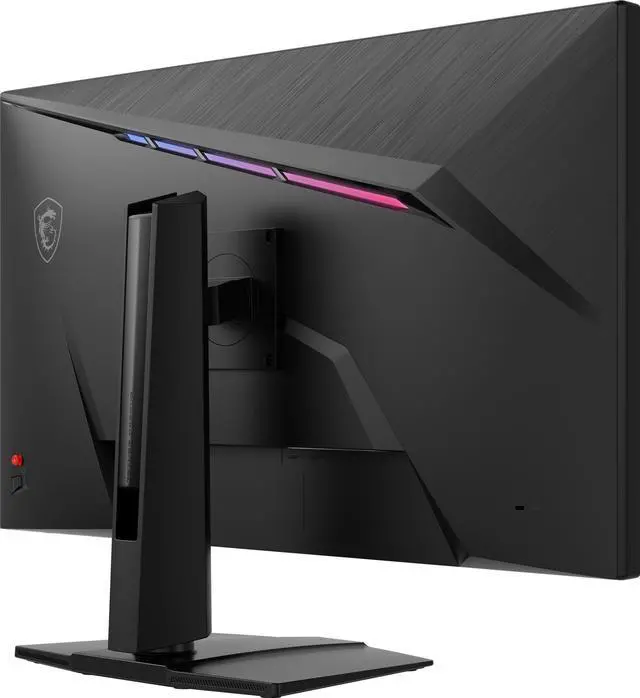
The MSI MAG 322URDF E16 is a 32-inch dual-mode Rapid IPS gaming monitor that switches between 4K at 160Hz and Full HD at 320Hz, making it suitable for players who want detailed visuals for some games and higher refresh rates for competitive play.
Recommended For
- PC gamers who switch between visually detailed games at 4K and competitive FPS games at 1080p, using the monitor’s separate 4K/160Hz and FHD/320Hz modes.
- People who work from home and also play competitive PC games: one owner describes using 4K for productivity and the faster mode for Counter-Strike.
- Players who want a large 4K gaming display for PC or console use and value HDMI 2.1 connectivity; the 320Hz mode is a separate FHD option, not a 4K console mode.
Real-World Use Scenarios
- When switching between visually detailed games and competitive shooters, use 4K mode for sharper scenery and switch to Full HD mode for a higher-refresh experience; the preferred mode depends on the game and the PC’s ability to deliver high frame rates.
- For fast-paced FPS matches, switch to Full HD mode to prioritize smoother motion; the monitor supports a higher refresh rate in this mode, though the game and PC must also produce enough frames to benefit.
- For single-player games, detailed environments, or high-resolution video, stay in 4K mode to prioritize image detail on the large screen rather than the fastest available refresh mode.
- For a work-from-home desk that is also used for gaming, the 4K mode can serve everyday desktop tasks, while the alternate mode suits competitive play; one owner specifically described using 4K for productivity and the faster mode for Counter-Strike.
- For console gaming at a desk, connect a compatible console over HDMI and use the display’s console-oriented features; the console’s own supported output determines the resolution and refresh rate you actually get.
Spec Summary
| Attribute | Value |
|---|
| Best For | Gaming, with high-refresh display modes and support for variable refresh rate |
|---|
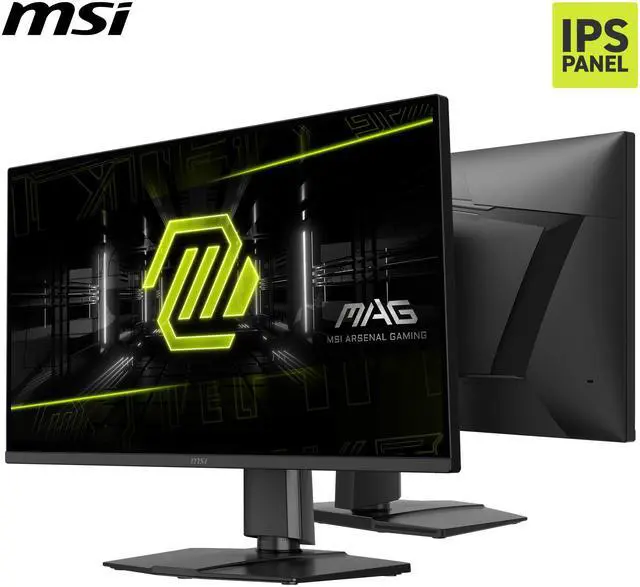
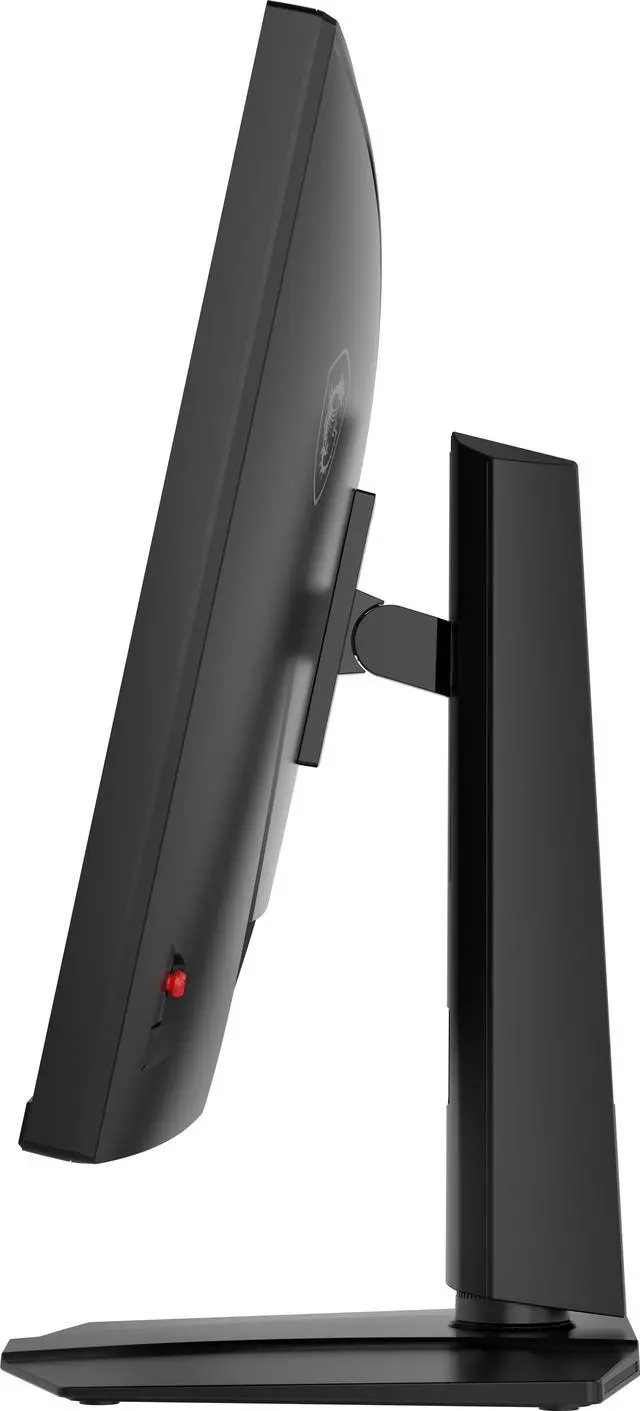
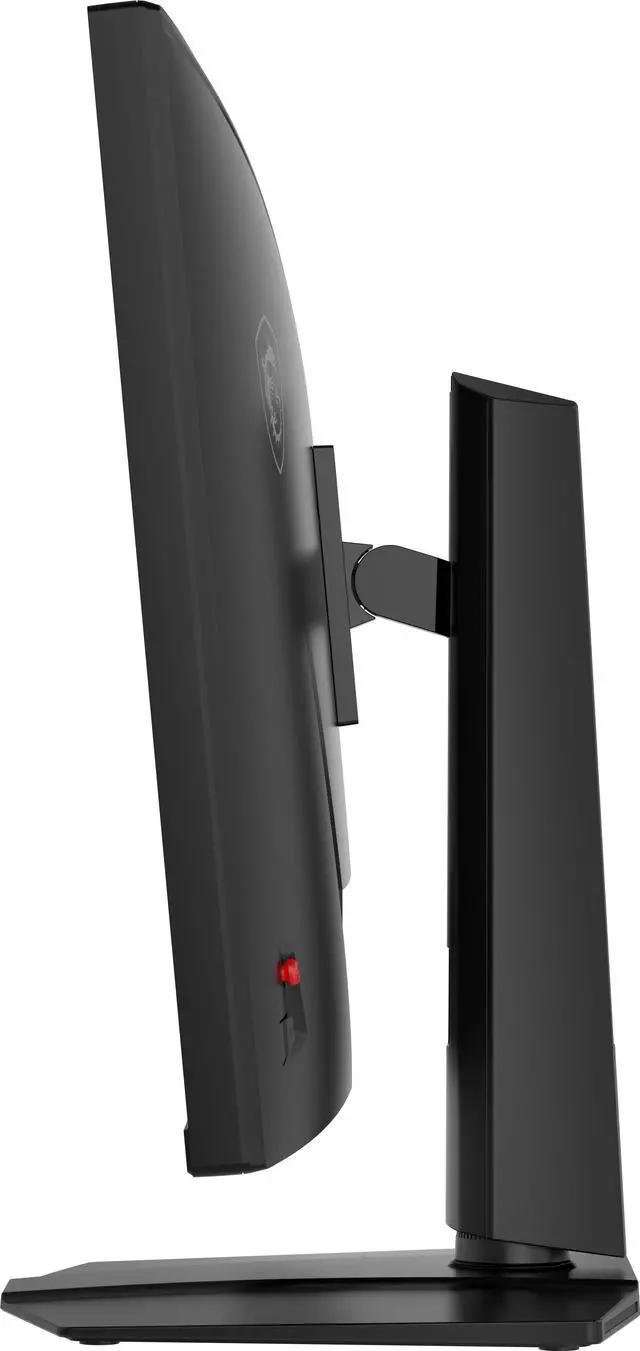
| Panel And Resolution | 31.5-inch viewable, flat Rapid IPS panel with a non-glare finish, 16:9 aspect ratio, and 3840 × 2160 (4K UHD) resolution; 178° horizontal and vertical viewing angles |
|---|
| Refresh Rate And Response | 160Hz internal refresh-rate specification and 320Hz external refresh-rate specification; 0.50ms response time |
|---|
| Color And HDR | 400 cd/m² brightness, 1,000:1 contrast ratio, 1.07 billion colors, sRGB 131% and DCI-P3 99% color gamut, and VESA DisplayHDR 400 certification |
|---|
| Adaptive Sync | AMD FreeSync adaptive sync |
|---|
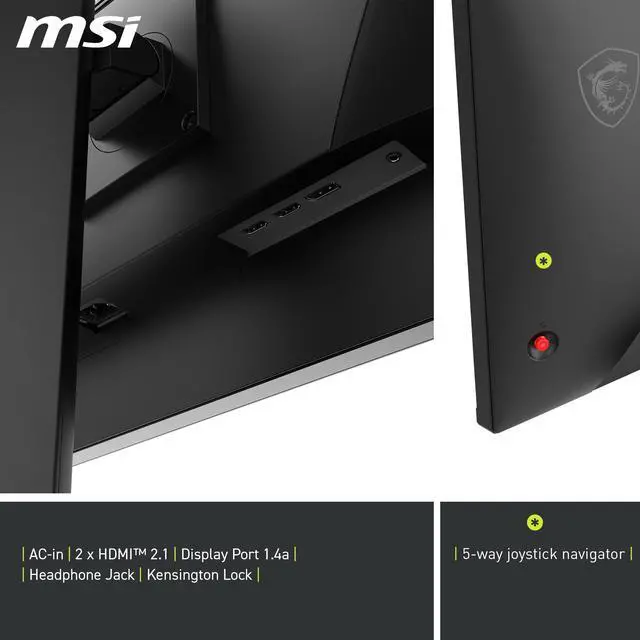
| Ports And Connectivity | 2 × HDMI 2.1, 1 × DisplayPort 1.4, 2 × USB-A 2.0, 1 × USB-B 2.0, and a headphone connection |
|---|
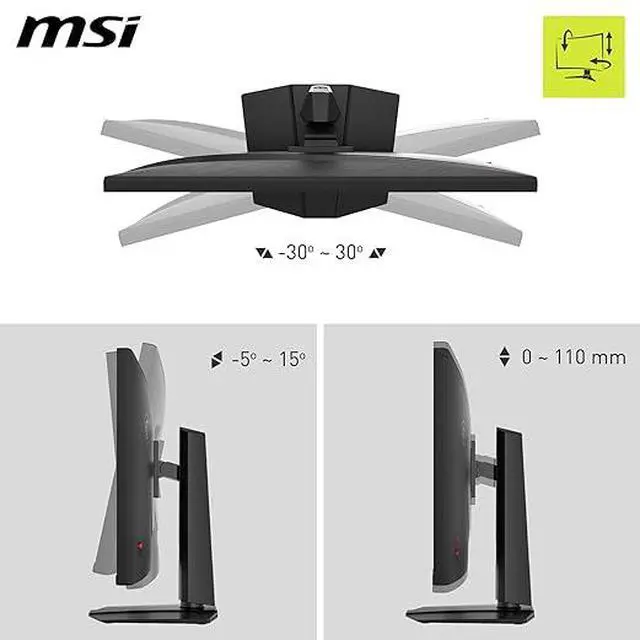
| Stand And Mounting | Height, pivot, swivel, and tilt adjustments; VESA 100 × 100mm mounting compatibility |
|---|
| Audio And Camera | No built-in speakers or webcam |
|---|
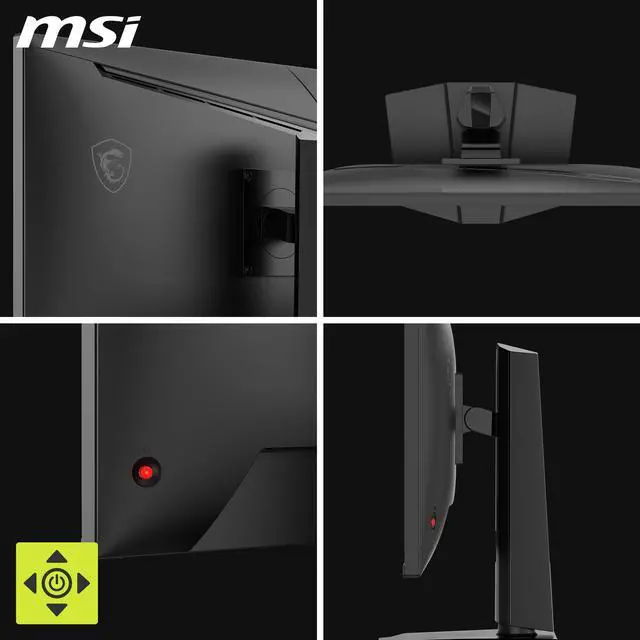
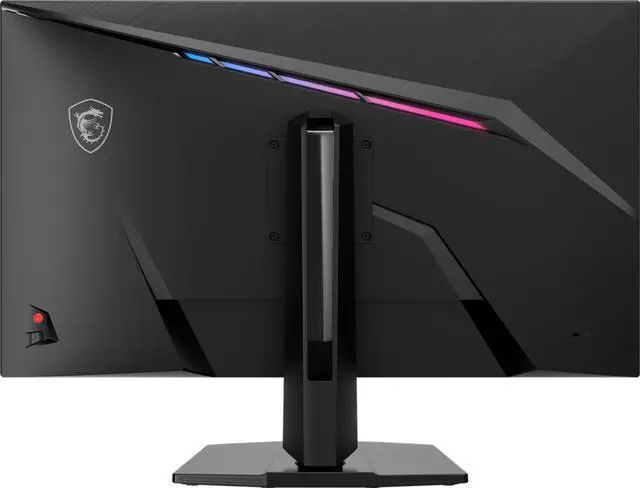
| Physical Specifications | Metallic black cabinet with RGB; listed dimensions are 28.1 × 16.5 × 2.8 inches and listed weight is 19.8 lb |
|---|
| Included Components | DisplayPort 1.4a cable, USB Type-B-to-A cable, C13 power cord, quick guide, and four stand screws |
|---|
| Model Identifiers | MSI MAG 322URDF E16; part number 9S6-3DD89T-013 |
|---|
Reference Q&A
Q: MSI MAG 322URDF E16 vs. Gigabyte M32U: which should I buy?
A: Choose the MSI if you want one monitor that switches between 4K at 160Hz and 1080p at 320Hz. Choose the Gigabyte M32U if its built-in KVM, USB-C connectivity, or speakers matter more; it offers 4K up to 144Hz and does not list a 1080p/320Hz dual mode.
Q: Is the MAG 322URDF E16 worth choosing over a 4K 160Hz monitor without dual mode?
A: Choose the MAG 322URDF E16 if you want to switch between detailed 4K gaming at up to 160Hz and 1080p gaming at up to 320Hz, depending on the game. The trade-off is that its 320Hz mode uses 1080p, rather than 4K; a standard 4K 160Hz monitor keeps the same resolution and refresh-rate ceiling across its modes.
Q: MAG 322URDF E16 or MSI MAG 321CUP: which is better for PC gaming?
A: Both offer a 31.5-inch 4K display with a maximum 160Hz refresh rate. Choose the MAG 322URDF E16 for its flat Rapid IPS panel and optional 1080p/320Hz mode. Choose the MAG 321CUP if you prefer a curved VA screen and USB-C video input; it does not offer the same 320Hz dual mode.
Q: Should I get the MAG 322URDF E16 or a 4K OLED monitor like the MSI MPG 321URX?
A: Choose the MAG 322URDF E16 if you want an IPS monitor with a 4K/160Hz mode and a separate 1080p/320Hz mode. Choose the MPG 321URX if you prioritize QD-OLED and 4K gaming up to 240Hz. The main distinction is the E16’s resolution-and-refresh dual mode versus the 321URX’s higher 4K refresh-rate ceiling and OLED panel.
Q: Can I switch between 4K resolution and a faster refresh rate?
A: Yes. This monitor’s dual mode offers 4K UHD at up to 160Hz or Full HD at up to 320Hz, so you can choose the mode that better fits a game. The connected computer, game, and settings affect the refresh rate you can actually use.
Q: Can I use this monitor with a PS5 or Xbox?
A: Yes. It has two HDMI 2.1 ports and a console mode for compatibility with PS5 and Xbox Series X|S. The resolution and refresh rate you get depend on the console, game, and settings; the monitor’s maximum listed modes are 4K at 160Hz and Full HD at 320Hz.
Q: Does this monitor have built-in speakers?
A: No. It has no built-in speakers, so plan to use headphones or external speakers. A headphone connection is listed in the product specifications.
Q: Is this monitor suitable for office work as well as gaming?
A: Yes. Its 32-inch 4K IPS screen and height, swivel, pivot, and tilt adjustments can suit office work and general productivity as well as gaming. It has no built-in webcam or speakers, so video calls and audio require separate devices.
Q: Is this a good one-monitor setup for work and competitive gaming?
A: It may suit someone who wants a large 4K screen for work and the option to switch to Full HD at up to 320Hz for competitive games. One owner described using it for productivity and Counter-Strike, but also reported occasional PC crashes when switching modes. That report is anecdotal, so consider your PC and game compatibility before relying on frequent mode changes.
Q: What picture-quality trade-offs should I consider?
A: The monitor is an IPS model with DisplayHDR 400, not an OLED display. Reddit reports are mixed: one owner noted corner backlight bleed, while another buyer reported dimness and washed-out viewing angles and returned it. These are individual experiences, not proof that every unit has those issues; if uniformity or HDR image quality is a priority, look for more independent testing before buying.
Q: Is it suitable for PS5, including VRR and ALLM?
A: The product information lists console compatibility and two HDMI 2.1 ports, but the Reddit discussion contains uncertainty and conflicting reports about PS5 VRR and ALLM. Do not assume that HDMI 2.1 alone confirms support for every console feature; verify the exact features you need before purchasing.
Q: Is it worth buying at its price?
A: Reddit opinions are divided: some commenters consider it reasonable for competitive gaming, while others question its value compared with alternatives, particularly for picture quality. Its value depends on the price you find and whether you will use both 4K/160Hz and Full HD/320Hz modes. Compare current alternatives at the same price before deciding.