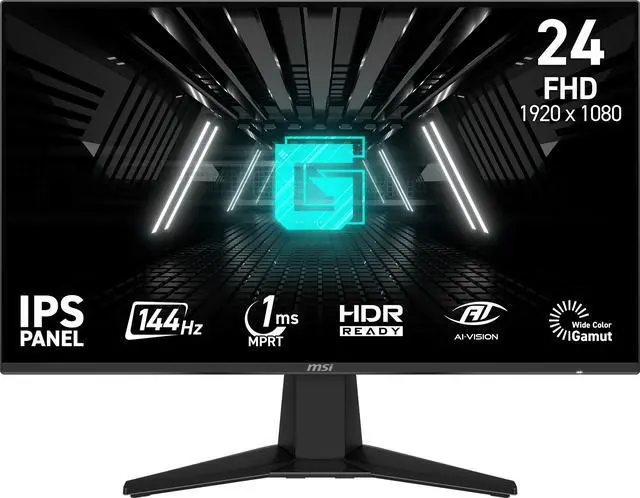
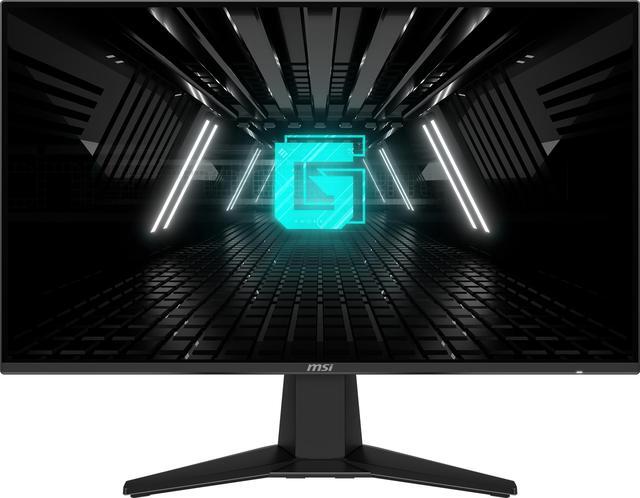
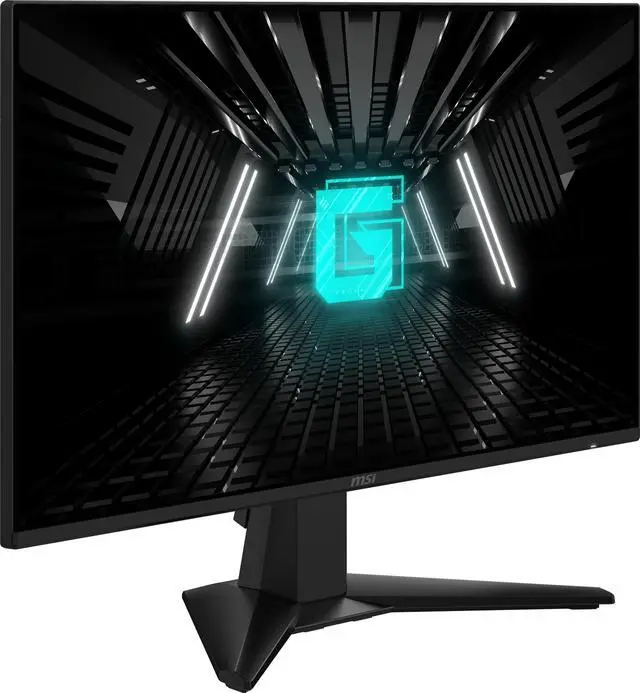
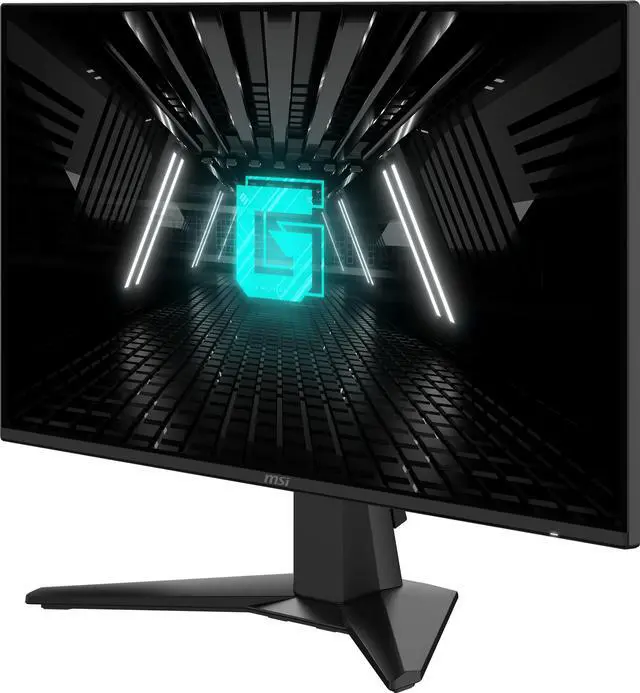
The MSI G242L E14 is a 23.8-inch Full HD IPS gaming monitor with a 144Hz refresh rate, 1ms MPRT response time, and AMD FreeSync, suited to PC gamers seeking smooth play and wide viewing angles.
Recommended For
- PC players focused on 1080p esports and fast-paced games who want a 144Hz display with Adaptive-Sync rather than a higher-resolution screen.
- PS5 or Xbox players who want a 24-inch 1080p screen with console-mode support, HDMI CEC, and VRR.
- Players who also use their monitor for everyday browsing or work and prefer an IPS panel with wide viewing angles and an anti-glare screen.
- Users fitting a gaming display into a compact desk setup who want a flat 23.8-inch screen and the option to use a VESA mount.
Real-World Use Scenarios
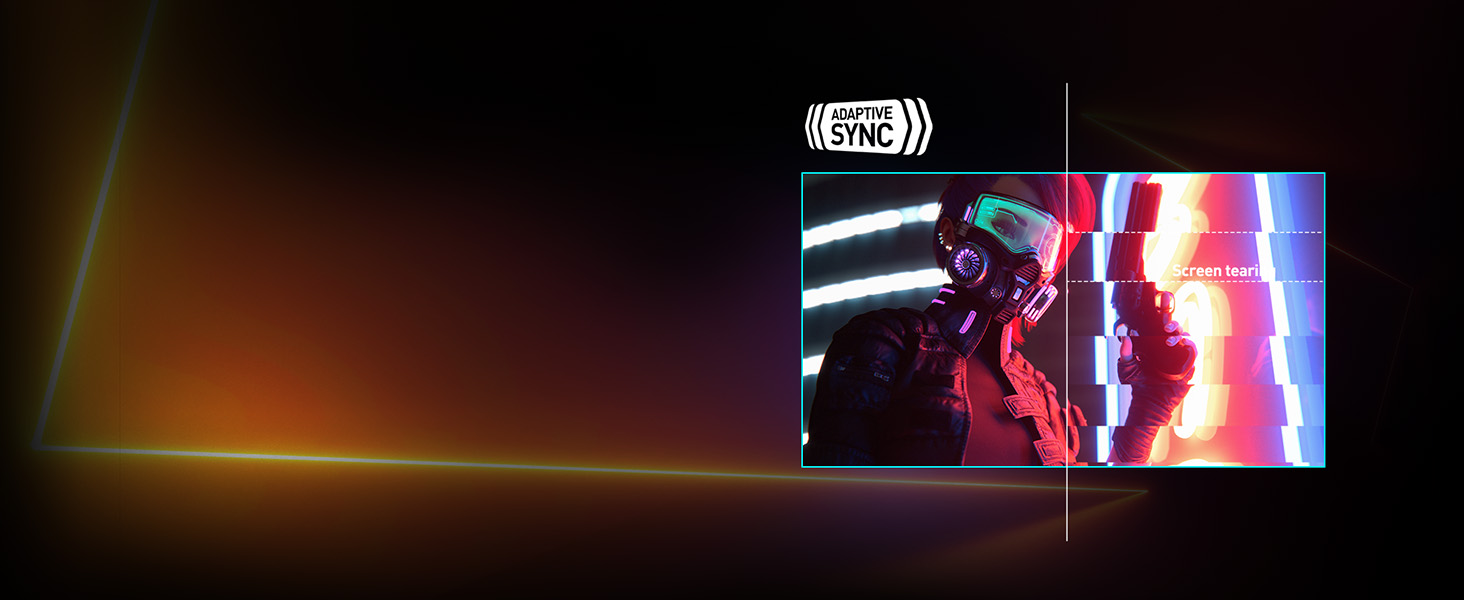
- In fast-paced PC games such as shooters, players can track quick movement more smoothly; FreeSync can help reduce tearing when the game’s frame rate fluctuates.
- When connected to a PS5 or Xbox, it can display compatible games at 1080p and up to 120Hz, with VRR support helping keep motion steadier when frame rates vary.
- For single-player adventure and role-playing games, smoother camera pans and responsive movement make exploration feel fluid, while the IPS screen provides consistent color across a wide viewing area.
- For schoolwork or everyday desk tasks between gaming sessions, the matte screen and clear Full HD text suit browsing, documents, and video; the tilt-only stand may limit positioning flexibility.
- In darker game scenes, enabling AI Vision can lift shadow detail and overall brightness to make dim areas easier to see; the result is an image adjustment, not a substitute for true HDR.
Spec Summary
| Attribute | Value |
|---|
| Best For | Gaming with Full HD resolution, a 144Hz refresh rate, and FreeSync adaptive sync |
|---|
| Panel And Resolution | 24-inch flat IPS display with 1920 × 1080 resolution, 16:9 aspect ratio, 178° horizontal and vertical viewing angles, and a non-glare finish |
|---|
| Picture Quality | 300 cd/m² brightness, 1,500:1 contrast ratio, 16.7 million display colors, and 0.275 mm pixel pitch; listed color gamut is 83 sRGB |
|---|
| Refresh Rate And Response | 144Hz refresh rate, 1ms response time, and AMD FreeSync adaptive sync |
|---|
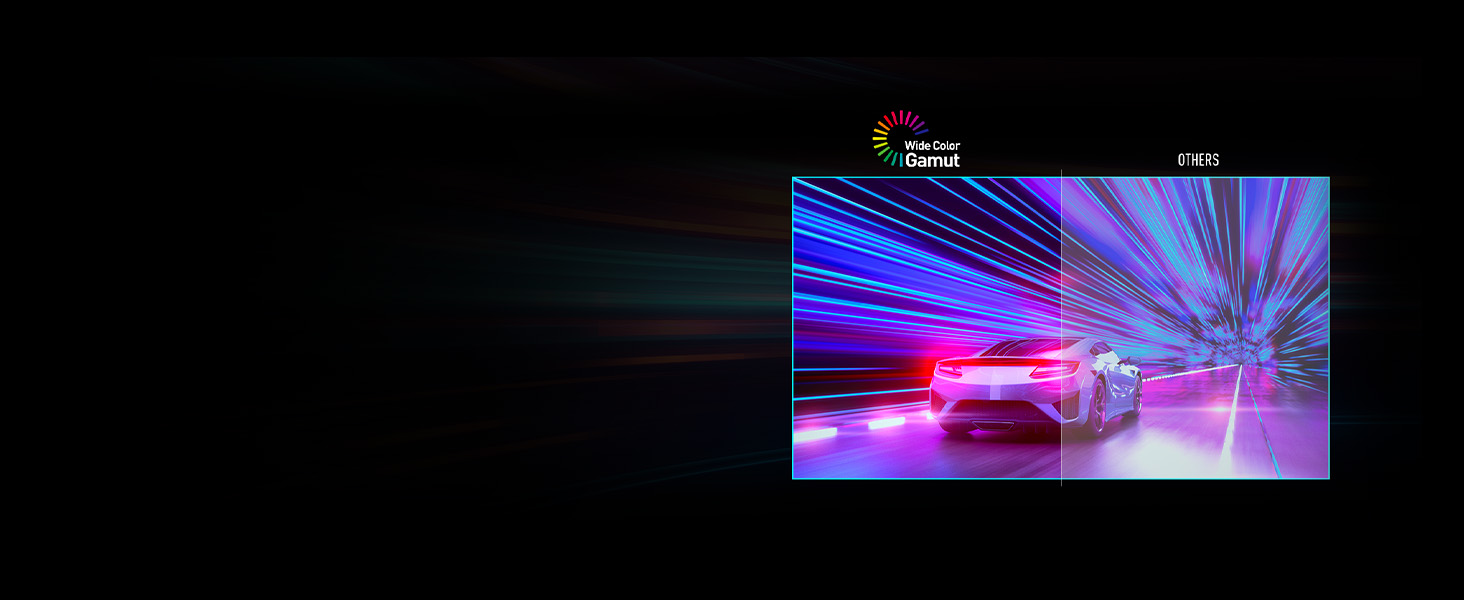
| Picture Features | AI Vision, HDR Ready, Wide Color Gamut, and Night Vision |
|---|
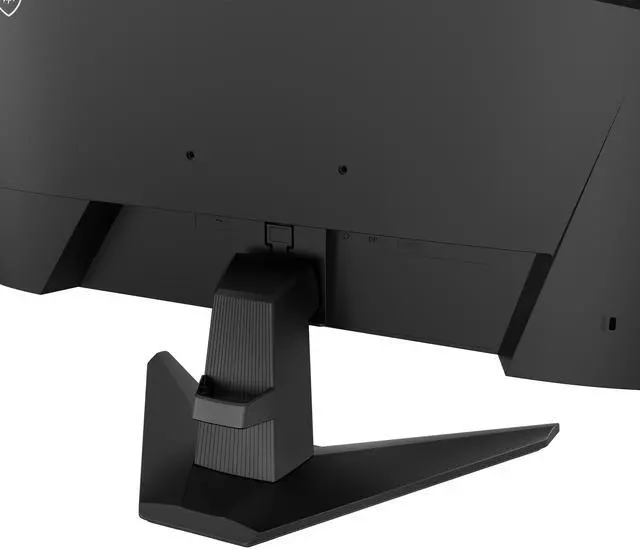
| Ports And Connectivity | 1 HDMI 1.4 port, 1 DisplayPort 1.2, and 1 headphone output |
|---|
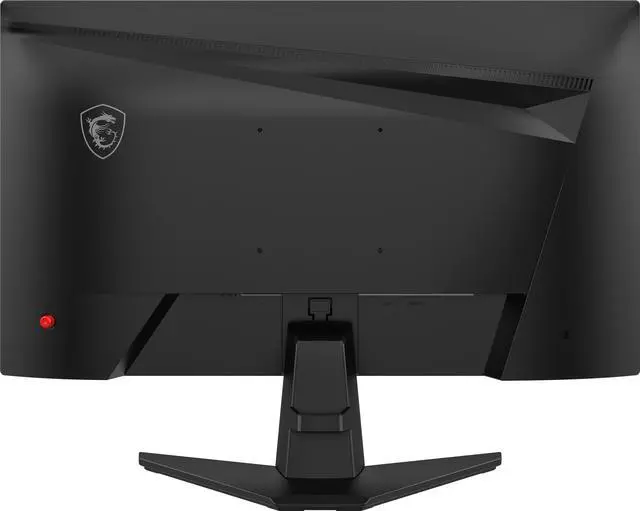
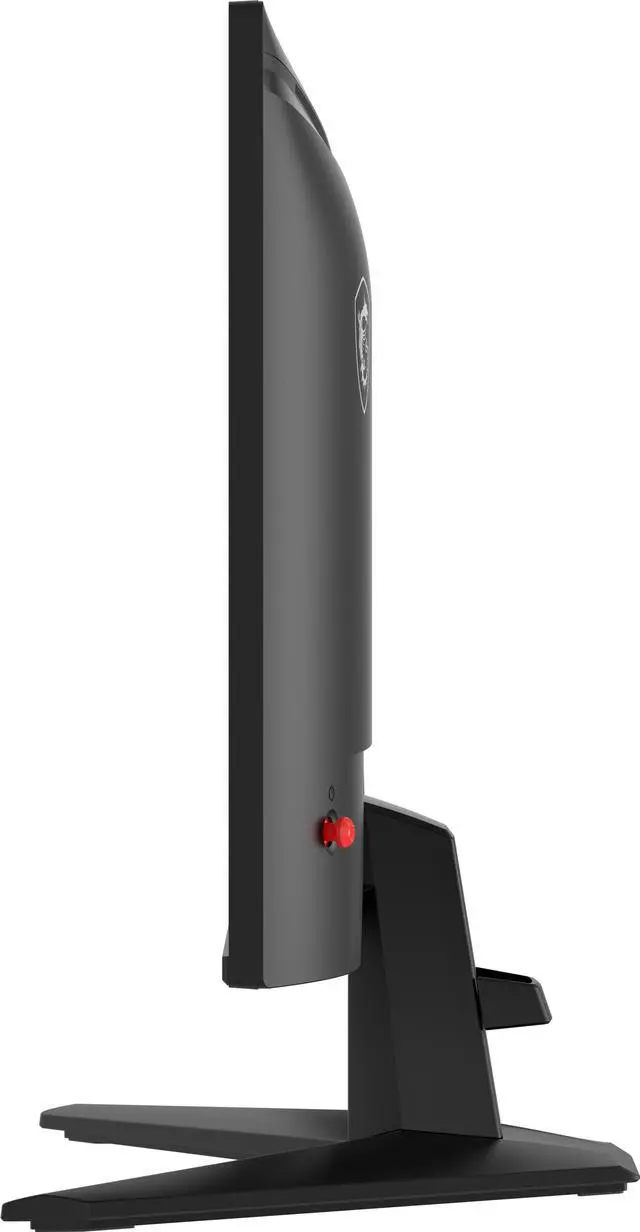
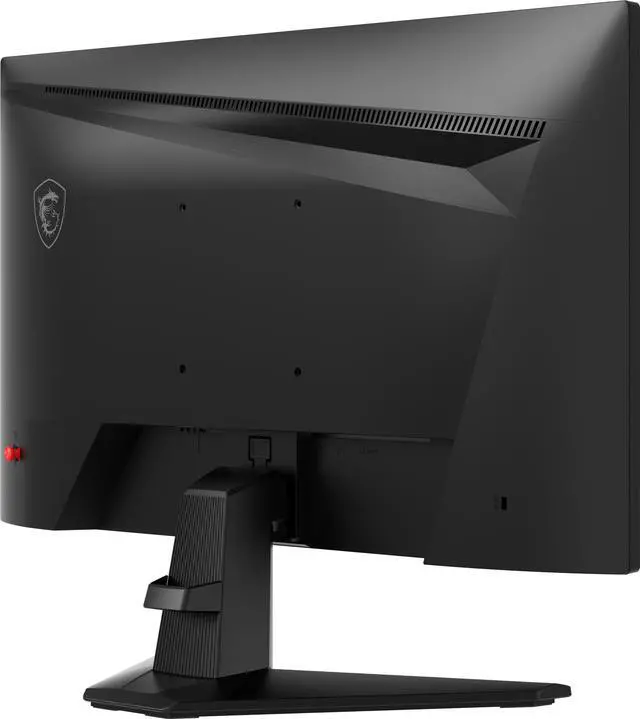
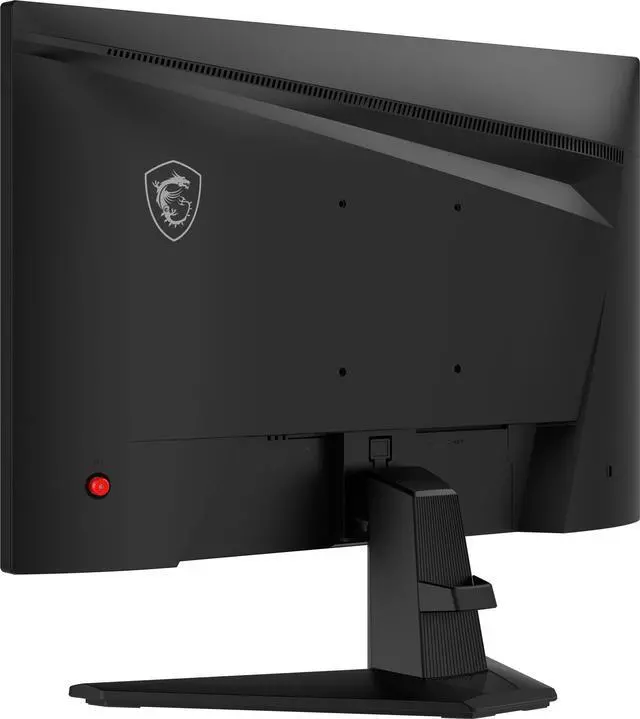
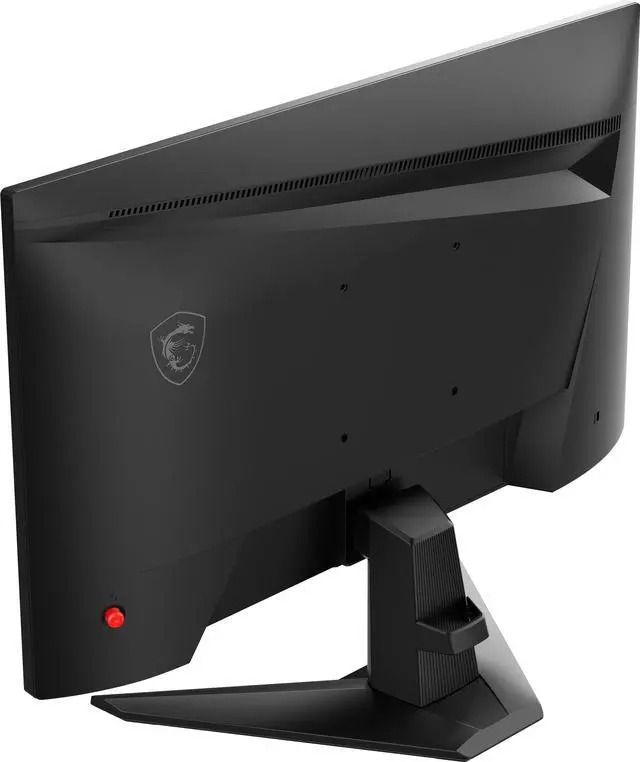
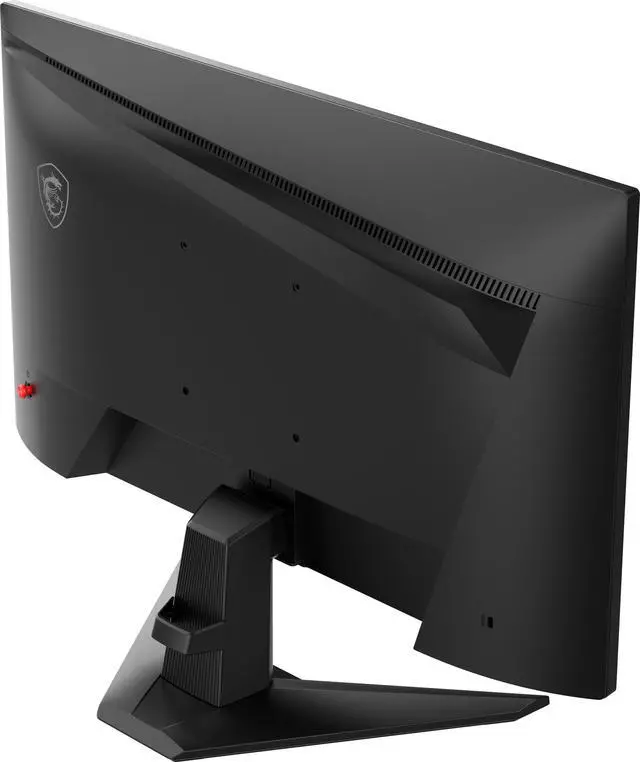
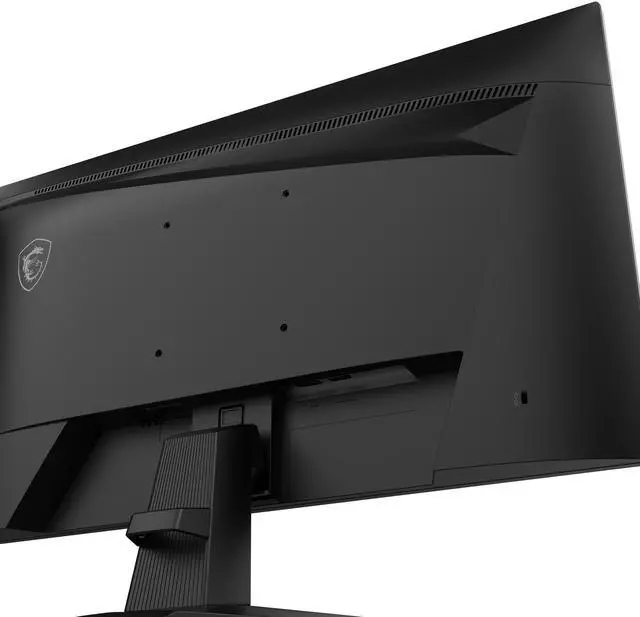
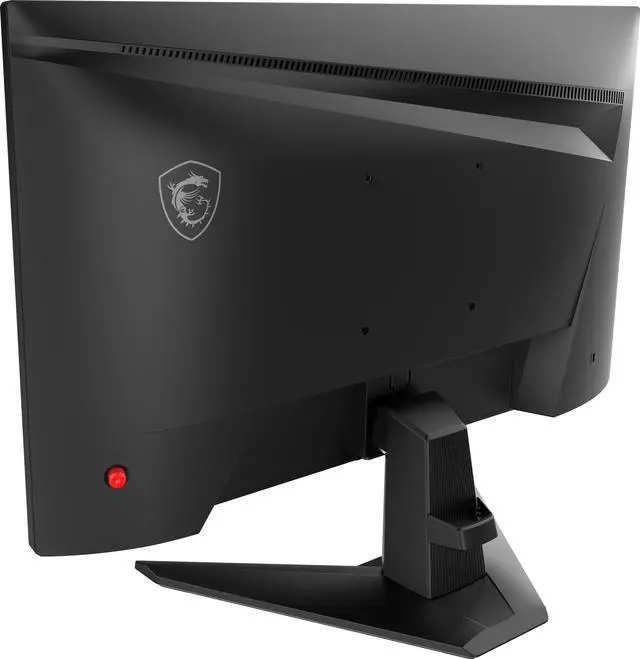
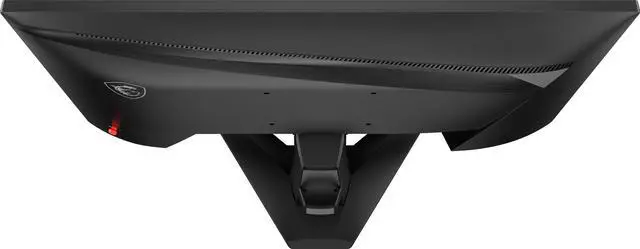
| Stand And Mounting | Tilt-adjustable stand with 100 × 100 mm VESA mounting compatibility |
|---|
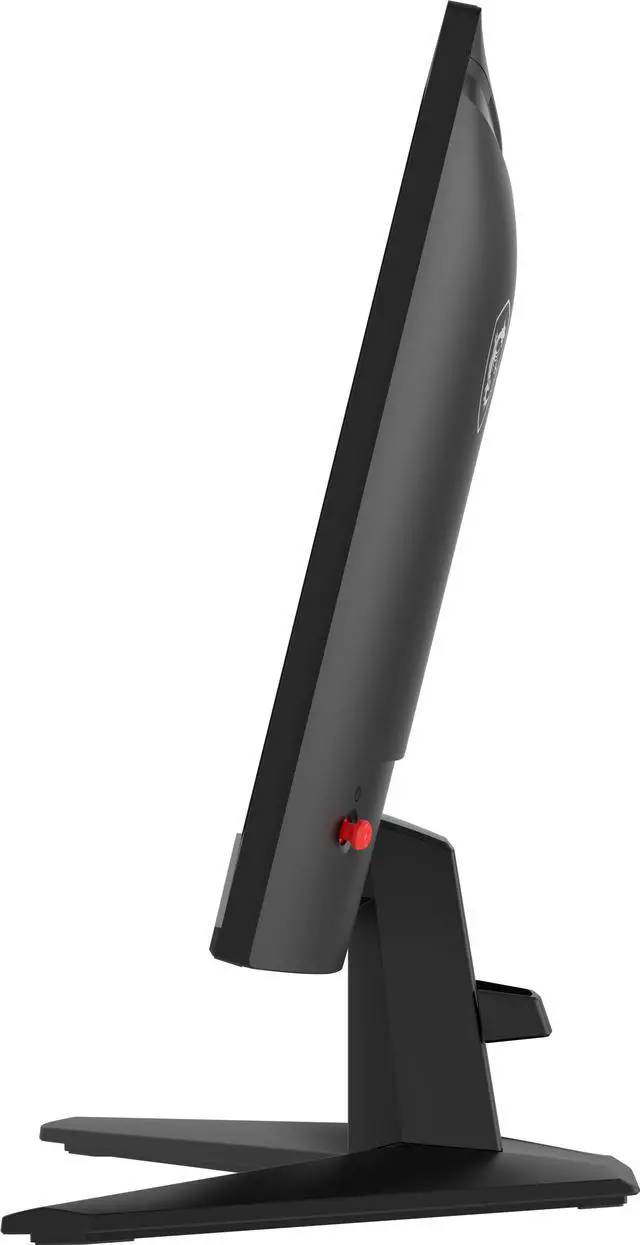
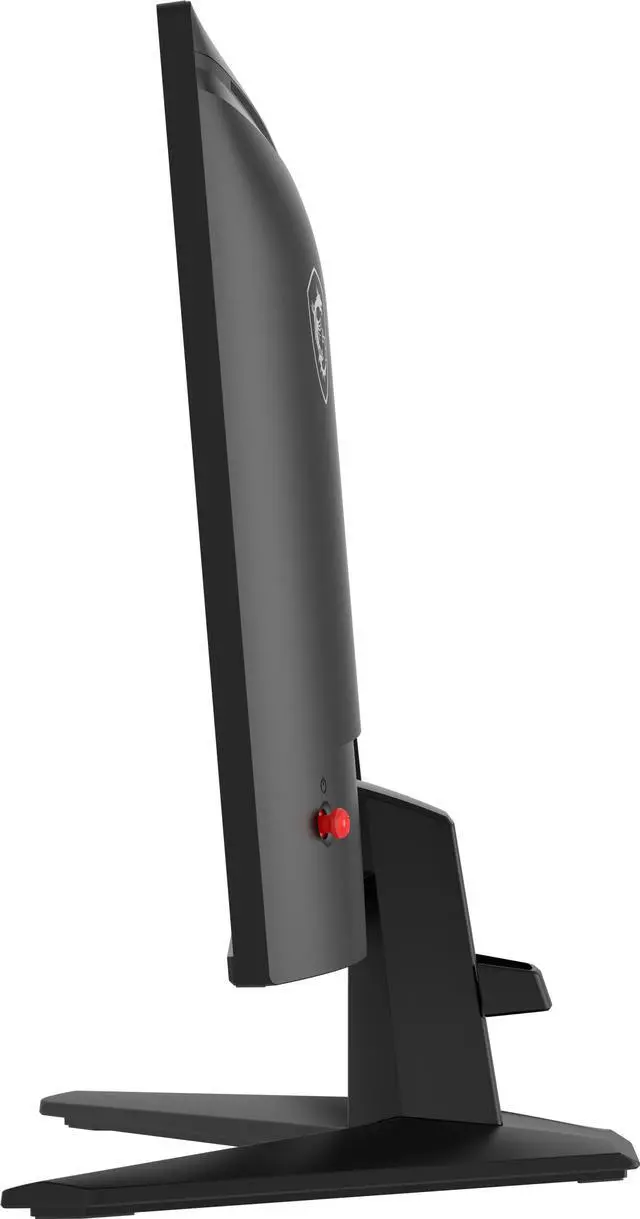
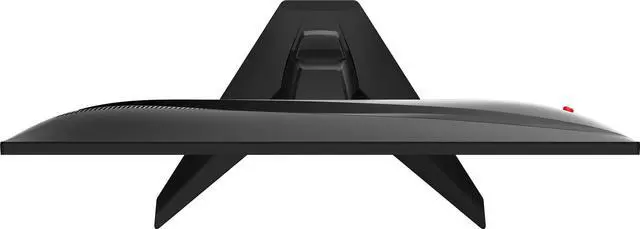
| Design And Dimensions | Metallic black cabinet with a thin-frame bezel; 21.26 × 16.02 × 8.67 inches with stand and 21.26 × 12.46 × 1.92 inches without stand; 6.83 lb with stand |
|---|
| Power And Energy | Built-in 100–240V, 50/60Hz power supply; 45W operating consumption and less than 0.5W in power-saving or off mode |
|---|
| Built-In Components | No built-in speakers or webcam |
|---|
| Model Identifiers | MSI G242L E14; part number 9S6-3BC61T-002 |
|---|
Reference Q&A
Q: MSI G242L E14 vs. G244F E2: which should I choose?
A: Choose the G244F E2 if you want the higher PC refresh-rate ceiling: it supports up to 180Hz, compared with 144Hz on the G242L E14, and has two HDMI inputs instead of one. Choose the G242L E14 if 144Hz is sufficient and you value its AI Vision feature, HDMI CEC, and stated PS5/Xbox 120Hz and VRR support. Both are 23.8-inch Full HD IPS monitors with adaptive sync. MSI's specifications confirm the model differences, and a professional G244F E2 review reported smooth motion in its testing.
Q: Should I get the G242L E14 or MSI's 100Hz PRO MP243X?
A: Choose the G242L E14 if gaming is a priority: its 144Hz maximum refresh rate gives it a higher refresh-rate ceiling than the PRO MP243X's 100Hz. Choose the PRO MP243X for a work-focused setup where its built-in speakers are useful and 100Hz is enough. Both are 23.8-inch Full HD IPS monitors, so the main decision is gaming refresh rate versus office-oriented features.
Q: Is it worth upgrading from the G242L E14 to the MSI G274QPF E2?
A: Consider the G274QPF E2 if you want a larger 27-inch screen and sharper 2560 × 1440 resolution while keeping a 180Hz refresh rate. The G242L E14 is the more suitable fit if you prefer a compact 23.8-inch Full HD screen and 144Hz meets your needs. The G274QPF E2 has a higher-resolution display, so check that your PC can run games at your desired frame rate at 1440p.
Q: Can I use this monitor with a PS5 or Xbox at 120Hz?
A: Yes. The G242L E14 supports a 120Hz console mode and VRR, and its 1920 × 1080 resolution suits 1080p gaming. Actual refresh rate depends on the console settings and whether the game supports 120Hz.
Q: Does the monitor have built-in speakers?
A: No. It has no built-in speakers, but it includes a headphone-out port. Use headphones or external speakers for audio.
Q: Can I adjust the monitor’s height?
A: No. The included stand supports tilt adjustment only. For height adjustment, use a compatible monitor arm or stand; the monitor has a 100 × 100 mm VESA mount pattern.
Q: Is this monitor suitable for everyday office work as well as gaming?
A: It can handle everyday computer tasks, video meetings, and general office work through its Full HD IPS display. It has no built-in webcam or speakers, and its stand does not adjust for height, so you may need separate audio, a webcam, or a VESA-compatible arm for your setup.
Q: Is the MSI G242L E14 a good budget monitor for gaming?
A: It is a reasonable fit for 1080p gaming if you want a 23.8-inch IPS screen with a 144Hz refresh rate and Adaptive-Sync. Reddit discussions consider it for budget gaming, but provide limited hands-on testing, so they do not establish its real-world performance or reliability.
Q: Can I use the G242L E14 with a laptop for schoolwork and light gaming?
A: It can serve as an external display for those uses: it has HDMI and DisplayPort inputs, 1080p resolution, and a 144Hz refresh rate. Check your laptop’s video output and cable connection to confirm it can deliver the refresh rate you want. The stand adjusts for tilt only.
Q: What are the main trade-offs before buying the G242L E14?
A: It offers a flat IPS panel and 144Hz refresh rate, but it is not curved, has a tilt-only stand, and has no built-in speakers. Reddit buyers also note that detailed independent reviews are scarce, so there is limited community evidence for judging long-term reliability or image quality.