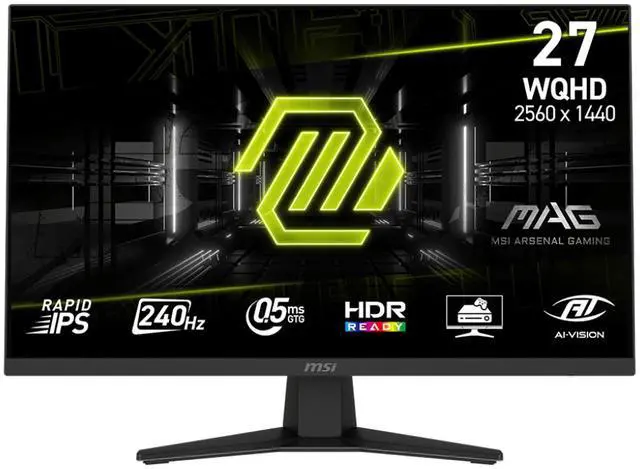
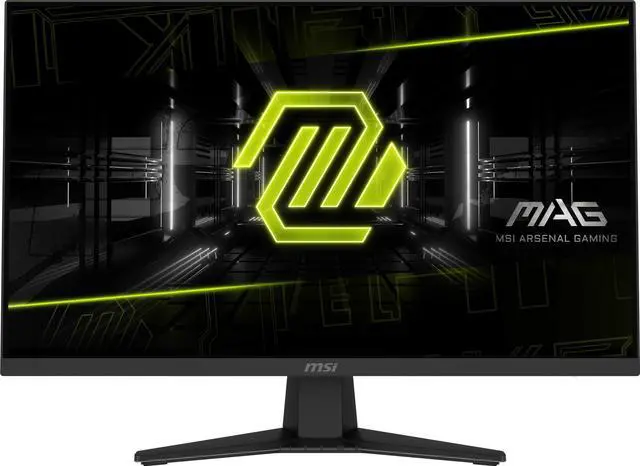
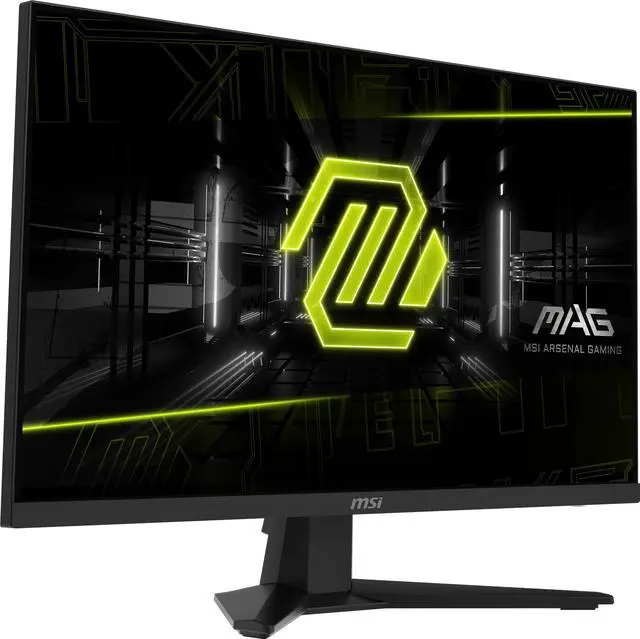
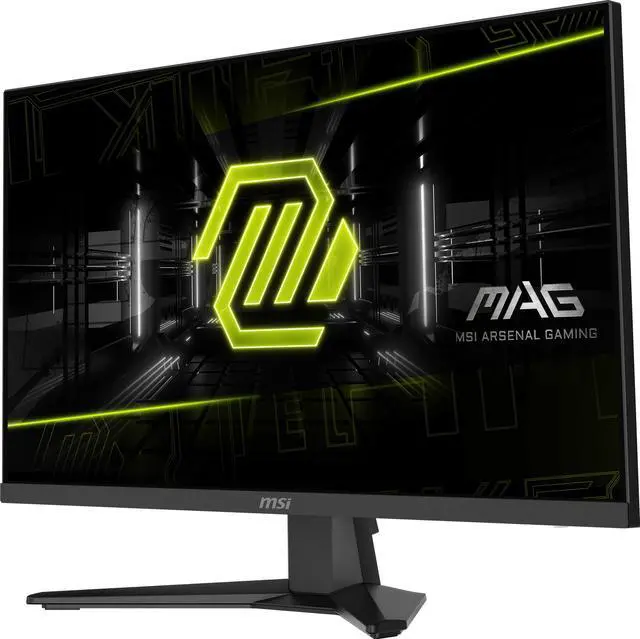
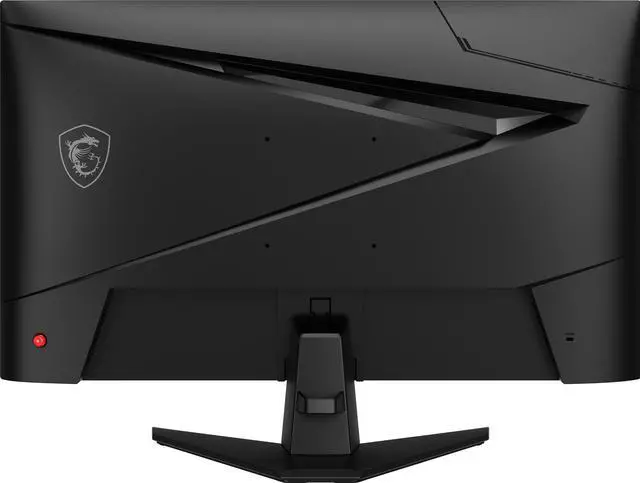
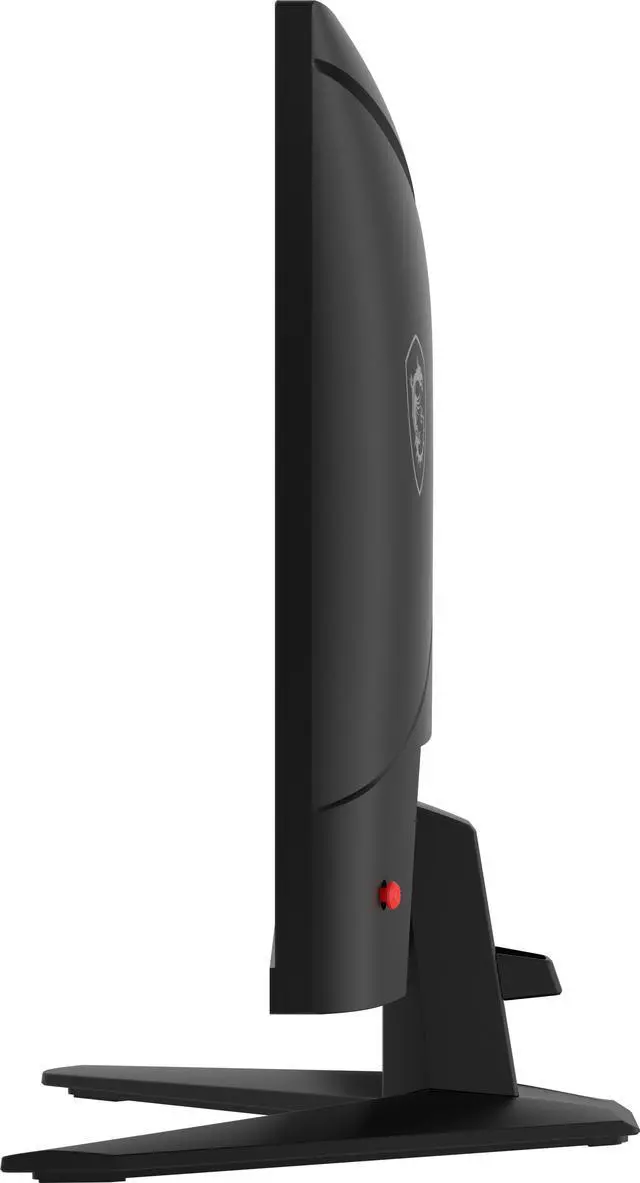
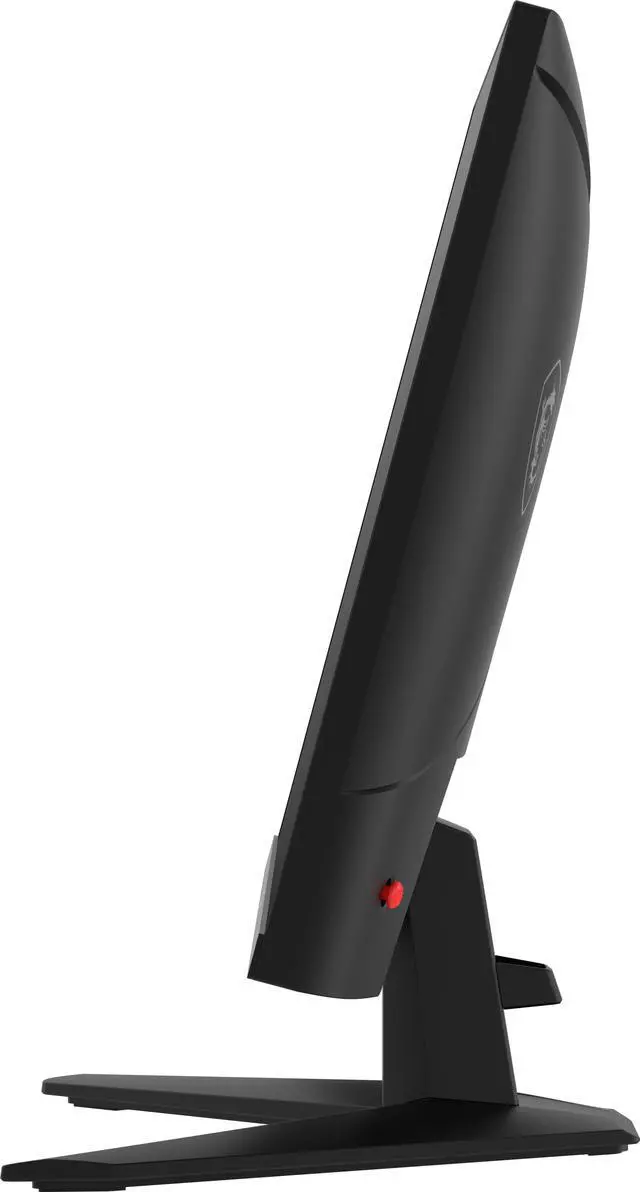
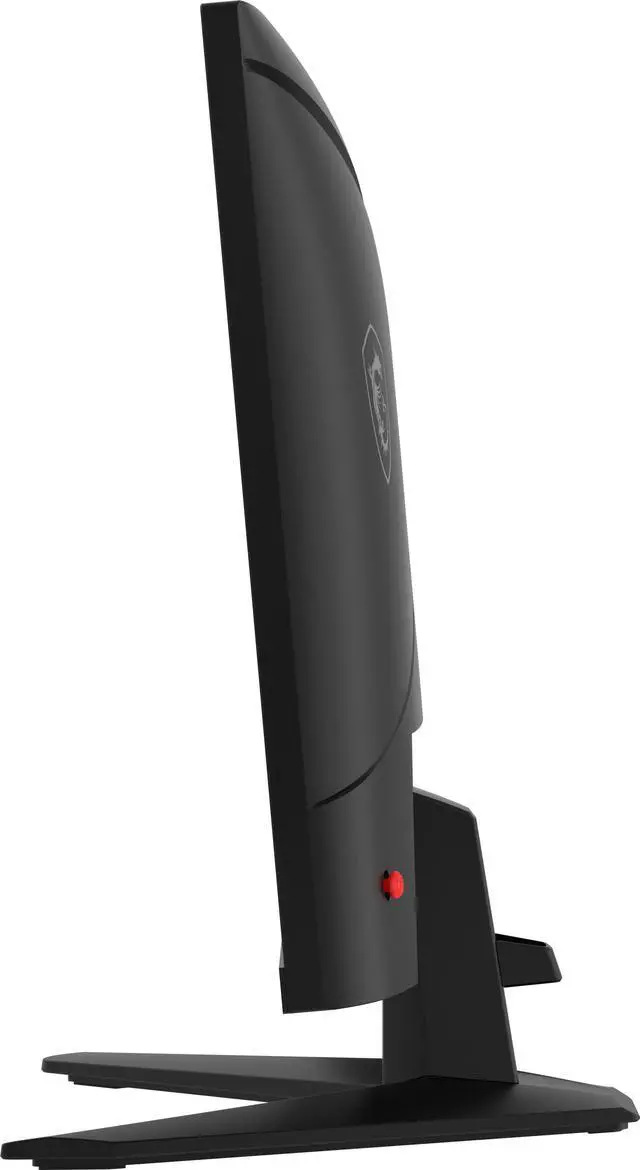
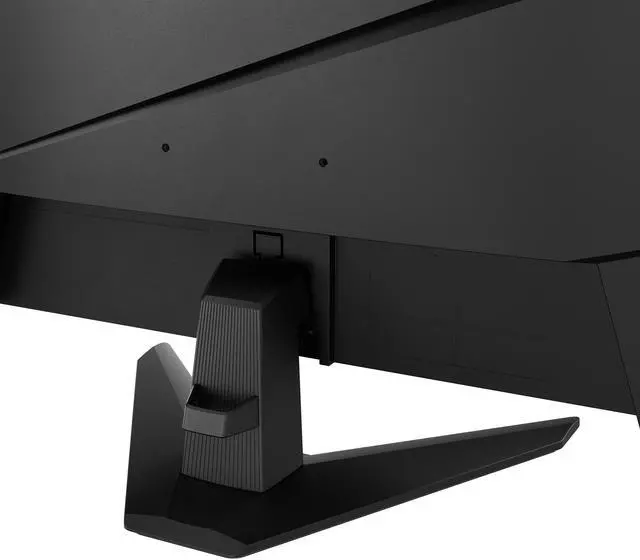
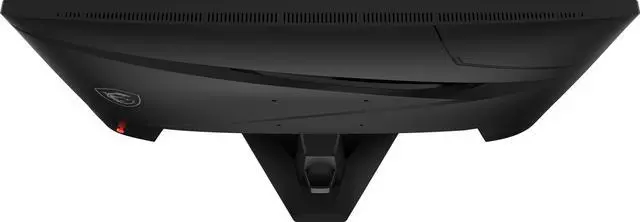
The MSI MAG 274QF X24 is a 27-inch 1440p Rapid IPS gaming monitor with a 240Hz refresh rate, 0.5ms response time, and AMD FreeSync Premium, suited to competitive PC gamers who prioritize smooth, responsive gameplay.
Recommended For
- PC players focused on competitive FPS, fighting, or sports games who can drive high frame rates and want a 1440p screen with refresh rates up to 240Hz and variable refresh support.
- Racing and flight-simulator players who want a flat 27-inch QHD display, broad viewing angles, and smooth motion during fast-moving scenes.
- PC gamers who want one monitor for both fast multiplayer games and detailed QHD single-player titles, and whose system can make practical use of 1440p resolution.
- PS5 or Xbox players seeking a 27-inch 1440p gaming display with console mode and variable-refresh support, rather than a 4K-focused screen.
Real-World Use Scenarios
- Playing PC shooters or other fast-paced competitive games over DisplayPort, a compatible PC can use the monitor’s 240Hz mode for smoother motion and clearer tracking; the actual benefit depends on the game and the PC’s frame rate.
- Playing visually detailed single-player games or RPGs on PC, the 27-inch 1440p IPS display gives scenes and on-screen details a sharper presentation than Full HD while retaining smooth high-refresh gameplay.
- When PC game frame rates vary, enabling compatible adaptive sync can help reduce visible tearing and stutter, making play feel more consistent than with a fixed refresh rate.
- Connecting a console over HDMI works for gaming and video, with 1440p refresh rates supported up to 144Hz; this is a practical fit for console play, but HDMI does not provide the monitor’s full 240Hz mode.
- Using one desk monitor for gaming, browsing, and everyday documents, the 1440p resolution provides room for detailed content while the matte screen helps limit reflections; it is suitable for casual creative work, but not a substitute for a color-critical display.
Spec Summary
| Attribute | Value |
|---|
| Best For | High-refresh-rate 1440p gaming, with a Rapid IPS panel and adaptive sync |
|---|
| Panel And Resolution | 27-inch flat Rapid IPS display with 2560 × 1440 resolution, 16:9 aspect ratio, non-glare screen, 178° horizontal and vertical viewing angles, 250 cd/m² brightness, 1,000:1 contrast ratio, 1.07 billion colors (8-bit + FRC), and 0.2331 mm pixel pitch |
|---|
| Refresh Rate And Response | 240 Hz refresh rate and 0.50 ms response time; supports AMD FreeSync Premium and is listed as G-Sync Compatible |
|---|
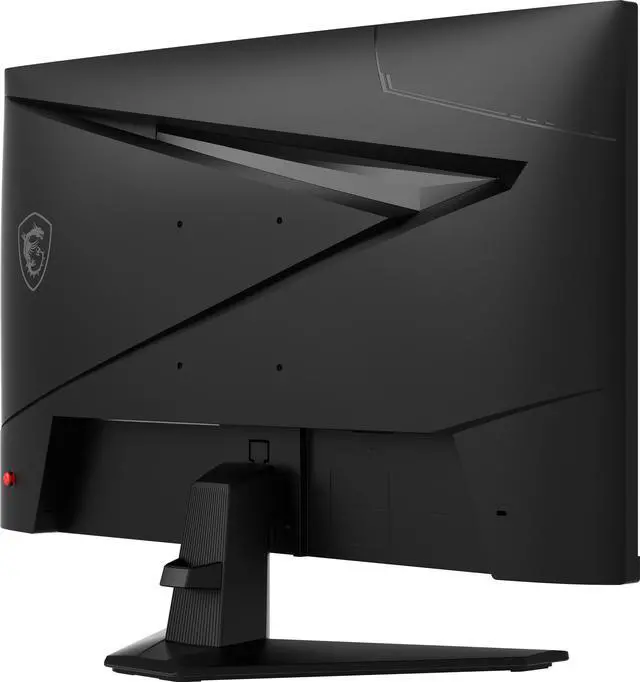
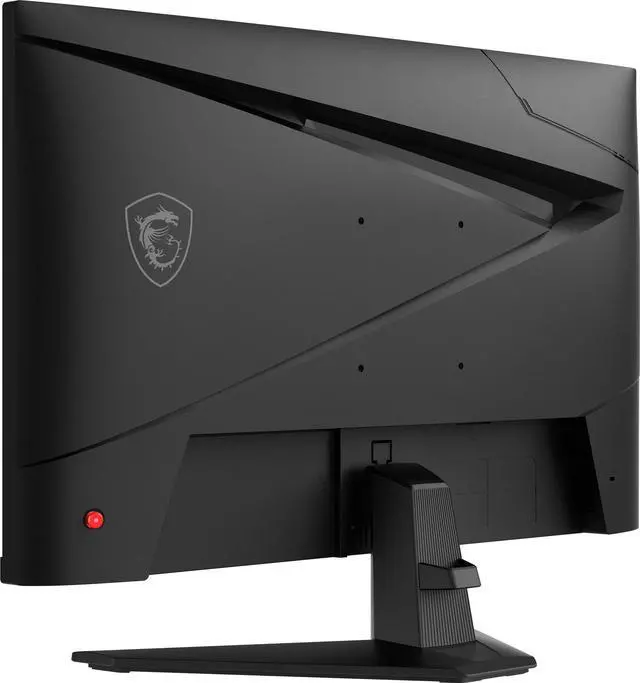
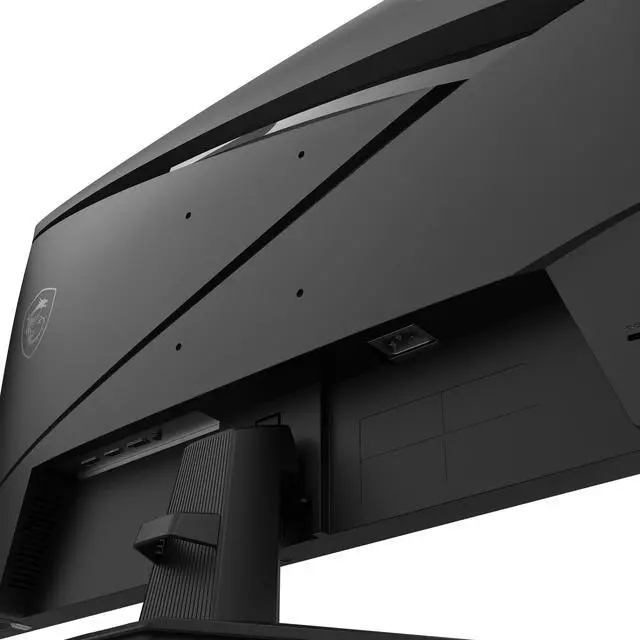
| Ports And Connectivity | 2 × HDMI 2.0b, 1 × DisplayPort 1.4a, and headphone output |
|---|
| Display Features | HDR Ready, AI Vision, Blue Light Filter, and MSI Gaming OSD |
|---|
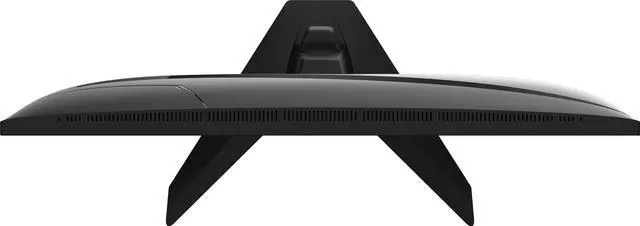
| Stand And Ergonomics | Tilt adjustment from -5° to 20°; VESA mount compatible with 75 × 75 mm pattern; thin-frame design |
|---|
| Dimensions And Weight | With stand: 17.26 × 24.15 × 9.83 in and 10.37 lb; without stand: 14.27 × 24.15 × 2.44 in |
|---|
| Power | Built-in power supply; 65 W operating consumption and less than 0.5 W in power-saving or off mode |
|---|
| Included Items | Power cord and DisplayPort cable |
|---|
| Model Identifiers | MSI MAG 274QF X24; part number 9S6-3CE41H-020; metallic black |
|---|
Reference Q&A
Q: MSI MAG 274QF X24 or MAG 274QF: which should I choose?
A: Choose the MAG 274QF X24 if you want the higher refresh rate: both are 27-inch 1440p Rapid IPS monitors, but the X24 is rated at 240Hz versus 180Hz for the MAG 274QF. Choose the MAG 274QF if 180Hz meets your needs and its price is lower; compare current prices before deciding.
Q: MSI MAG 274QF X24 or AOC Q27G4X for 1440p gaming?
A: Both are 27-inch 1440p IPS gaming monitors. The MSI MAG 274QF X24 reaches 240Hz, while the AOC Q27G4X reaches 180Hz over DisplayPort, so choose MSI if you specifically want the higher refresh ceiling. Choose AOC if 180Hz is sufficient and its price or feature set better fits your setup.
Q: Should I get the MSI MAG 274QF X24 or a 1440p QD-OLED monitor?
A: Choose the MAG 274QF X24 for a 27-inch Rapid IPS panel and 240Hz gaming. A 1440p QD-OLED option such as MSI’s MAG 274QP QD-OLED X24 also reaches 240Hz, and its listed specifications include a 0.03ms GtG response time and 1,500,000:1 typical contrast ratio. Consider the OLED model if those panel characteristics are your priority; choose the IPS X24 if you prefer its panel type and feature set.
Q: What do I need to use this monitor at 240Hz?
A: The monitor supports up to 240Hz and includes a DisplayPort cable. Connect it to a compatible graphics output using DisplayPort 1.4, then select 240Hz in your computer’s display settings if it is not enabled automatically. The computer and game must also be able to produce the desired frame rate.
Q: Can my PC run games at 1440p and 240Hz on this monitor?
A: The monitor can display up to 2560 × 1440 at 240Hz, but reaching that combination in games depends on the PC’s graphics hardware, the game, and its settings. A compatible connection alone does not guarantee 240 frames per second.
Q: Is the HDR on this monitor a reason to buy it?
A: Treat HDR as a secondary feature rather than the main buying reason. The monitor is described as HDR Ready and has a listed brightness of 250 cd/m²; the supplied specifications do not identify an HDR certification or a higher peak-brightness rating.
Q: Is this monitor suitable for office work as well as gaming?
A: Yes. Its 27-inch, 2560 × 1440 Rapid IPS screen, anti-glare surface, wide viewing angles, and tilt adjustment suit general computer and office use. Its main strengths are gaming features—especially the 240Hz refresh rate—so consider whether those are useful for your work before paying for a gaming-focused display.
Q: Is the MSI MAG 274QF X24 worth considering as a budget 1440p 240Hz monitor?
A: It may be worth considering if you want a 27-inch, 1440p IPS display with a 240Hz refresh rate and find it at a competitive price. Reddit buyers have described it as good value, though other users reported that the display looked dim or dull to them. Those impressions are individual experiences, not a guarantee of how every unit will look.
Q: Is the MAG 274QF X24 suitable for competitive gaming?
A: Its 2560 × 1440 resolution, 240Hz refresh rate, Rapid IPS panel, and FreeSync Premium support suit a high-refresh-rate gaming setup. To benefit fully from 240Hz, the gaming system must produce high frame rates at 1440p; actual results depend on the game and hardware.
Q: What trade-offs should I consider before buying it?
A: The supplied specifications list tilt adjustment but no height or swivel adjustment, so check whether that stand range suits your setup. Reddit owners have also reported limited controls for external speakers and a delay when switching between PC and HDMI devices; these are user reports, not confirmed behavior for every unit.
Q: Should I choose this over a 1440p 180Hz monitor?
A: Choose the 240Hz model if you value the higher refresh ceiling and your PC can deliver frame rates that make use of it. A 180Hz alternative may be sufficient if you do not expect to reach those frame rates or would rather prioritize price; Reddit discussions compare the MSI with lower-refresh alternatives but do not establish one as universally better.