


- $1,399.99
- Free 15-day Returns
$1,199.99
Add to PC build list
Ships from United States.
Sold by Newegg
Shipped by Newegg


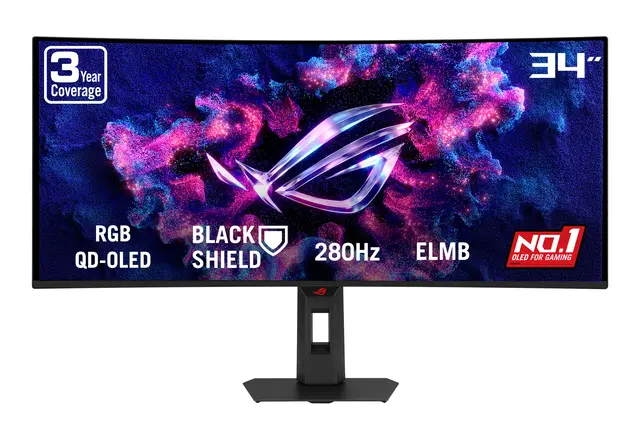
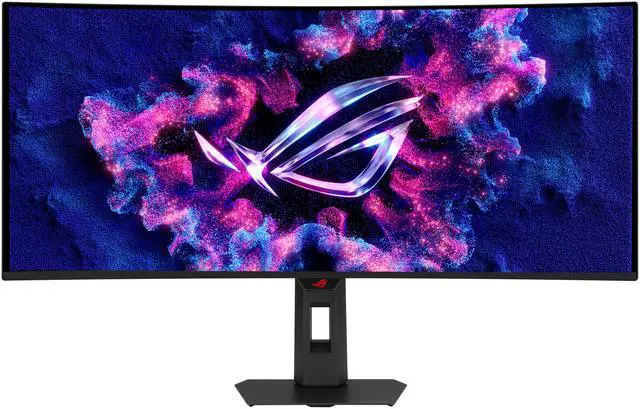
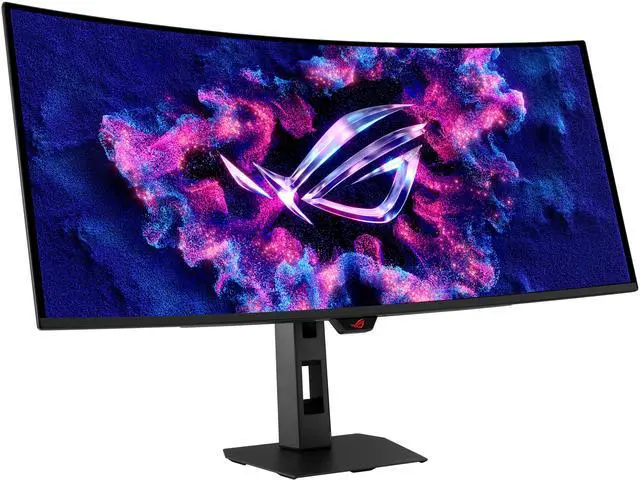
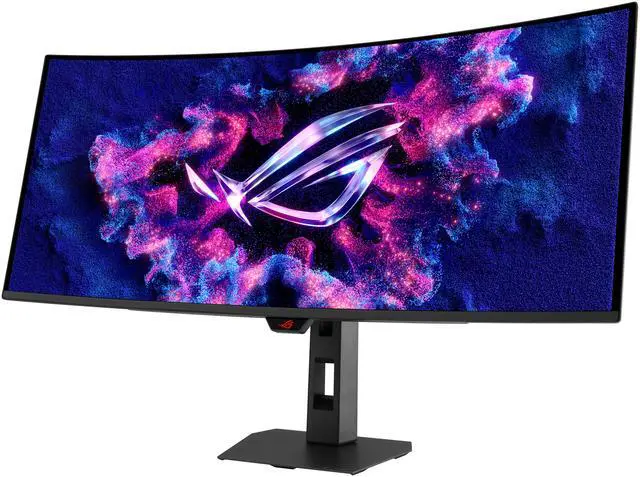
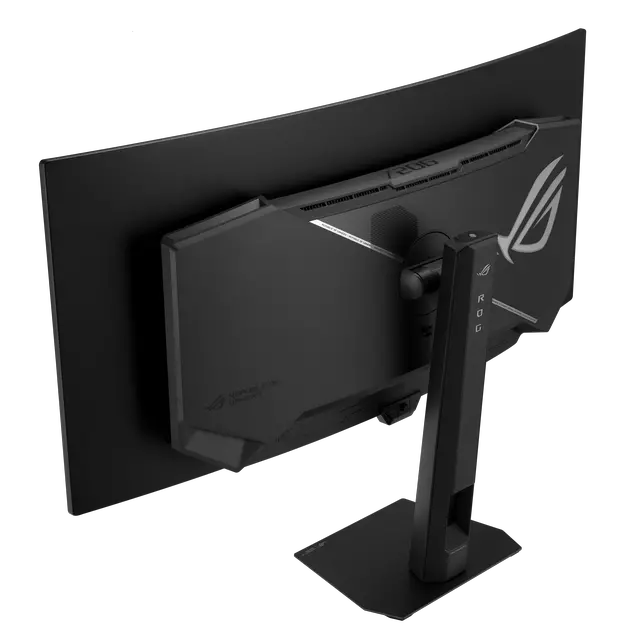
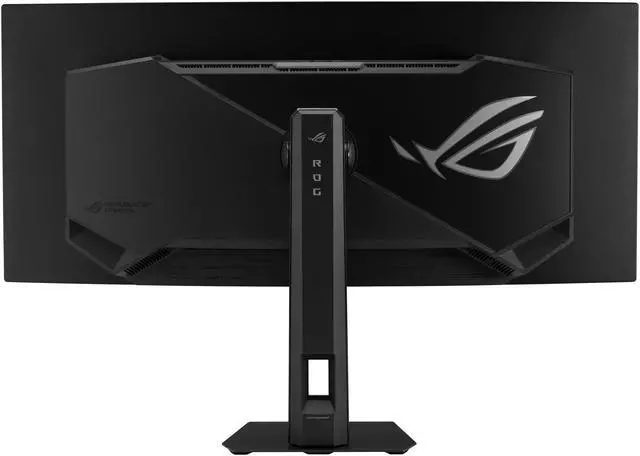
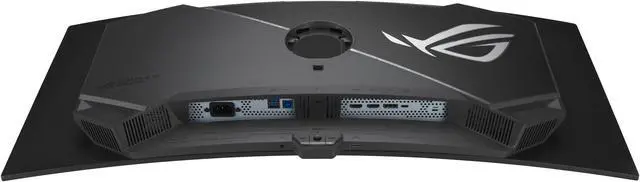
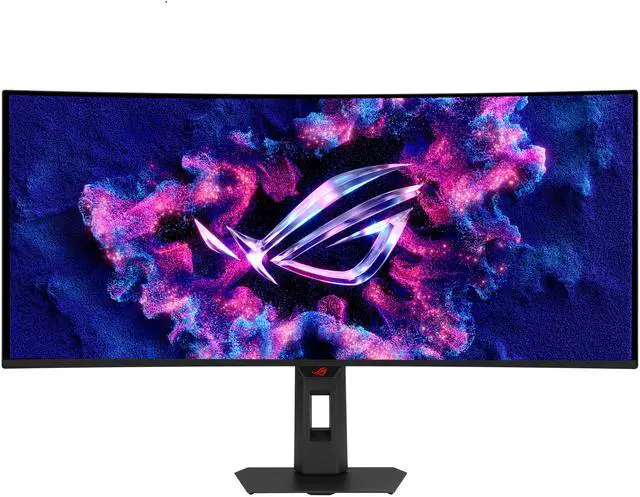


ASUS ROG Strix 34 inch UltraWide QHD 2K 1440P 280Hz G-Sync Compatible HDR500 0.03ms USB-C OLED Curved Gaming Computer Monitor XG34WCDMS
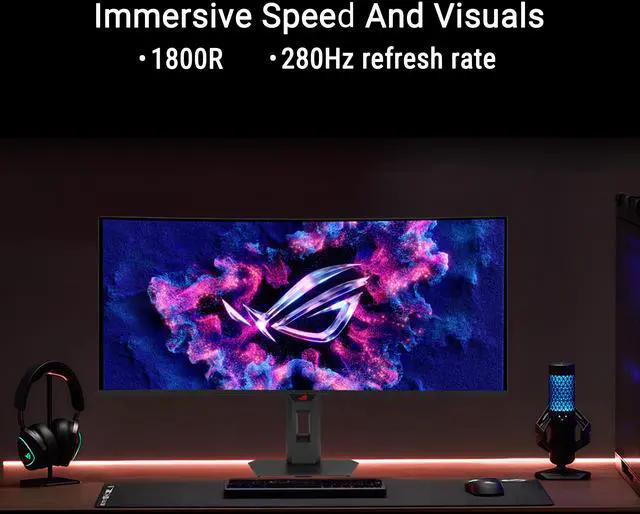
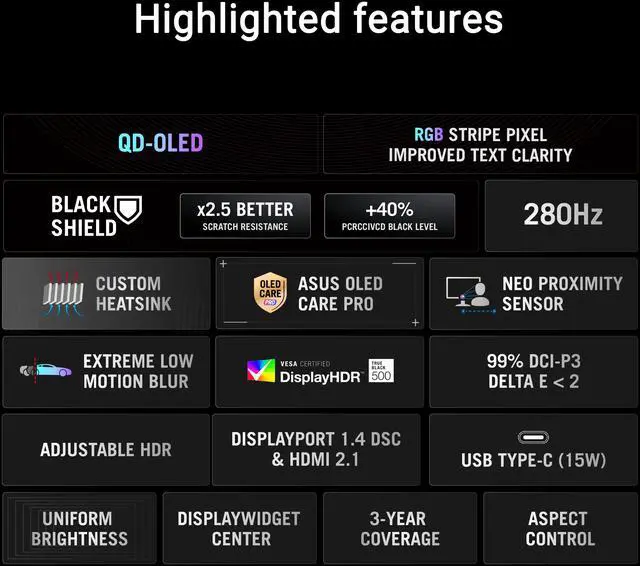
- 34-inch WQHD QD-OLED 1800R monitor with 280Hz refresh rate and 0.03ms GTG response time
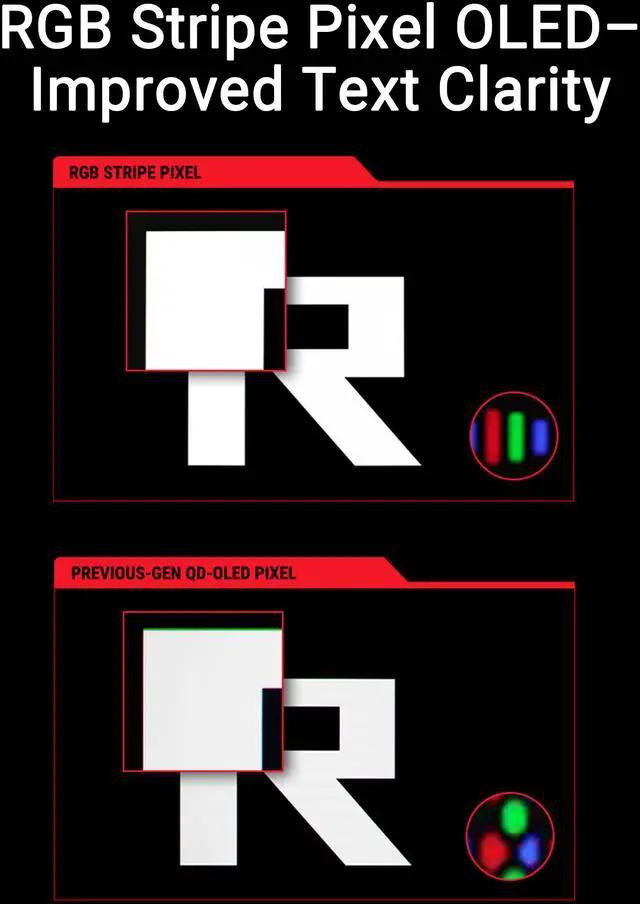
- RGB Stripe Pixel OLED panel with an RGB sub-pixel arrangement for sharp and clear text edges, accurate color reproduction, and higher-quality dynamic display performance
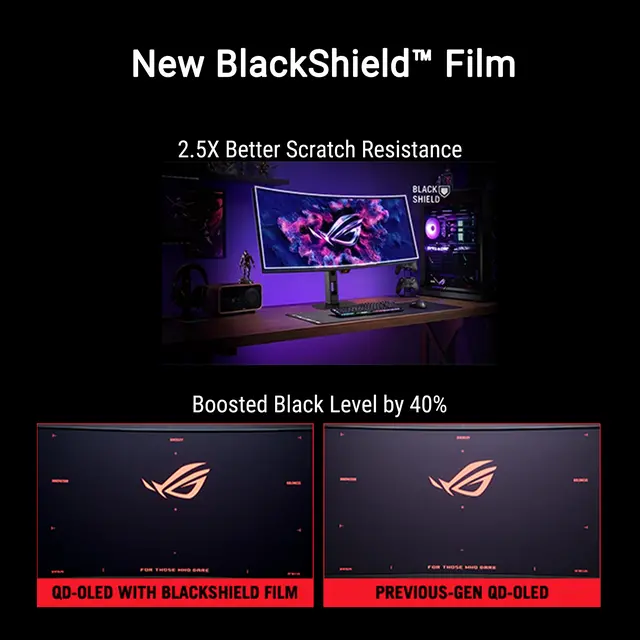
- BlackShield film increases the panel's hardness for 2.5X better scratch resistance and boosts the perceived black level by up to 40% versus previous-gen QD-OLED panels
- VESA DisplayHDR 500 True Black compliance, 99% DCI-P3 gamut, true 10-bit color, and Delta E<2 color difference for astonishing HDR performance - perfect for photo and video editing
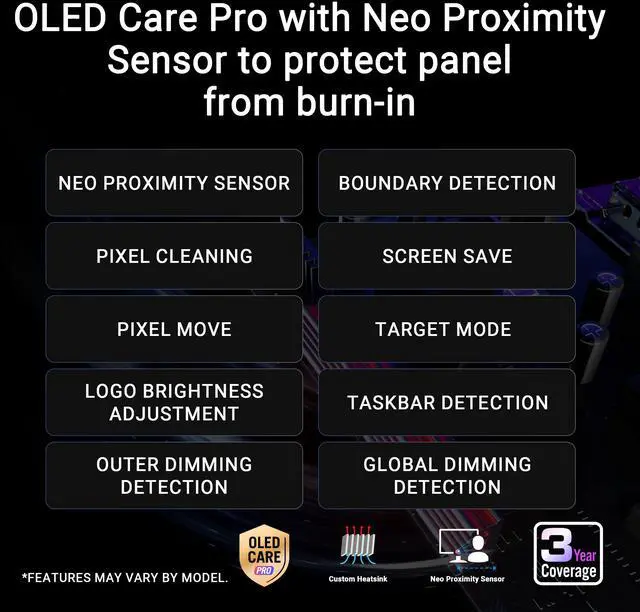
- ASUS OLED Care Pro with Neo Proximity Sensor precisely detects when a user is away and switches to a black screen to reduce the risk of burn-in
- DisplayWidget Center offers auto firmware updates and makes it easy to export and import settings to any device or copy pro streamers' configurations
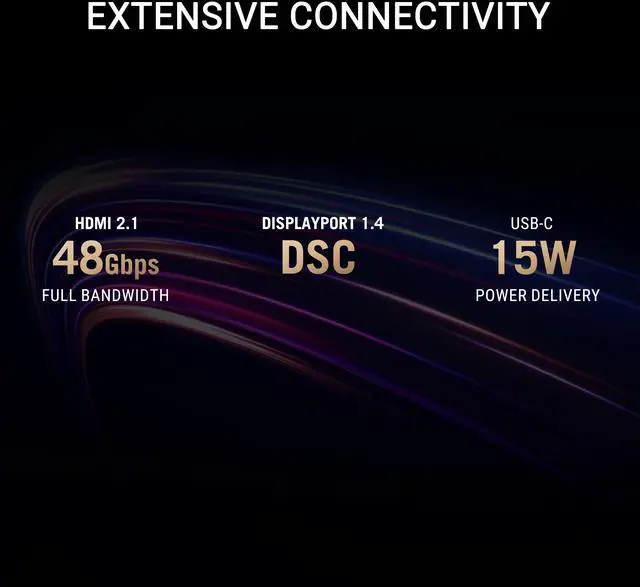
- Extensive connectivity options include DisplayPort 1.4 DSC, HDMI 2.1, and USB-C with 15-watt Power Delivery
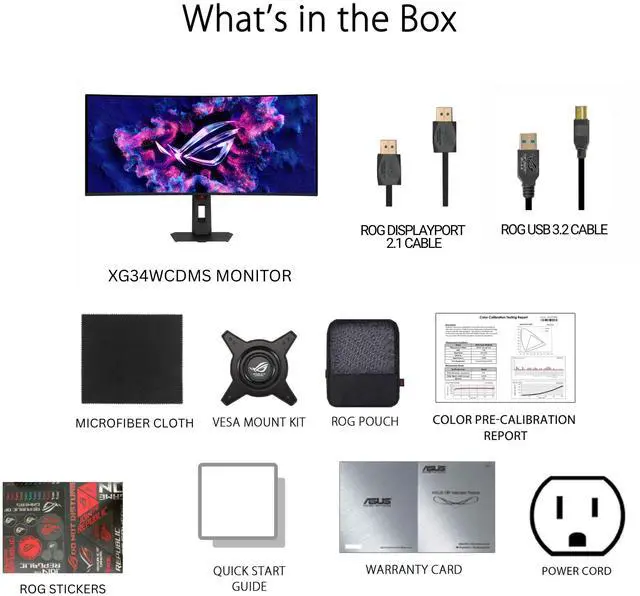
- What's in the box: USB 3.2 cable, DisplayPort cable, Power cord, Microfiber cloth, ROG pouch, ROG sticker, VESA mount kit, Quick start guide, Warranty Card
- ASUS Rapid Replacement (ARR) 3 years warranty with burn-in coverage and cross shipping service included
+
+
Overview
Specs
Reviews (7)
Warranty & Returns
Warranty, Returns, And Additional Information
Warranty
- Limited Warranty period (parts): 3 years
- Limited Warranty period (labor): 3 years
- Read full details
Return Policies
- Return for refund within: 15 days
- Return for replacement within: 15 days
- This item is covered by Newegg.ca's 15-Day Return Policy.
- Read full return policy for details.
Manufacturer Contact Info
- Manufacturer Product Page
- Manufacturer Website
- Support Phone: 1-888-678-3688
- Support Website
- View other products from ASUS
LOADING...
LOADING...
The ASUS ROG Strix XG34WCDMS is a 34-inch curved ultrawide QD-OLED gaming monitor with 3440 × 1440 resolution, a 280Hz refresh rate, and 0.03ms response time, suited to players who want a wide, smooth display for fast-paced PC gaming.
Recommended For
- PC gamers who want a wide, immersive view for racing games and cinematic single-player titles, with OLED contrast and smooth motion at up to 280Hz.
- Competitive PC gamers who want very fast OLED response and refresh rates, and whose games and graphics card can make use of a 3440 × 1440 ultrawide display at high frame rates.
- Multitaskers who prefer a single wide desktop for side-by-side documents, spreadsheets, or editing panels, and value improved text clarity compared with older QD-OLED pixel layouts.
- PC users who want an OLED gaming display with color-focused features for hobby photo or video work, while accepting a 34-inch 21:9 screen rather than a dedicated reference display.
Real-World Use Scenarios
- For compatible PC games, the 34-inch curved ultrawide gives single-player worlds and racing games a broader view, while OLED contrast makes dark scenes easier to distinguish.
- In fast-paced PC games, quick motion response and high refresh can make aiming and tracking feel smoother; the ultrawide format is best suited to games that support 21:9 well.
- When editing photos or video at home, the wide workspace helps keep timelines and tool panels visible alongside the image, while the wide color gamut supports color-focused work.
- For everyday desk work, the ultrawide screen can keep two windows—such as a document and browser—visible at once, reducing frequent window switching; it can also connect a laptop over USB-C for video and data.
- For HDR movies and supported games, OLED’s per-pixel light control produces deep-looking blacks and bright highlights, making high-contrast scenes more pronounced.
Spec Summary
| Attribute | Value |
|---|---|
| Best For | High-refresh gaming and photo/video editing, with a curved ultrawide QD-OLED display |
| Panel And Resolution | 34-inch curved QD-OLED panel with a 3440 × 1440 resolution, 21:9 aspect ratio, 1800R curvature, and 178° horizontal and vertical viewing angles |
| Color And HDR | HDR10 support, peak HDR brightness of 1300 cd/m², 1,500,000:1 contrast ratio, and 1.07 billion display colors |
| Refresh Rate And Response | 280Hz refresh rate and 0.03ms GTG response time |
| Adaptive Sync And Gaming Features | FreeSync Premium Pro and G-SYNC compatibility, with GamePlus, GameVisual, Extreme Low Motion Blur, GameFast Input technology, Shadow Boost, Aspect Control, KVM switch, AI Visual, Dynamic Crosshair, and Dynamic Shadow Boost |
| Ports And Connectivity | DisplayPort 1.4, USB-C with DisplayPort Alternate Mode, two HDMI 2.1 ports, three USB 3.2 Gen 1 Type-A ports, and a headphone connection |
| Eye Care | Eye-care features include flicker-free operation and a blue-light filter |
| Stand And Mounting | Height, swivel, and tilt adjustments; 100 × 100mm VESA mounting compatibility |
| Power And Consumption | 100–240 VAC, 50/60Hz power supply; 34W consumption, below 0.5W in power-saving mode, and below 0.3W when off |
| Physical Details | Black finish; 32 × 21.47 × 7.10 inches with stand and 32 × 14.70 × 4.25 inches without stand; weighs 16.31 lb with stand and 11.46 lb without stand |
| Included Accessories | DisplayPort cable, USB 3.2 cable, power cord, microfiber cloth, ROG pouch, ROG sticker, VESA mount kit, quick start guide, and warranty card |
| Model Identifiers | ASUS ROG Strix OLED, model XG34WCDMS |
Reference Q&A
Q: ASUS XG34WCDMS or MSI MAG 341CQP QD-OLED X28: which should I choose?
A: Choose the ASUS if its OLED Care Pro proximity sensor, BlackShield film, or ASUS-specific controls are important to you. Choose the MSI if its feature set or current price suits you better. A TweakTown review reports that the two use the same panel and should deliver similar gaming performance, so compare their included features and prices rather than expecting a major image or speed difference.
Q: Should I get the ASUS XG34WCDMS or the higher-end ASUS PG34WCDN?
A: Choose the XG34WCDMS if 280Hz is sufficient and you do not need the PG34WCDN’s higher-bandwidth DisplayPort 2.1 or 90W USB-C power delivery; the XG34WCDMS provides 280Hz, DisplayPort 1.4, and 15W USB-C power delivery. Choose the PG34WCDN if you specifically want 360Hz, DisplayPort 2.1, or to deliver more power to a connected laptop.
Q: Is the ASUS XG34WCDMS a worthwhile upgrade from the Alienware AW3425DW?
A: Consider the XG34WCDMS if you want a higher 280Hz refresh rate than the AW3425DW’s 240Hz and a newer RGB-stripe QD-OLED layout designed to improve text clarity over older QD-OLED layouts. If you are satisfied with the Alienware’s 240Hz performance and do not need those changes, the specifications alone may not justify replacing it.
Q: Is this monitor suitable for both gaming and everyday work?
A: Yes. Its 34-inch 3440 × 1440 ultrawide screen and USB-C video input can support work and multitasking, while its 280Hz refresh rate, 0.03ms response time, and adaptive-sync support suit fast gaming. The USB-C port provides only 15W of power, so do not assume it can fully charge a laptop. For long work sessions with static screen elements, OLED Care Pro is designed to reduce burn-in risk, but it does not eliminate it.
Q: Does the USB-C port charge a laptop?
A: The monitor's USB-C port supports DisplayPort video and up to 15W of power delivery. That is limited charging power, so check your laptop's power requirements before expecting the monitor to charge it; a separate laptop charger may still be needed.
Q: Does it have built-in speakers?
A: No. This monitor has no built-in speakers. Connect headphones or external speakers separately.
Q: Should I be concerned about OLED burn-in?
A: OLED burn-in is a consideration with prolonged display of static content. This model includes OLED Care Pro with a proximity sensor that can switch the screen to black when you are away, and its three-year ASUS Rapid Replacement warranty includes burn-in coverage. These protections reduce the concern but do not make OLED burn-in impossible.
Q: Is the XG34WCDMS worth choosing over the higher-end PG34WCDN?
A: It may suit buyers who mainly want a 34-inch, 3440 × 1440 ultrawide OLED for gaming: it offers 280Hz and the RGB-stripe panel, while giving up some flagship features, including DisplayPort 2.1 and a higher refresh rate. Whether the price difference is worthwhile depends on the models’ prices where you’re shopping.
Q: Is the XG34WCDMS suitable for work as well as gaming?
A: It can serve both uses: it has a 34-inch, 3440 × 1440 workspace, and a Reddit owner reported using it for productivity and video editing as well as gaming, with text clarity meeting their needs. Individual comfort and text preferences can vary, so it is worth checking the display in person if text work is a priority.
Q: Should I choose this ultrawide OLED or a 4K monitor?
A: Choose this monitor if you prefer the 21:9 ultrawide format and high-refresh-rate gaming; its native resolution is 3440 × 1440, not 4K. Choose a 4K display if native 4K resolution is your priority. A Reddit discussion shows buyers weighing those priorities differently, so the better fit depends on your preferred format and games.
Q: Is the XG34WCDMS a good first OLED monitor?
A: It can be a fit if you want an ultrawide gaming display with OLED contrast, but note the trade-offs: it is 3440 × 1440 rather than 4K, and OLED care features reduce—but do not eliminate—the need to consider burn-in. The listed product information includes OLED Care Pro and a three-year warranty with burn-in coverage.