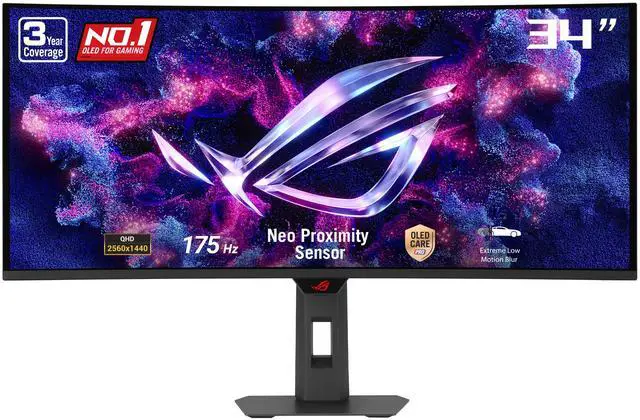
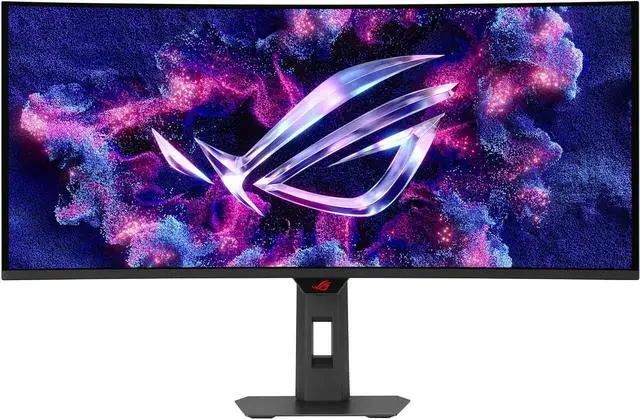
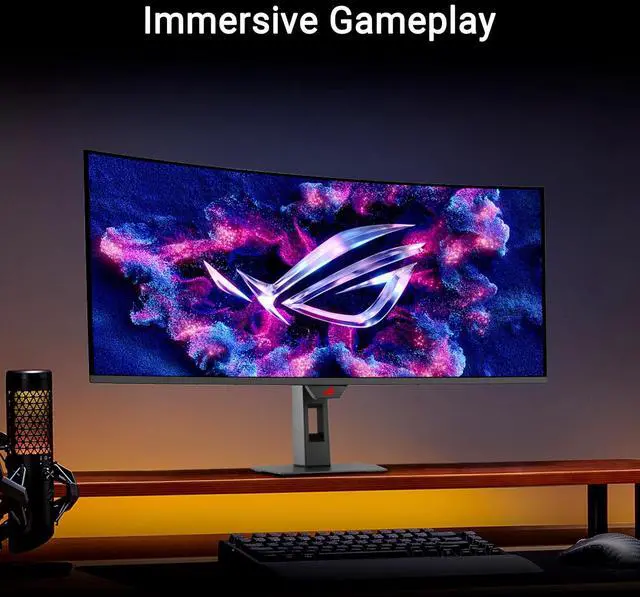
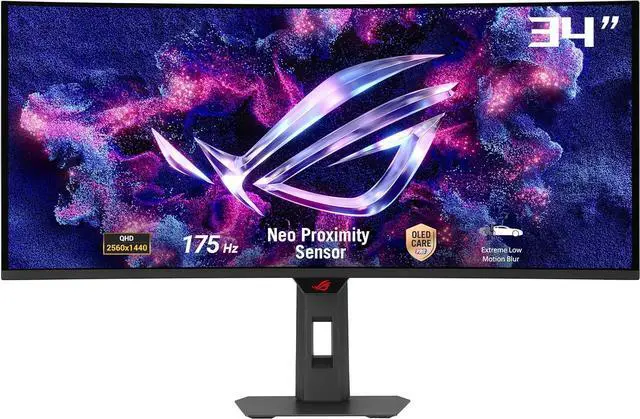
The ASUS ROG Strix XG34WCDG is a 34-inch curved QD-OLED ultrawide gaming monitor with 3440 × 1440 resolution, 175Hz refresh rate, and 0.03ms response time, suited to players seeking immersive, fast-paced gameplay with vivid contrast and color.
Recommended For
- PC gamers who mainly play single-player, open-world, racing, or simulation games and want a curved 21:9 view with OLED contrast and smooth motion.
- People replacing a standard 16:9 gaming display who want extra horizontal space for supported games and occasional side-by-side windows, and are comfortable with some games or video showing side bars.
- Gamers who want an OLED ultrawide but do not need the very highest refresh rates, and would rather prioritize immersive image quality over a 240Hz-or-faster esports-focused display.
- Users who want OLED gaming features with an added burn-in precaution: the proximity sensor can blank the display when they step away, though it does not remove the need for normal OLED care.
Real-World Use Scenarios
- When playing a PC game that supports ultrawide, use the wide curved view for a more expansive, cinematic picture; variable refresh rate can help keep motion smooth when frame rates fluctuate.
- For photo or video editing, use the broad workspace to keep an image or timeline visible alongside editing tools; the wide-gamut, 10-bit display is positioned by ASUS for creative work.
- When switching between a game and other open windows, use the ultrawide space to keep more content in view; ASUS’s Virtual Screen feature can also split a compatible connection into two virtual display areas.
- In fast PC games, use the high-refresh display and adaptive sync to make play feel responsive and reduce tearing; one owner reported no noticeable VRR flicker in their tested games at capped or fluctuating frame rates, though experiences can vary.
- During an FPS match, the optional Dynamic Crosshair and Dynamic Shadow Boost can make the crosshair stand out against changing backgrounds and brighten dark areas to help reveal opponents.
- For a desk used throughout the day, the Neo Proximity Sensor can switch the screen to black when you step away and restore the image when you return, helping reduce the risk from a static screen being left on.
Spec Summary
| Attribute | Value |
|---|
| Best For | Gaming, photo and video editing, entertainment, and business use, with an ultrawide curved QD-OLED display and high refresh rate |
|---|
| Panel And Resolution | 34-inch curved QD-OLED panel with a 3440 × 1440 UWQHD resolution, 21:9 aspect ratio, 1800R curvature, and matte screen finish |
|---|
| Refresh Rate And Response | 175Hz refresh rate and 0.03ms GTG response time, with Adaptive-Sync support |
|---|
| Picture Quality | DisplayHDR True Black 400, 1.07 billion display colors, 250 cd/m² typical brightness and 1,000 cd/m² peak HDR brightness, with a 1,500,000:1 contrast ratio and 178° horizontal and vertical viewing angles |
|---|
| Ports And Connectivity | Two HDMI 2.1 ports, one USB-C port with DisplayPort Alternate Mode, one USB 2.0 Type-A port, and two USB 3.2 Gen 1 Type-A ports |
|---|
| Gaming And Display Features | FreeSync Premium Pro and G-Sync Compatible adaptive sync, plus GamePlus, GameVisual, Extreme Low Motion Blur, GameFast Input, Shadow Boost, Aspect Control, KVM switch, and AI Visual, Dynamic Crosshair, and Dynamic Shadow Boost |
|---|
| Eye Care And Controls | OLED Care Pro, blue light filtering, flicker-free operation, and button controls; DisplayWidget Center provides access to monitor settings |
|---|
| Stand And Mounting | Tilt adjustment from −5° to +20°, swivel from −25° to +25°, 0–110mm height adjustment, and 100 × 100mm VESA mounting compatibility |
|---|
| Audio And Webcam | No built-in speakers or webcam |
|---|
| Power | 100–240 VAC, 50/60Hz power input; less than 36W typical power consumption, less than 0.5W in power-saving mode, and less than 0.3W when off |
|---|
| Dimensions And Weight | 31.97 × 21.46 × 7.83 inches with stand and 31.97 × 14.96 × 4.25 inches without stand; weighs 18.3 lb with stand and 13.67 lb without stand |
|---|
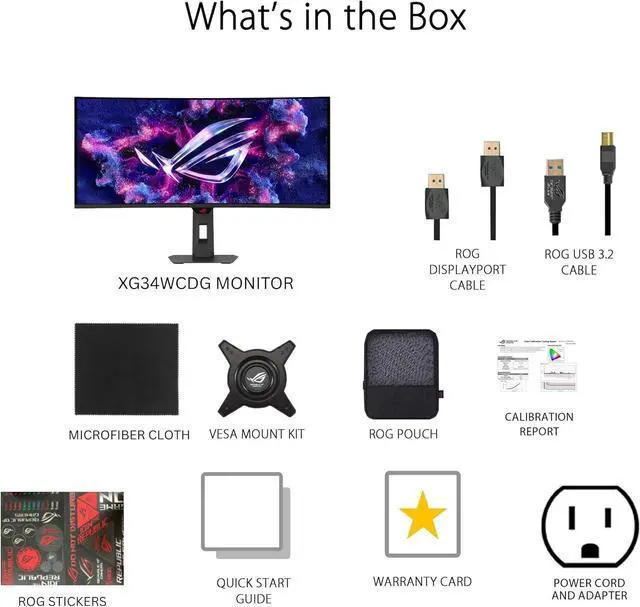
| Included Accessories | DisplayPort cable, USB Type-B to Type-A cable, power cord, ROG pouch, ROG sticker, quick start guide, and warranty card |
|---|
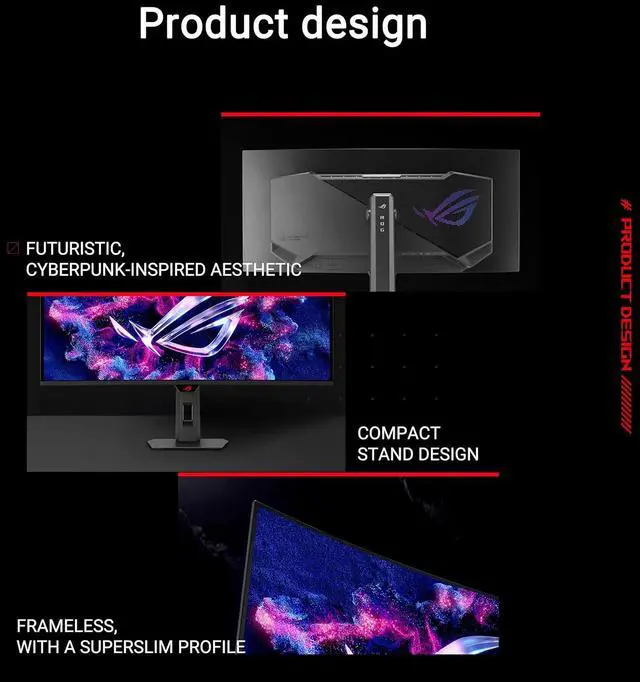
| Model Identifiers | ASUS ROG Strix XG34WCDG; black cabinet with a three-sided thin-frame bezel |
|---|
Reference Q&A
Q: ASUS XG34WCDG vs. ROG Swift PG34WCDM: which should I choose?
A: Choose the XG34WCDG if you want a 34-inch QD-OLED with ASUS’s OLED Care Pro Neo Proximity Sensor and 175Hz refresh. Choose the PG34WCDM if you prioritize its higher 240Hz refresh rate, 90W USB-C power delivery, or 800R curve; it uses a WOLED panel rather than QD-OLED.
Q: ASUS XG34WCDG vs. Alienware AW3425DW: is 240Hz worth choosing over ASUS’s features?
A: Both are 34-inch 3440 × 1440 QD-OLED monitors with 0.03ms response times, but the AW3425DW reaches 240Hz compared with the XG34WCDG’s 175Hz. Choose the Alienware if you want the higher refresh ceiling; choose the ASUS if 175Hz meets your needs and its OLED Care Pro proximity sensor and ASUS software features are more useful to you.
Q: Should I upgrade from the Alienware AW3423DWF to the ASUS XG34WCDG?
A: The XG34WCDG offers 175Hz versus the AW3423DWF’s 165Hz, along with HDMI 2.1 and ASUS OLED Care Pro’s proximity sensor. Both are 34-inch 3440 × 1440 QD-OLED ultrawides, so the ASUS is a more relevant upgrade if those features matter to your setup; the refresh-rate difference alone is modest. If your AW3423DWF already meets your needs, compare current prices before upgrading.
Q: Does OLED Care Pro eliminate the risk of burn-in?
A: No. OLED Care Pro and its Neo Proximity Sensor are designed to reduce burn-in risk: the sensor detects when you are away and switches the display to a black screen. They do not eliminate the risk, so avoid leaving static content onscreen for long periods.
Q: Is this monitor suitable for office work and spreadsheets?
A: It can suit desk-based work and multitasking: its 34-inch, 3440 × 1440 ultrawide screen provides a broad workspace, and its listed 10-bit color, 99.3% DCI-P3 gamut, and Delta E < 2 support color-focused editing. It is a large, 18.3-pound monitor for a desk, not a travel work device. For long sessions with static interface elements, its OLED Care Pro features can help reduce burn-in risk.
Q: Can I connect and charge a laptop with one USB-C cable?
A: USB-C supports DisplayPort Alternate Mode video on this monitor, but the provided specifications do not list USB Power Delivery. Confirm the laptop-charging capability before expecting the monitor to power your laptop; video output over USB-C also requires a compatible computer and cable.
Q: Does this monitor have built-in speakers?
A: No. The monitor has no built-in speakers, so use headphones or connect external speakers to your computer or another compatible audio device.
Q: Is the XG34WCDG a good fit for both gaming and everyday desktop use?
A: It combines a 34-inch, 3440×1440 ultrawide screen with a 175Hz refresh rate, and one owner described using it for gaming and viewing two documents side by side. Its 1800R curve is relatively gentle according to that owner. It may suit mixed use, but check OLED-related concerns such as burn-in and screen care before using it for long periods of static desktop content.
Q: Should I worry about burn-in if I use this monitor for work as well as gaming?
A: OLED burn-in is a concern raised by people considering this model for mixed use. The product information says OLED Care Pro includes a proximity sensor that blacks out the screen when you step away, but that feature does not establish that burn-in risk is eliminated. Consider your amount of static-content use and whether you are comfortable with OLED care precautions.
Q: Is HDR straightforward to set up on the XG34WCDG?
A: The monitor is specified for VESA DisplayHDR True Black 400, with HDR peak brightness listed as 1,000 cd/m². Reddit users describe mixed HDR results and calibration experiences, including differences between games. Expect to adjust settings and judge HDR with the games or apps you actually use rather than assuming every HDR source will look consistent.
Q: Could coil whine be a problem with this monitor?
A: Some XG34WCDG owners have reported audible coil whine, including in active and standby states, but those reports do not establish how common it is across units. If electrical noise is especially distracting to you, check the return policy and test the monitor in your setup during the return period.